Who else can see what your camera captures?
Connected cameras and baby monitors can help you look after your home. Use them thoughtfully by checking who has access and how much of your life is on view.
Read related article
Who else can see what your camera captures?
Home, baby and pet cameras need security maintenance. A flaw or incorrect setting can expose a private feed. Being visible online does not mean it was shared with permission.
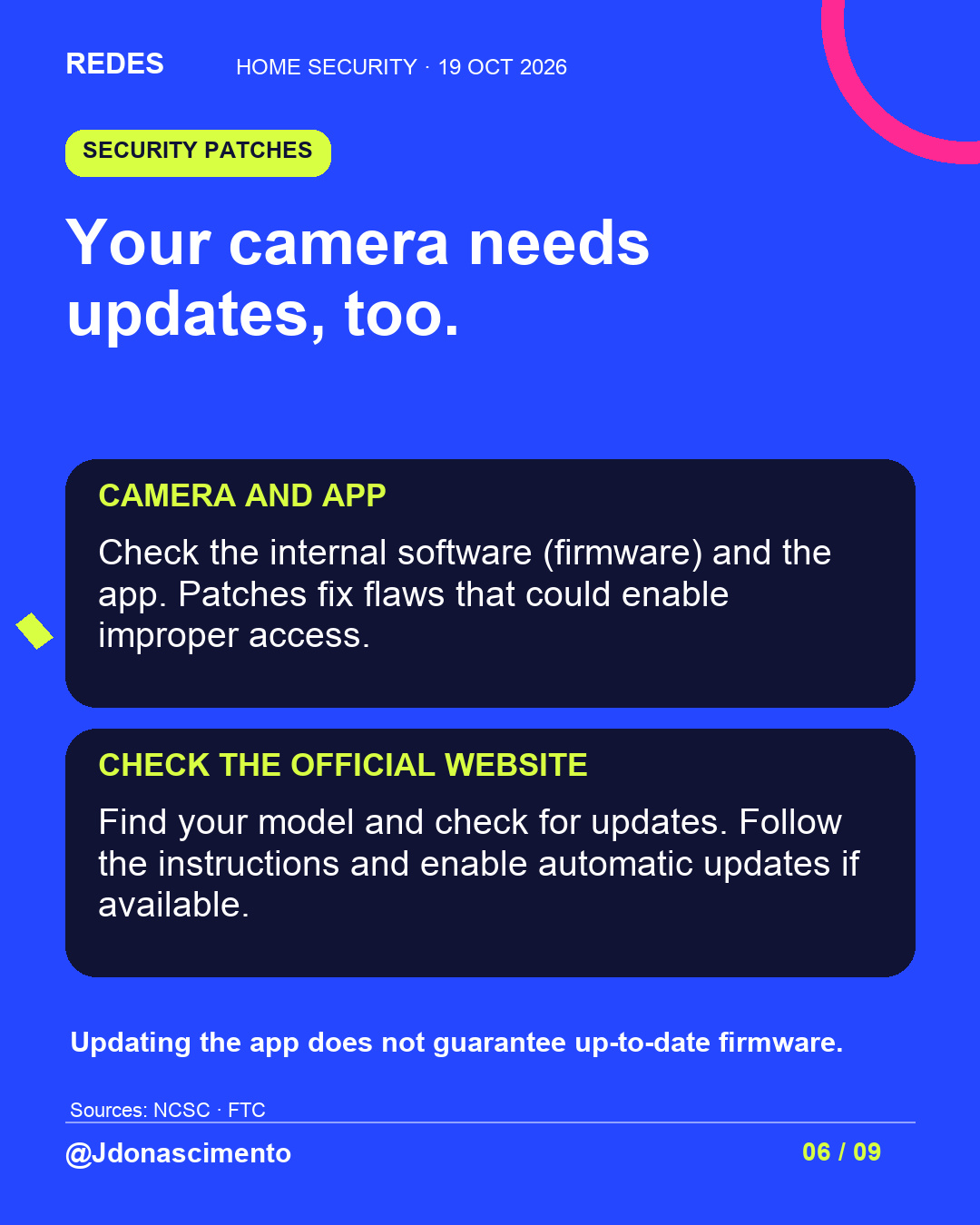
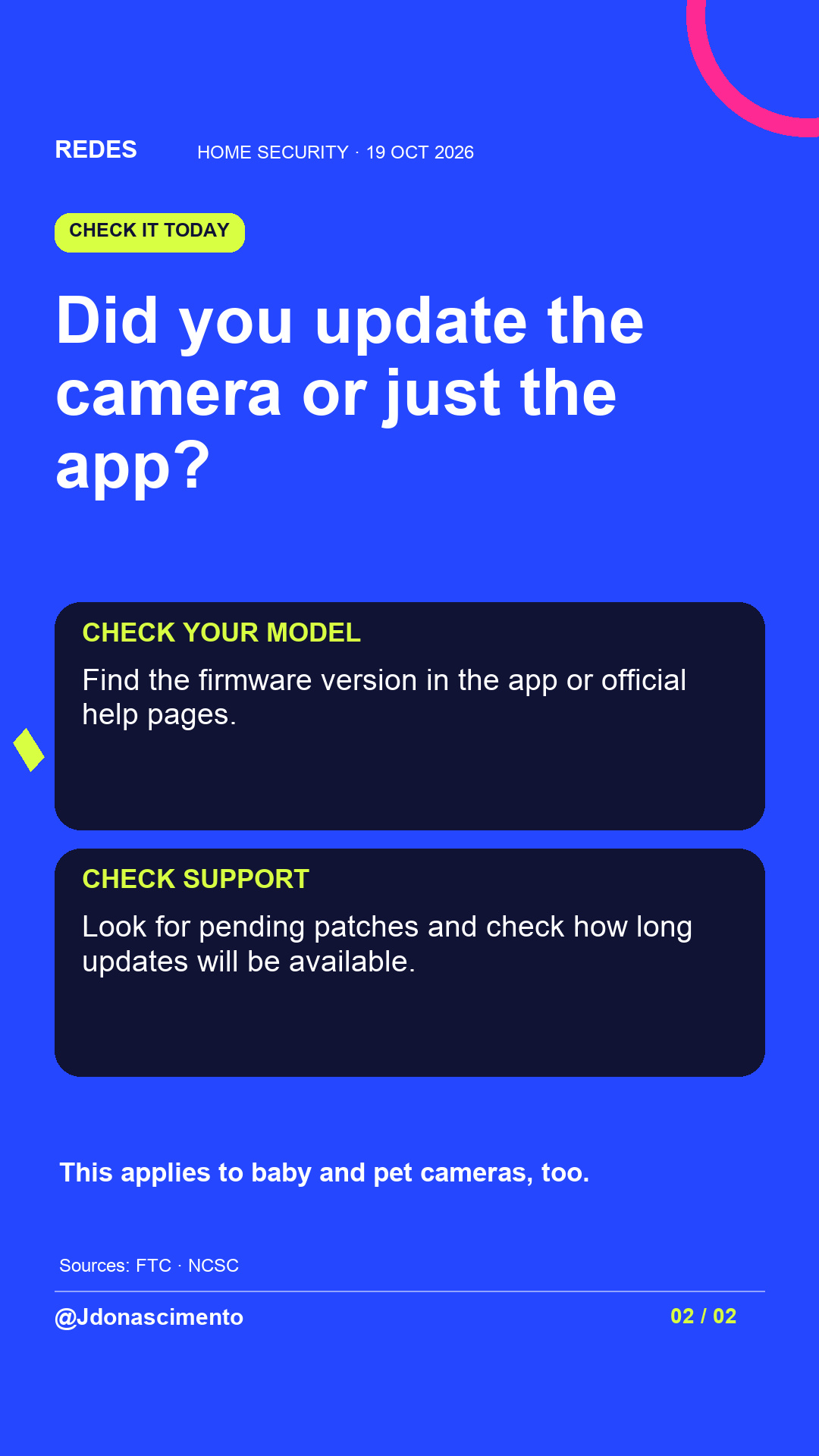
Review access, change any default password and enable two-factor authentication. Check camera firmware and the app separately, install official patches and check the support end date.
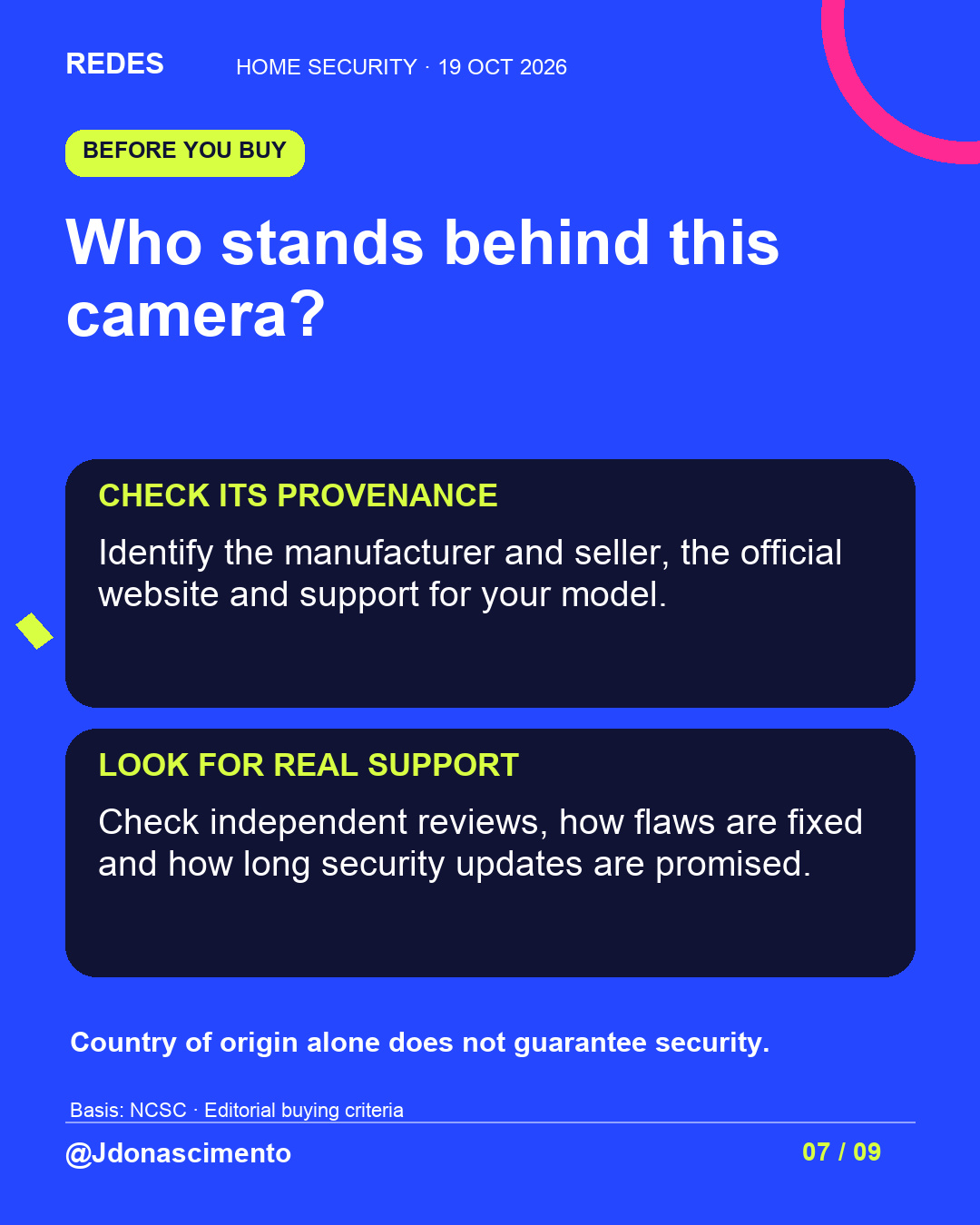
Before buying, identify the manufacturer and seller; look for independent reviews and their record of fixes. Country of origin alone does not guarantee security.
We include Tapo (2026) and Wyze (2024), with sources and limitations. Your camera is on. Is your privacy protected? Save the guide and check your device today.
For more content, visit: https://redes-jdonascimento.pages.dev/en/
Verifiable sources:
https://www.ncsc.gov.uk/guidance/smart-security-cameras-using-them-safely-in-your-home
https://consumer.ftc.gov/articles/how-secure-your-home-security-cameras
https://ico.org.uk/for-the-public/home-cctv-systems/
https://www.gov.uk/guidance/regulations-consumer-connectable-product-security
https://support.google.com/googlehome/answer/9227530?hl=en-GB
https://ring.com/gb/en/support/articles/hpw10/manage-access-ring-account-devices
https://www.ncsc.gov.uk/guidance/recovering-a-hacked-account
https://en-uk.ring.com/pages/privacy
https://www.ncsc.gov.uk/guidance/smart-devices-in-the-home
https://www.ncsc.gov.uk/collection/top-tips-for-staying-secure-online/install-the-latest-software-and-app-updates
https://www.tp-link.com/uk/support/faq/5248/
https://forums.wyze.com/t/update-on-investigation-of-2-16-24-security-issue/291002
@Jdonascimento
#DigitalSecurity #Privacy #SmartCameras
Who else can see what your camera captures?
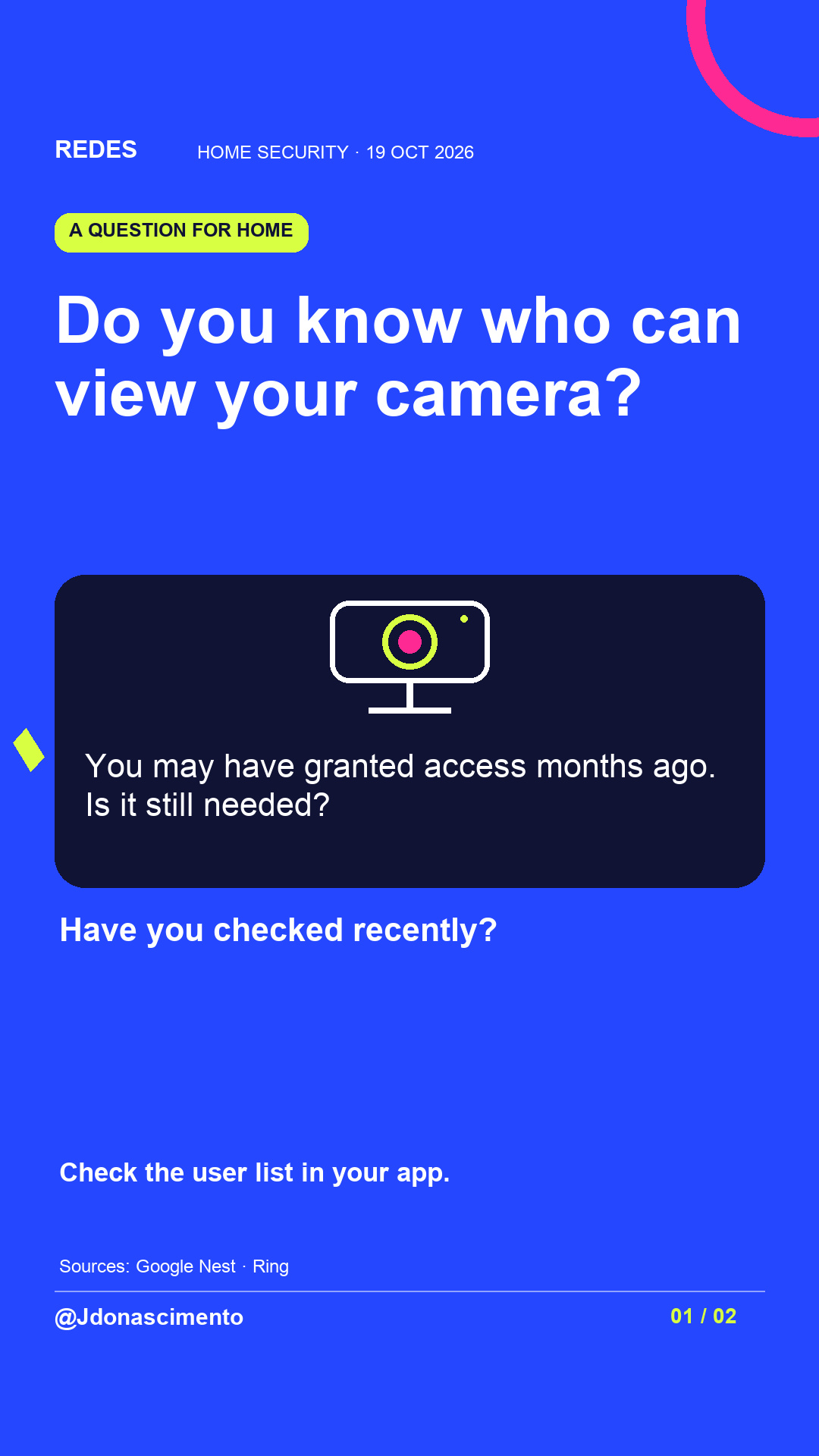
Imagine someone looked after your home during a trip. You gave them camera access, returned and never checked those permissions. This is a hypothetical example, but the question is useful today: can that person still watch?
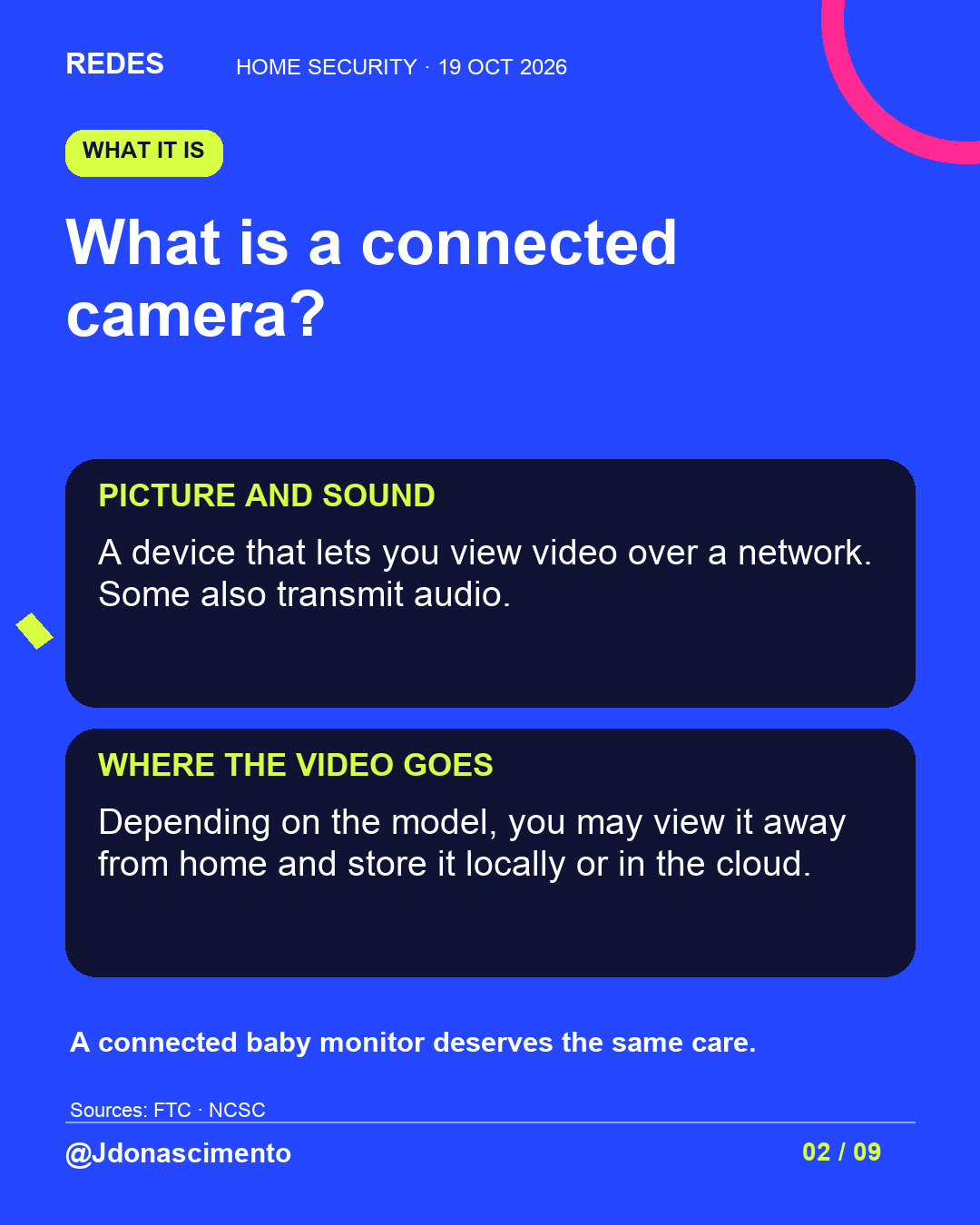
A connected camera lets you view video over a network. Some models transmit audio, store recordings or allow viewing away from home. Decide which features you need and who should be able to use them.
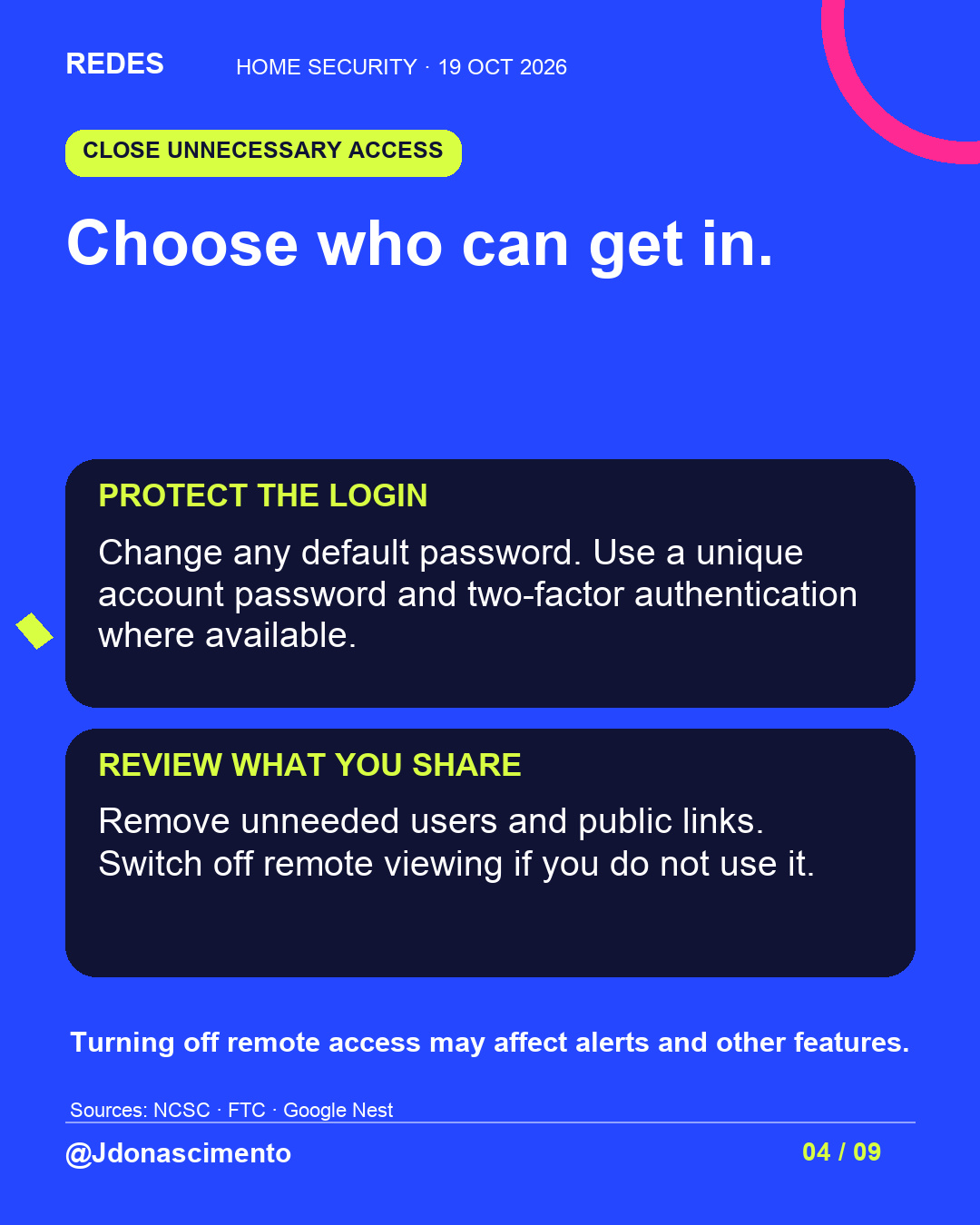
Open the app and review users, devices and linked services. Menus differ by manufacturer. Before inviting someone, check the scope: some options provide access to other home devices as well. Use separate accounts where available.
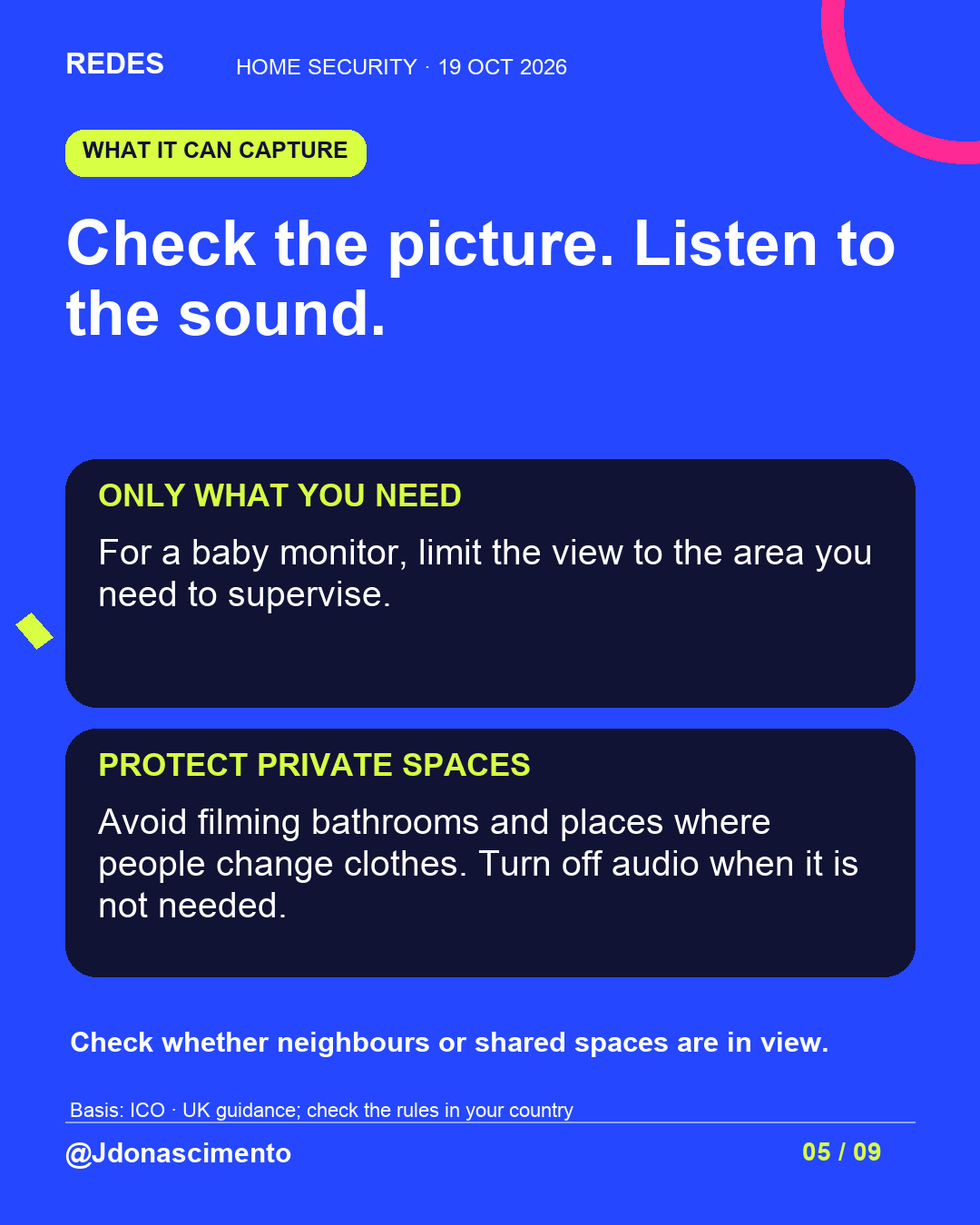
For a baby monitor, limit the view to the area you need to supervise. Avoid recording changing areas and unnecessary conversations. If you switch off the camera or remote viewing, check which monitoring and alerts you lose.
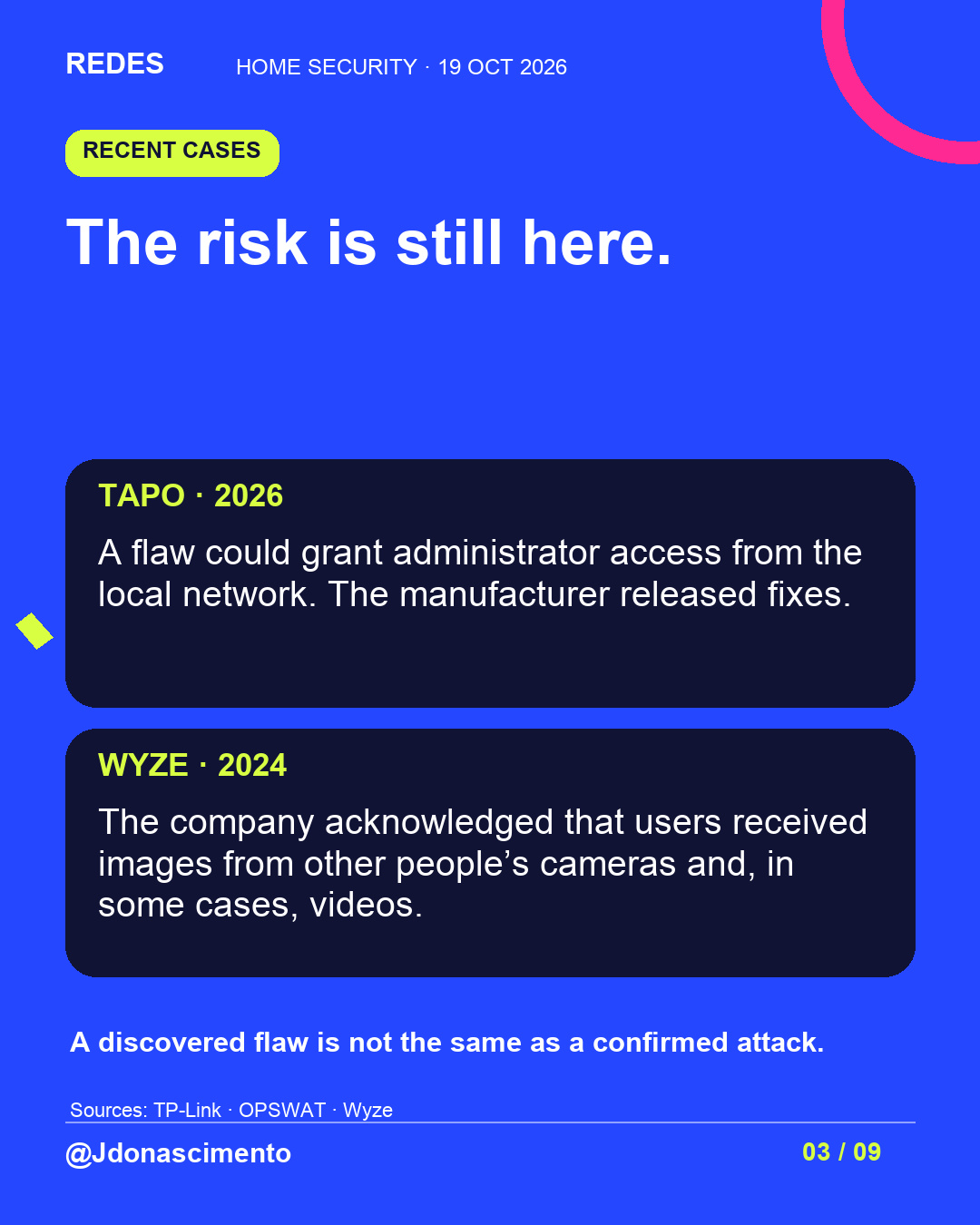
In 2026, TP-Link documented flaws in the Tapo C120 V1 and C200 V5 and listed corrected versions. One flaw could grant administrator access from the local network. This is a documented vulnerability, not evidence that all those cameras have been compromised.
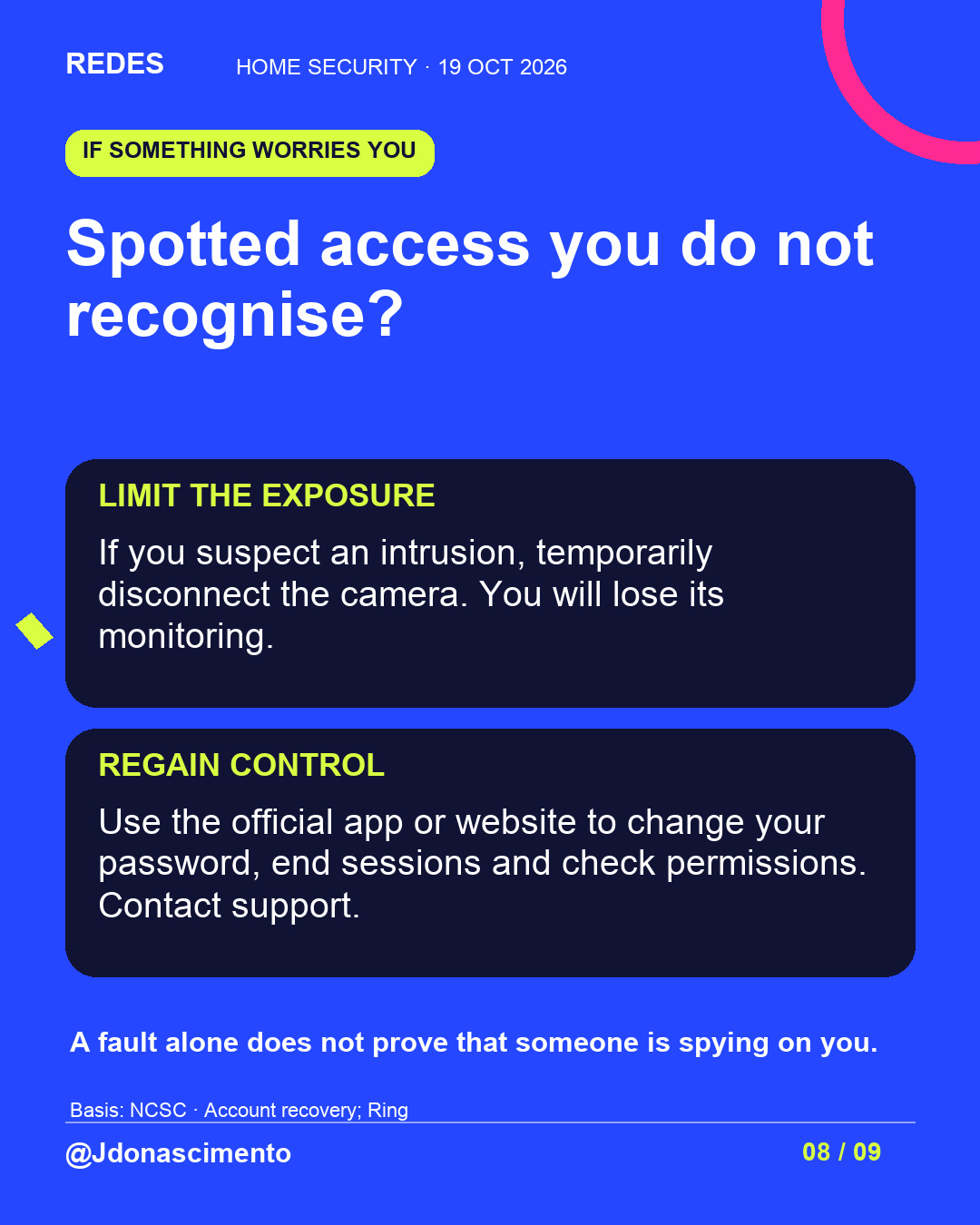
If you suspect an intrusion, temporarily disconnect the camera and recover the account through the official service. Keep relevant alerts; an isolated fault does not confirm an attack.
Wyze acknowledged that in February 2024 some users received thumbnails from other people’s cameras and could view certain event videos. Providers must protect privacy, too. Check firmware and app updates separately, alongside the manufacturer’s record of fixes and support period.
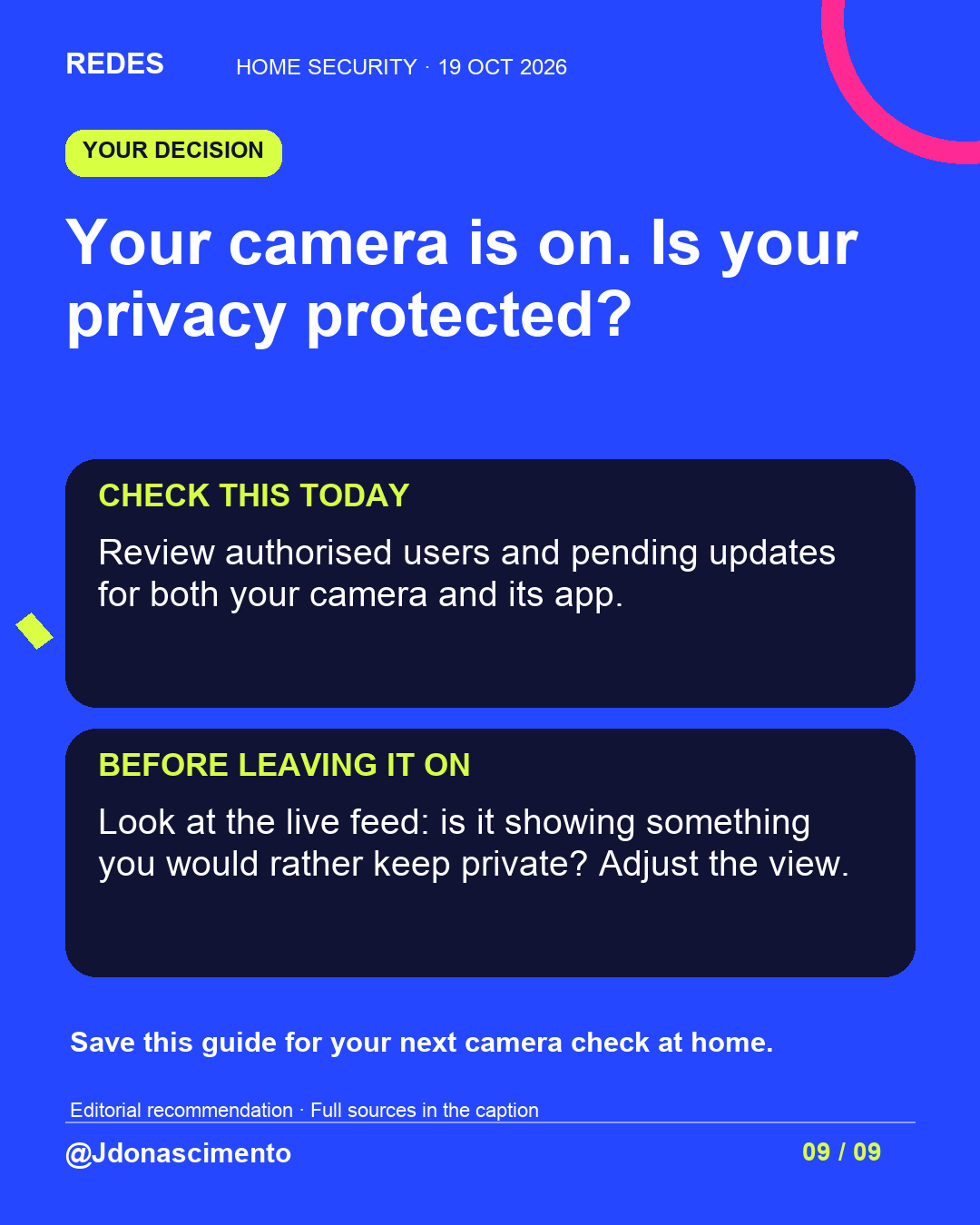
Your camera is on. Is your privacy protected? Check access, the view and pending updates before leaving it on.
Recording rules vary by country. Consult your local authority.
For more content, visit: https://redes-jdonascimento.pages.dev/en/
Sources:
https://www.ncsc.gov.uk/guidance/smart-security-cameras-using-them-safely-in-your-home
https://support.google.com/googlehome/answer/9227530?hl=en-GB
https://ring.com/gb/en/support/articles/hpw10/manage-access-ring-account-devices
https://www.ncsc.gov.uk/guidance/recovering-a-hacked-account
https://www.ncsc.gov.uk/guidance/smart-devices-in-the-home
https://www.ncsc.gov.uk/collection/top-tips-for-staying-secure-online/install-the-latest-software-and-app-updates
https://www.tp-link.com/uk/support/faq/5248/
https://www.opswat.com/blog/authentication-bypass-and-dos-vulnerabilities-opswat-discovers-cve-2026-15315-cve-2026-15316-in-tp-link-tapo-cameras
https://forums.wyze.com/t/update-on-investigation-of-2-16-24-security-issue/291002
@Jdonascimento
X
1/6 Who else can see what your camera captures? Open the app and check who can view it. Remove access for visitors or carers who no longer need it. Never share your password. #Privacy #DigitalSecurity
2/6 A baby monitor can capture private moments, too. Check its view and audio. Switching off remote viewing may stop alerts: check your model’s features first. https://www.ncsc.gov.uk/guidance/smart-security-cameras-using-them-safely-in-your-home #Privacy #DigitalSecurity
3/6 In 2026, TP-Link documented flaws in the Tapo C120 V1 and C200 V5. One could grant administrator access from the local network. Corrected firmware is available: check your camera’s model and version. https://www.tp-link.com/uk/support/faq/5248/ #Privacy #DigitalSecurity
4/6 Home, baby and pet cameras need patches, too. Check firmware and app updates separately through official support. Look up the support end date and how the manufacturer responds to flaws. https://www.ncsc.gov.uk/guidance/smart-devices-in-the-home #Privacy #DigitalSecurity
5/6 Check permissions before inviting someone: in some systems, access may cover several home devices. Use separate accounts and remove permissions when they are no longer needed. https://support.google.com/googlehome/answer/9227530?hl=en-GB #Privacy #DigitalSecurity
6/6 Your camera is on. Is your privacy protected? Check access, the view and updates. Save this guide. For more content, visit: https://redes-jdonascimento.pages.dev/en/ @Jdonascimento #Privacy #DigitalSecurity