Is your phone listening? What to check when a conversation appears in your feed
You mention a product, then see a related advert. Your interactions and data shared by other businesses can influence what appears. Here is how to review permissions, access logs and personalisation.
Read related article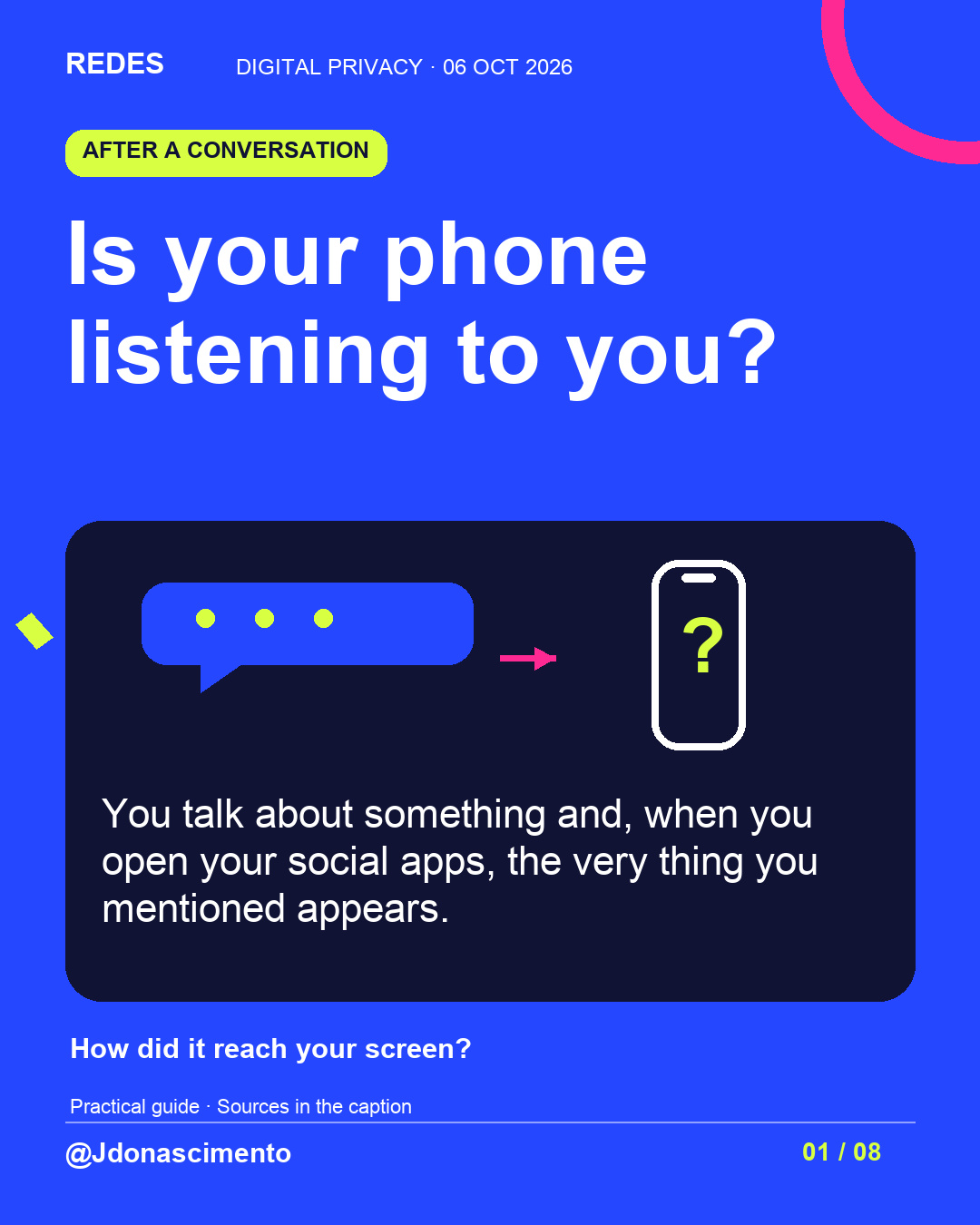
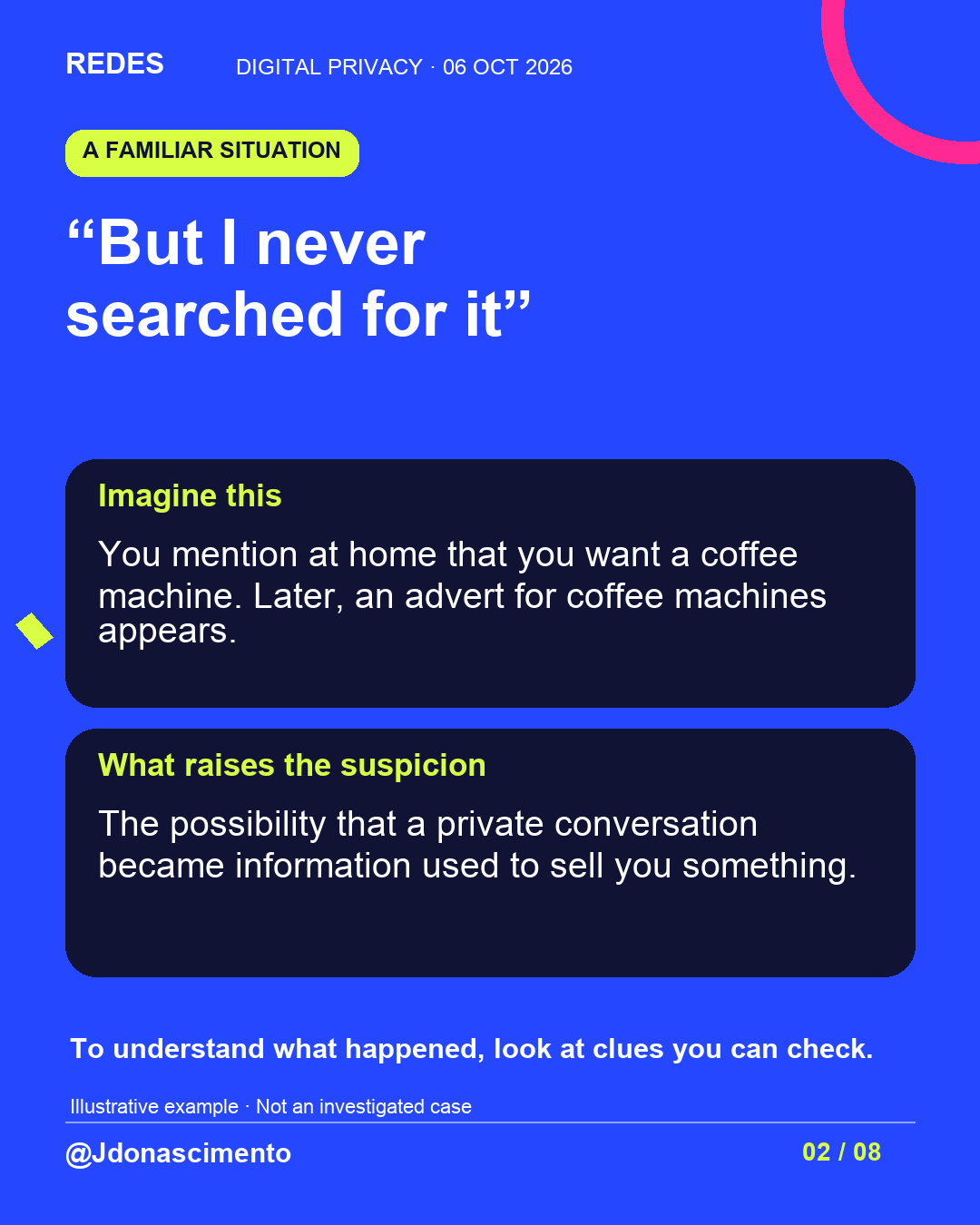
You talk about something and then it appears in your feed, although you don’t remember searching for it. Is your phone listening? 👀
Swipe to explore what could explain it and what you can check on your phone.
For more content, visit: https://redes-jdonascimento.pages.dev/en/
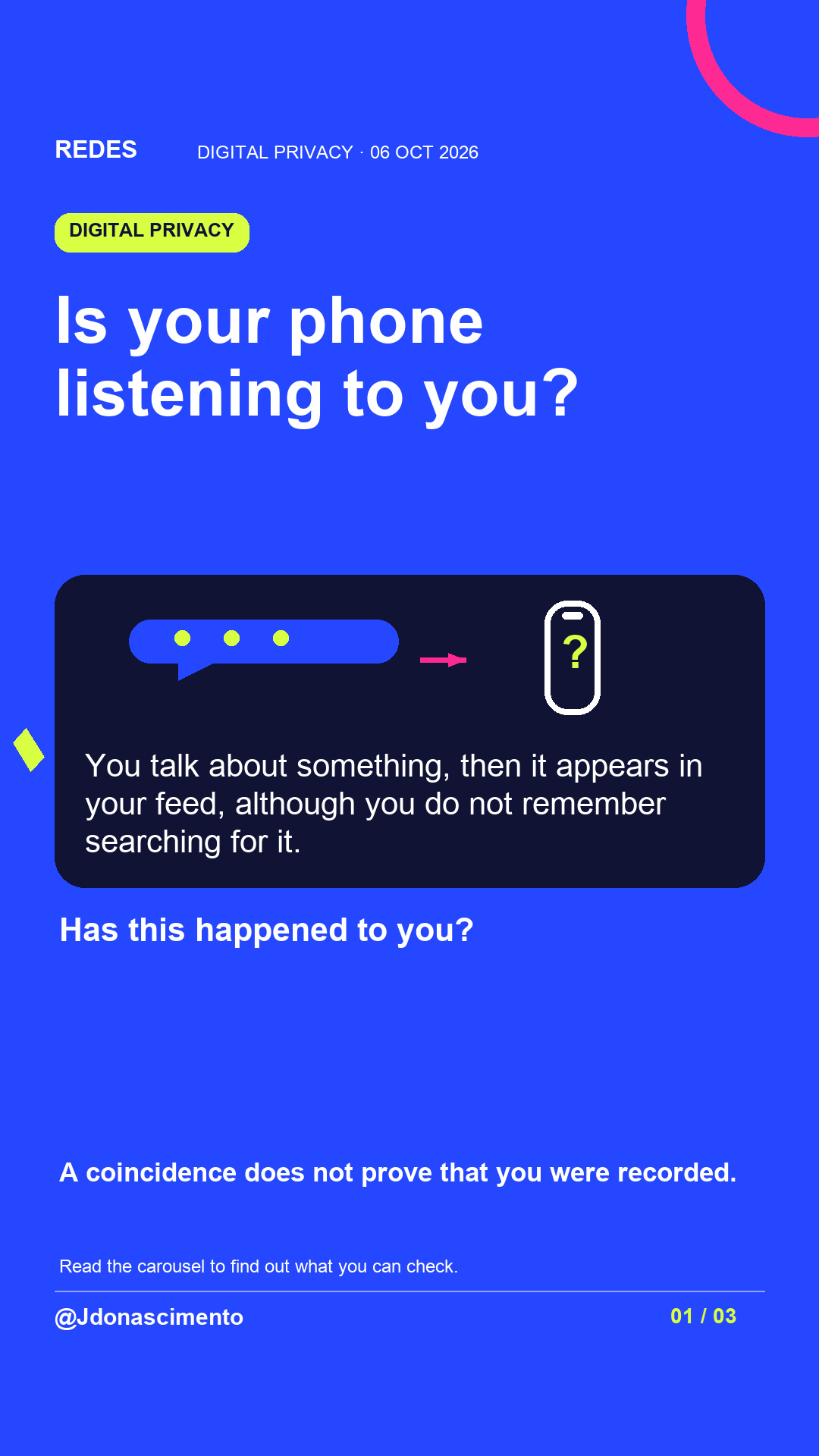
Is your phone listening to you? You talk about something, then it appears in your feed, although you do not remember searching for it.
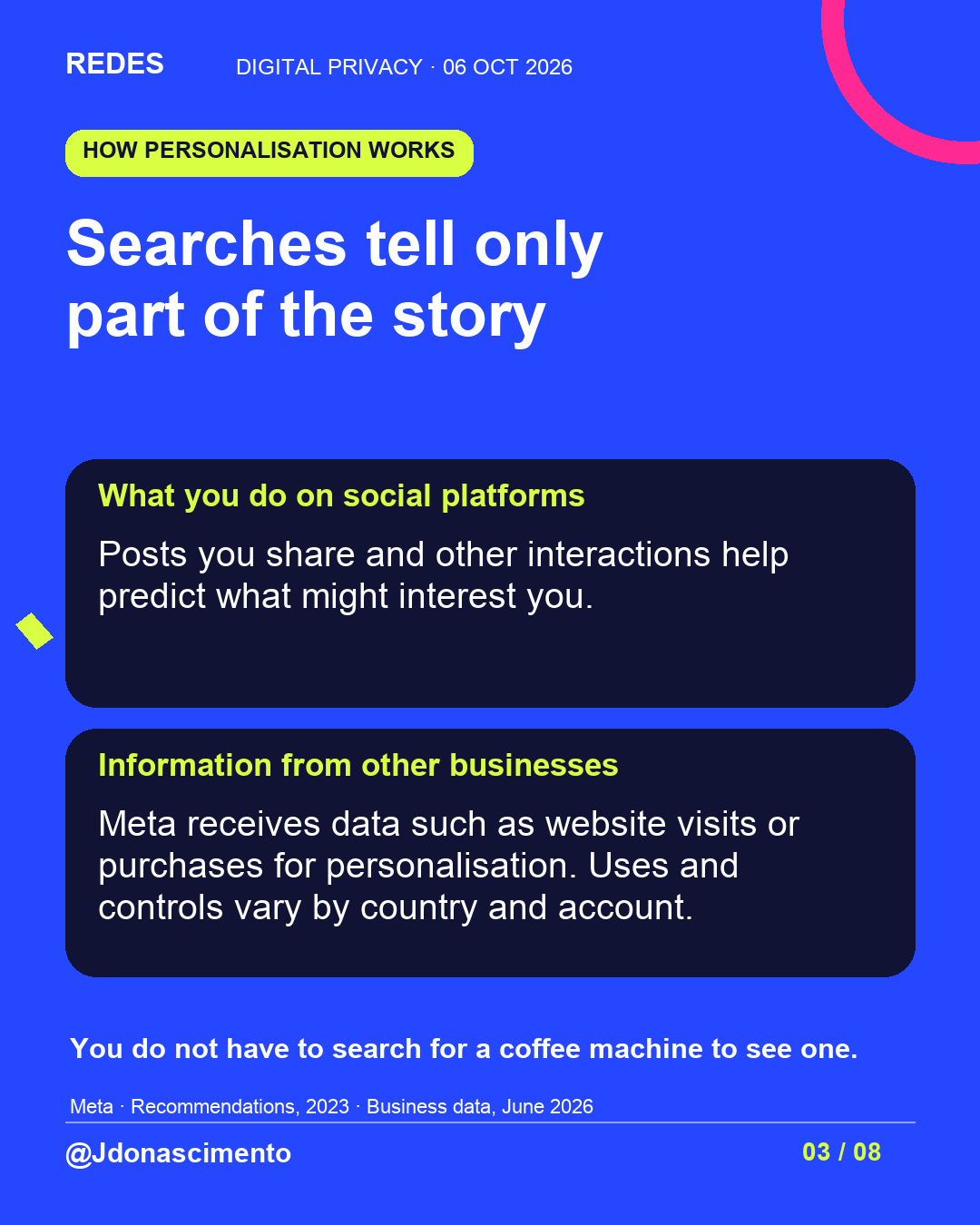
That coincidence can feel unsettling, but it cannot establish the cause on its own. Platforms use signals from your interactions and may receive information from other businesses to personalise what you see.
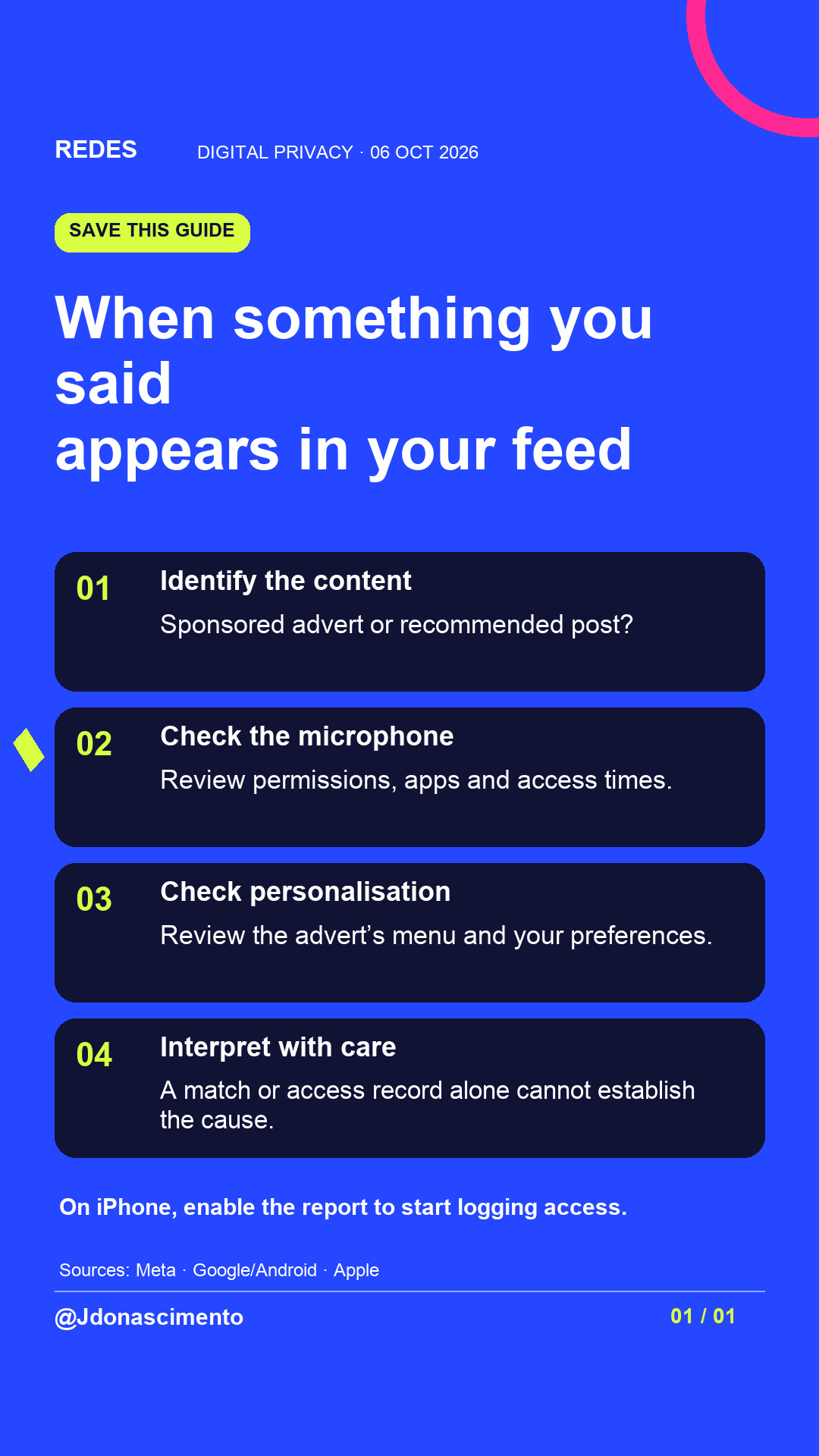
You can start with these checks:
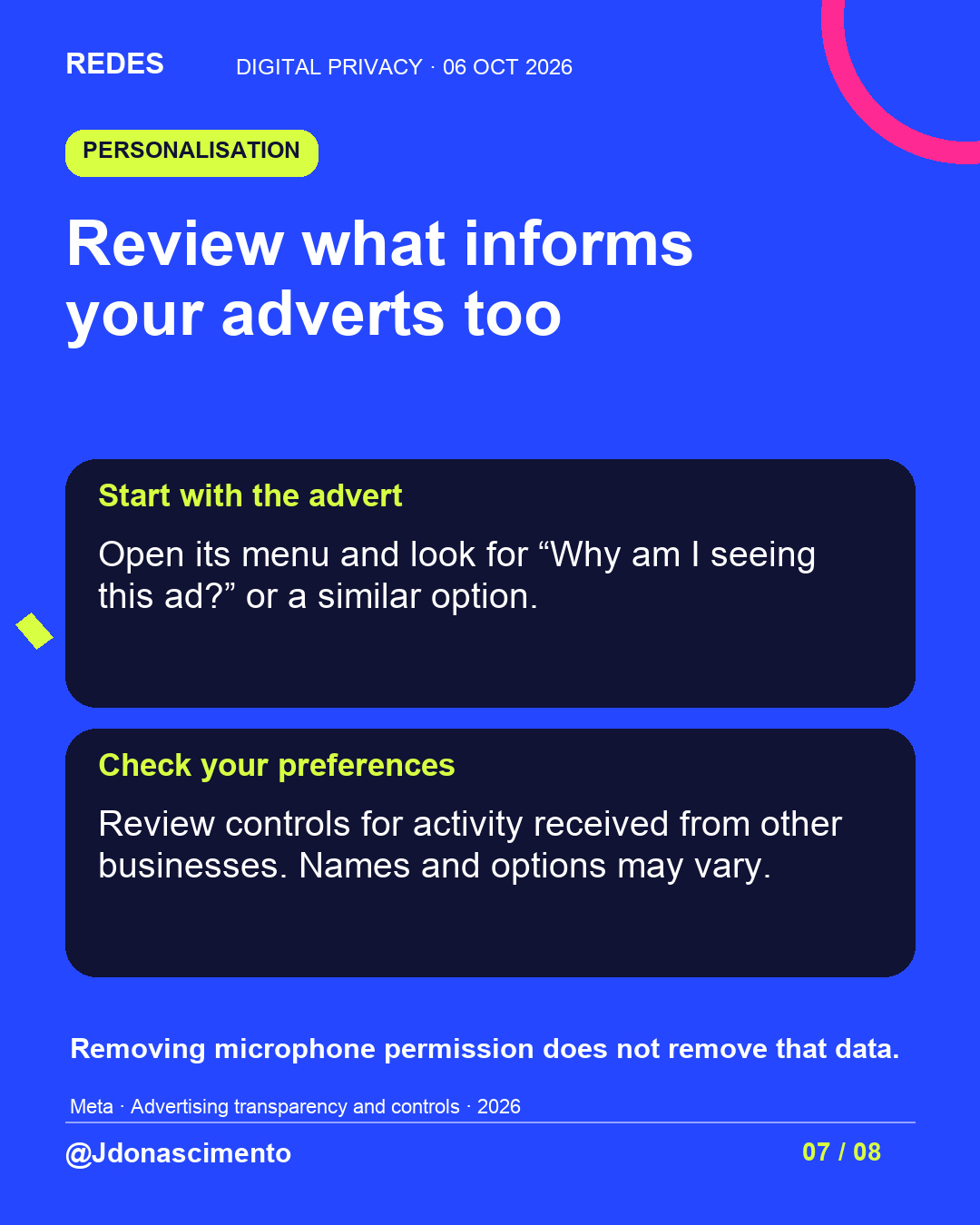
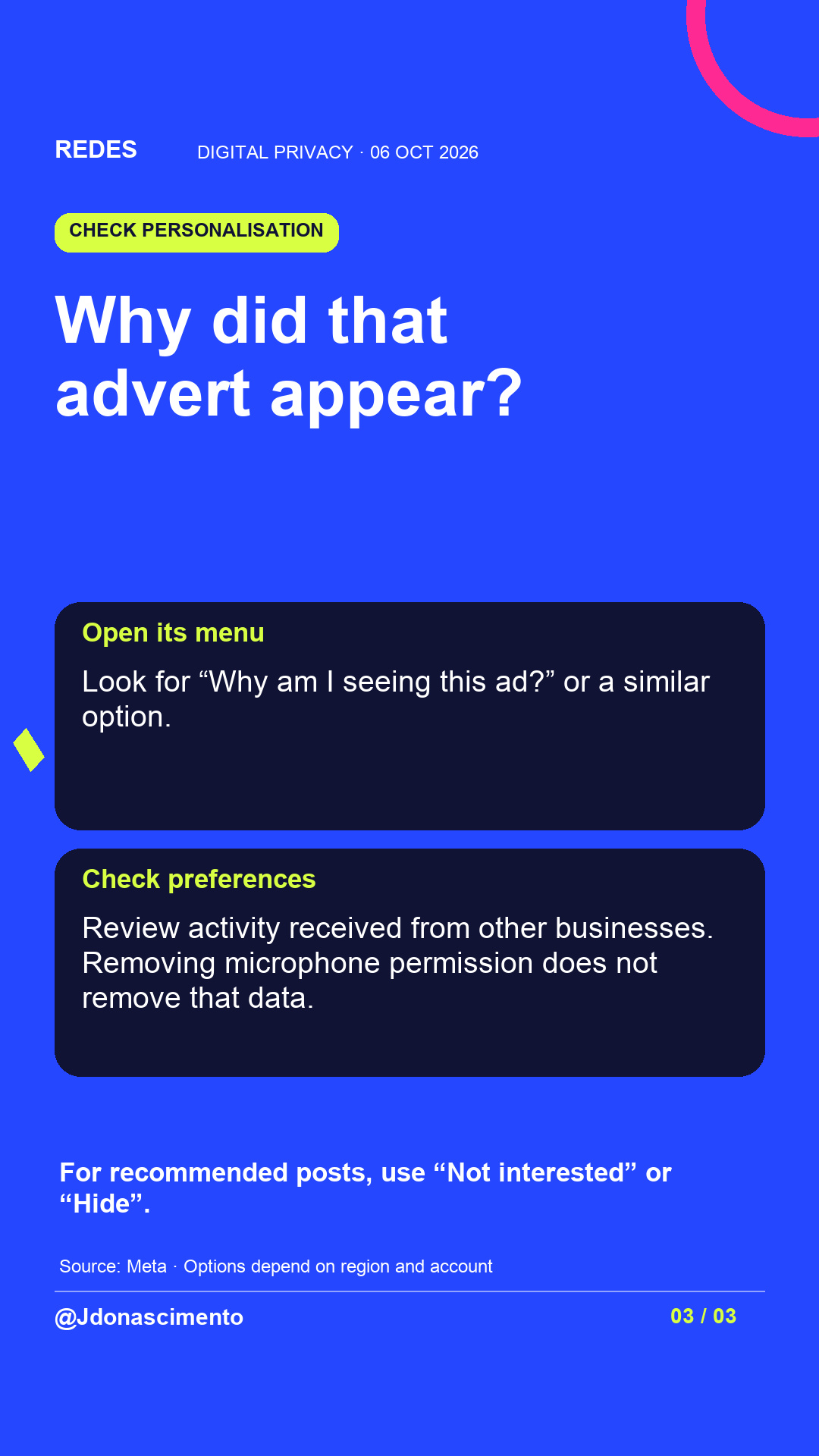
• Identify whether it is a sponsored advert or a recommended post. For an advert, open the menu and look for “Why am I seeing this ad?” or a similar option.
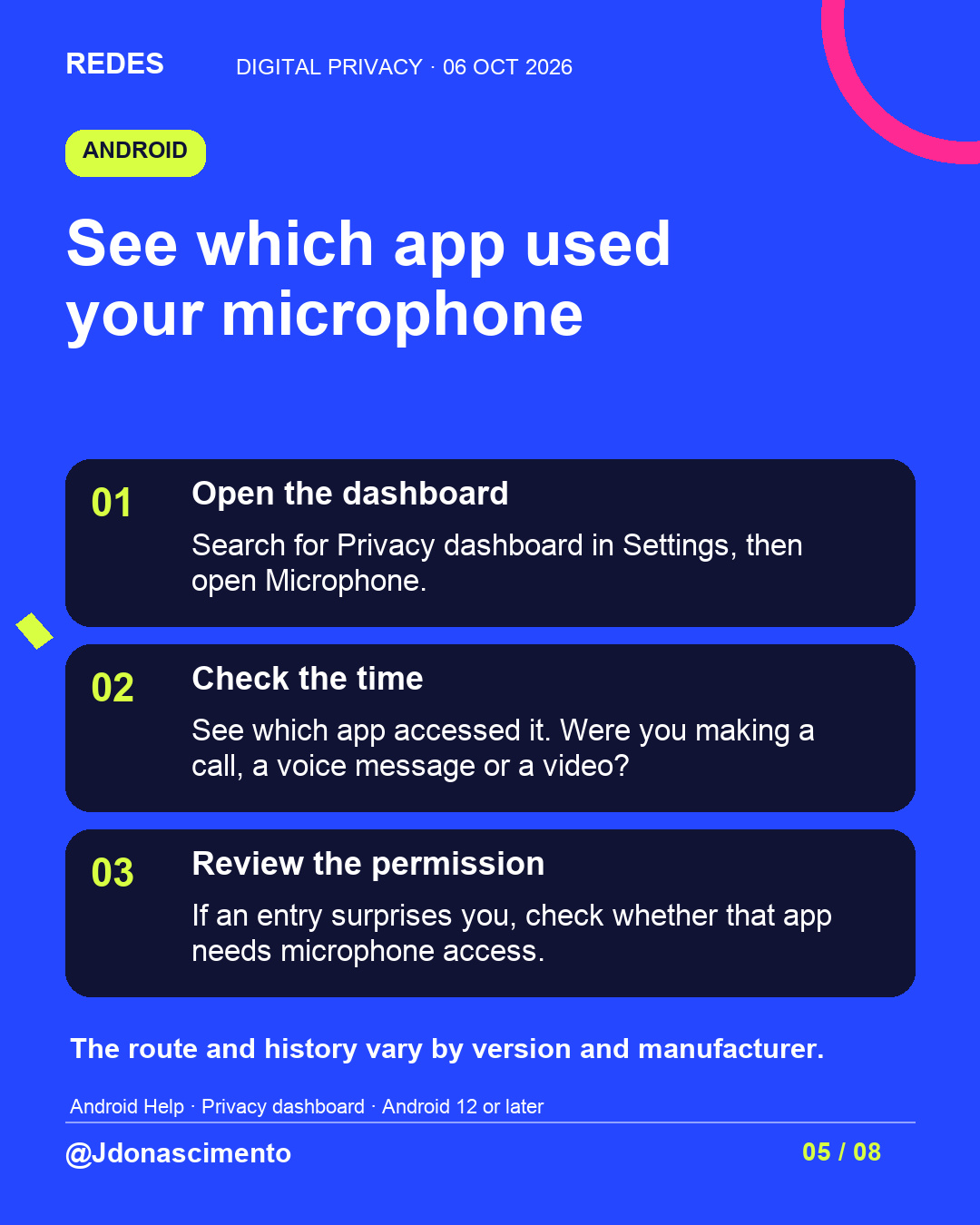
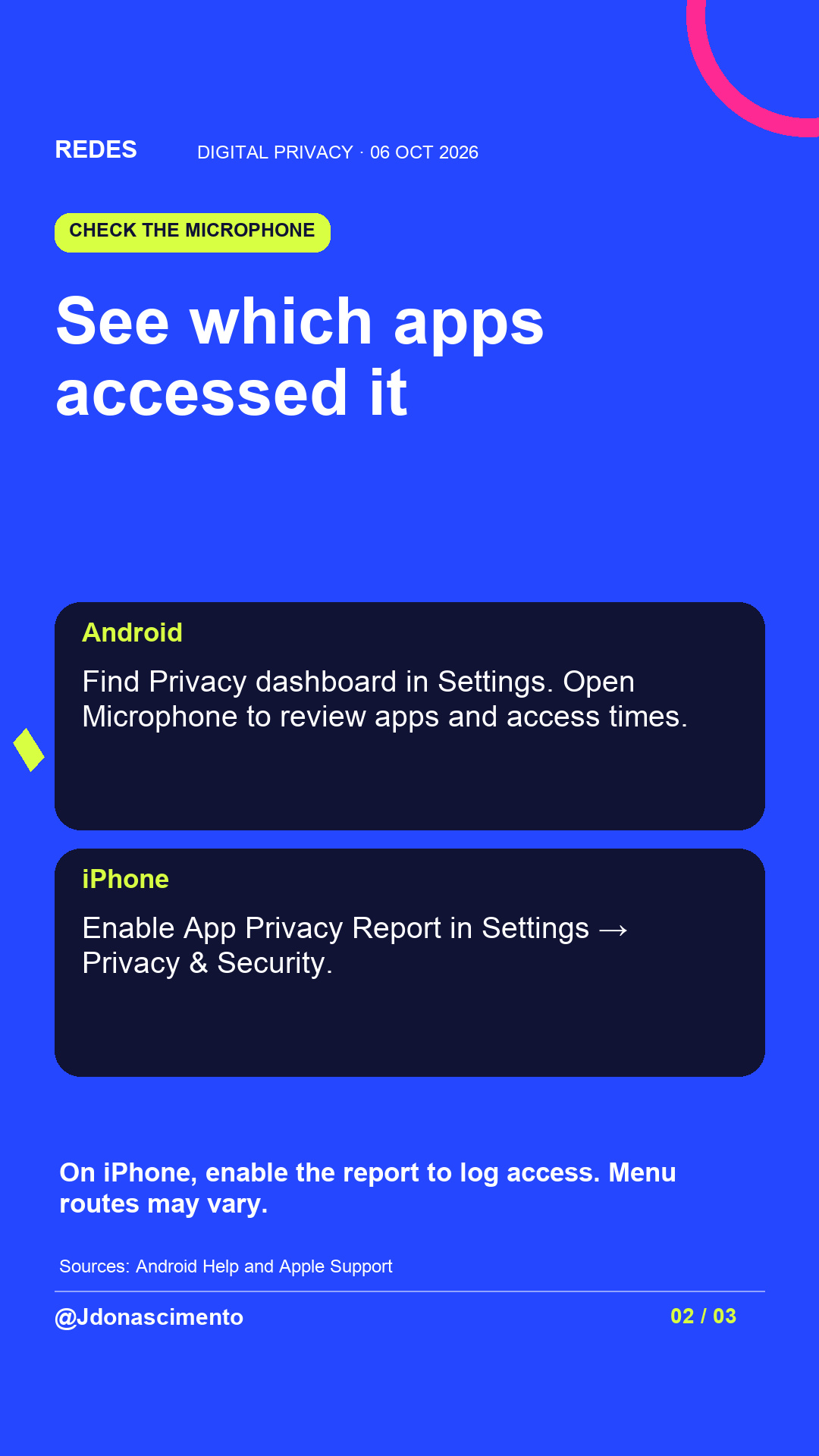
• On Android, find Privacy dashboard in Settings and review Microphone: which app accessed it and when. Compare that with what you were doing.
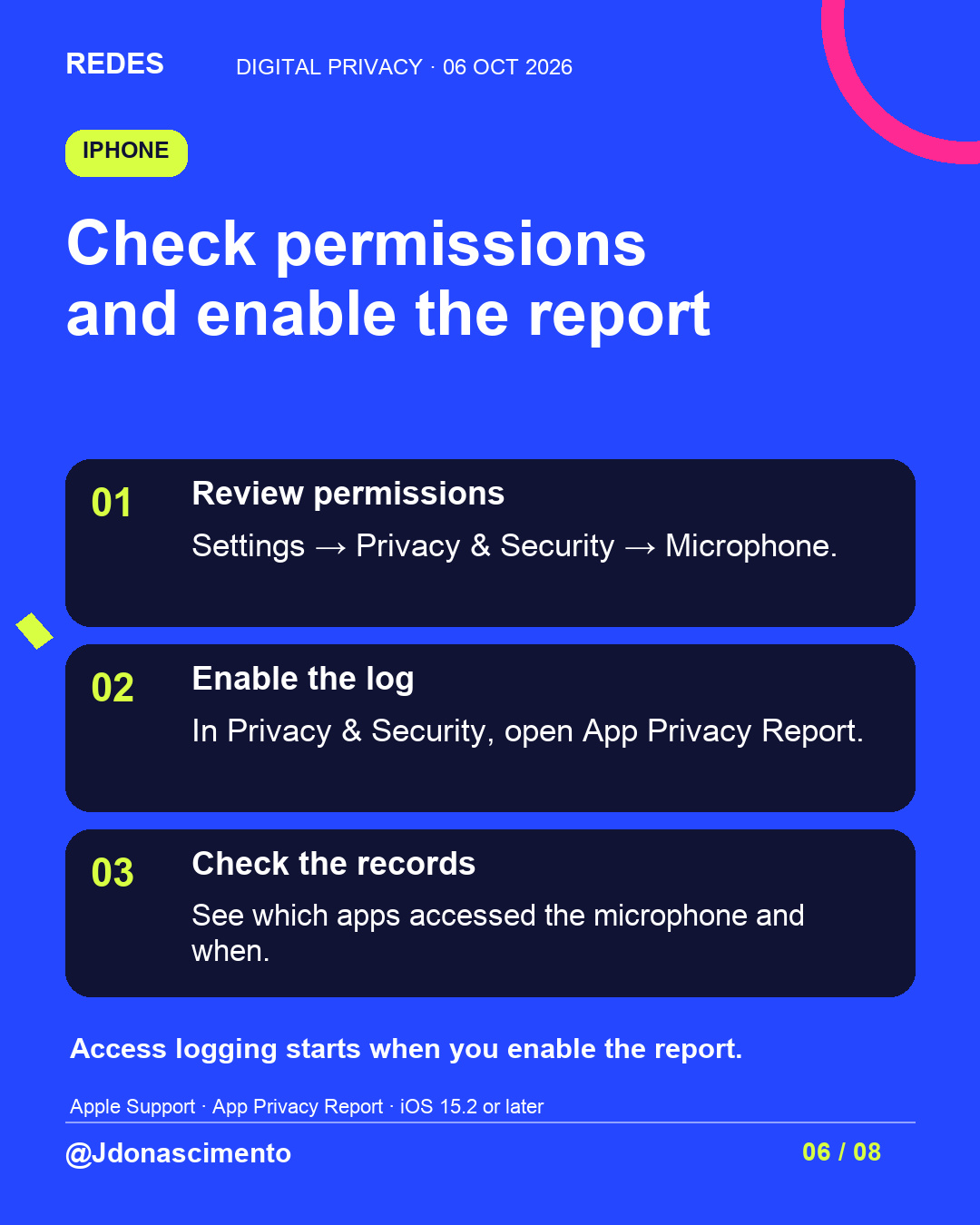
• On iPhone, review permissions in Settings → Privacy & Security → Microphone. Enable App Privacy Report to see access records from that point onwards.
• Check ad preferences and controls for activity received from other businesses. For recommendations, look for “Not interested” or “Hide”.
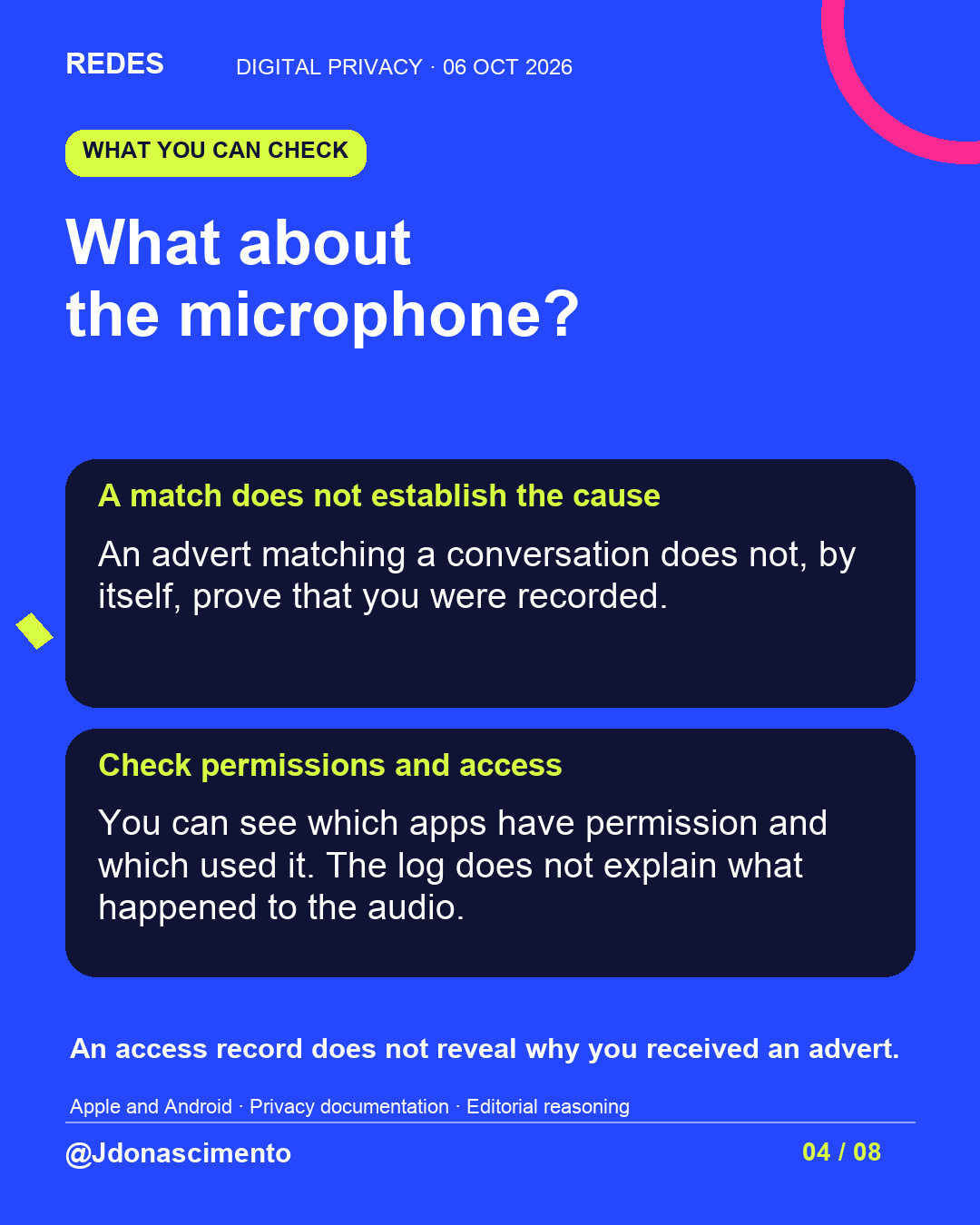
A permission does not prove a recording. An access record alone does not explain what happened to the audio or why an advert appeared. Removing microphone permission does not remove other personalisation data.
Menus and options vary by version, country and account. The coffee machine example in the carousel is illustrative.
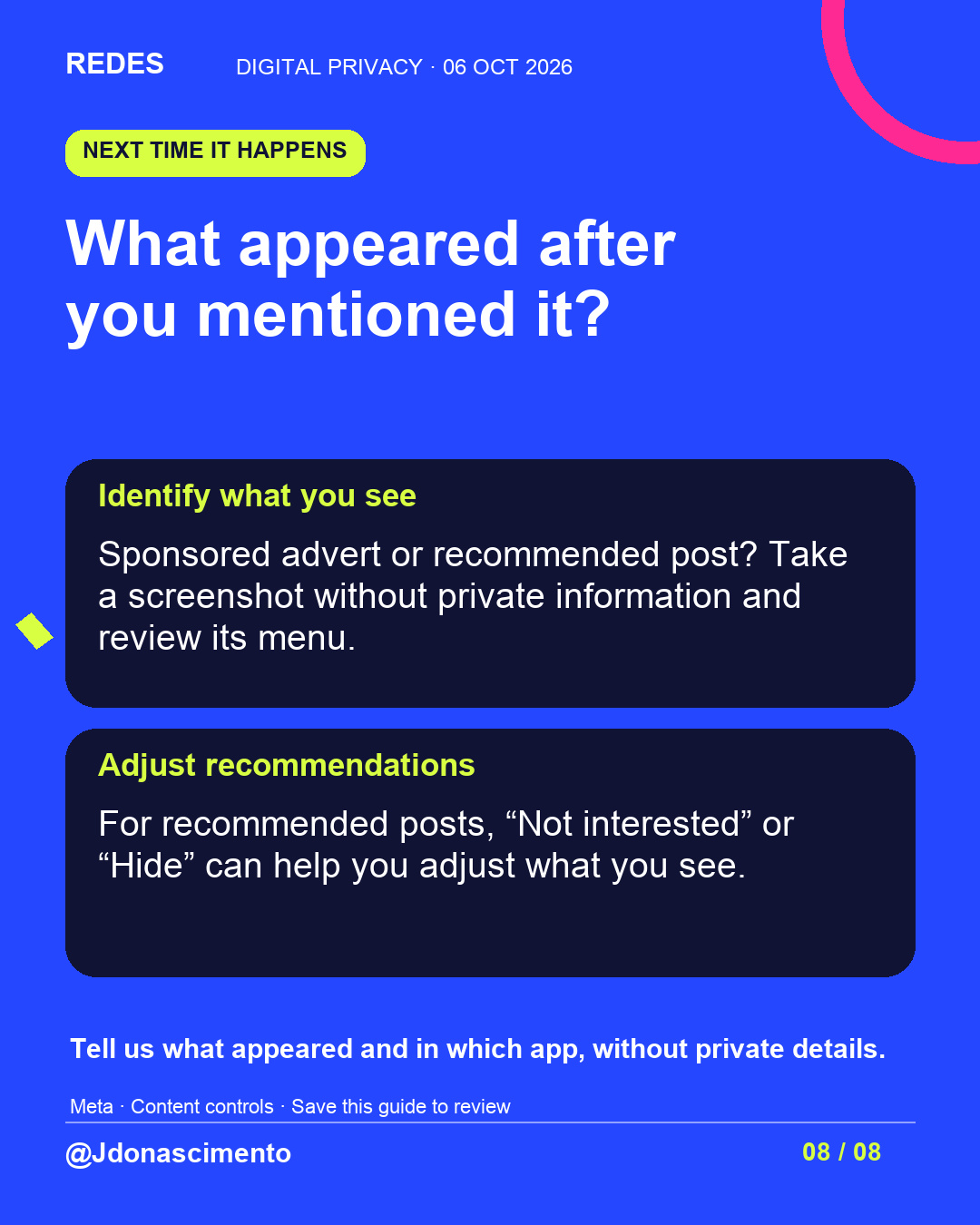
What appeared in your feed after you mentioned it? Tell us without sharing private information.
Jenny Do Nascimento Gouveia / Journalist / @jdonascimento
Sources:
Meta · Recommendations: https://about.fb.com/news/2023/06/how-ai-ranks-content-on-facebook-and-instagram/
Meta · Business data: https://about.fb.com/news/2026/06/better-personalization-and-changes-to-controls-for-your-activity-from-other-businesses/
Meta · Ad controls: https://about.fb.com/news/2023/02/increasing-our-ads-transparency/
Android · Microphone: https://support.google.com/android/answer/13530434?hl=en-GB
Apple · Privacy: https://support.apple.com/en-ie/102188
X
1/7 Is your phone listening to you? You talk about a product, then it appears in your feed, although you do not remember searching for it. That coincidence deserves an explanation. Here are the clues you can check.
2/7 Searches are only part of the picture. Your interactions and data platforms receive from other businesses can influence what you see. That does not establish the cause in an individual case. https://about.fb.com/news/2023/02/increasing-our-ads-transparency/
3/7 What about the microphone? Permission does not prove that you were recorded. An access log alone does not explain what happened to the audio or why an advert appeared.
4/7 Android: find Privacy dashboard in Settings → Microphone. Check which app accessed it and when. Compare that with what you were doing. Routes and history vary. https://support.google.com/android/answer/13530434?hl=en-GB
5/7 iPhone: review Settings → Privacy & Security → Microphone. Enable App Privacy Report to see access records. Access logging starts when enabled. https://support.apple.com/en-ie/102188
6/7 For an advert, look for “Why am I seeing this ad?” or a similar option. Check preferences and activity received from other businesses. Removing microphone permission does not remove that data.
7/7 For recommended posts, “Not interested” or “Hide” can help you adjust what you see. What appeared after you mentioned it? Tell us what it was and in which app, without sharing private information.