Cyber security basics: protect your accounts and prepare to recover them
A practical guide to reviewing your email, protecting sign-ins, checking suspicious messages and recovering what matters if something goes wrong.
Read related article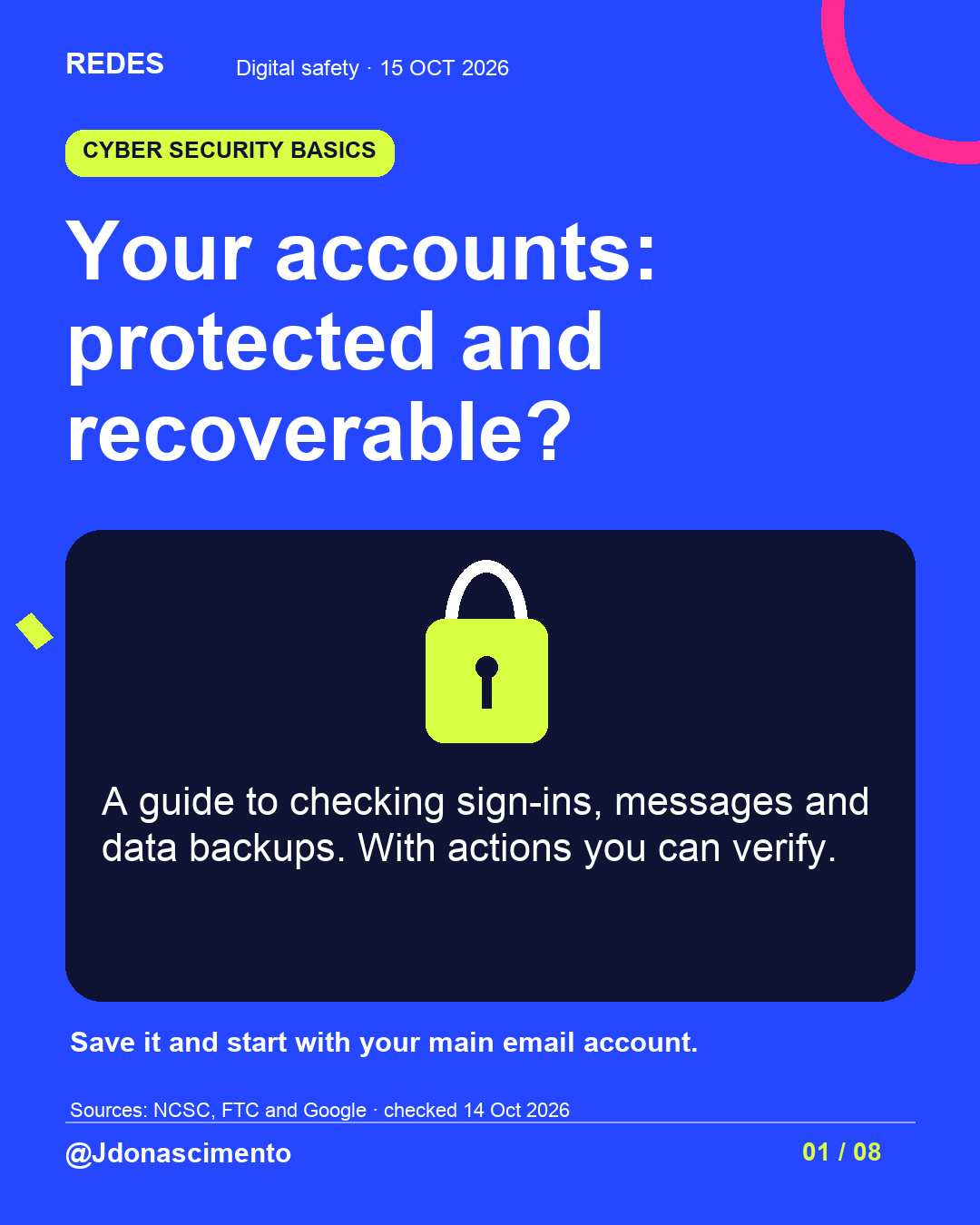
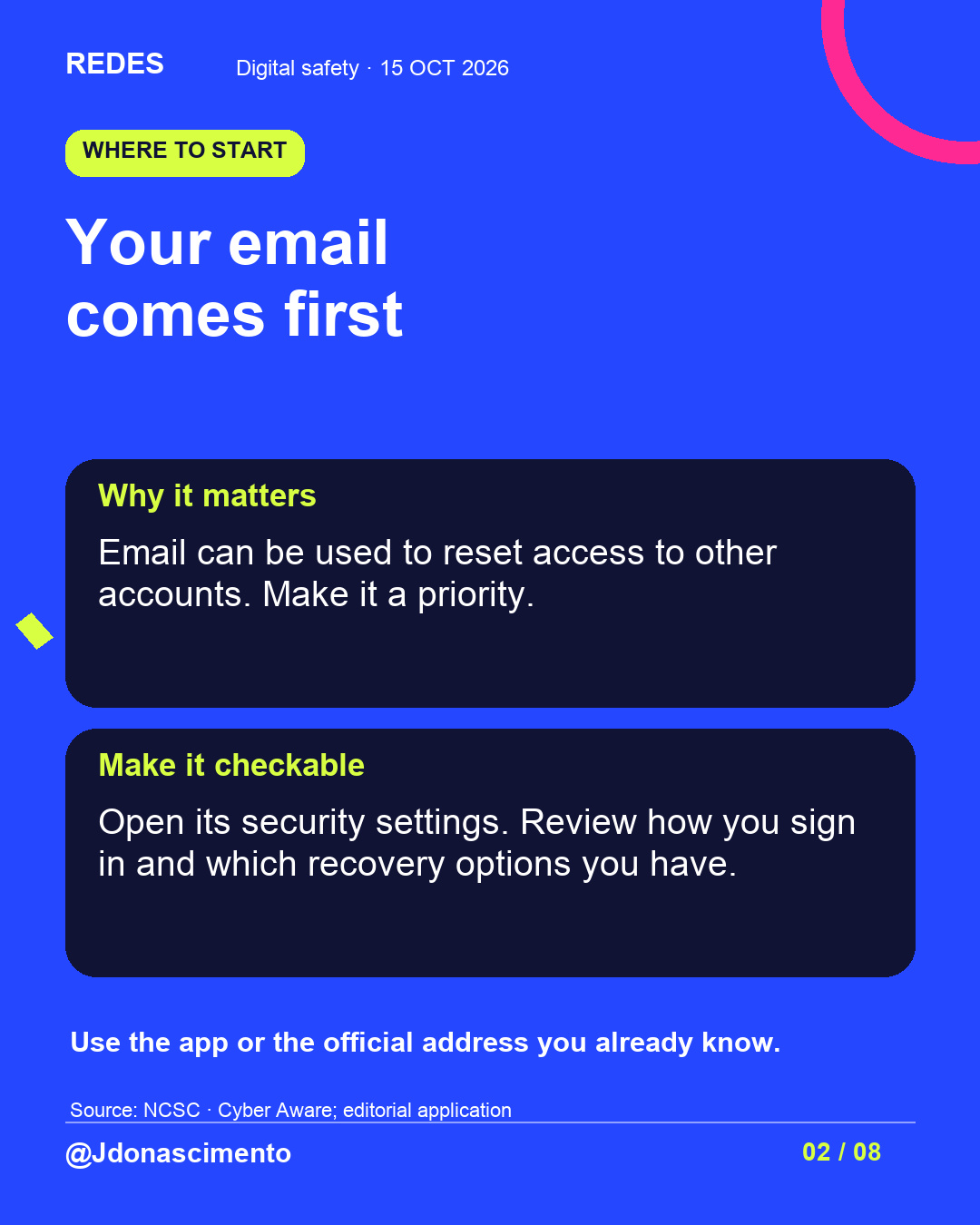
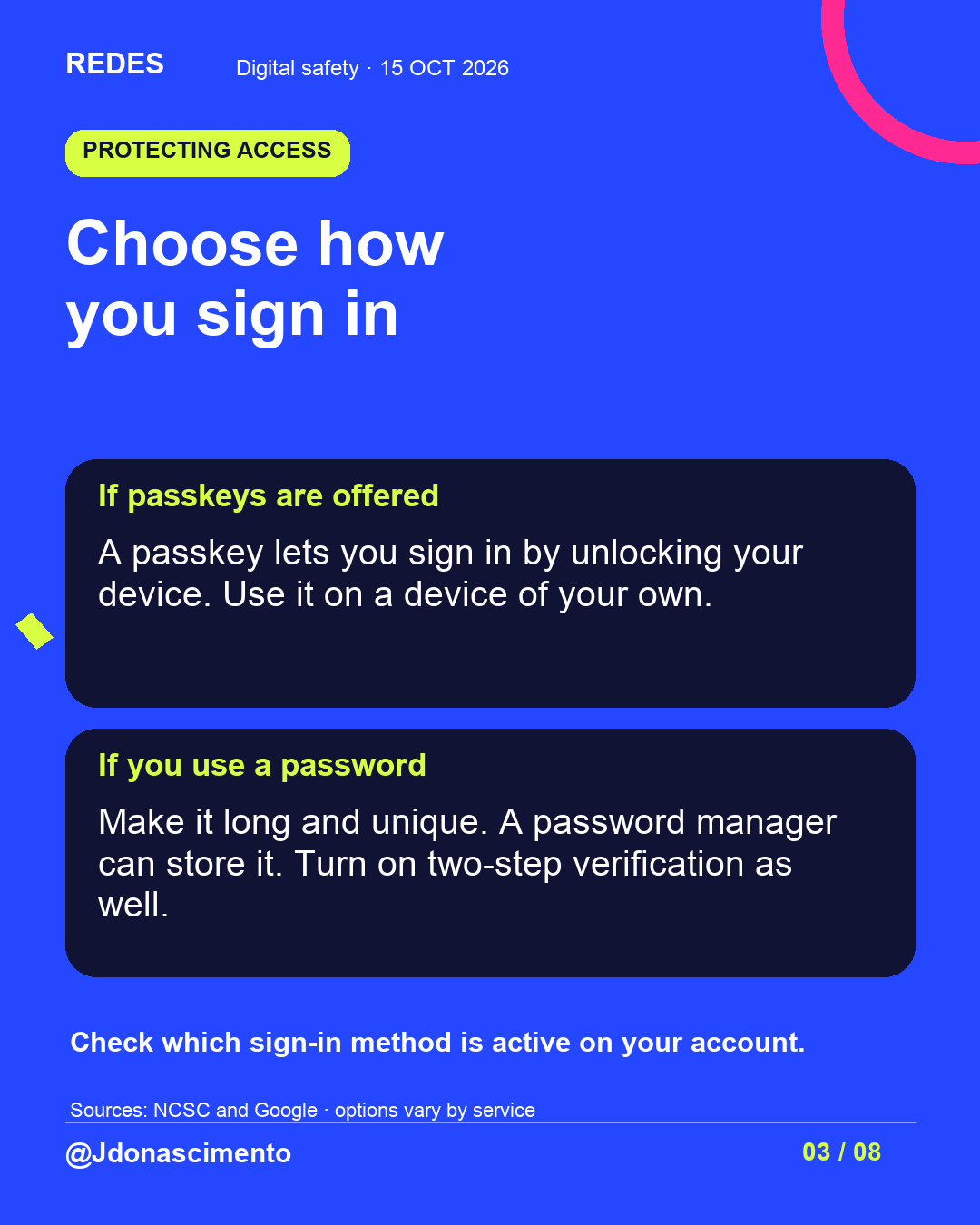
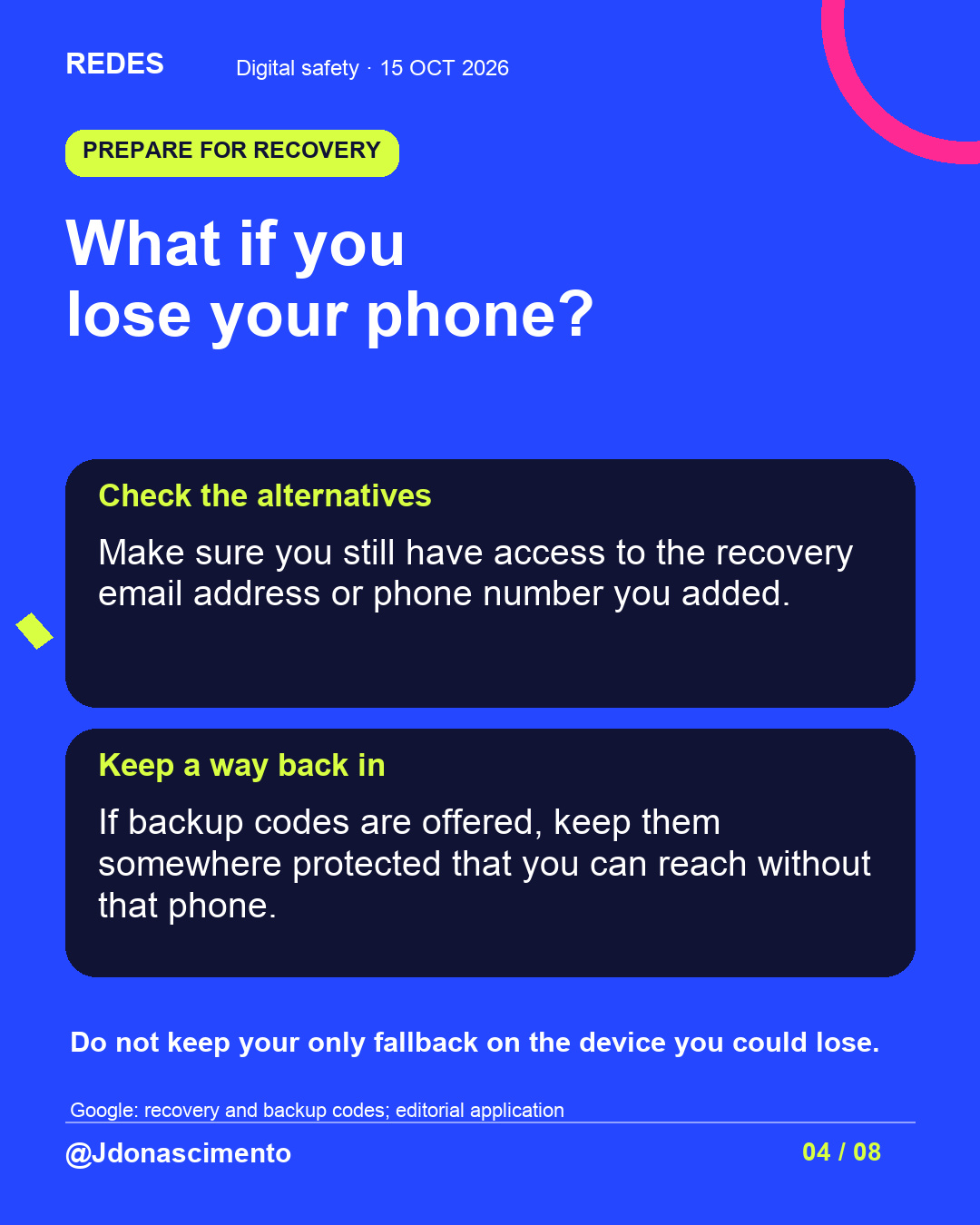
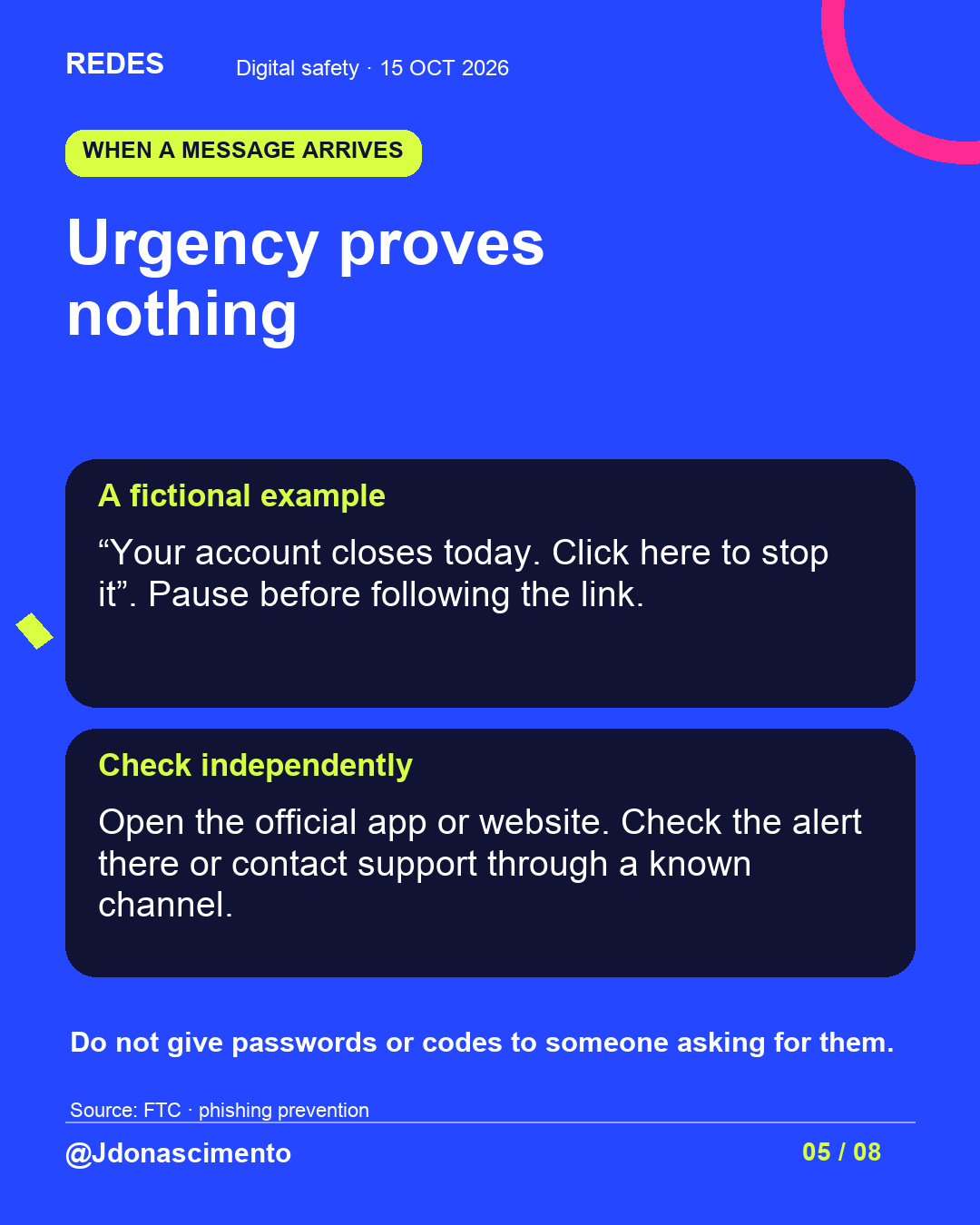
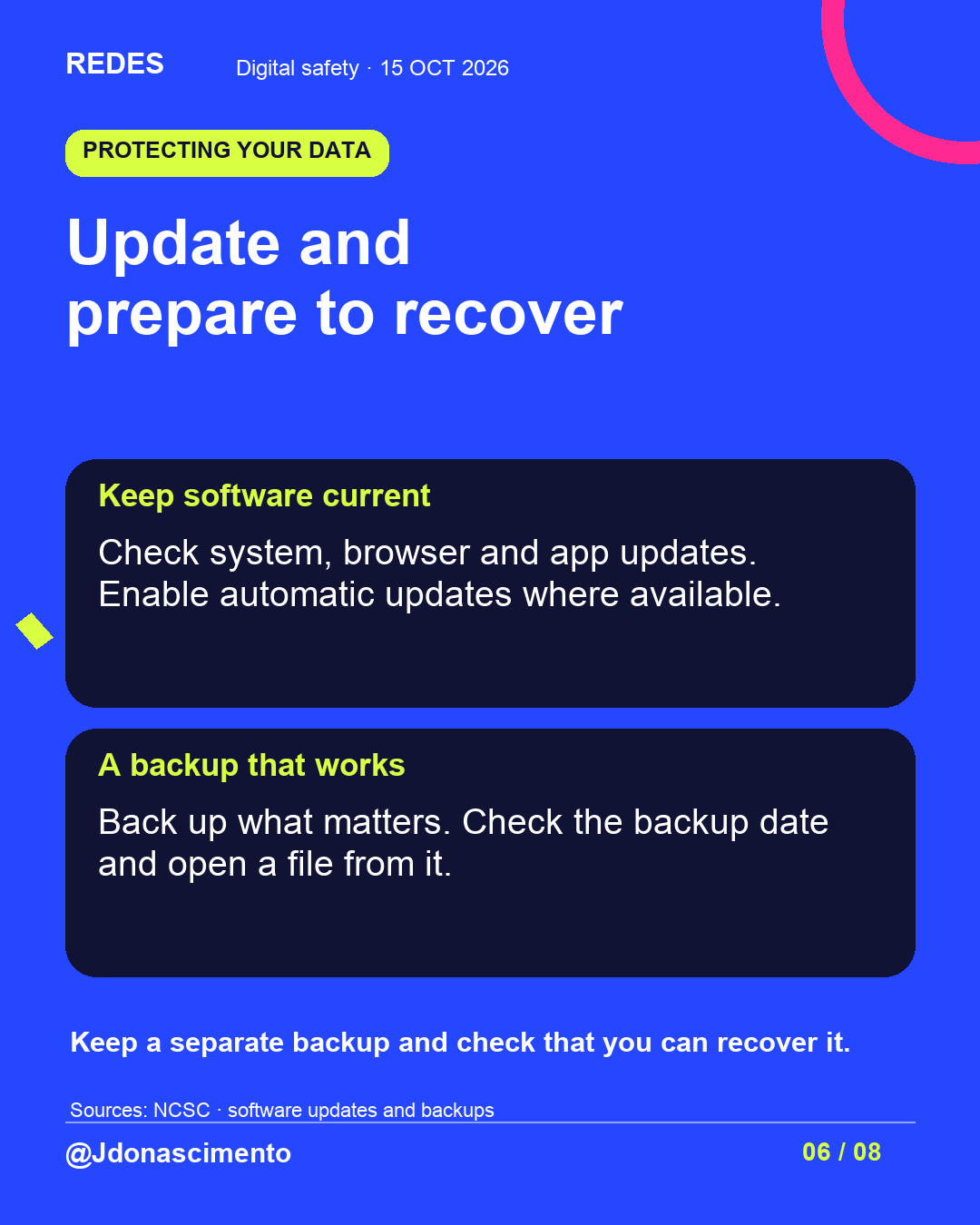
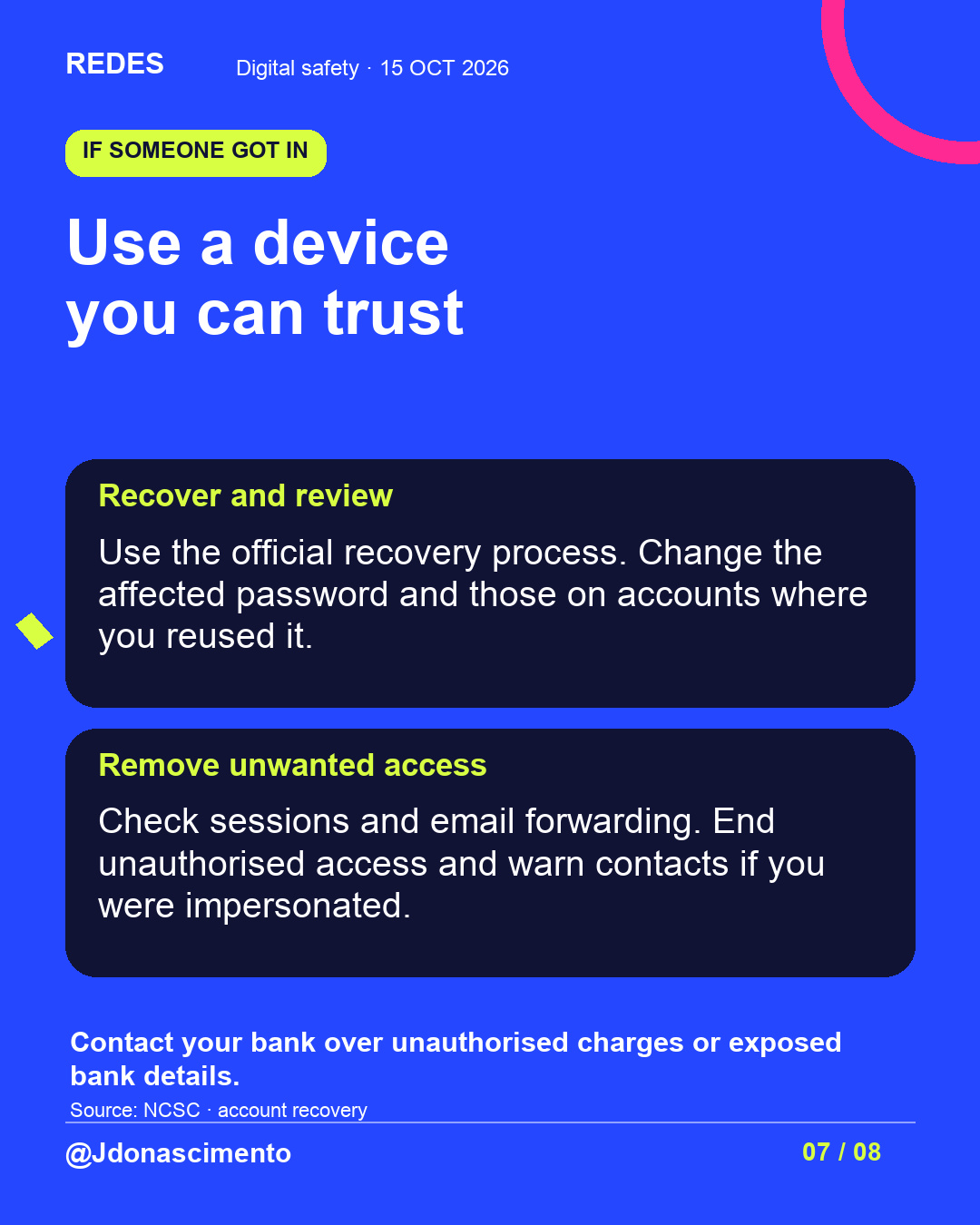
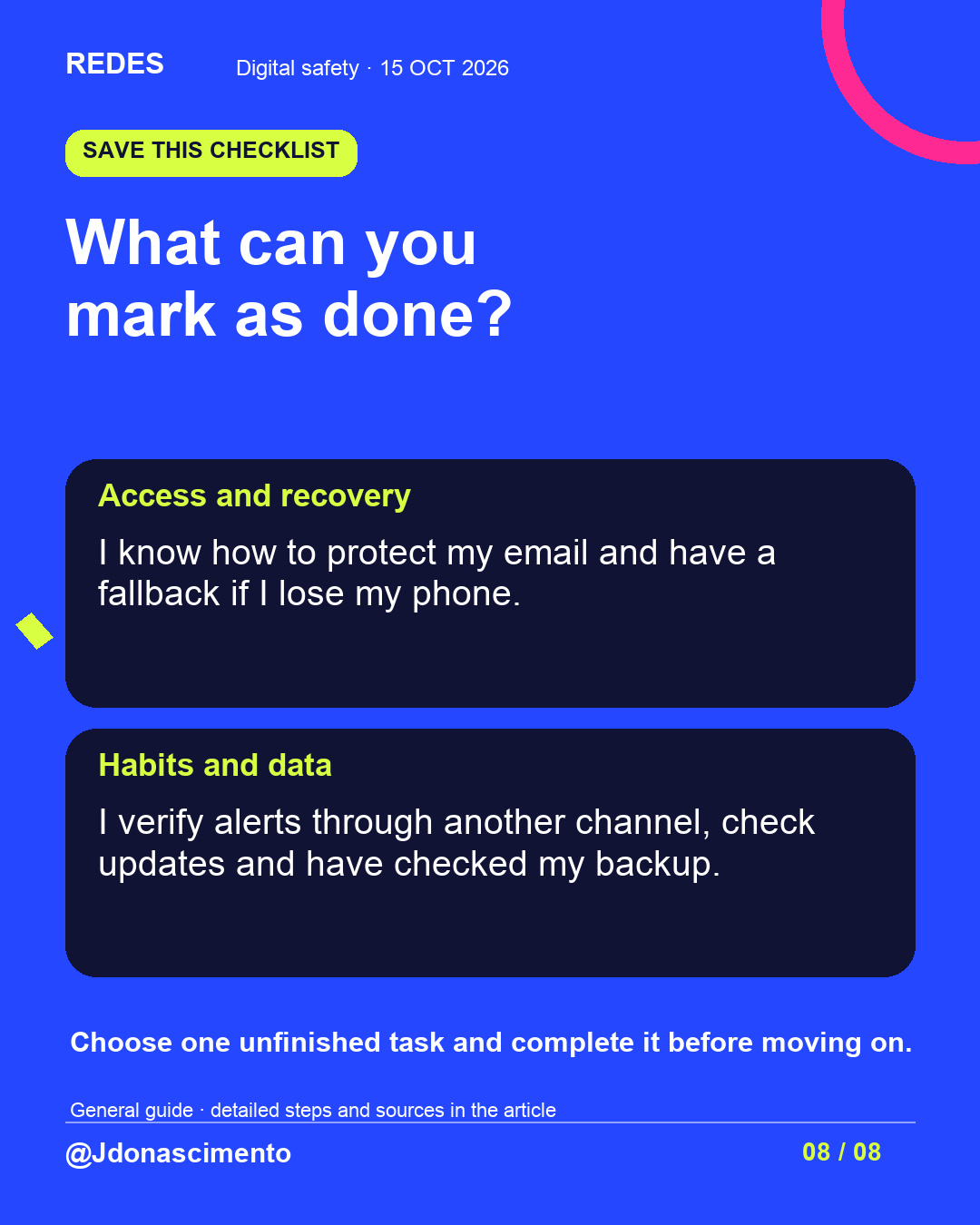
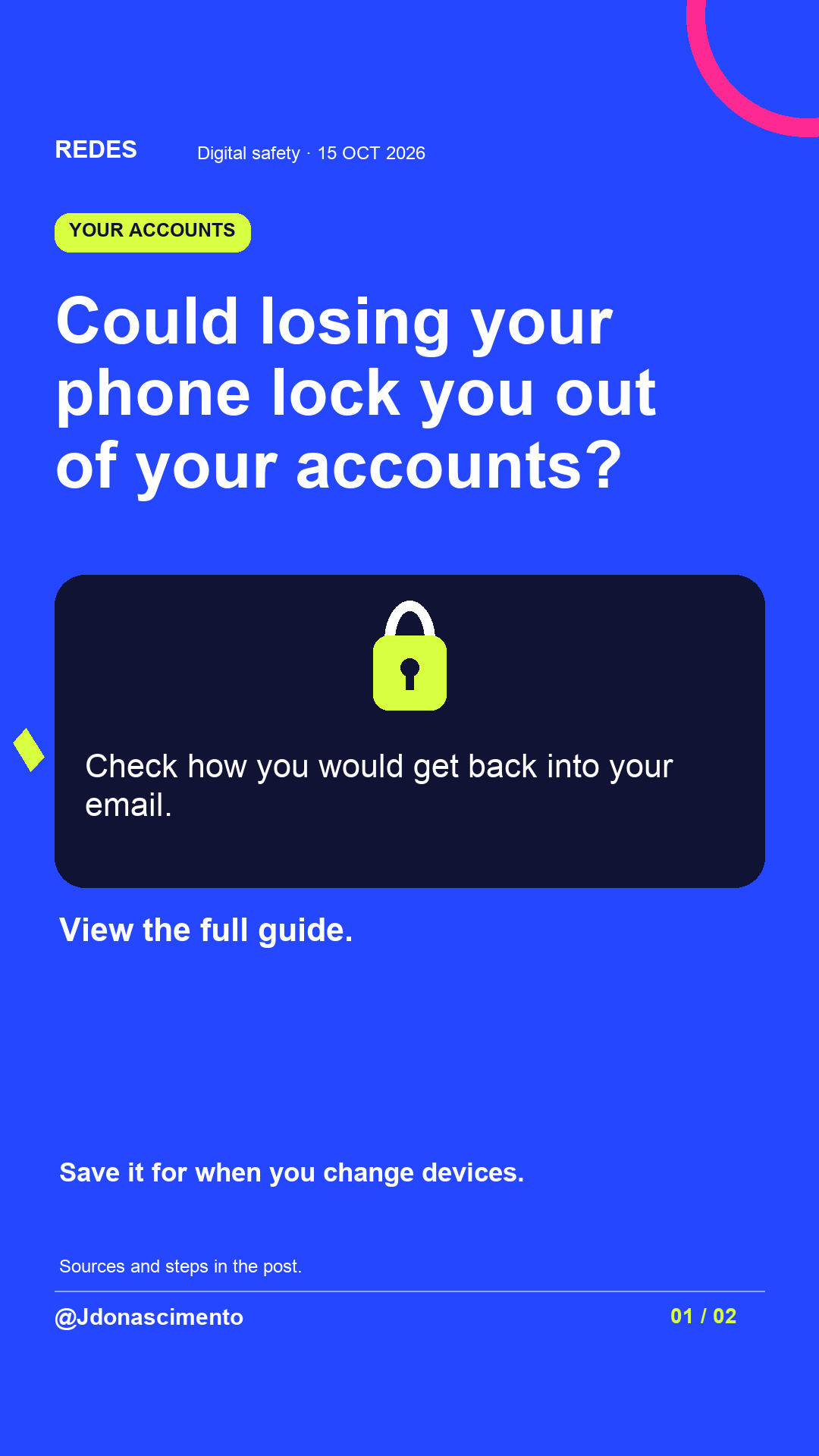
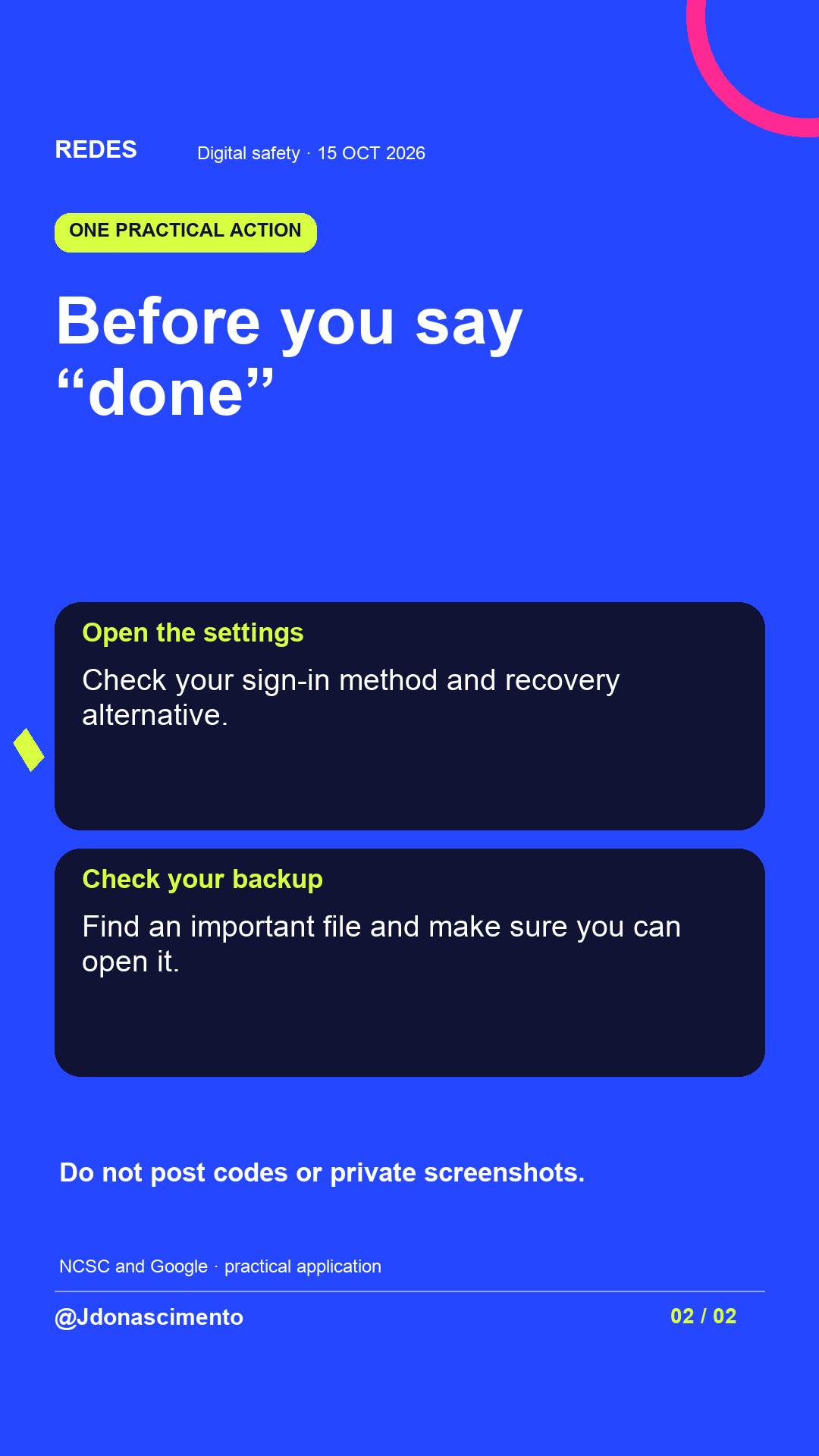
If you lost your phone today, could you get back into your email?
Swipe to review how you protect your accounts, your recovery options and how to respond to a suspicious message. The final slide helps you choose one practical task to complete.
Save the guide. Which check will you do first? Do not share passwords, codes or private screenshots.
For more content, visit: https://redes-jdonascimento.pages.dev/en/
Reference sources: NCSC, FTC and Google Account Help. Checked on 14 October 2026.
https://www.ncsc.gov.uk/collection/top-tips-for-staying-secure-online
https://consumer.ftc.gov/articles/how-recognize-avoid-phishing-scams
https://support.google.com/accounts/answer/1187538?hl=en
#CyberSecurity #Privacy #DigitalSafety #PersonalData
A protected account also needs a recovery route.
This guide helps you review access calmly and verify something concrete: which sign-in method is active, how you would get back in without your phone and whether you can recover an important file.
View the images and choose one account to start with. The guide includes what to do if you detect unauthorised access; specific options depend on the provider.
Save the guide. Which check will you do first? Do not share passwords, codes or private screenshots.
For more content, visit: https://redes-jdonascimento.pages.dev/en/
Reference sources: NCSC, FTC and Google Account Help. Checked on 14 October 2026.
https://www.ncsc.gov.uk/collection/top-tips-for-staying-secure-online
https://consumer.ftc.gov/articles/how-recognize-avoid-phishing-scams
https://support.google.com/accounts/answer/1187538?hl=en
#CyberSecurity #Privacy #DigitalSafety #PersonalData
X
1/5 If you lose your phone today, can you get back into your email? This guide helps you review sign-ins, recovery and everyday habits. Start with one account. #CyberSecurity #Privacy
2/5 Reading a tip does not complete the task. Open the official security settings and check which sign-in method is active. Guidance: https://www.ncsc.gov.uk/collection/top-tips-for-staying-secure-online #DigitalSafety #CyberSecurity
3/5 “Your account closes today”: a fictional example of pressure to act quickly. Open the official app and check the alert independently. Guidance: https://consumer.ftc.gov/articles/how-recognize-avoid-phishing-scams #Phishing #Privacy
4/5 Ask yourself: can I reach my recovery option without the device I could lose? Read your provider’s guidance before changing sign-in methods. #CyberSecurity #PersonalData
5/5 Choose an unfinished task and verify it. Save the guide to revisit when you change your device or number. For more content, visit: https://redes-jdonascimento.pages.dev/en/ #DigitalSafety #Privacy