Google Translate brings translation to your ear: how to get started
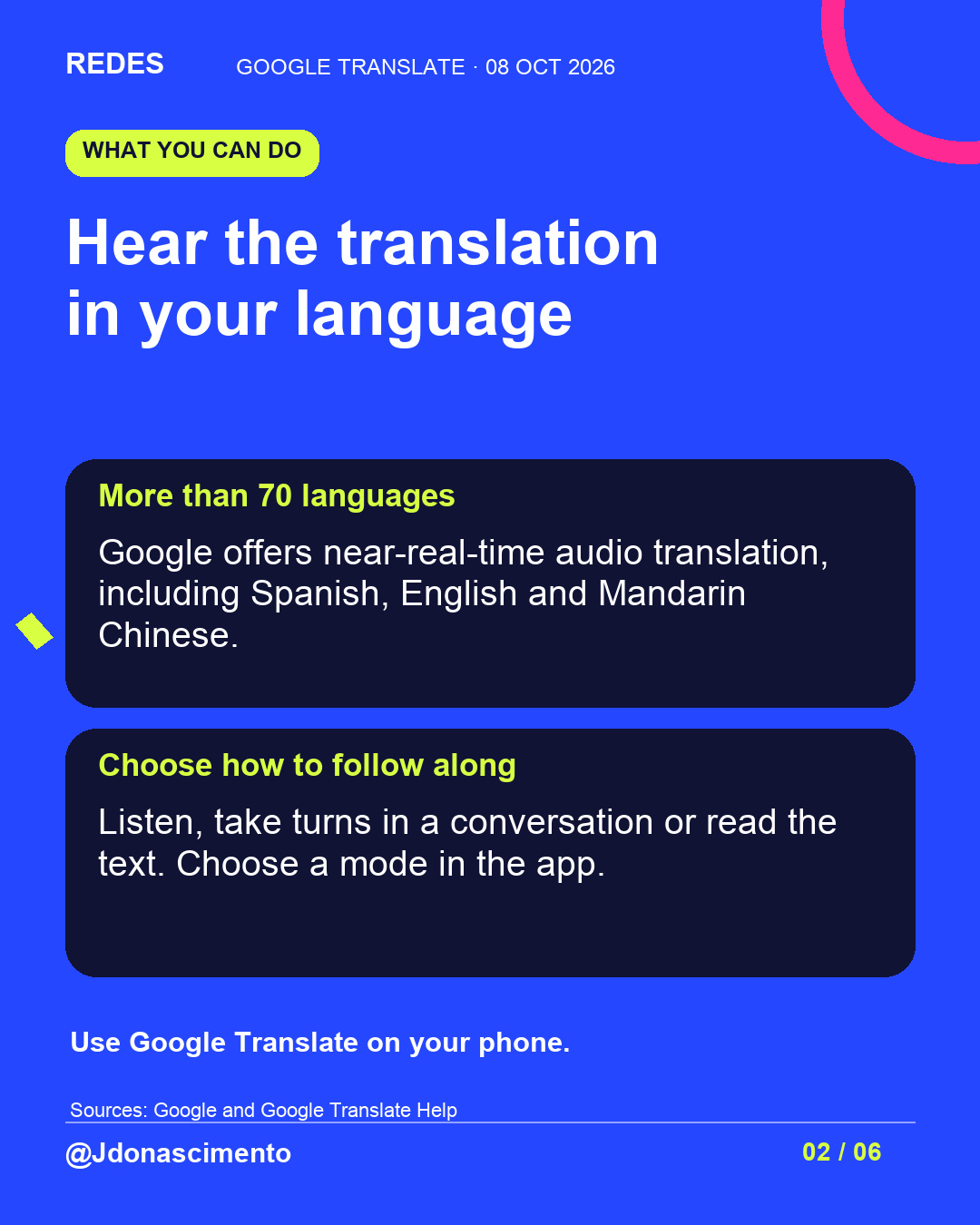
The app can help you follow conversations in other languages. Updates announced in September offer more listening options, but it is worth trying them before relying on them.
Read related article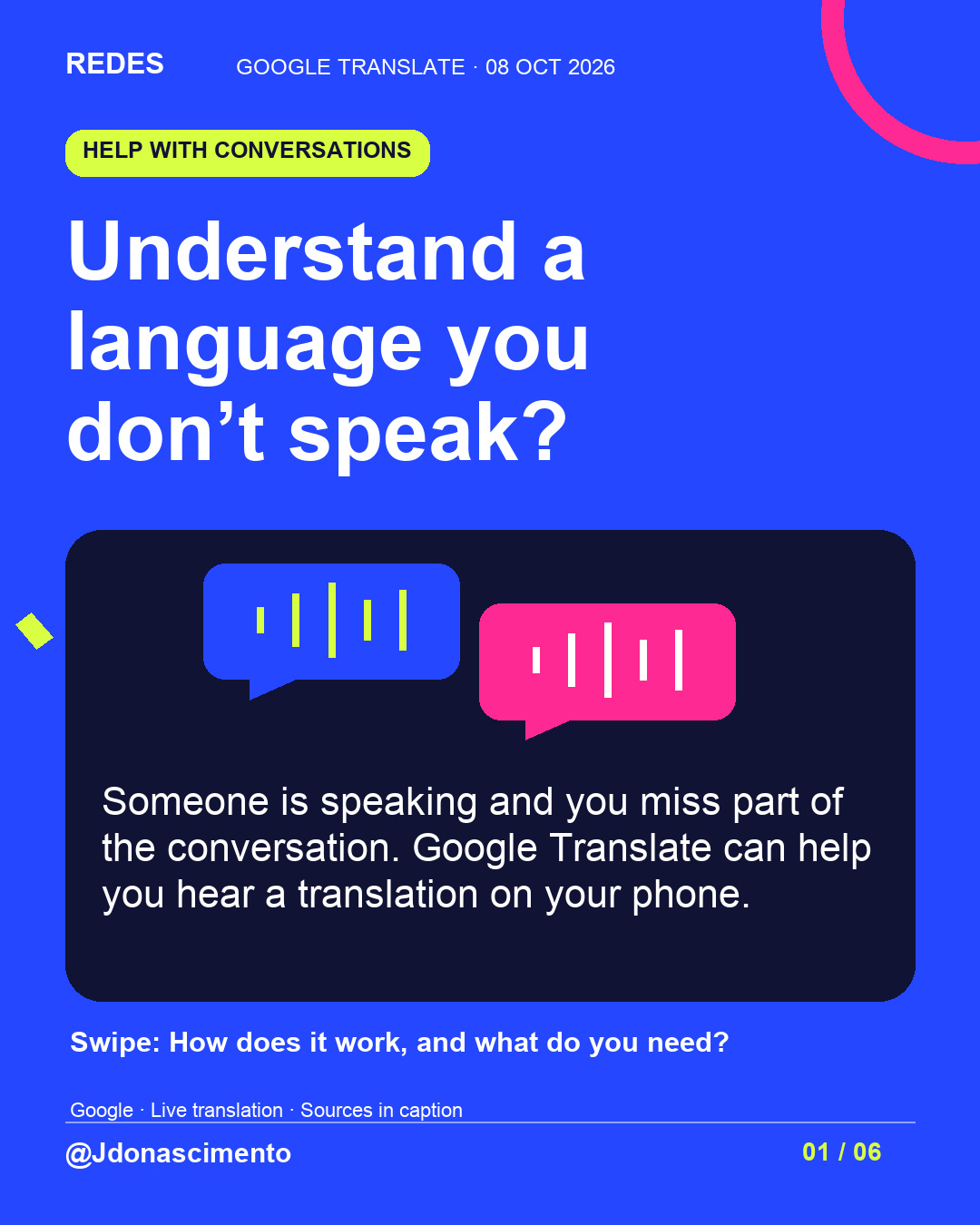
Someone speaks another language and you miss part of the conversation. What if you could hear the translation on your phone? 🎧
Swipe to explore Google Translate and what to check before relying on the result.
Which conversation would you use it for?
Sources: Google’s updates of 4 September 2026 and Translate Help. https://blog.google/products-and-platforms/products/translate/google-translate-ios-android-upgrades/
For more content, visit: https://redes-jdonascimento.pages.dev/en/
Understand a language you don’t speak?
A conversation on a trip or while learning a new language could be easier to follow with a translation in your ear. Google Translate offers this help; it is worth exploring the options before you need them.
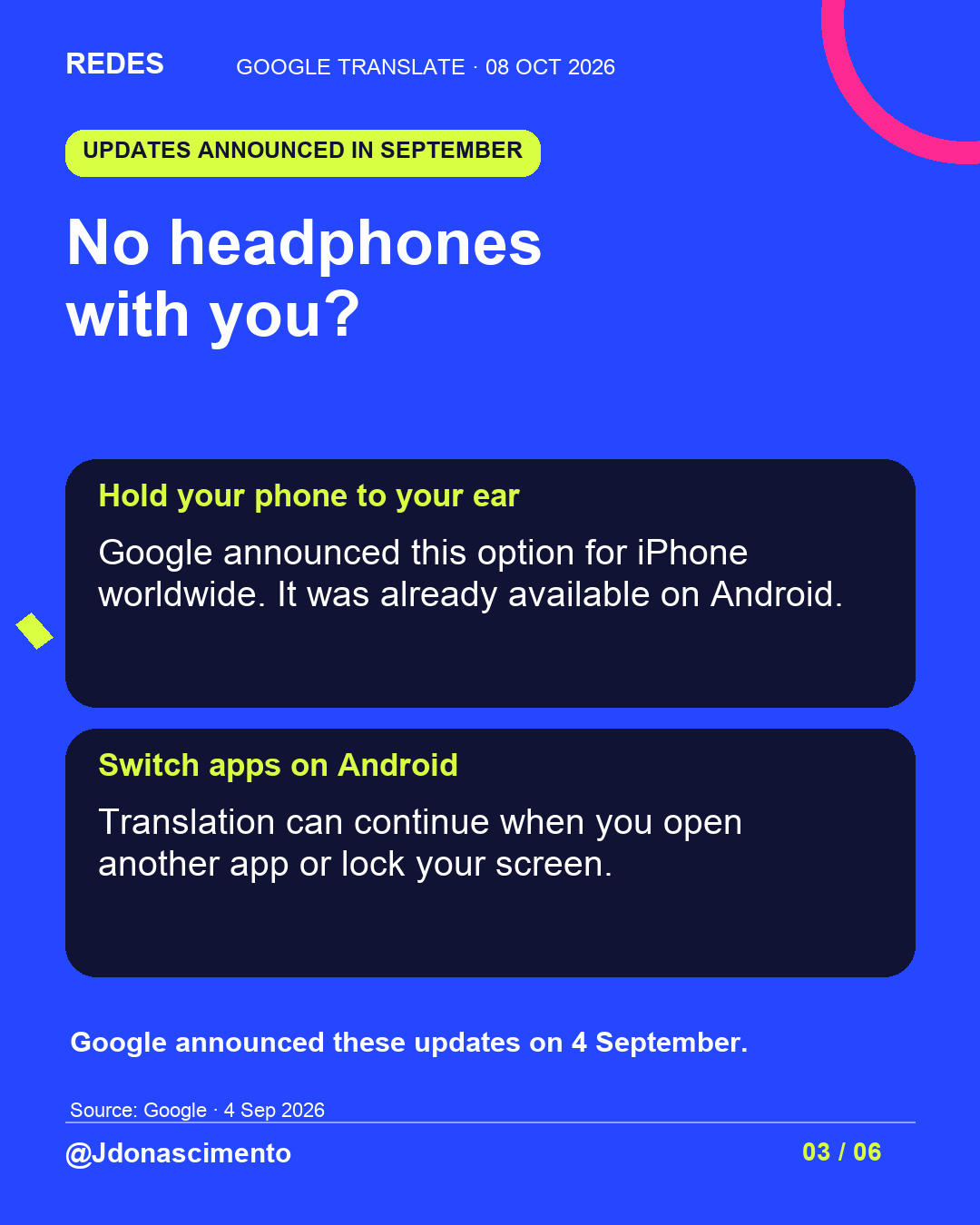
On 4 September, Google announced listening through the iPhone’s own earpiece worldwide, an option already available on Android. It also announced that Android can keep translating when you switch apps or lock the screen.
The carousel explains how to start. My recommendation: try a familiar phrase and check important details. Understanding a translation does not guarantee that every nuance has come across.
Which conversation would you like to follow more easily?
Source: https://blog.google/products-and-platforms/products/translate/google-translate-ios-android-upgrades/
Help: https://support.google.com/translate/answer/6142474?hl=en&co=GENIE.Platform%3DAndroid
For more content, visit: https://redes-jdonascimento.pages.dev/en/
X
1/5 Someone speaks another language and you miss part of the conversation. Could your phone help you follow along? Google Translate offers near-real-time audio translation. Here is how to start.
2/5 On 4 September, Google announced updates: listening through the iPhone’s earpiece and background translation on Android. These are different features. Source: https://blog.google/products-and-platforms/products/translate/google-translate-ios-android-upgrades/
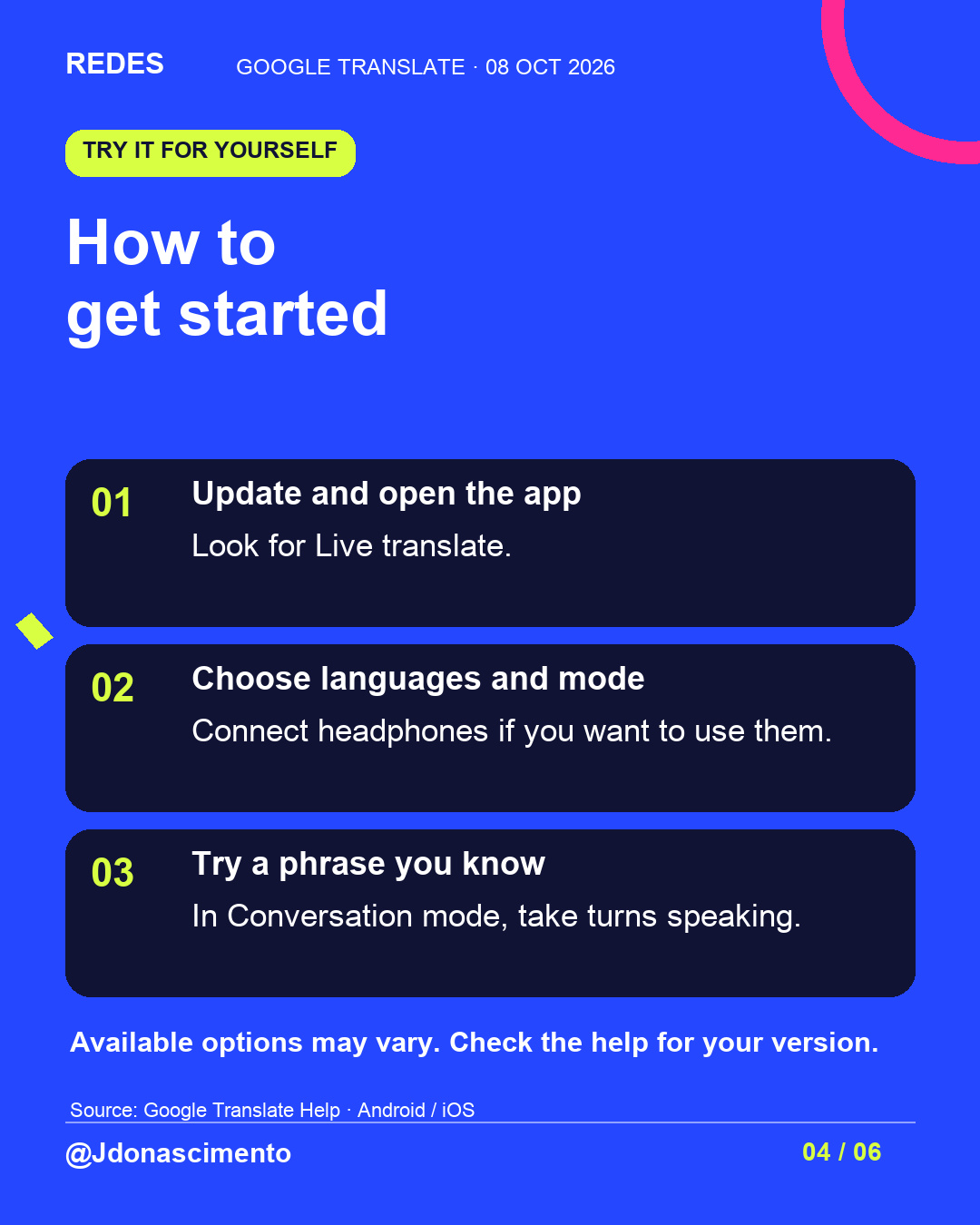
3/5 Update Google Translate. Look for Live translate, choose your languages and mode, and try a phrase you know. In Conversation mode, take turns speaking. Help: https://support.google.com/translate/answer/6142474?hl=en&co=GENIE.Platform%3DiOS
4/5 Check names, numbers and addresses. If something seems wrong, ask the person to repeat it or write it down. A translation may need correcting. Let the other person know before using the app.
5/5 Which conversation would you use it for: on a trip, when learning a language or somewhere else? Save the thread to try it later. For more content, visit: https://redes-jdonascimento.pages.dev/en/