HomeView: what a shared screen could reveal about your family
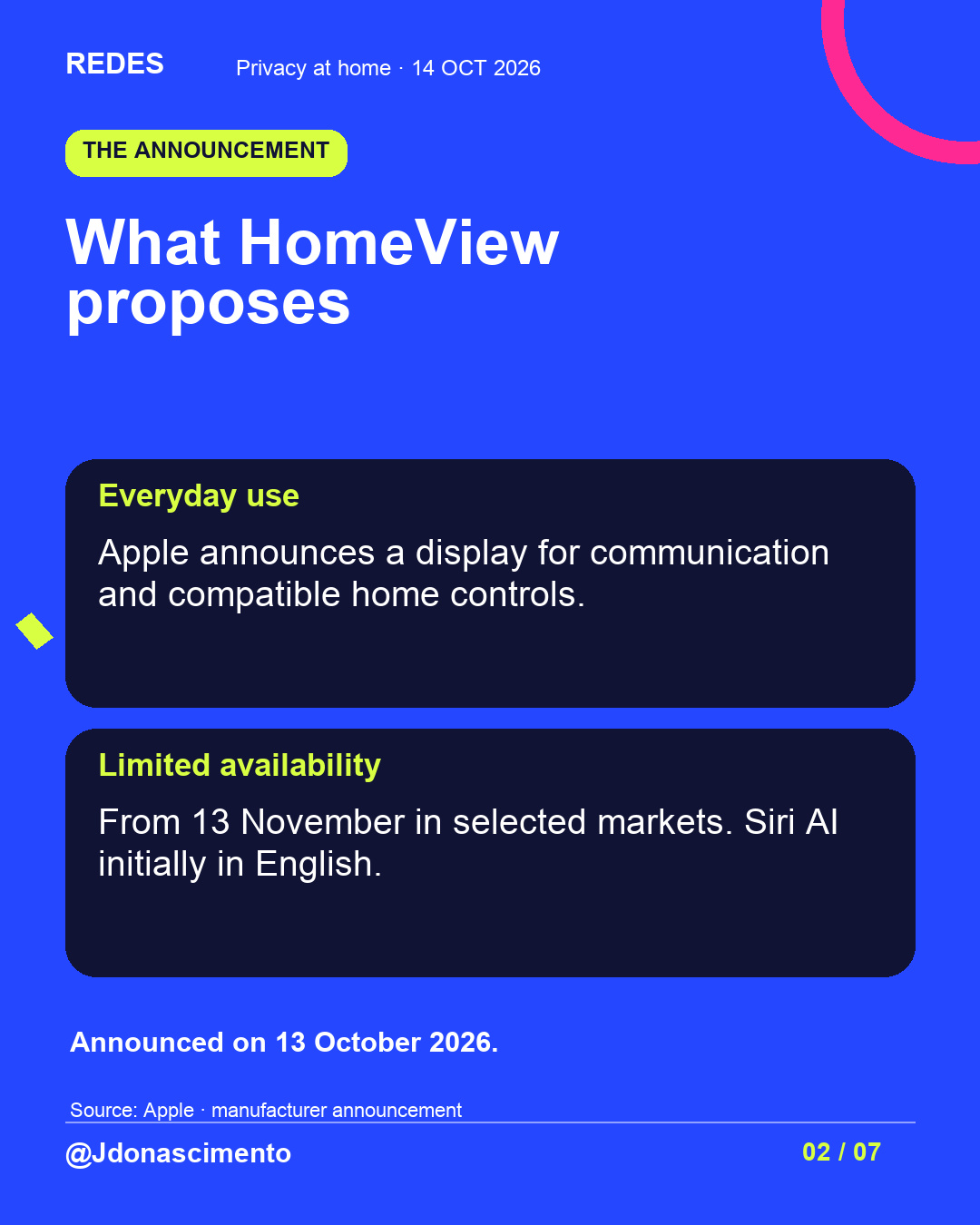
Apple’s announcement opens a conversation about the boundaries between convenience, personal information and safety at home.
Read related article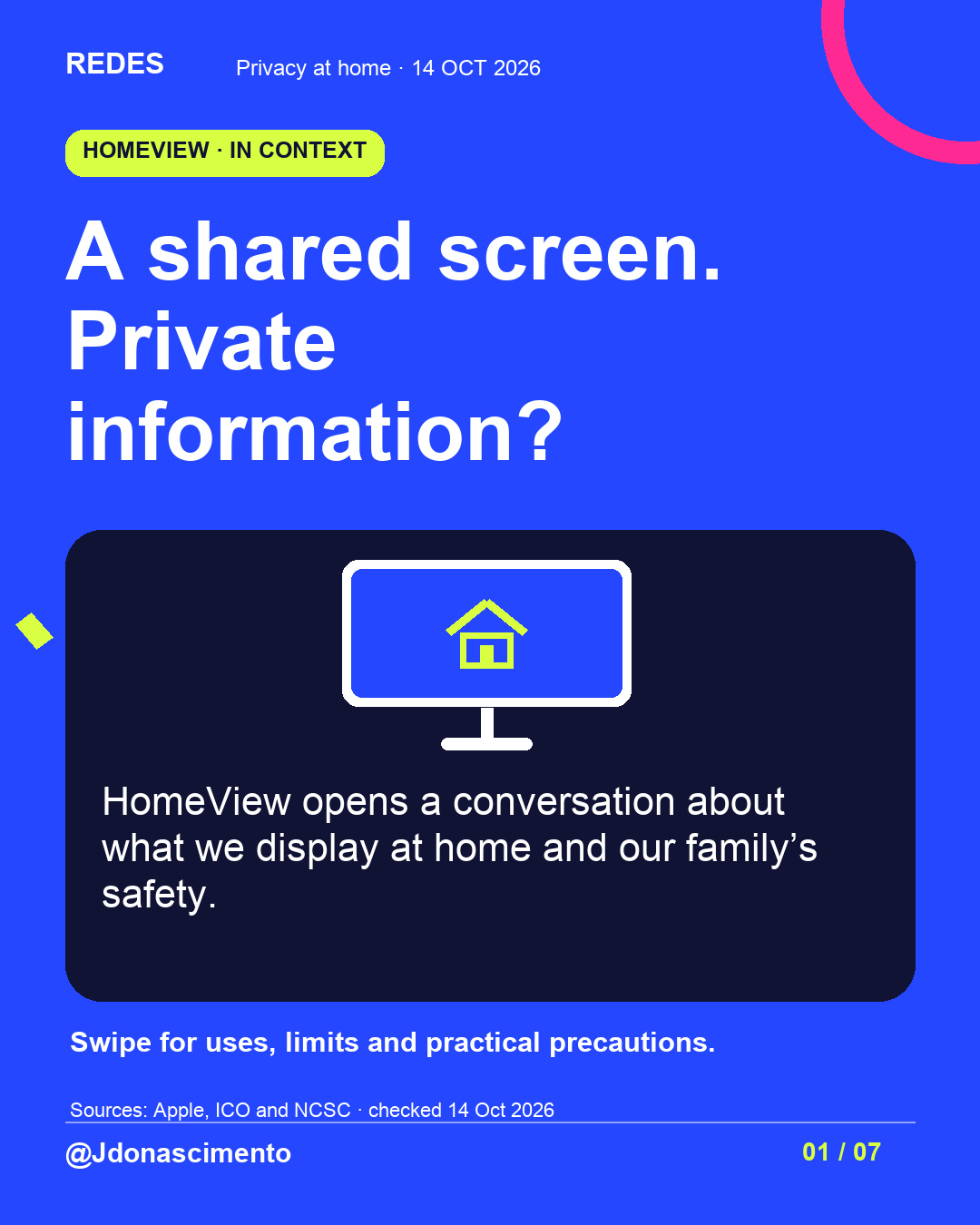
Who should be able to see your family’s information at home?
HomeView is a starting point for an everyday decision: what we share and with whom. Swipe to distinguish announced conditions, possible risks and practical precautions.
What information would you allow on a shared screen at home? Could that information put your family’s safety at risk?
Sources: Apple (13 October 2026); ICO and NCSC (checked 14 October).
https://www.apple.com/uk/newsroom/2026/10/meet-apple-homeview-a-new-way-to-enjoy-entertainment-and-manage-the-home/
https://ico.org.uk/for-the-public/online/smart-products/
https://www.ncsc.gov.uk/guidance/smart-devices-in-the-home
https://www.ncsc.gov.uk/guidance/smart-security-cameras-using-them-safely-in-your-home
For more content, visit: https://redes-jdonascimento.pages.dev/en/
#HomeView #Privacy #DigitalSafety #Technology
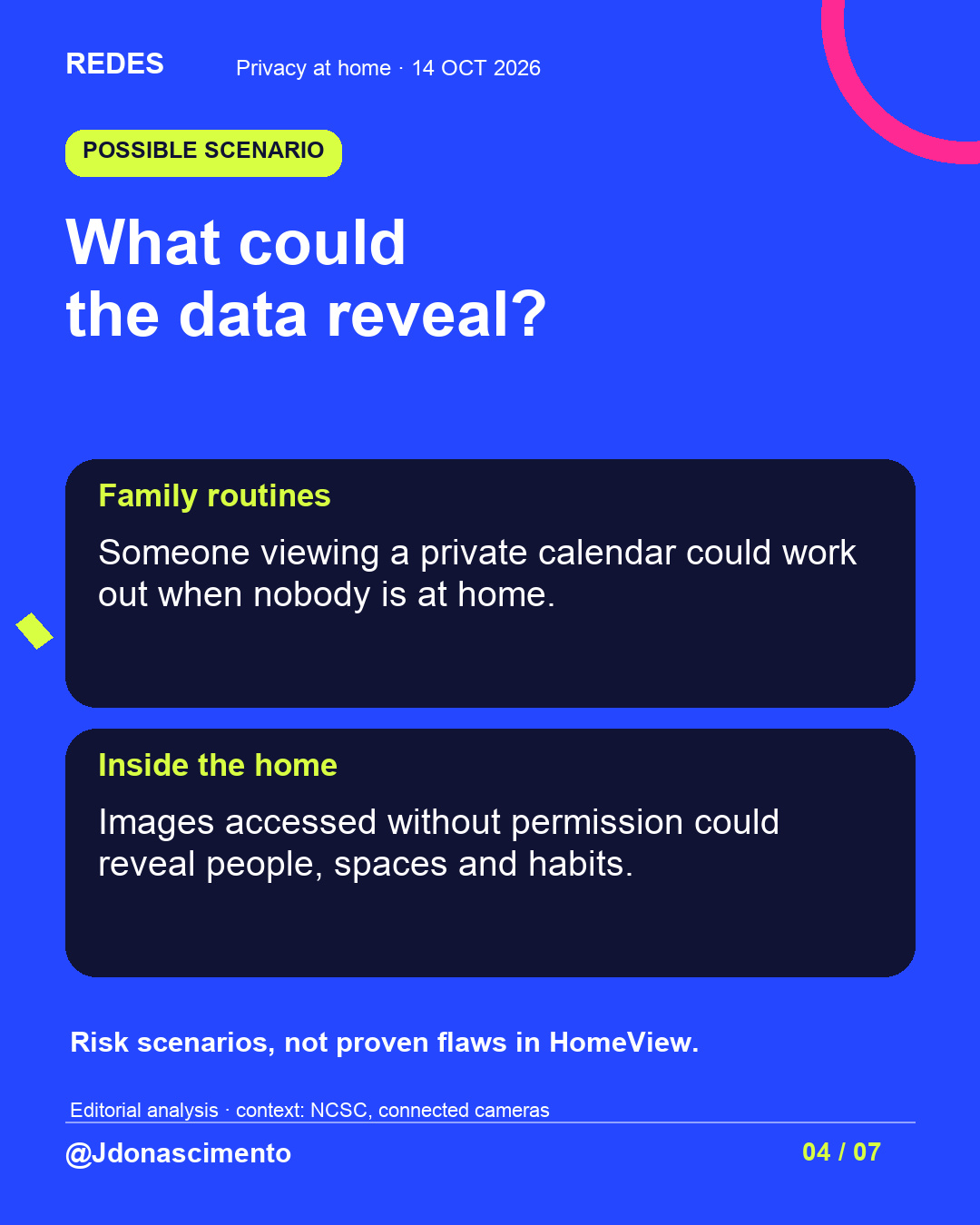
A calendar may seem like a small detail. Consider what it could reveal about your family if someone who should not see it gained access.
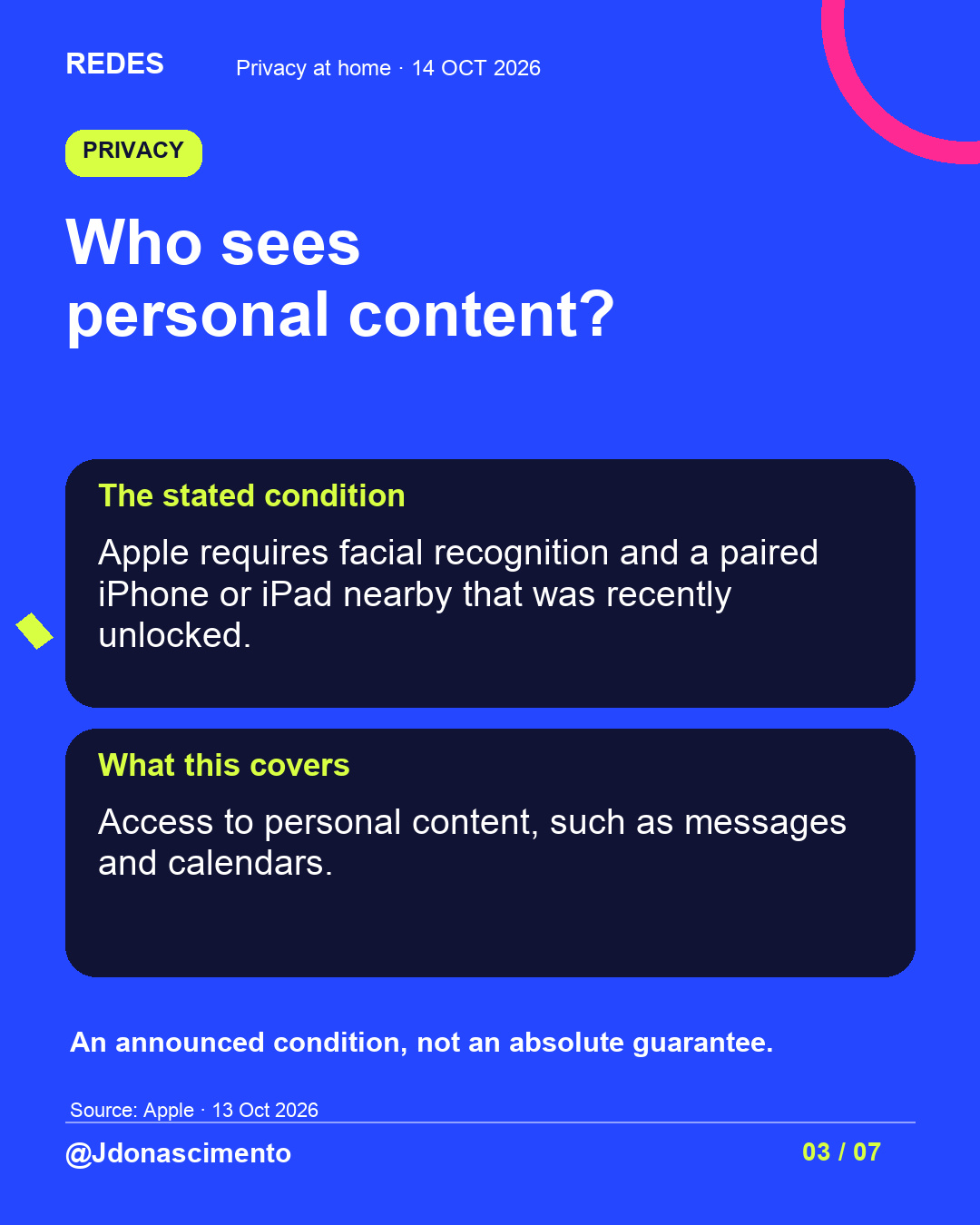
This HomeView edition asks what information we want to share at home. The images separate Apple’s announcement from risk examples and general advice.
View the full post and discuss which information you would prefer to keep private.
What information would you allow on a shared screen at home? Could that information put your family’s safety at risk?
Sources: Apple (13 October 2026); ICO and NCSC (checked 14 October).
https://www.apple.com/uk/newsroom/2026/10/meet-apple-homeview-a-new-way-to-enjoy-entertainment-and-manage-the-home/
https://ico.org.uk/for-the-public/online/smart-products/
https://www.ncsc.gov.uk/guidance/smart-devices-in-the-home
https://www.ncsc.gov.uk/guidance/smart-security-cameras-using-them-safely-in-your-home
For more content, visit: https://redes-jdonascimento.pages.dev/en/
#HomeView #Privacy #DigitalSafety #Technology
X
1/4 HomeView raises a question to discuss at home: what family information should appear on a shared screen? Read the thread before deciding. #HomeView #Privacy
2/4 Consider a private calendar: someone viewing it without permission could infer when you are away. This is a risk scenario, not a proven HomeView flaw. #DigitalSafety #Privacy
3/4 Agree on which information you need to share and what should stay on personal devices. Guidance for reviewing your settings: https://ico.org.uk/for-the-public/online/smart-products/ https://www.ncsc.gov.uk/guidance/smart-devices-in-the-home #Privacy #Technology
4/4 Could information on a shared screen put your family’s safety at risk? Share your view without personal details. More content: https://redes-jdonascimento.pages.dev/en/ #HomeView #DigitalSafety