Midnight Mimosa: what to check before trusting a new phone with your data
The case raises questions about a device’s origins and support. A compatibility check or an isolated symptom cannot settle a security diagnosis on its own.
Read related article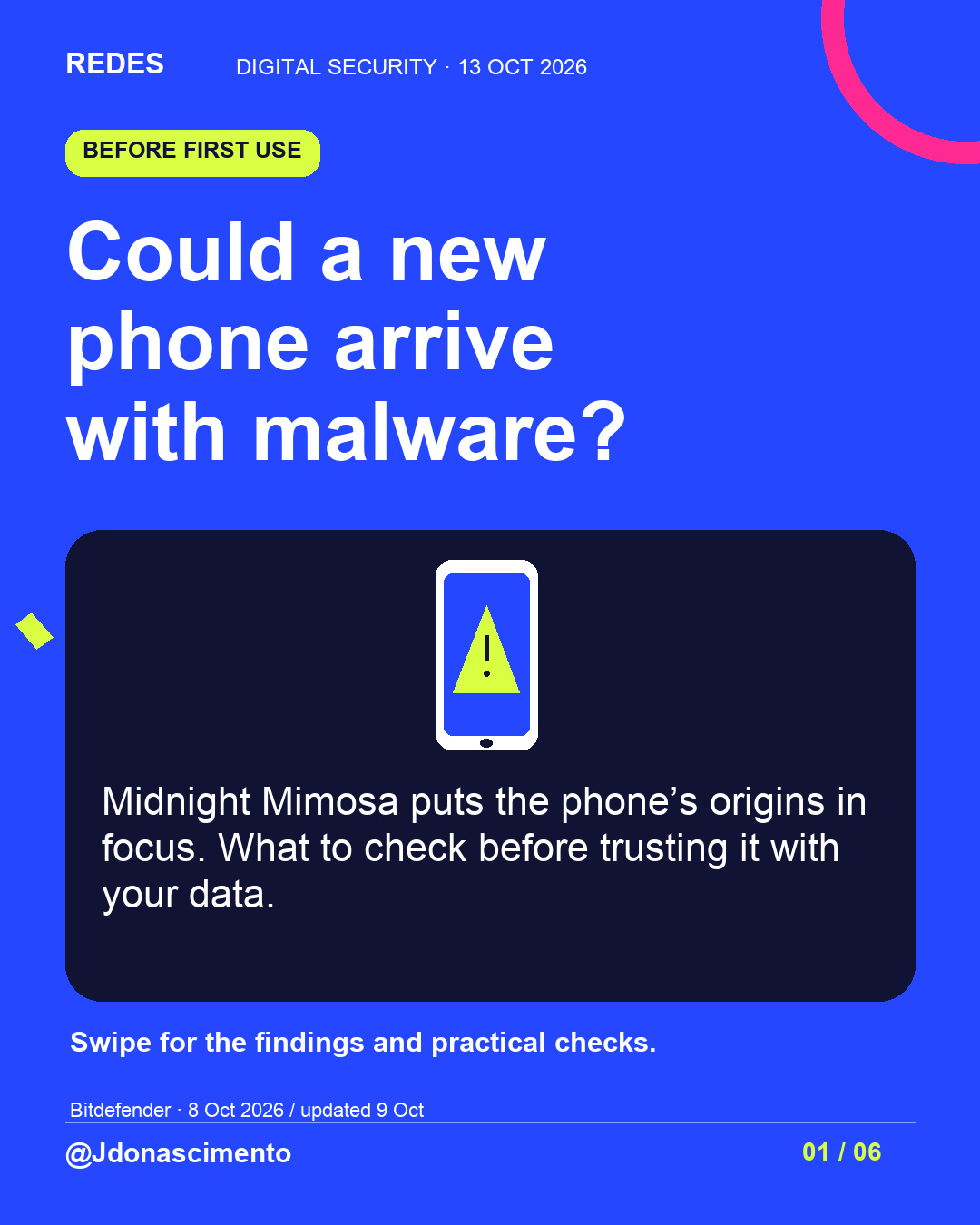
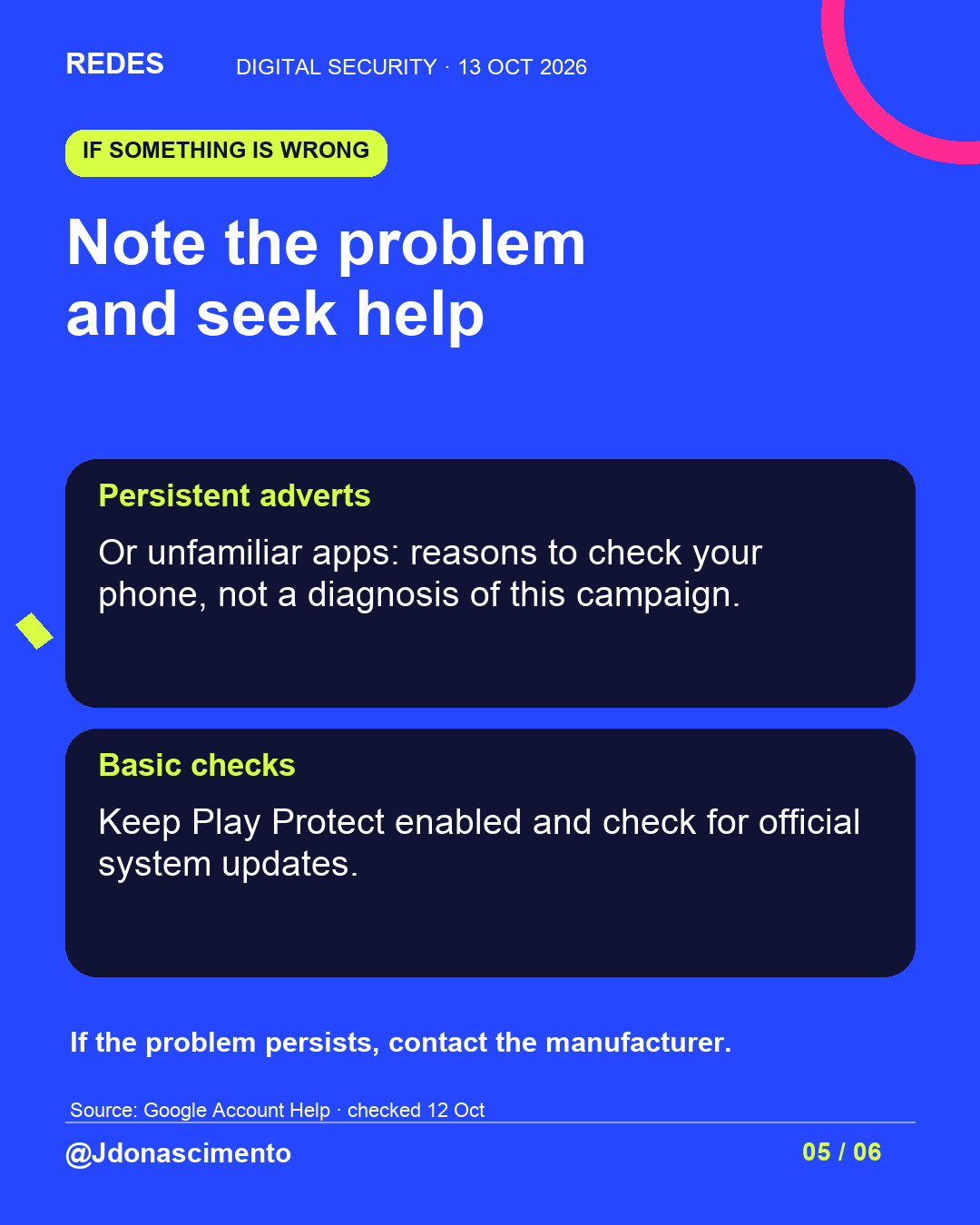
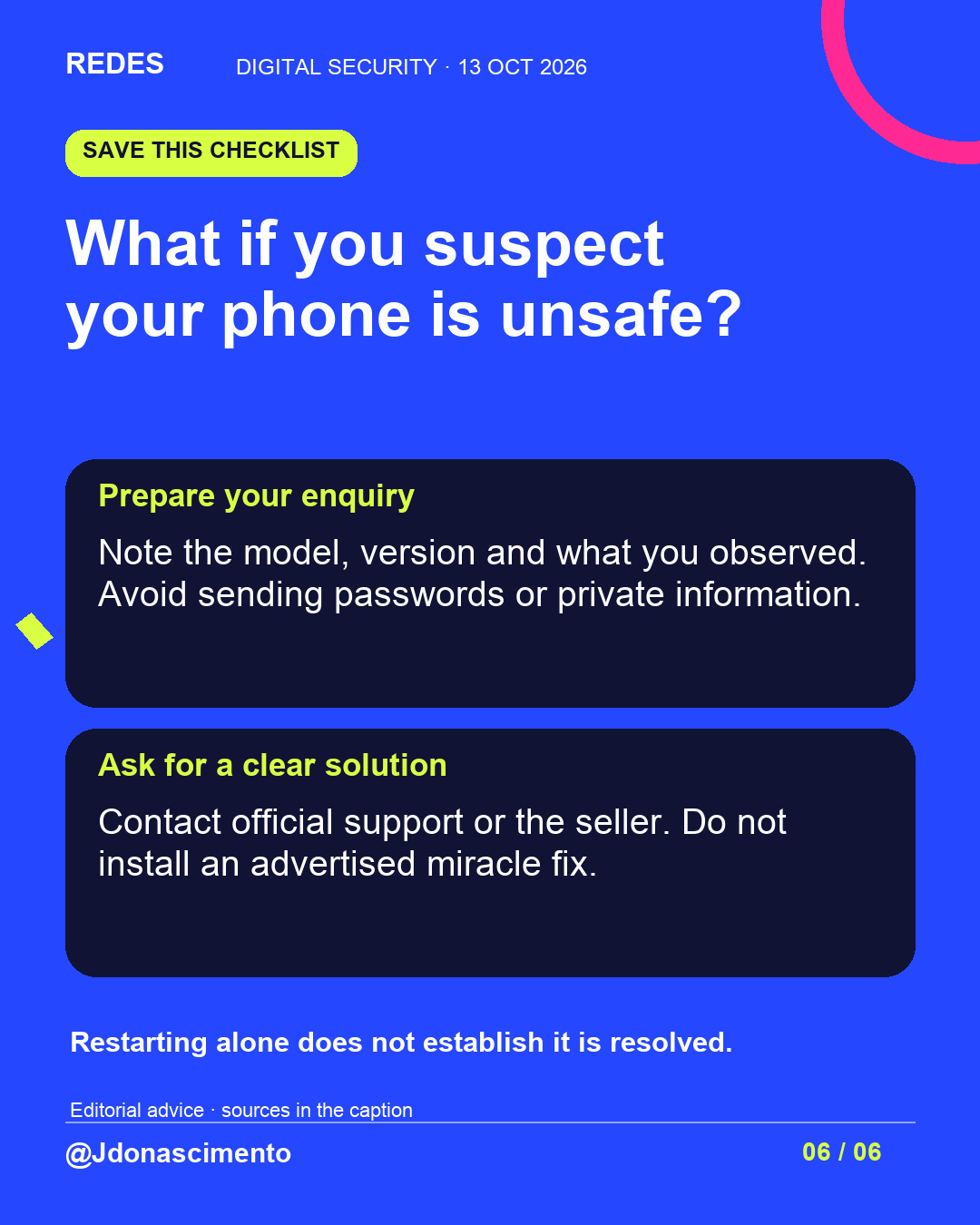
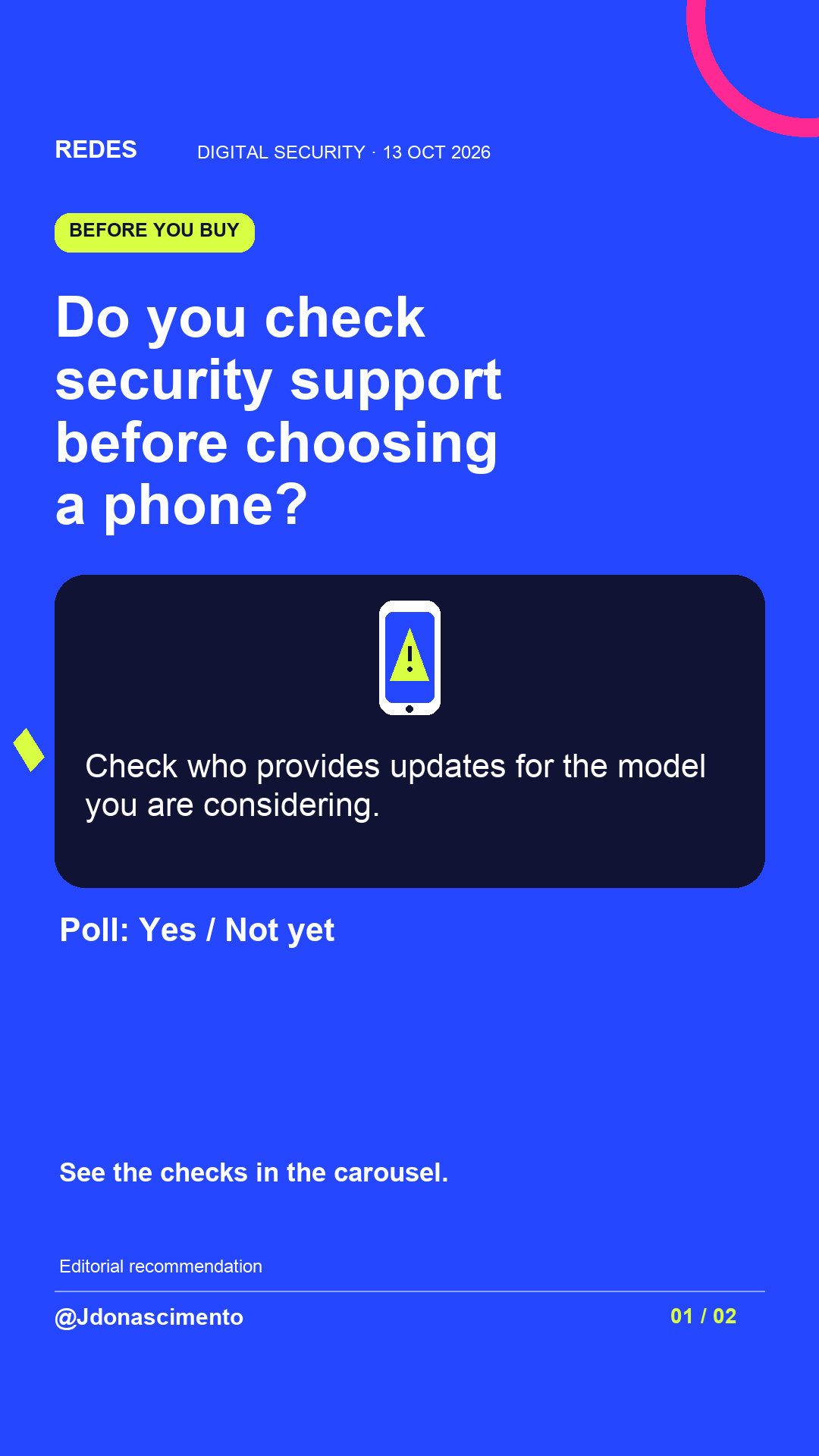
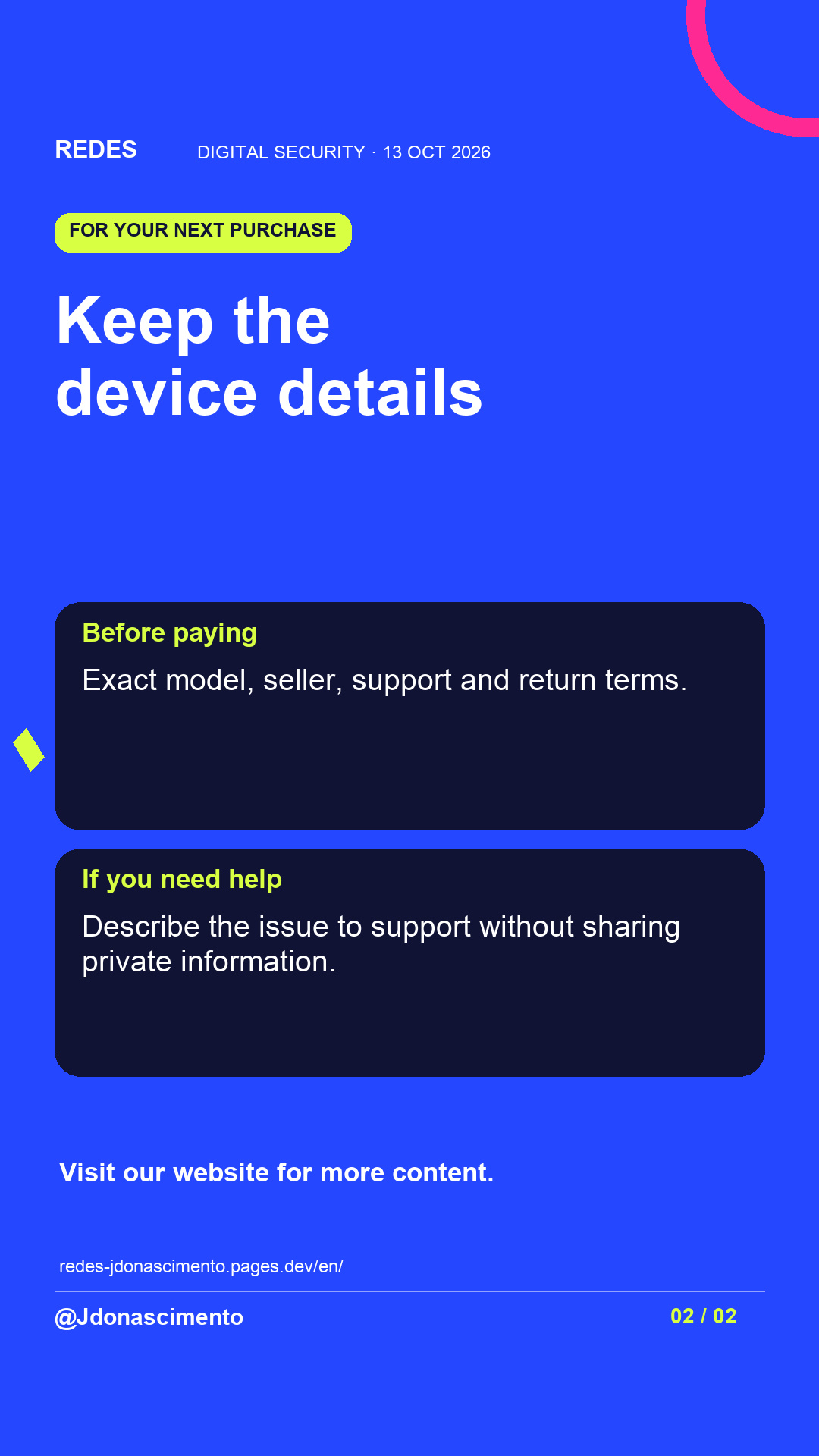
What do you check before using a new phone: the camera, storage or who provides security support?
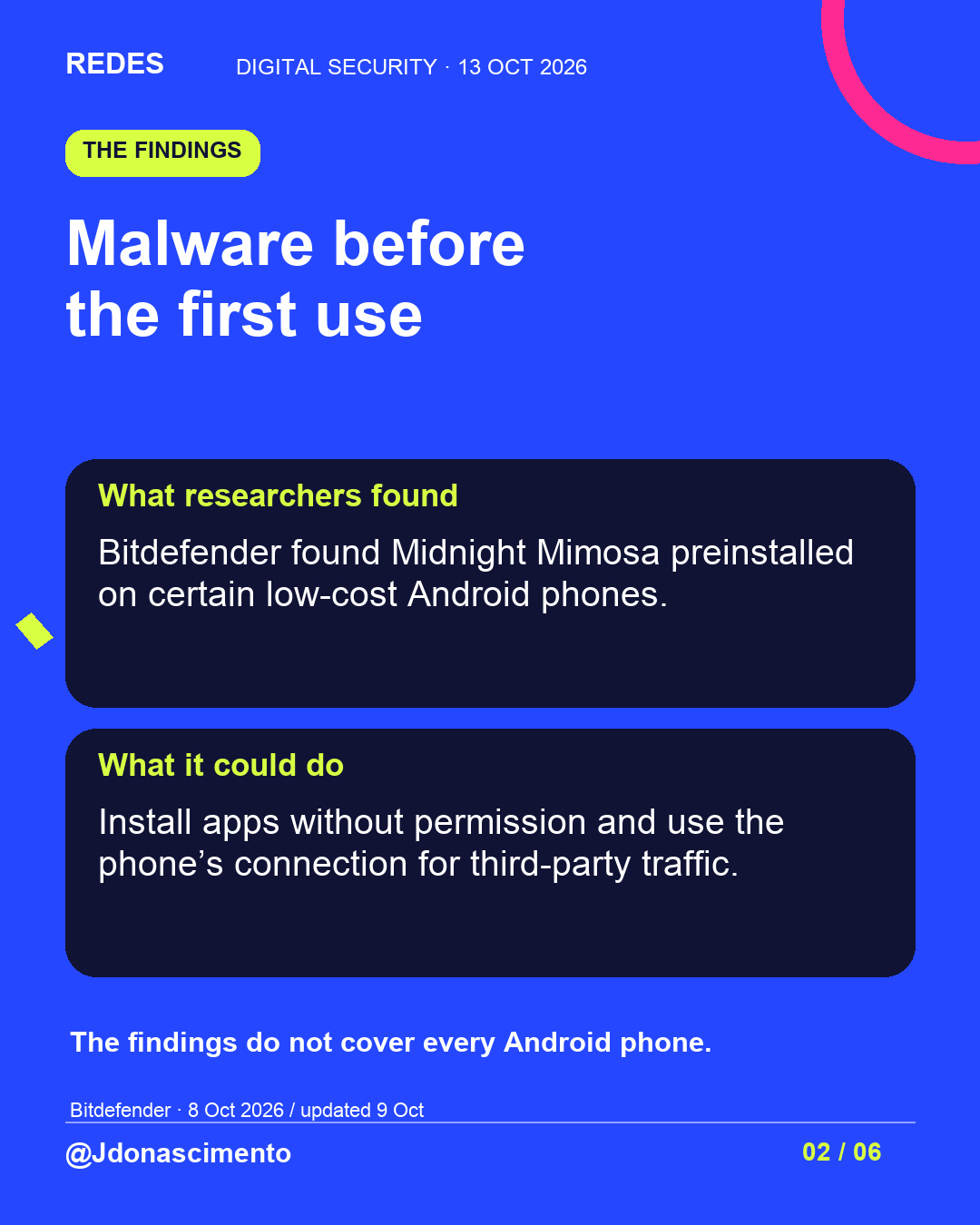
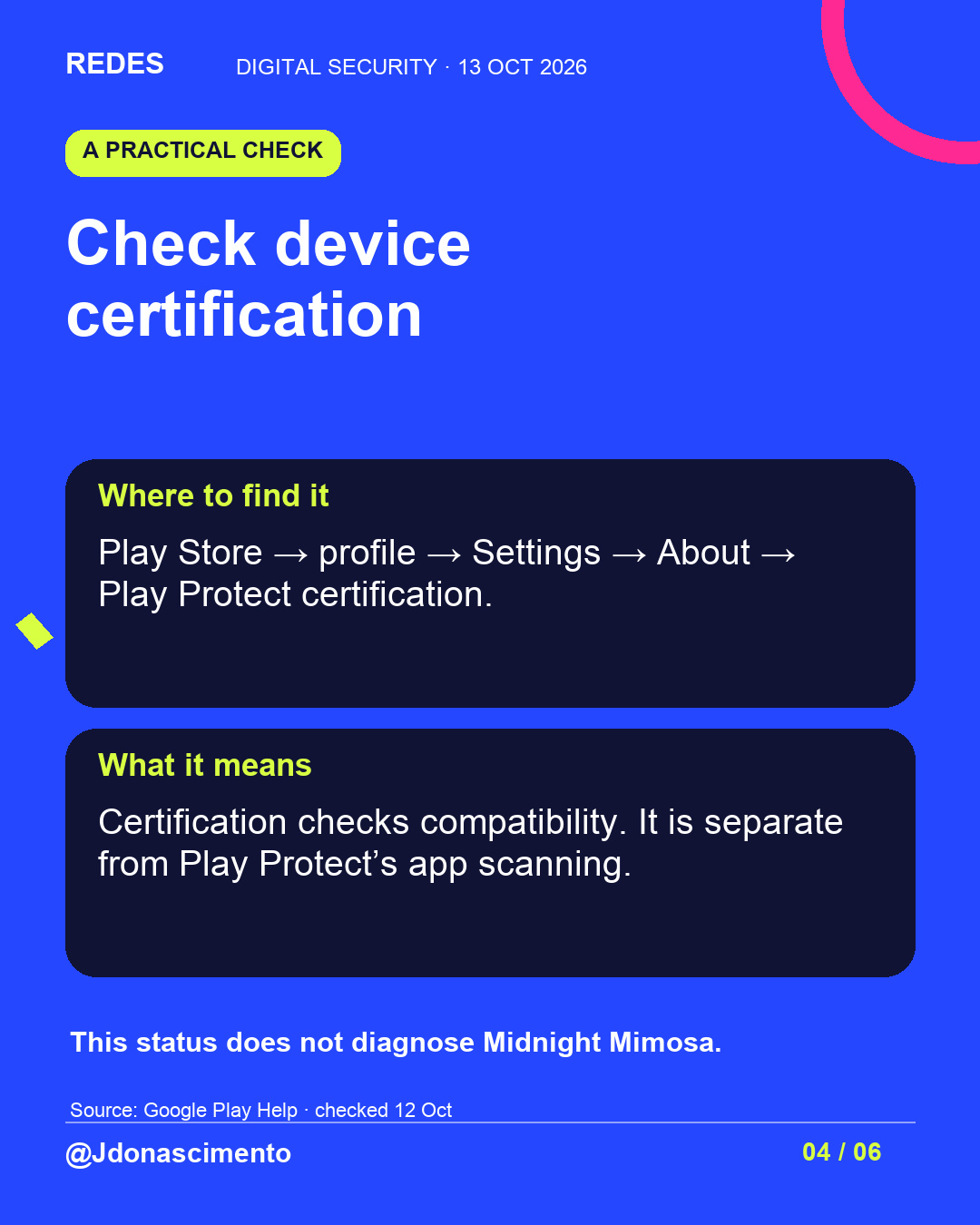
The Midnight Mimosa case raises a useful question about a device’s origins. Swipe through the findings and checks for the model, support and certification, without confusing a warning sign with a diagnosis.
Sources: Bitdefender’s investigation of 8 October, updated on 9 October, and Google guidance checked on 12 October 2026.
https://www.bitdefender.com/en-us/blog/labs/midnight-mimosa-malware
https://support.google.com/googleplay/answer/7165974?hl=en
https://support.google.com/accounts/answer/9924802?co=GENIE.Platform%3DAndroid&hl=en-GB
For more content, visit: https://redes-jdonascimento.pages.dev/en/
#MidnightMimosa #CyberSecurity #Android #DigitalSafety #Technology
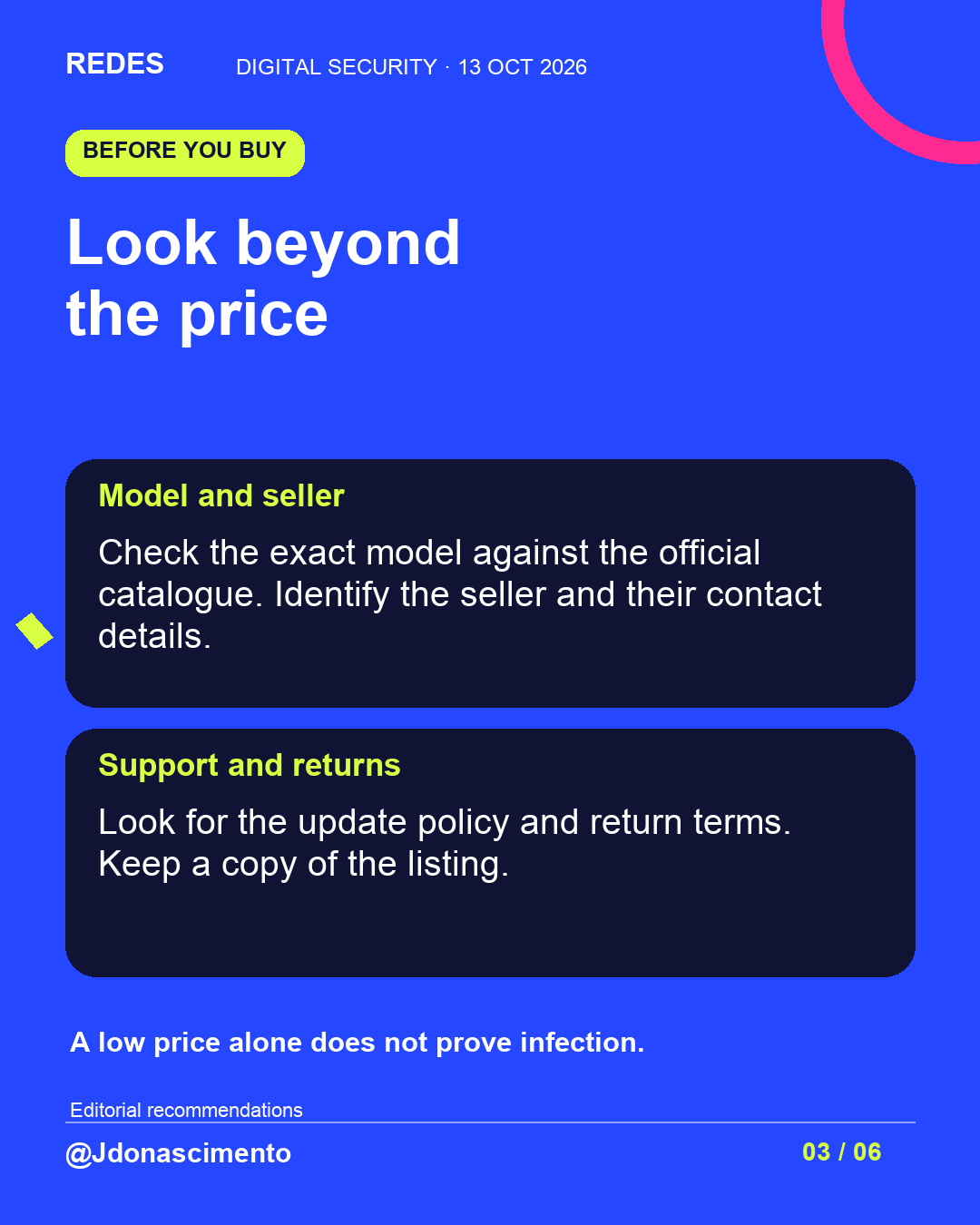
Before using a new phone, check who sells it and who will keep it updated.
Midnight Mimosa takes that conversation beyond cameras and storage. The images explain the findings and practical device checks. Price or an unusual advert alone cannot identify an infection.
Practical advice: keep the exact model, listing and return terms. If something is wrong, these details can help you explain it to support.
View the full carousel. Which information is hardest to find before you buy?
Sources and dates: Bitdefender, 8 October 2026, updated on 9 October; Google Help, checked on 12 October.
https://www.bitdefender.com/en-us/blog/labs/midnight-mimosa-malware
https://support.google.com/googleplay/answer/7165974?hl=en
https://support.google.com/accounts/answer/9924802?co=GENIE.Platform%3DAndroid&hl=en-GB
For more content, visit: https://redes-jdonascimento.pages.dev/en/
#MidnightMimosa #CyberSecurity #Android #Technology
X
1/5 Could a new phone arrive with malware? Midnight Mimosa puts device origins in focus. This thread covers checks for before and after you buy. #CyberSecurity #Android
2/5 Check the model against the official catalogue. Review the seller, support, updates and return terms. Price alone cannot identify an infection. #Technology #DigitalSafety
3/5 Check certification in Play Store → profile → Settings → About. It is separate from app scanning and does not diagnose this campaign. Guide: https://support.google.com/googleplay/answer/7165974?hl=en #Android #CyberSecurity
4/5 If something is wrong, note the problem and contact official support. Do not install an advertised miracle fix. The research behind this thread: https://www.bitdefender.com/en-us/blog/labs/midnight-mimosa-malware #MidnightMimosa #DigitalSafety
5/5 Save these checks for your next purchase. What do you check first when choosing a phone? For more content, visit: https://redes-jdonascimento.pages.dev/en/ #Technology #CyberSecurity