Office 2021 support ends on 13 October: how to prepare without rushing into a purchase
Identifying your installed version and testing the files you actually use can help you choose between a subscription, a one-off purchase and free alternatives.
Read related article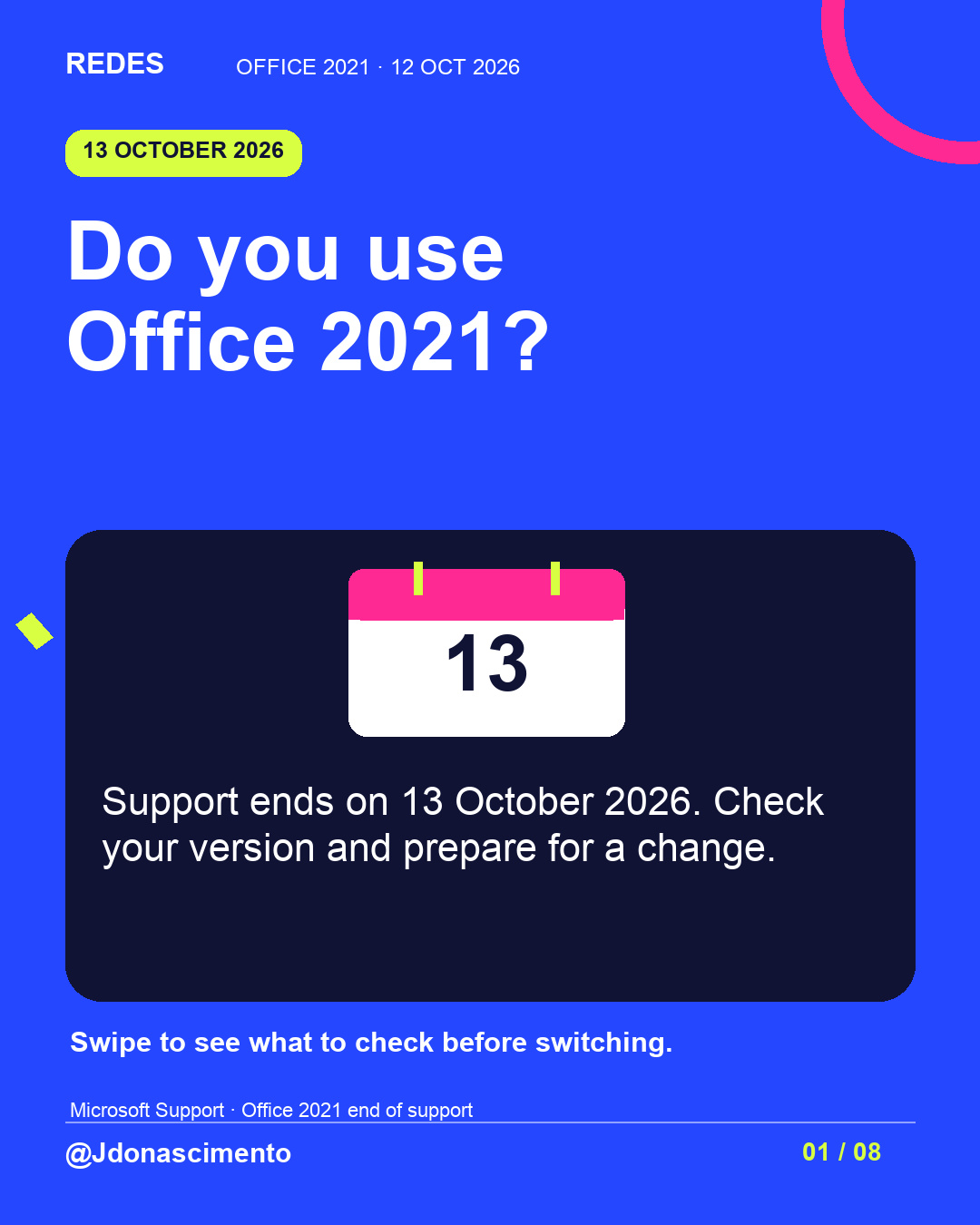
Did you buy Office a few years ago and keep using the same version? It is worth checking which one you have.
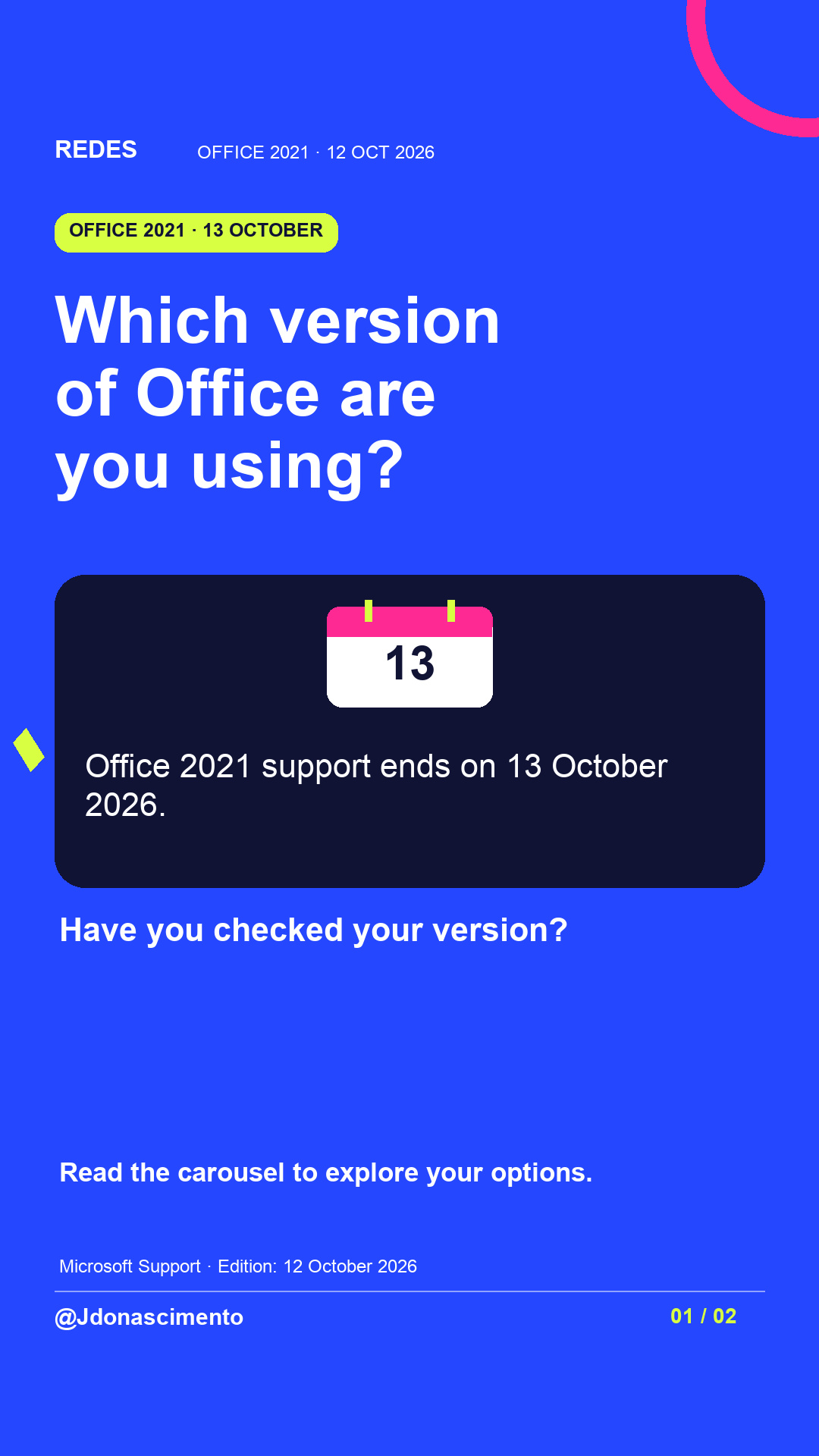
Office 2021 support ends on 13 October 2026. Swipe to identify your version, compare options and test your files before switching.
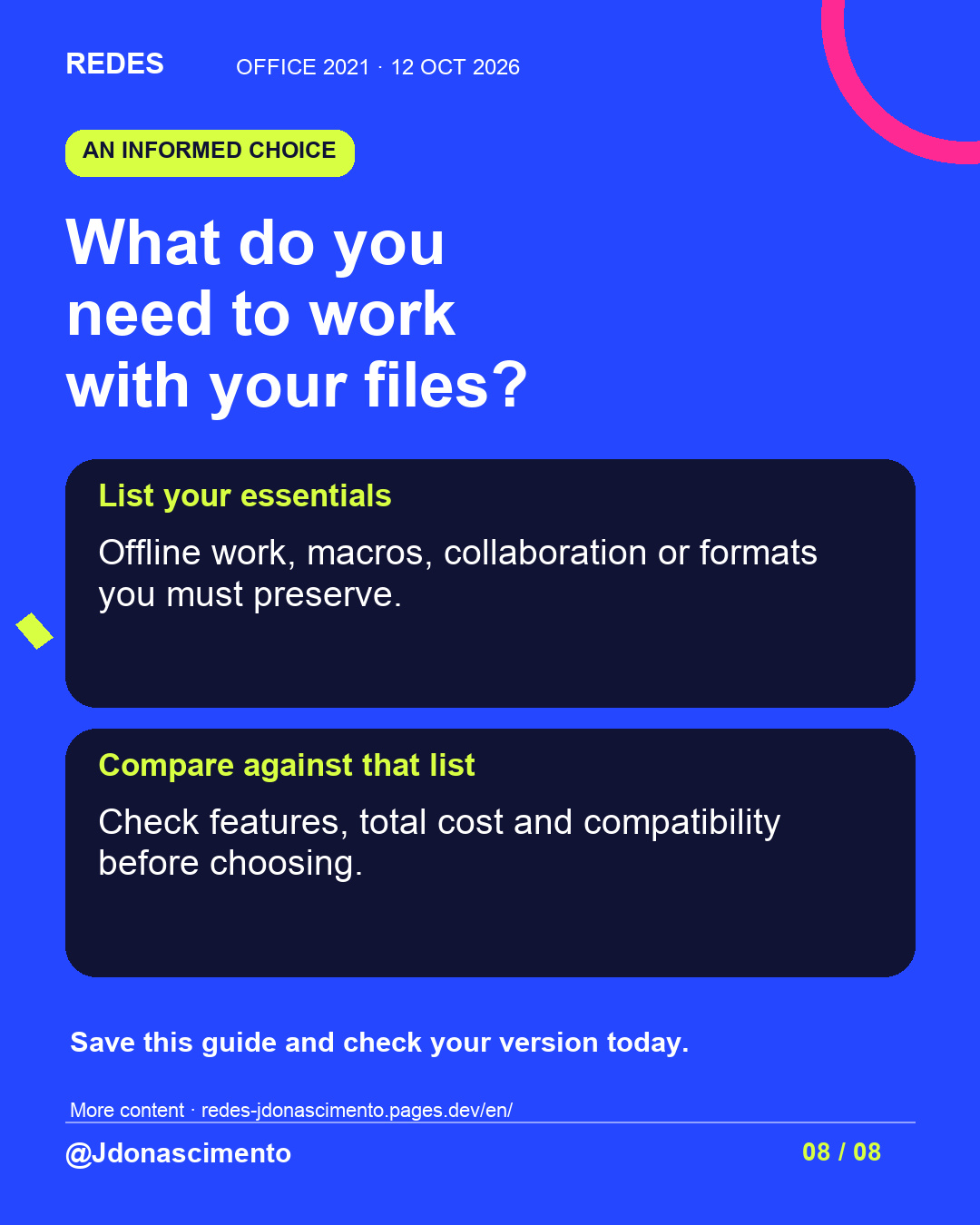
What do you need to keep: offline work, macros or collaboration?
Jenny Do Nascimento Gouveia / Journalist / @jdonascimento
Source for the date: https://support.microsoft.com/en-us/office/system-requirements/end-of-support-for-office-2021
For more content, visit: https://redes-jdonascimento.pages.dev/en/
#Office2021 #DigitalSecurity #Productivity #Technology
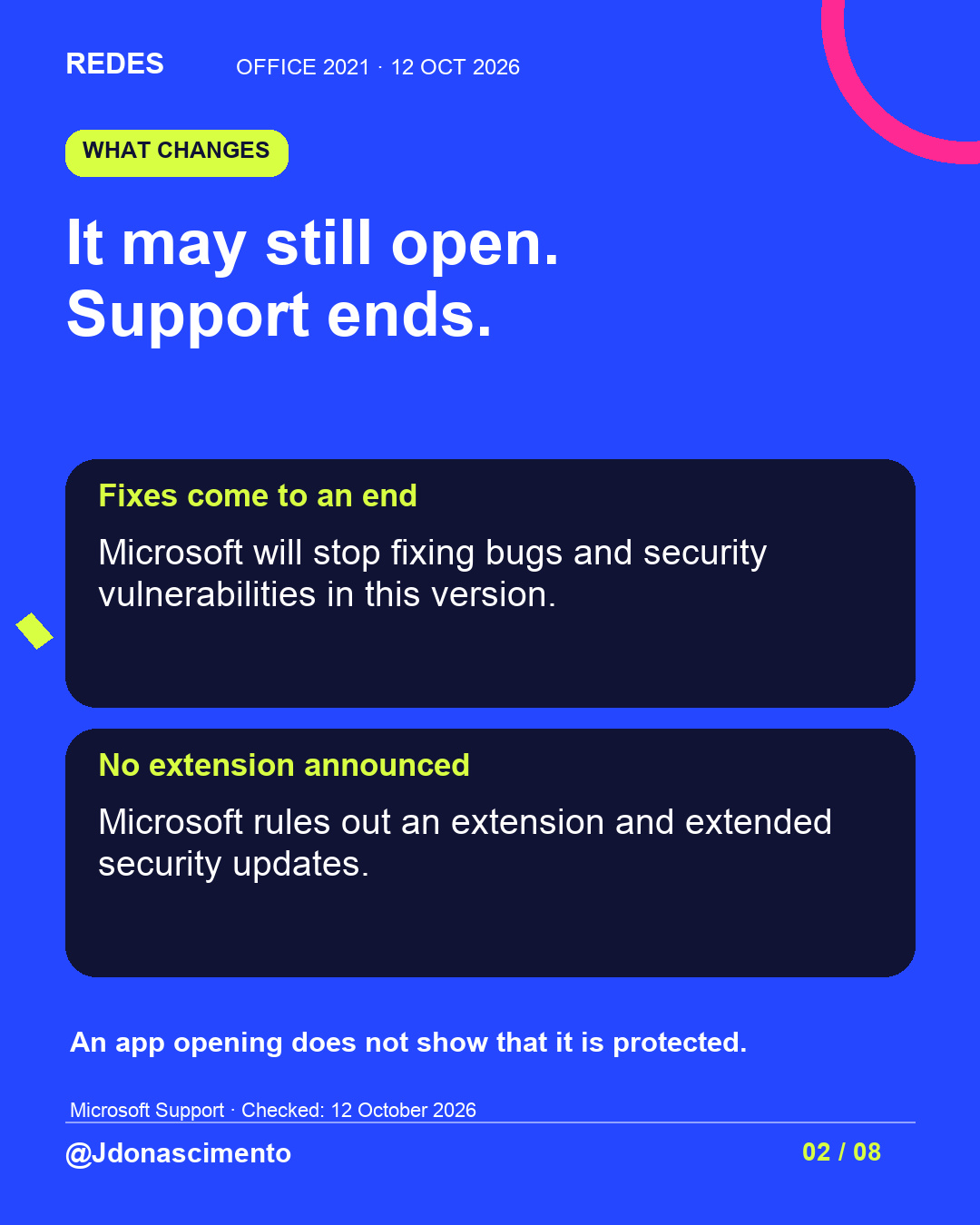
Do you use Office 2021 for work or study? Microsoft says its support ends on 13 October 2026. The apps may continue working, but this version will stop receiving security fixes.
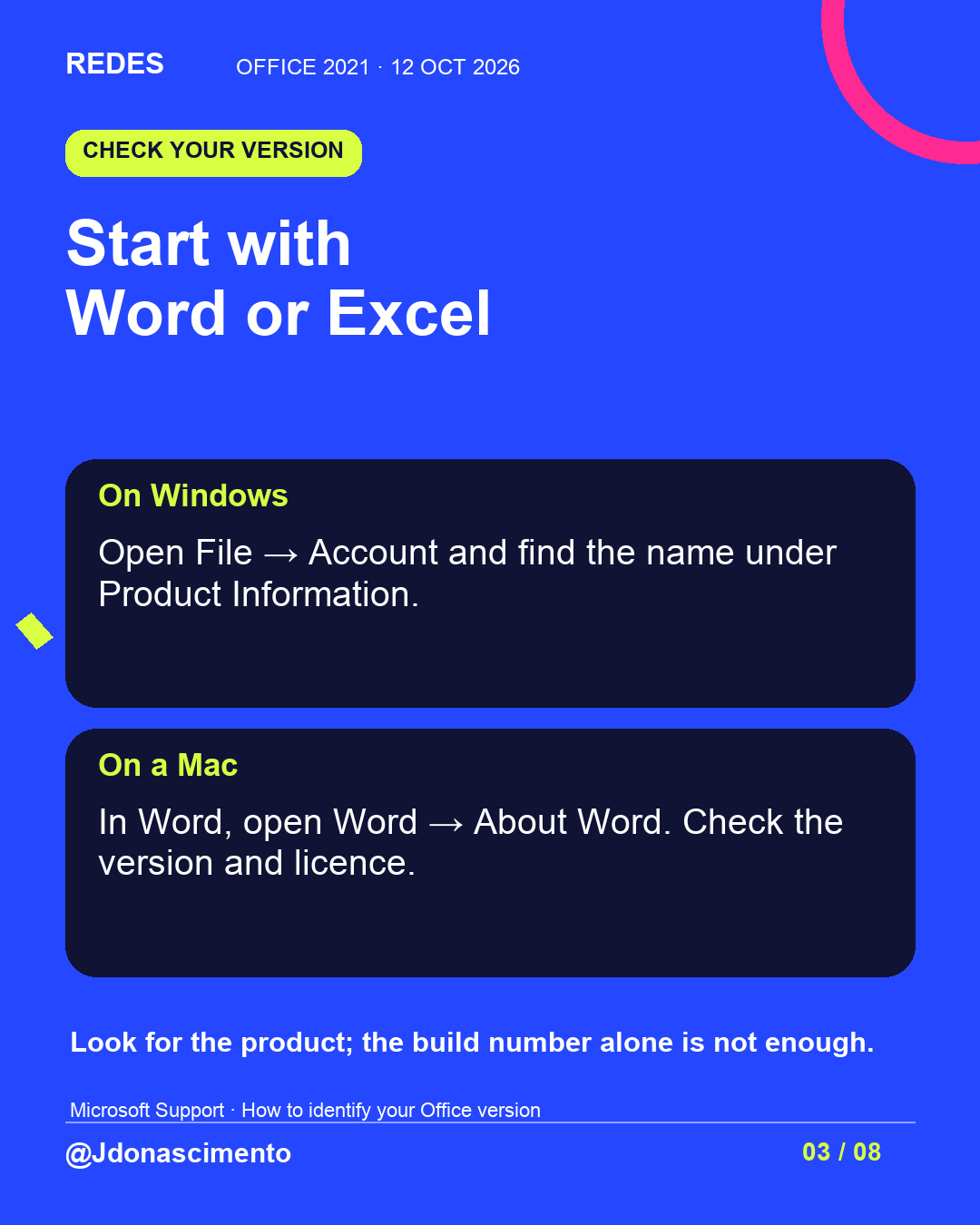
Before choosing an alternative, identify your product: on Windows, File → Account; on a Mac, Word → About Word. If your organisation manages the computer, ask about its upgrade plan.
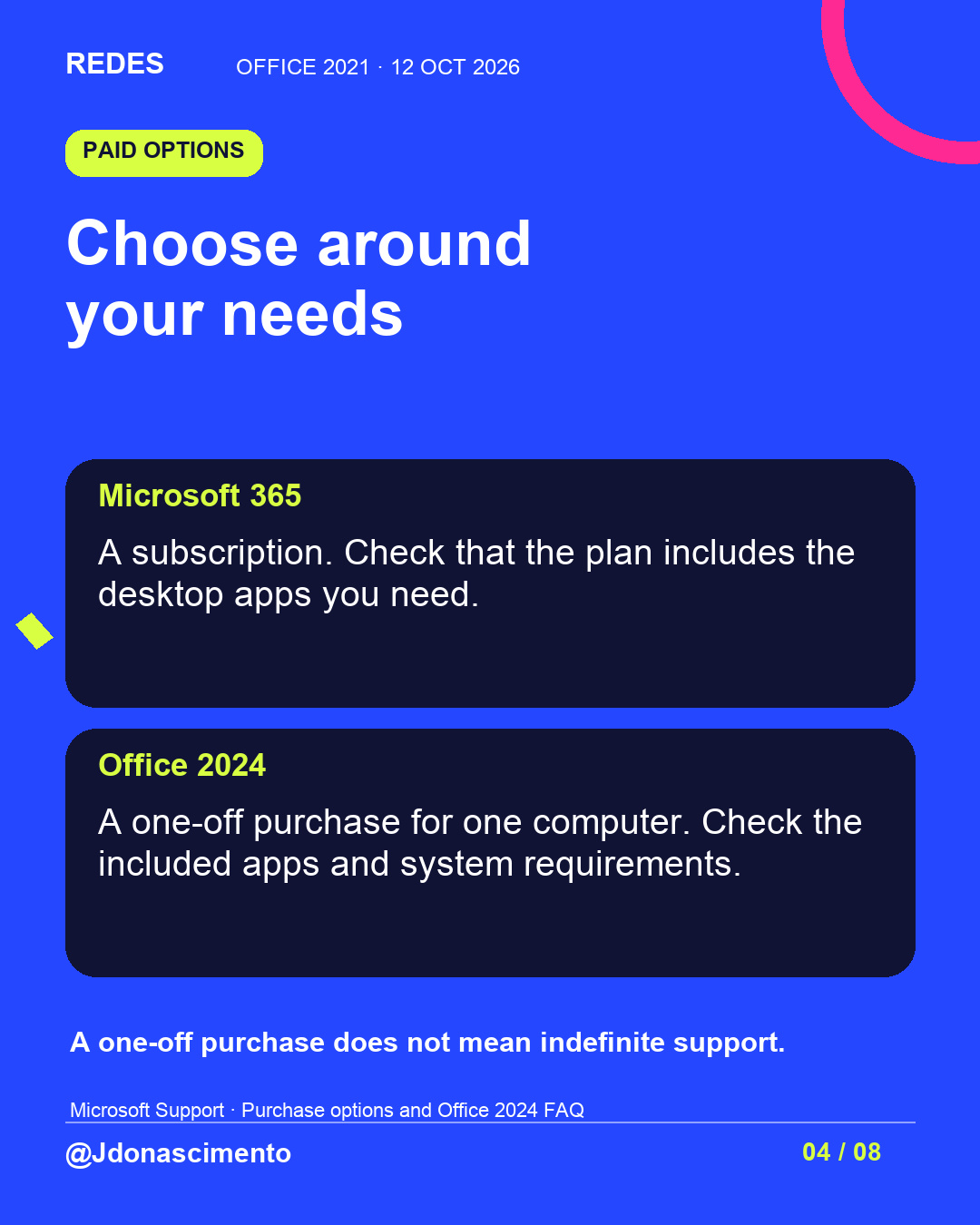
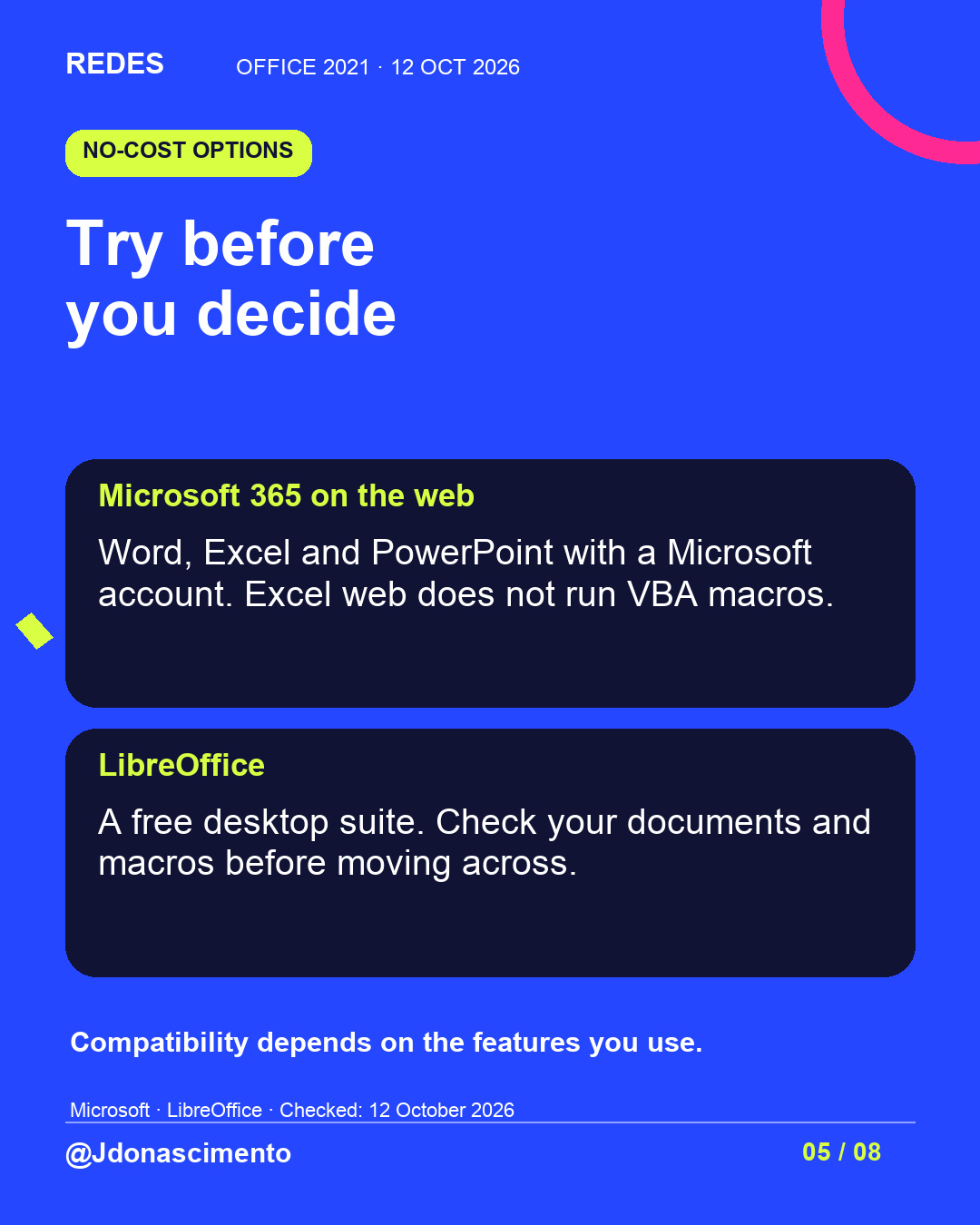
You can compare Microsoft 365, Office 2024, Microsoft’s free browser apps and LibreOffice. Features and terms differ: Excel web does not run VBA macros, and switching suites requires compatibility checks.
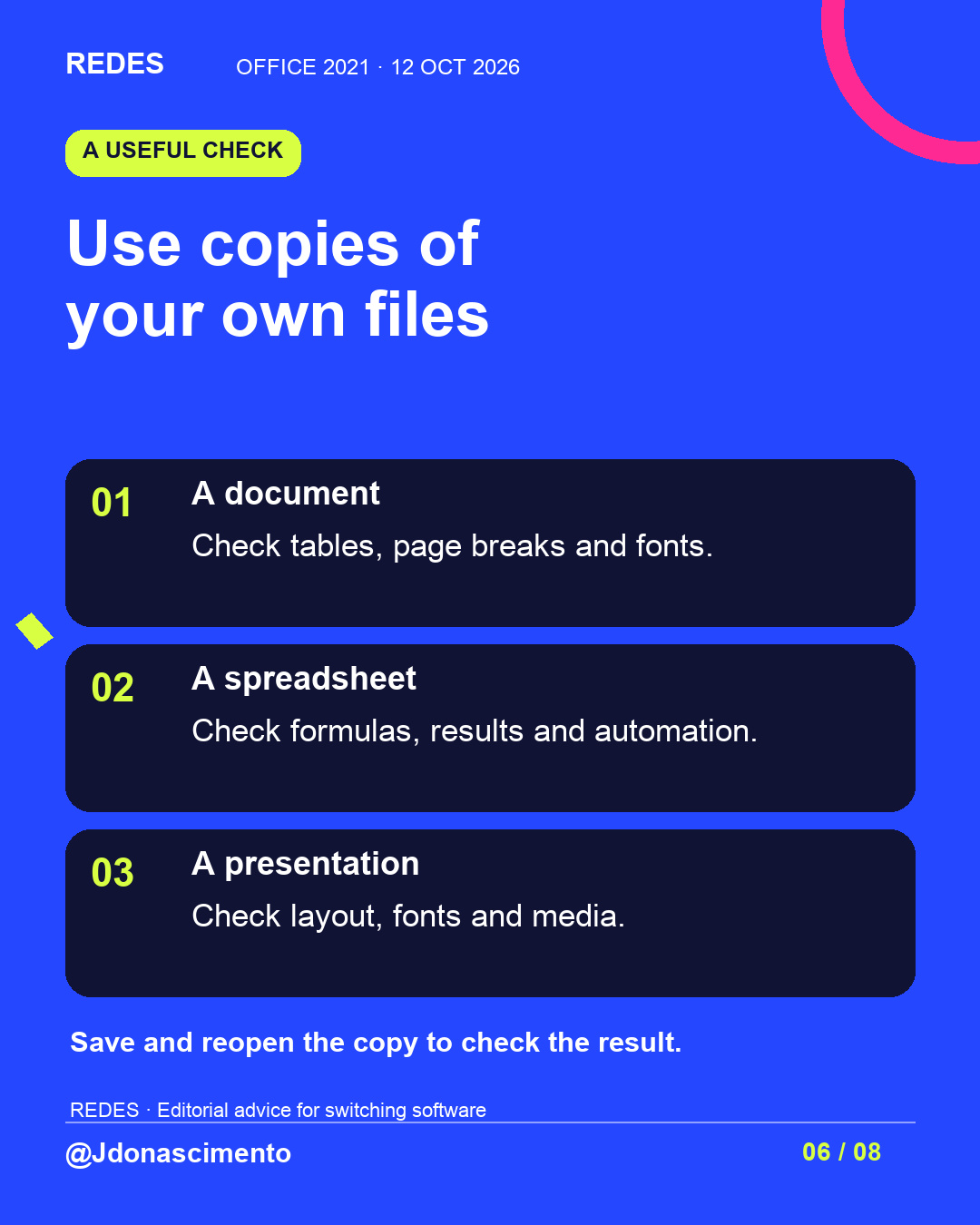
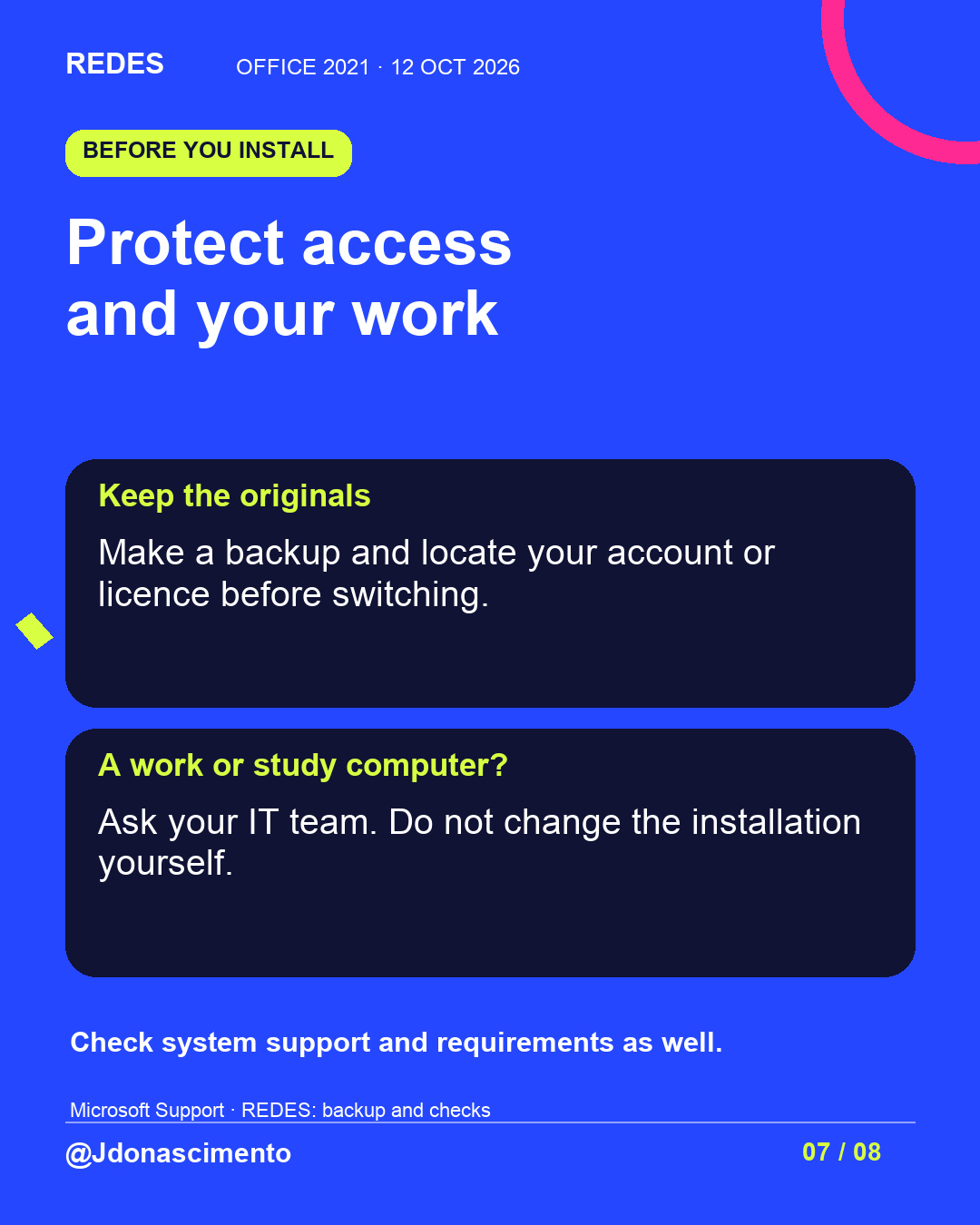
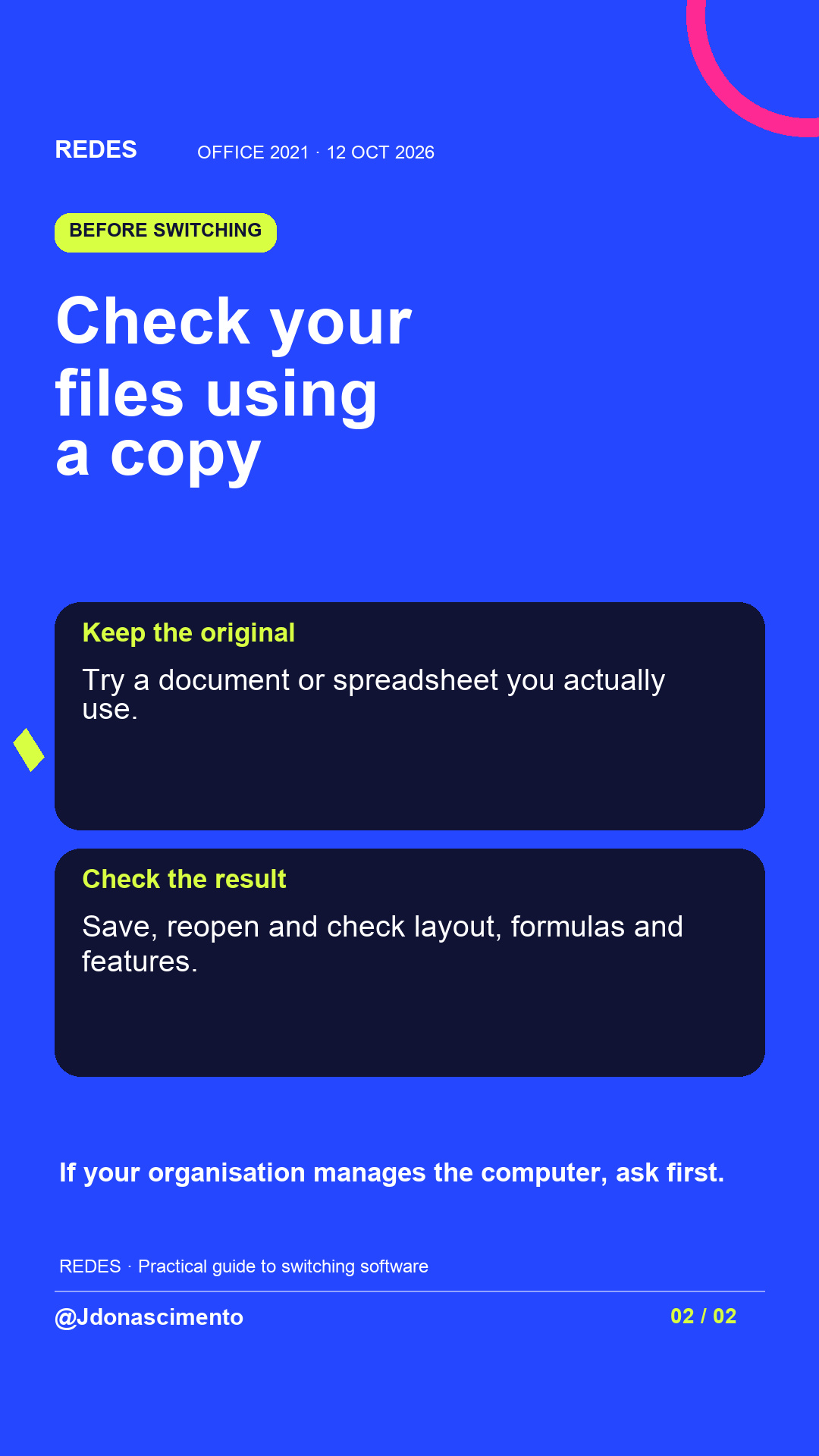
Try copies of your files. Check formulas and layout, save and reopen. Keep the originals and check system requirements before installing.
Read the slides to follow the guide. Which feature is essential for you?
Jenny Do Nascimento Gouveia / Journalist / @jdonascimento
Sources: https://support.microsoft.com/en-us/office/system-requirements/end-of-support-for-office-2021
https://support.microsoft.com/en-us/accounts-billing/subscriptions/try-or-buy-microsoft-365
https://support.microsoft.com/en-us/excel/differences-between-using-a-workbook-in-the-browser-and-in-excel
https://www.libreoffice.org/
For more content, visit: https://redes-jdonascimento.pages.dev/en/
#Office2021 #DigitalSecurity #Productivity
X
1/6 Do you use Office 2021? Support ends on 13 October 2026. Microsoft rules out an extension and extended security updates. #Office2021 #DigitalSecurity https://support.microsoft.com/en-us/office/system-requirements/end-of-support-for-office-2021
2/6 Identify the product: Windows, File → Account. Mac, Word → About Word. Check the name and licence; using Word does not mean you have Office 2021. #Office2021 #Productivity https://support.microsoft.com/en-us/office/lifecycle/lc-account/about-office-what-version-of-office-am-i-using
3/6 Compare Microsoft 365 (subscription) and Office 2024 (one-off purchase). Check apps, requirements and total cost. A one-off purchase does not mean indefinite support. #Office2021 #Microsoft365 https://support.microsoft.com/en-us/accounts-billing/subscriptions/try-or-buy-microsoft-365
4/6 No-cost options include Microsoft 365 on the web and LibreOffice. Excel web does not run VBA macros. Test your files before switching. #Office2021 #LibreOffice https://support.microsoft.com/en-us/excel/differences-between-using-a-workbook-in-the-browser-and-in-excel
5/6 Make a backup. Test copies, save and reopen: check layout, formulas and features. If your organisation manages the computer, ask IT first. #Office2021 #DigitalSecurity
6/6 Which feature do you need to keep?
Jenny Do Nascimento Gouveia / Journalist / @jdonascimento
More content: https://redes-jdonascimento.pages.dev/en/
#Office2021 #Productivity