Repair or replace your phone: questions to ask before buying
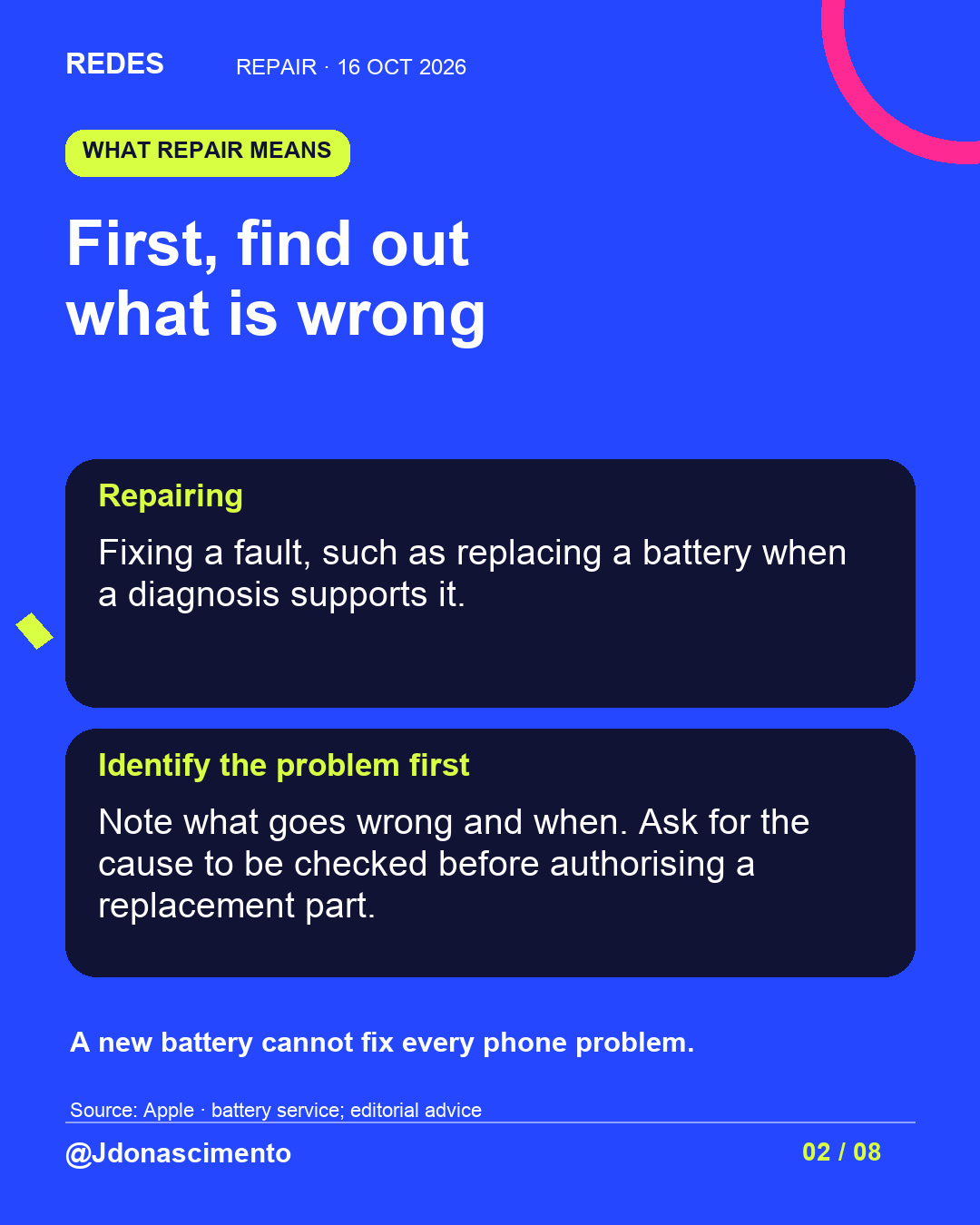
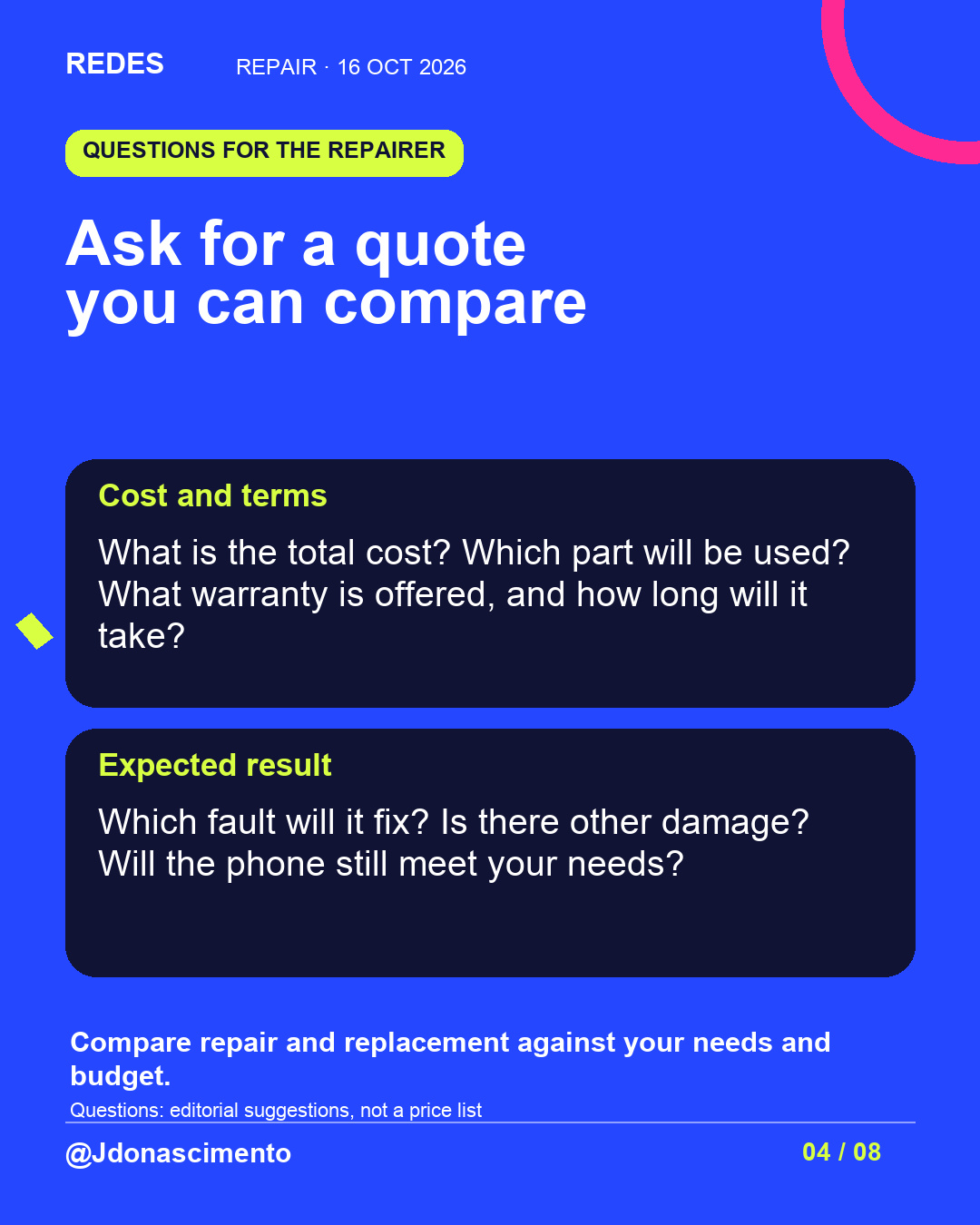
Diagnosis and cost, alongside steps to back up your data, protect it during repairs and erase it before parting with the phone.
Read related article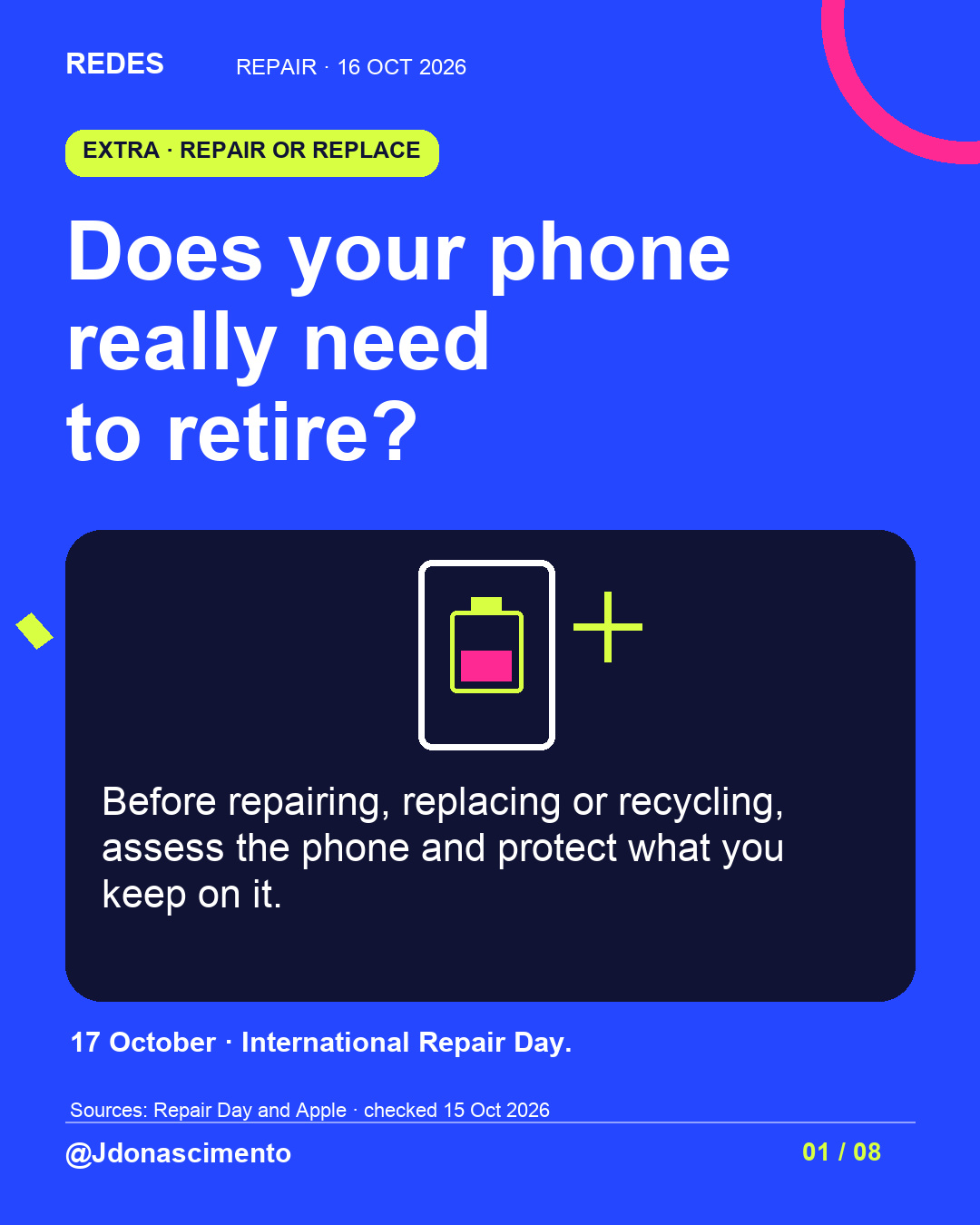
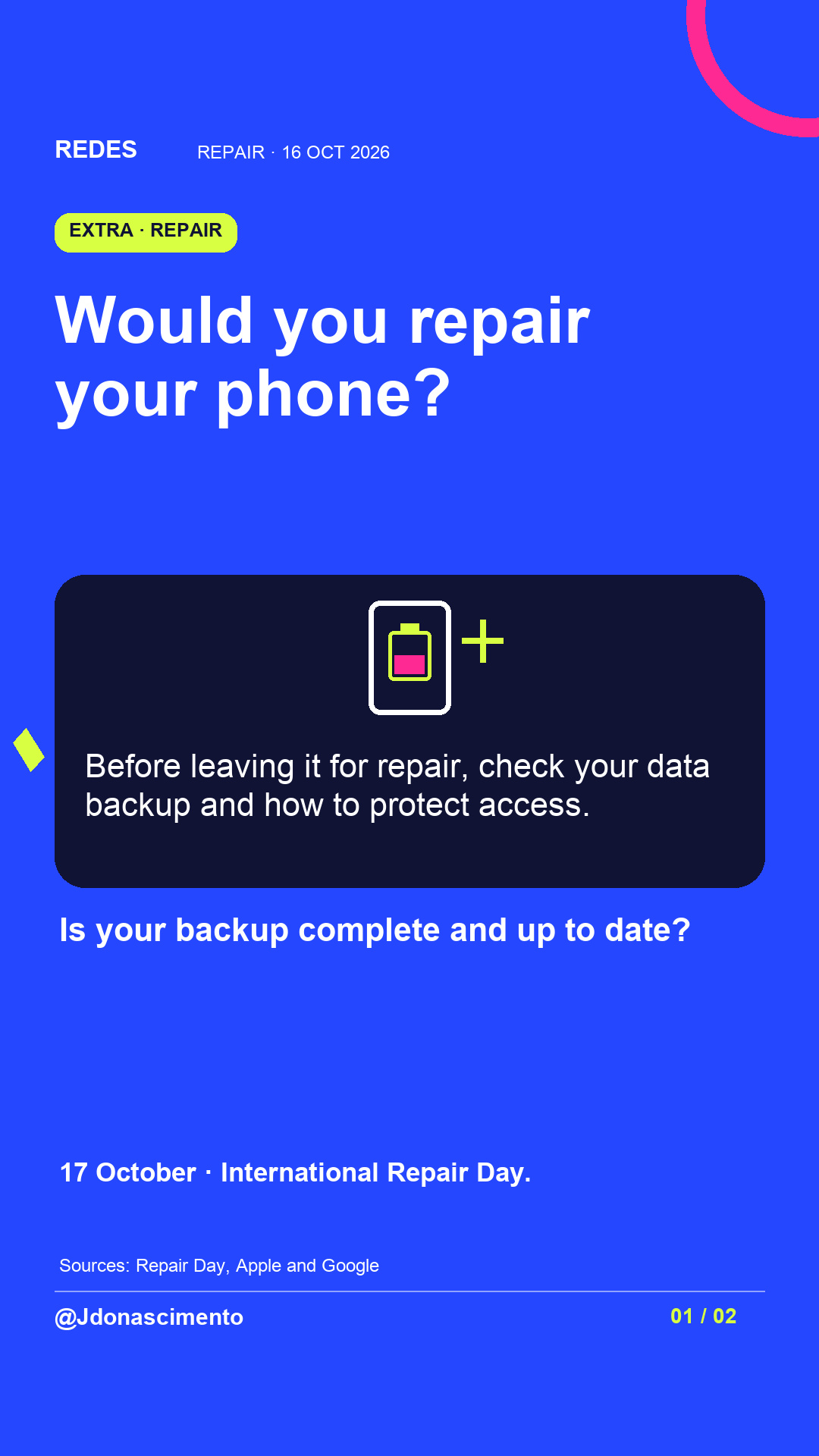
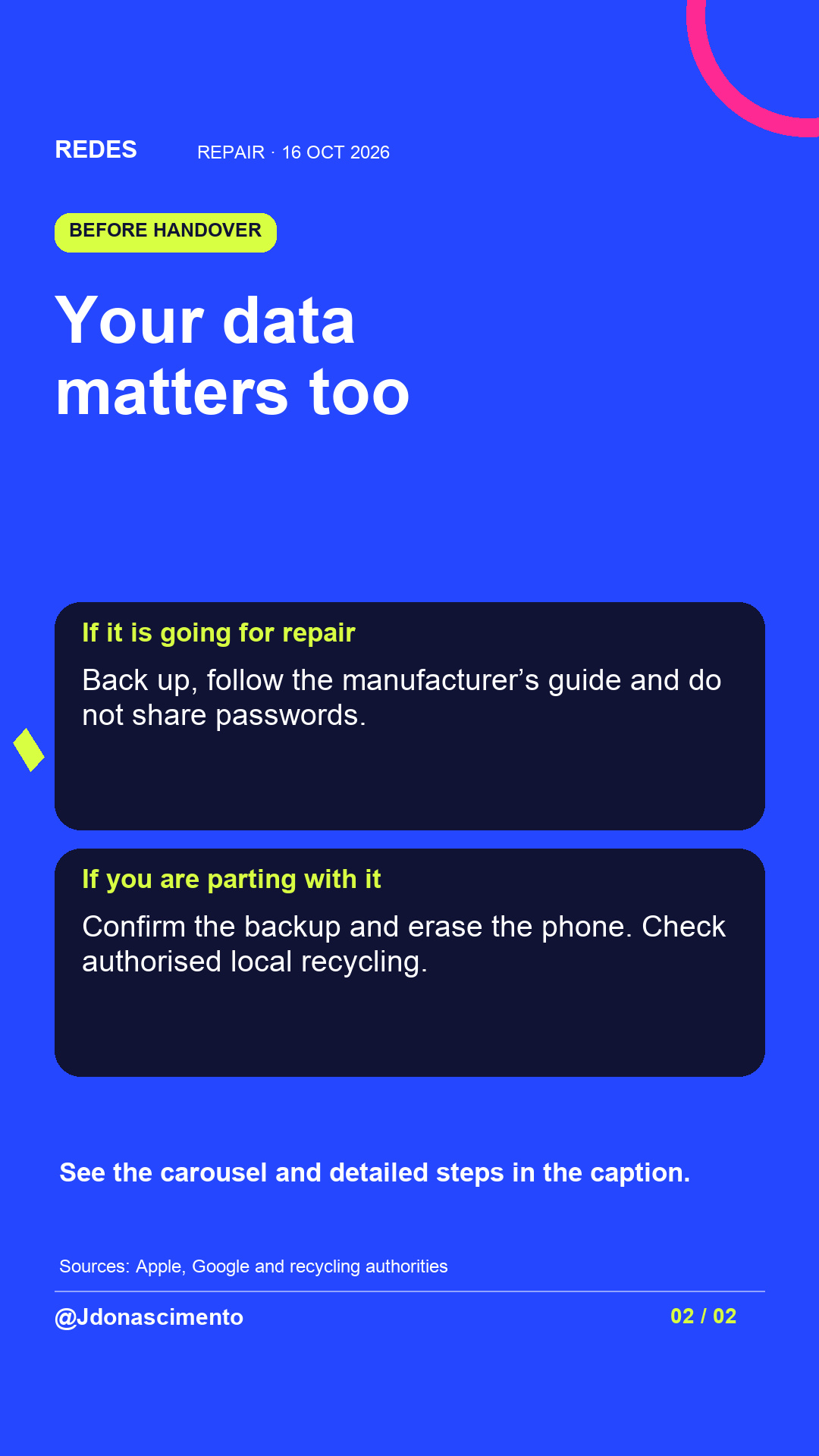
Leaving your phone with a repairer or parting with it? Alongside the quote, check what happens to your data. Swipe to plan the handover.
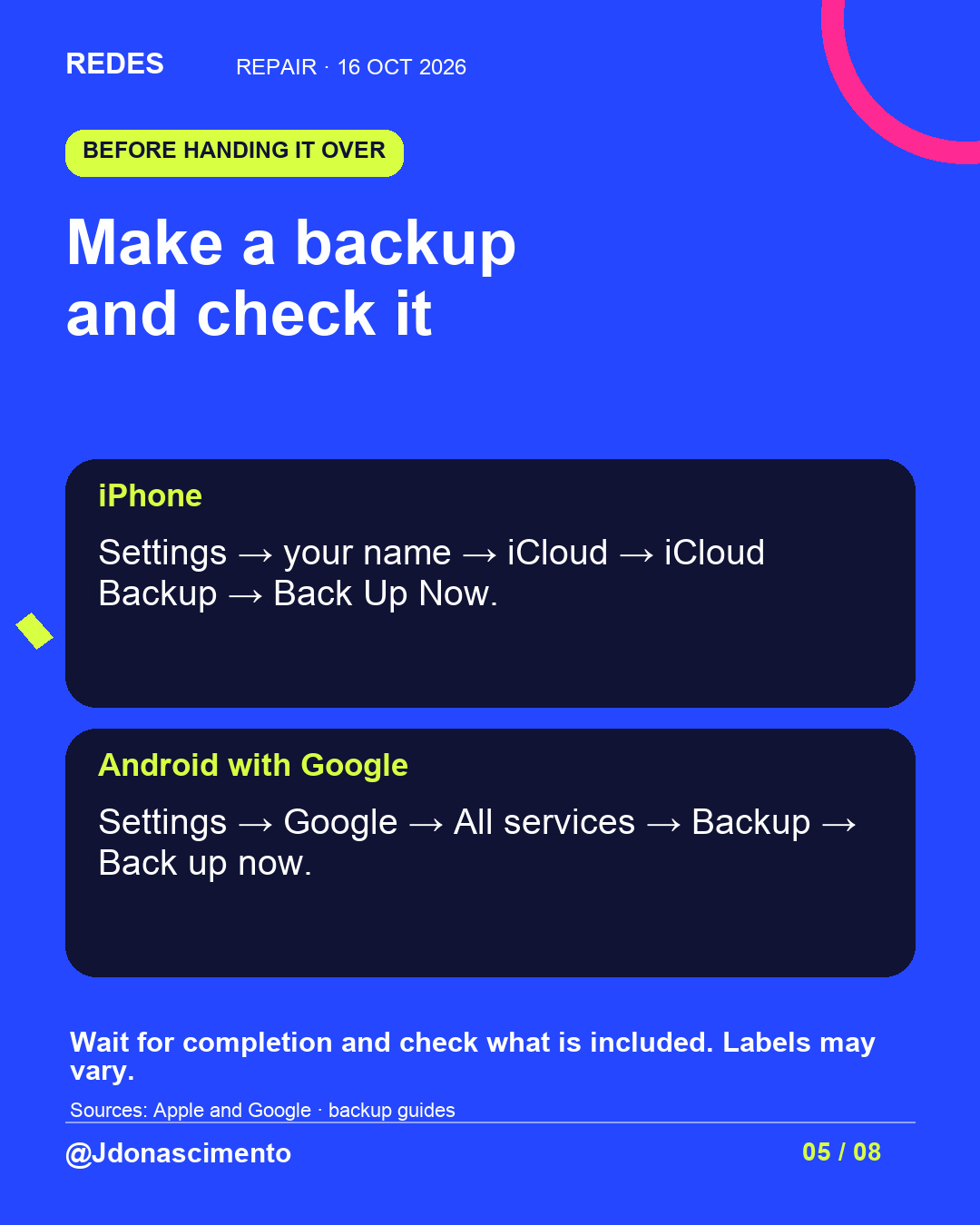
BEFOREHAND: finish the backup, check its date, and review photos, contacts, files and app data. A general backup may not include everything. Check you can access your accounts without this phone.
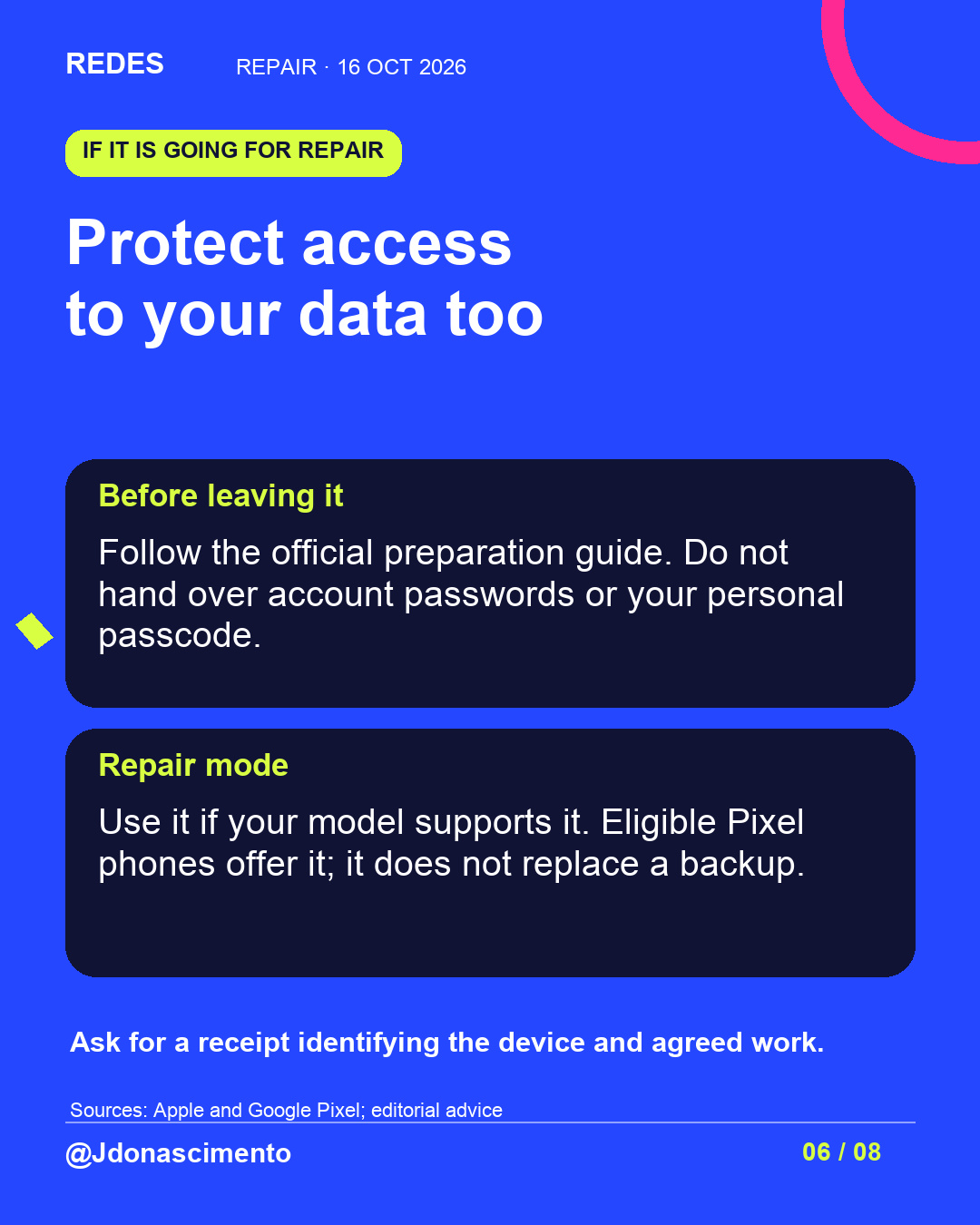
FOR REPAIR: follow the official preparation guide. Use repair mode if supported, but still back up. If asked to unlock the phone for a test, remain present.
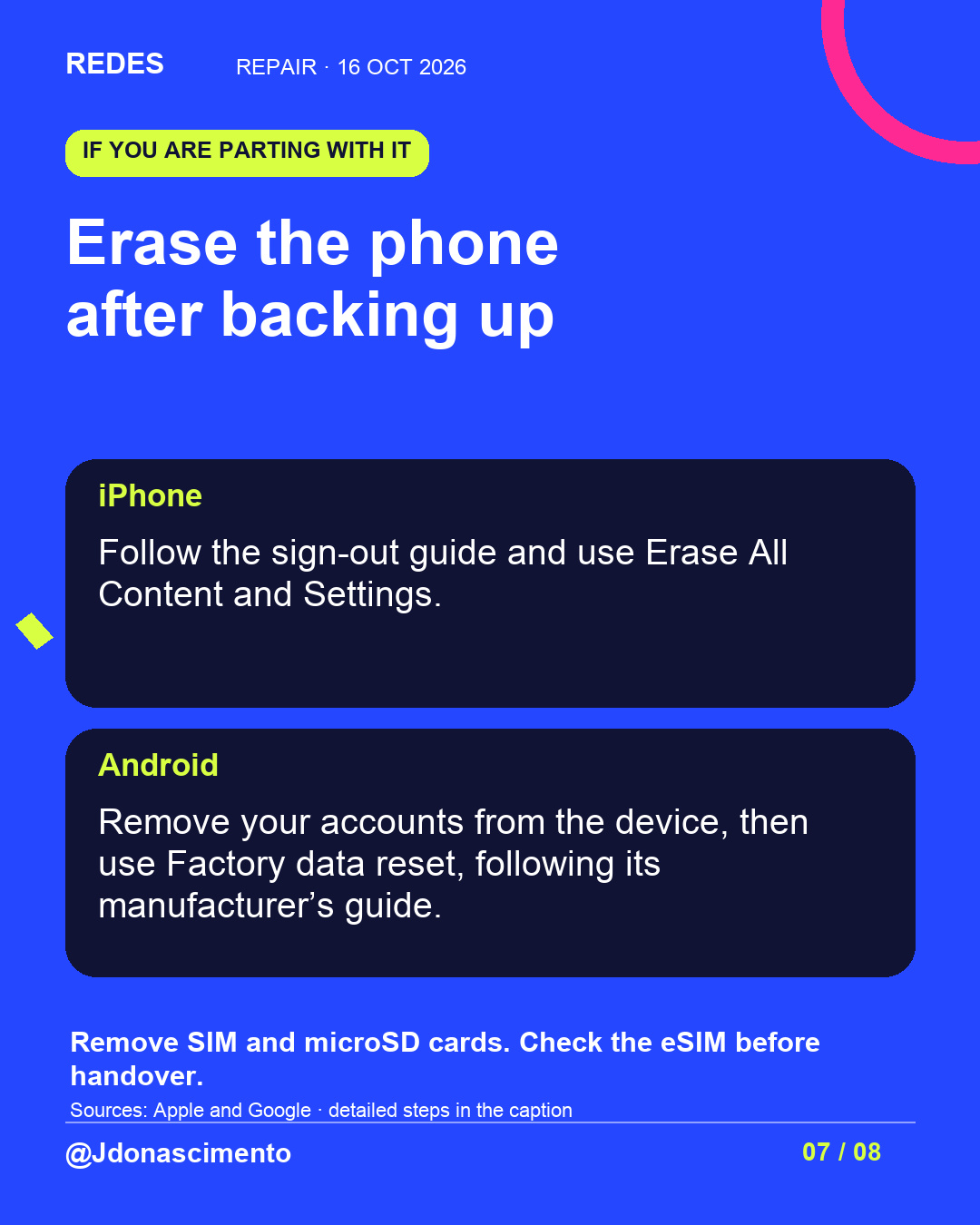
TO SELL, GIVE AWAY OR RECYCLE: first confirm the backup or transfer. Sign out or remove accounts from the device using the official guide. On iPhone: Settings → General → Transfer or Reset → Erase All Content and Settings. On Android: look for a factory reset in Settings; the path depends on the model. Deleting photos manually is not enough: synced photos could also be deleted from the cloud.
Remove SIM and microSD cards. If using an eSIM, transfer the line first if you are keeping it, then erase its profile from the old phone. Wait for the initial setup screen. If it will not start or you cannot confirm erasure, ask the manufacturer or a specialist service.
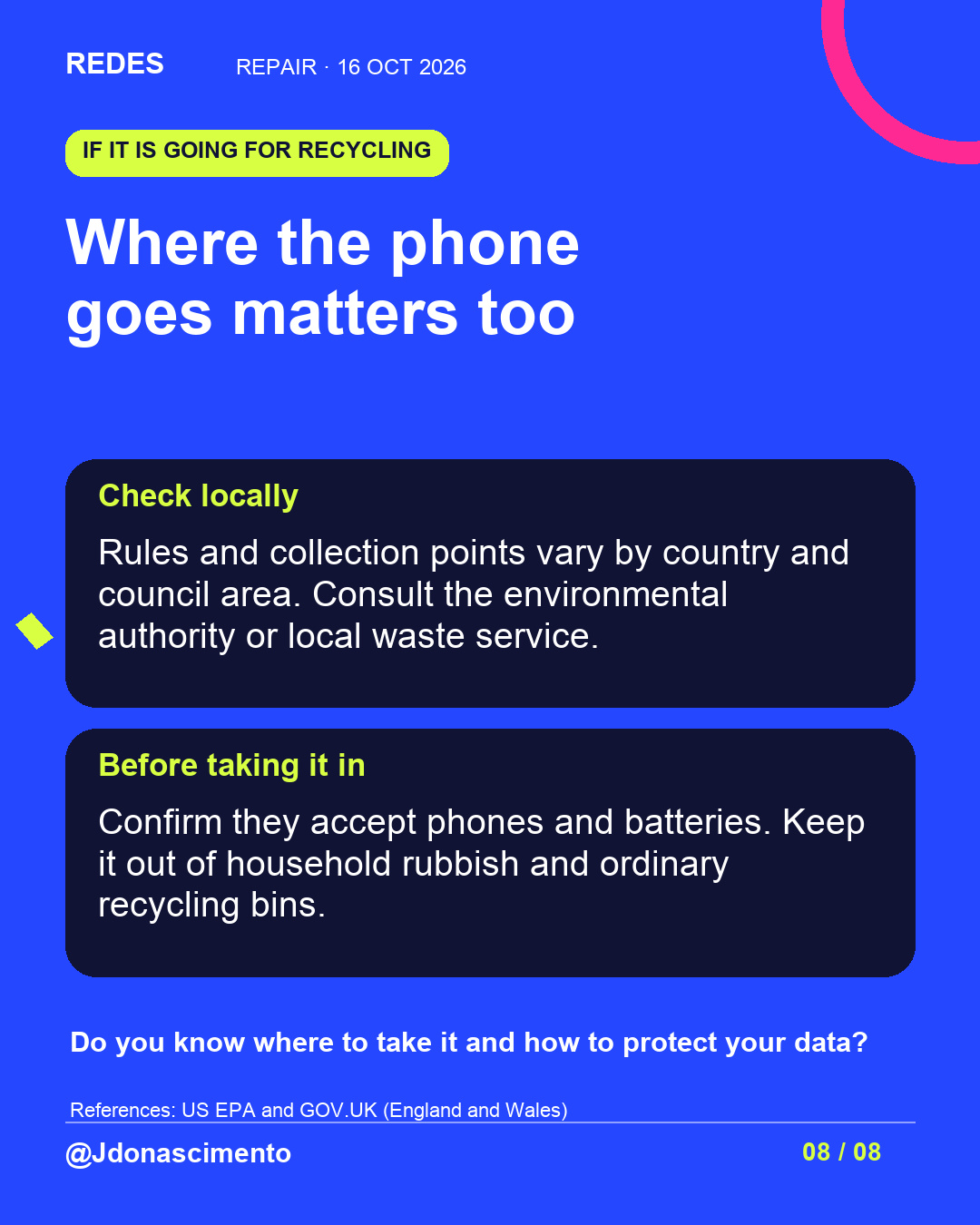
RECYCLING: check your country and local authority’s rules and authorised collection points; confirm they accept phones and batteries. Erasing data does not determine where to dispose of the device.
Guides: https://support.apple.com/en-ie/109511
https://support.google.com/android/answer/6088915?hl=en
https://support.google.com/android/answer/2819582?hl=en
https://support.google.com/pixelphone/answer/14266732?hl=en
Tomorrow, 17 October, is International Repair Day. More: https://redes-jdonascimento.pages.dev/en/
#Repair #Privacy #Technology
Leaving your phone with a repairer or parting with it? Alongside the quote, check what happens to your data. Swipe to plan the handover.
BEFOREHAND: finish the backup, check its date, and review photos, contacts, files and app data. A general backup may not include everything. Check you can access your accounts without this phone.
FOR REPAIR: follow the official preparation guide. Use repair mode if supported, but still back up. If asked to unlock the phone for a test, remain present.
TO SELL, GIVE AWAY OR RECYCLE: first confirm the backup or transfer. Sign out or remove accounts from the device using the official guide. On iPhone: Settings → General → Transfer or Reset → Erase All Content and Settings. On Android: look for a factory reset in Settings; the path depends on the model. Deleting photos manually is not enough: synced photos could also be deleted from the cloud.
Remove SIM and microSD cards. If using an eSIM, transfer the line first if you are keeping it, then erase its profile from the old phone. Wait for the initial setup screen. If it will not start or you cannot confirm erasure, ask the manufacturer or a specialist service.
RECYCLING: check your country and local authority’s rules and authorised collection points; confirm they accept phones and batteries. Erasing data does not determine where to dispose of the device.
Sources checked: https://repairday.org/
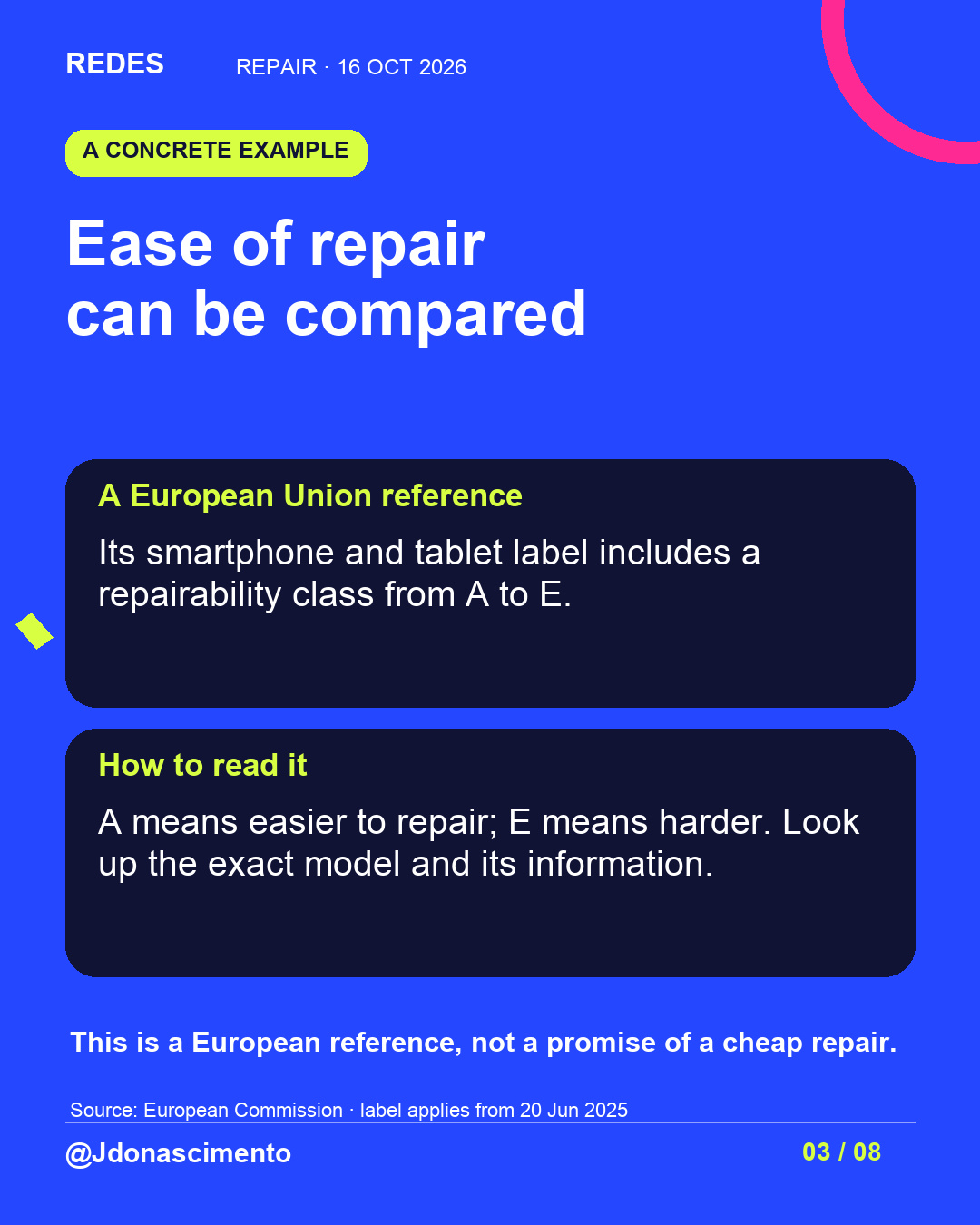
https://energy-efficient-products.ec.europa.eu/product-list/smartphones-and-tablets_en
https://support.apple.com/en-euro/109519
https://support.apple.com/iphone/repair/battery-replacement?services=service
https://support.apple.com/en-gb/108366
https://support.google.com/android/answer/2819582?hl=en
https://support.google.com/pixelphone/answer/14266732?hl=en
https://support.apple.com/en-ie/109511
https://support.google.com/android/answer/6088915?hl=en
https://support.google.com/android/answer/9459346?hl=en
https://www.epa.gov/recycle/electronics-donation-and-recycling
https://www.gov.uk/recycling-collections
Tomorrow, 17 October, is International Repair Day. More: https://redes-jdonascimento.pages.dev/en/
#Repair #Privacy #Technology
X
1/5 Repair or replace? Ask for a diagnosis and quote. Before handing your phone over, prepare your data too. International Repair Day is 17 October. #Repair #Technology
https://repairday.org/
2/5 Finish the backup and check its contents. Review photos, contacts, files and app data: a general backup may not include everything. #Privacy #Repair
https://support.google.com/android/answer/2819582?hl=en
3/5 For repair: follow official preparation advice and do not share passwords or your passcode. Repair mode on eligible Pixel phones still needs a backup. #Privacy #Technology
https://support.google.com/pixelphone/answer/14266732?hl=en
4/5 Parting with the phone? Confirm the backup, remove accounts and use a factory erase. Check SIM, microSD and eSIM. Avoid manually deleting synced photos. #Privacy #Repair
https://support.apple.com/en-ie/109511
5/5 Recycling varies by country and local area. Check authorised collection points for phones and batteries. If you cannot erase the device, seek specialist help. More: https://redes-jdonascimento.pages.dev/en/ #Recycling #Technology