Phone stolen or lost? How to protect your data and regain access
Your photos, payment cards and sign-in codes may all be on the same device. These are the steps worth knowing before you need a replacement phone.
Read related article
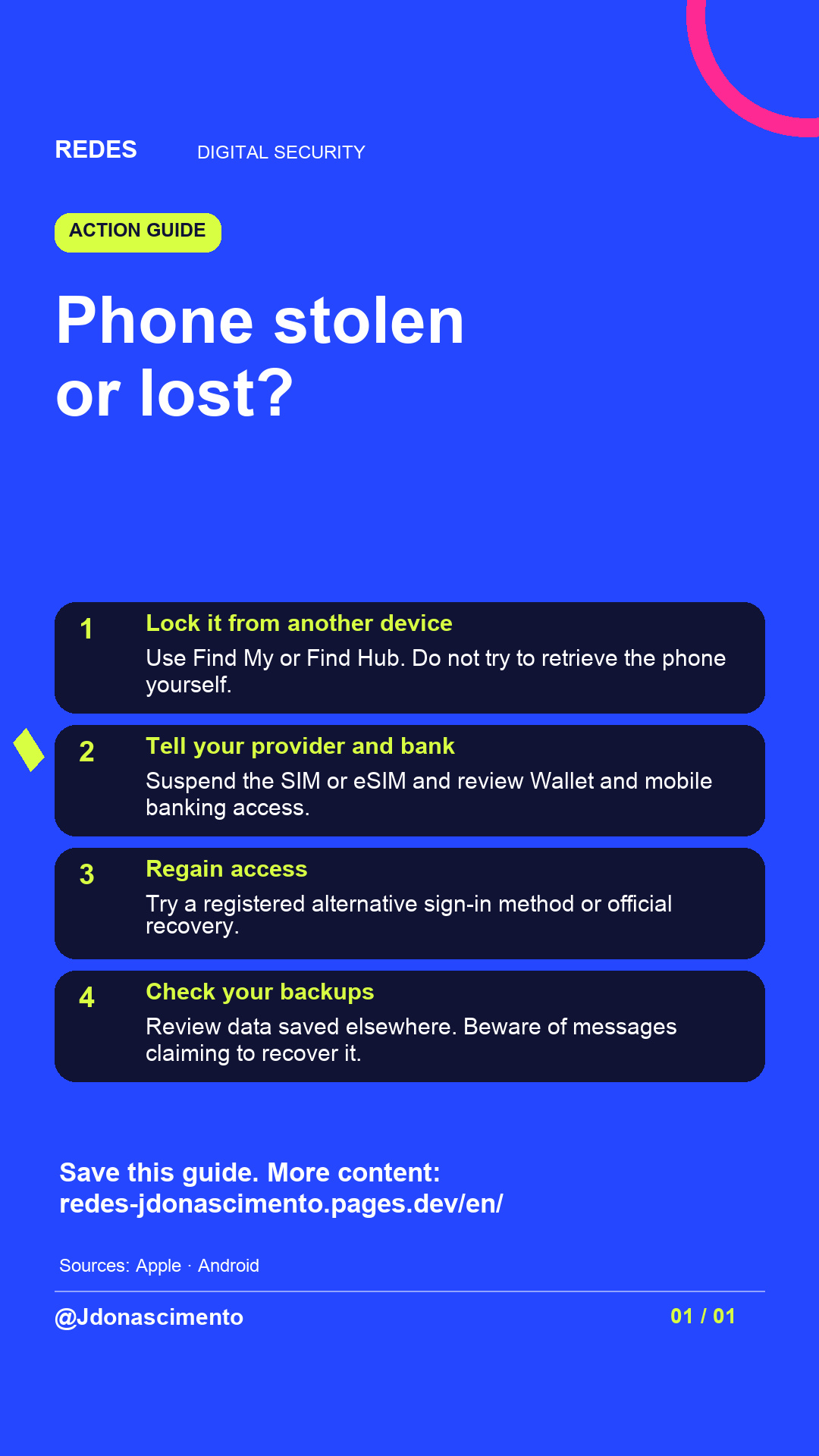
Phone stolen or lost? What if your email sign-in code goes to that very phone?
Swipe to explore how to protect your accounts, what happens to Wallet and what determines whether you can recover your photos and files. Find out what to do if you cannot remember your password and how to spot scams that may follow.
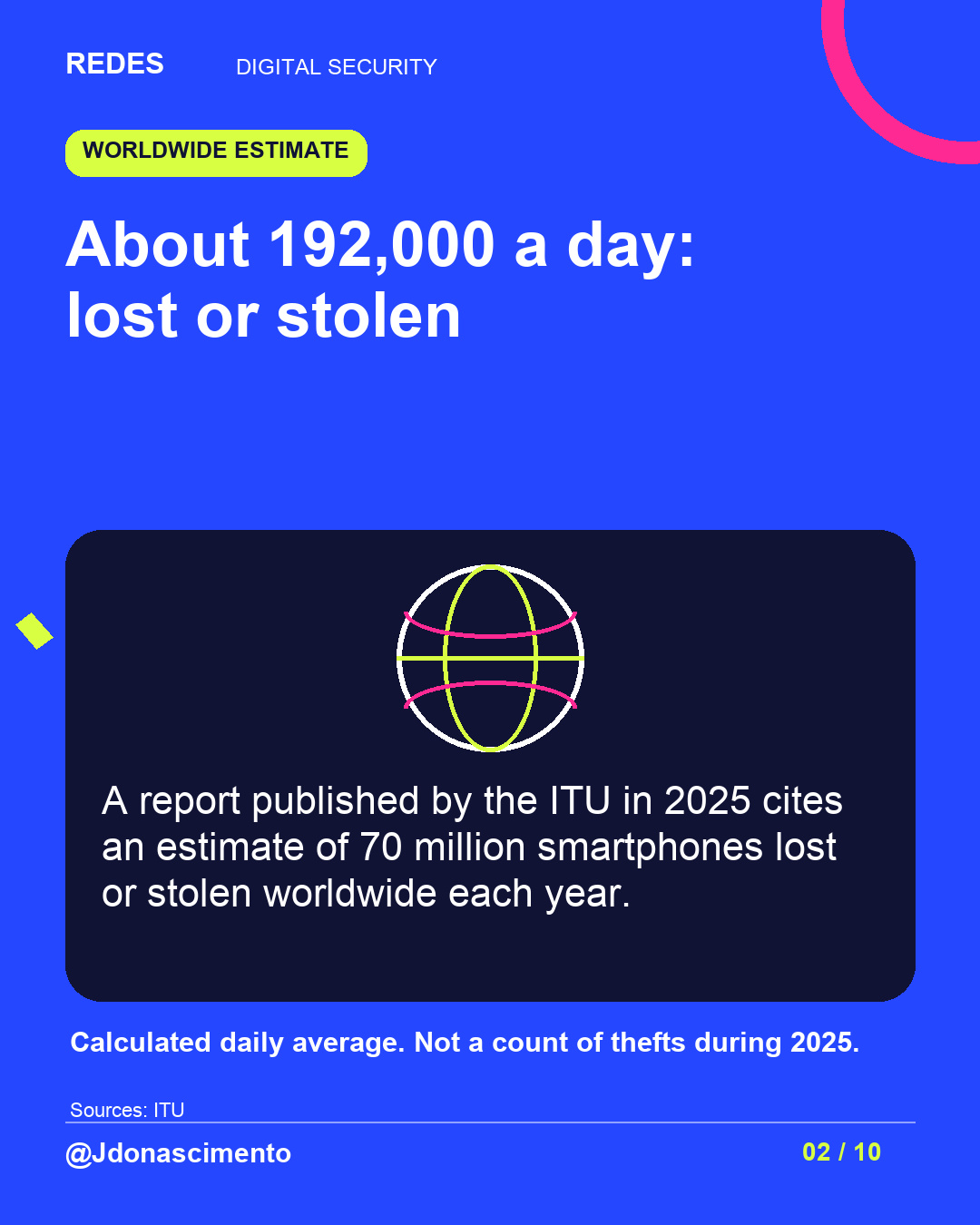
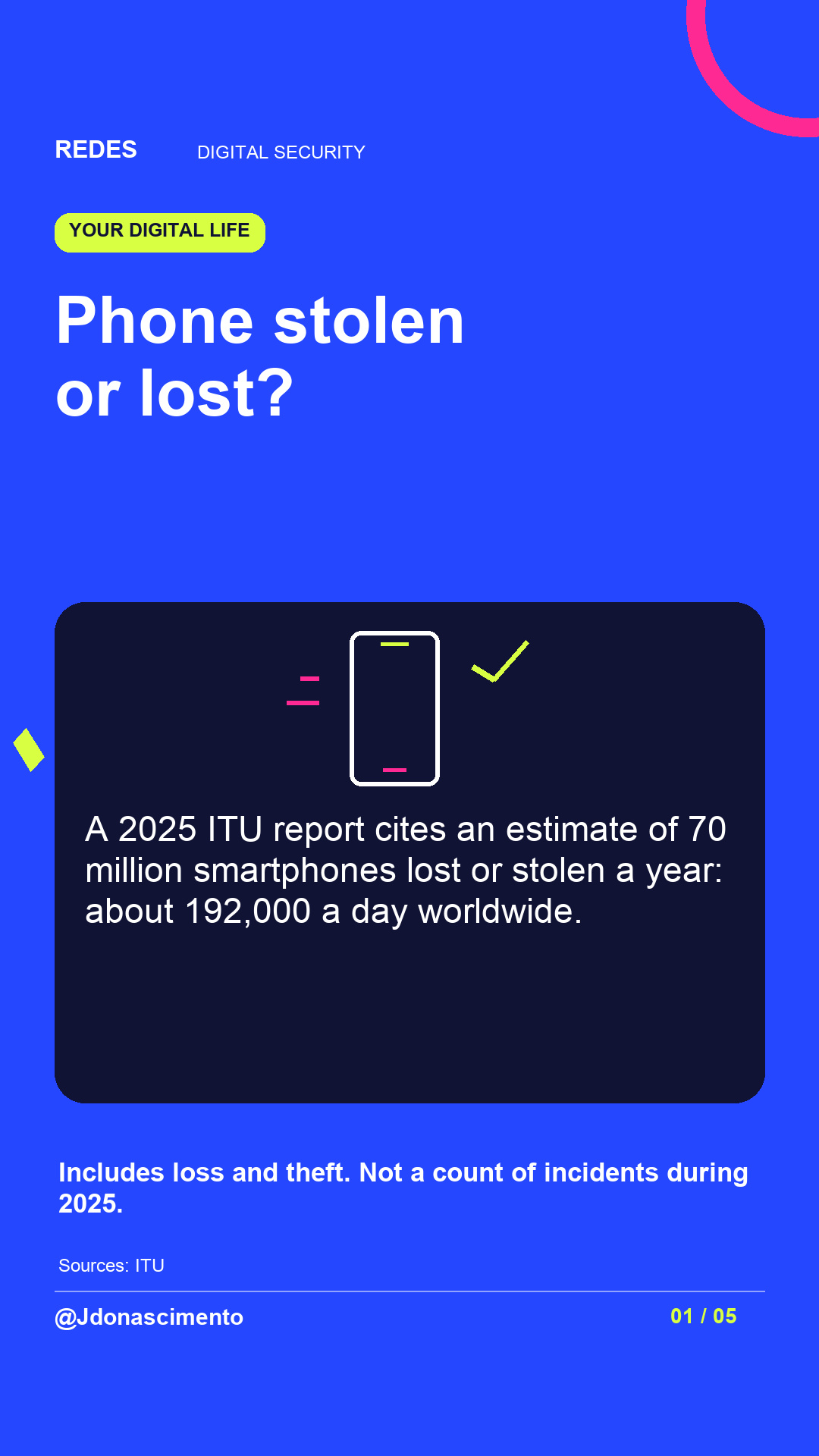
The carousel figure combines smartphones lost or stolen: an ITU report published in 2025 cites a worldwide estimate of 70 million a year. About 192,000 a day is the calculated average, not a count of thefts during 2025.
Save the guide and review your recovery options before you need them.
For more content, visit: https://redes-jdonascimento.pages.dev/en/
#DigitalSecurity #PhoneSecurity #Privacy #Technology #REDES
Phone stolen or lost? The disruption can continue with your email, payment cards and account sign-in codes.
This guide explains what to do from another device, why to notify your provider and bank, your options if you cannot remember your password and what determines whether your files can be recovered.
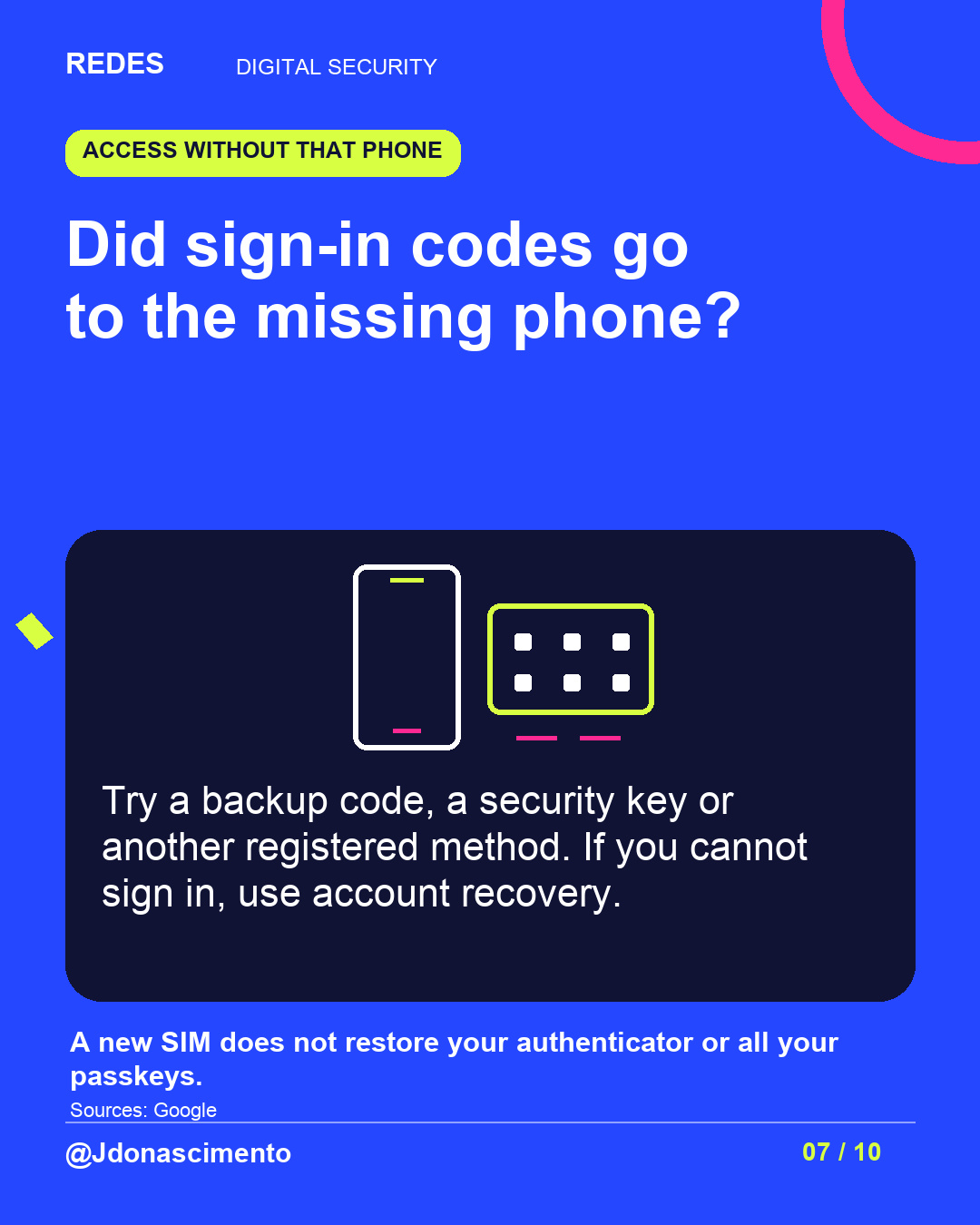
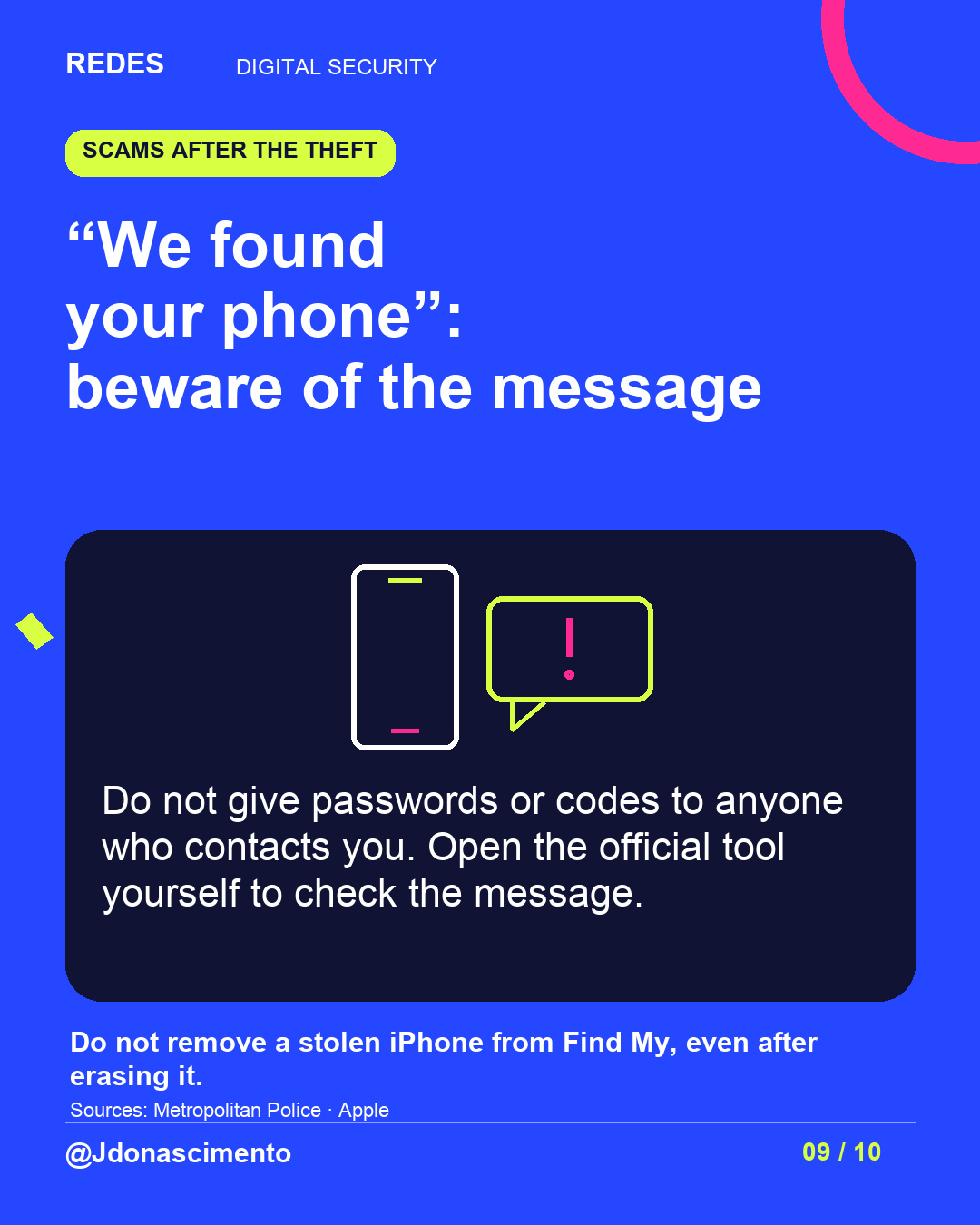
A replacement SIM does not automatically restore your authenticator or all your passkeys. If a message says “we found your phone”, check through the official tool without giving codes to whoever contacted you.
A 2025 ITU report cites an estimate of 70 million smartphones lost or stolen worldwide each year. That is a calculated average of about 192,000 a day, not 192,000 daily thefts or a count of incidents during 2025.
Explore the post and save the action guide.
For more content, visit: https://redes-jdonascimento.pages.dev/en/
#DigitalSecurity #PhoneSecurity #Privacy #Technology #REDES
X
1/10 Phone stolen or lost? You could also lose access to email, Wallet and account sign-in codes. Follow the thread to see what to check. #DigitalSecurity #PhoneSecurity
2/10 A 2025 ITU report cites 70 million smartphones lost or stolen yearly: about 192,000 a day, calculated. Includes loss; not a count of thefts during 2025. https://www.itu.int/pub/D-STG-SG02.04.2 #DigitalSecurity #Technology
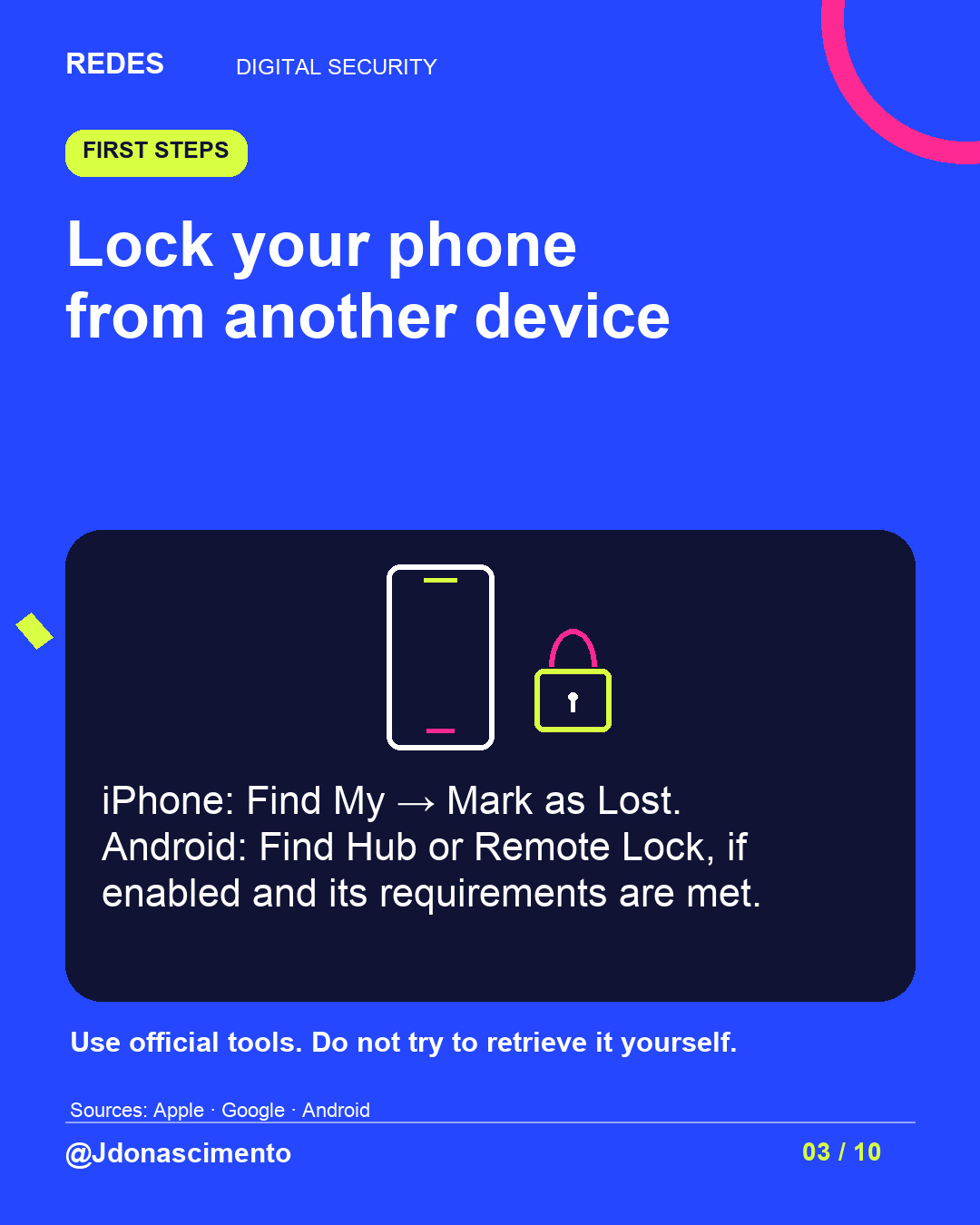
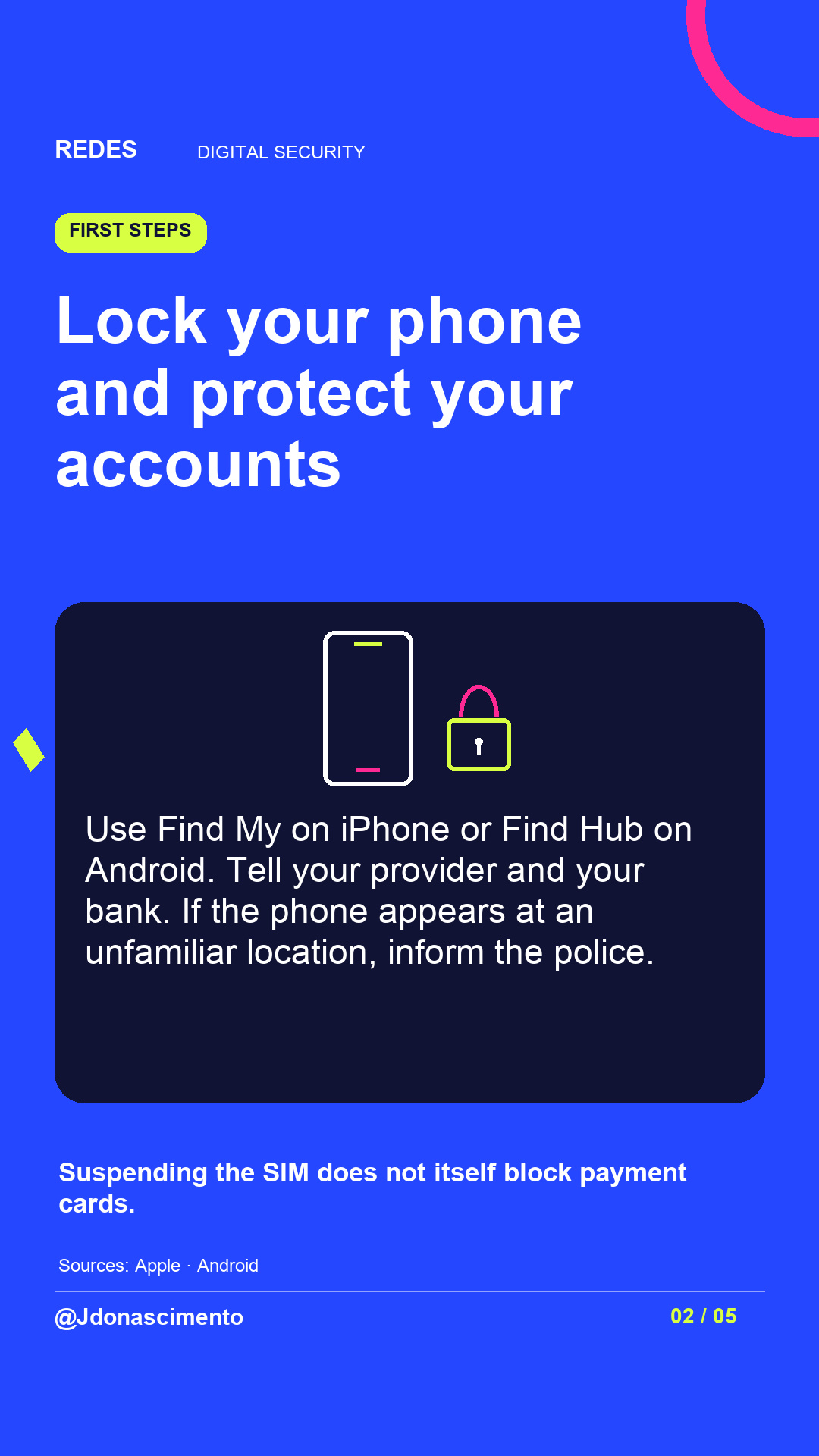
3/10 Lock it from another device: Find My → Mark as Lost on iPhone; Find Hub on Android. Remote locking depends on settings and requirements. Do not try to retrieve it yourself. #PhoneSecurity #DigitalSecurity
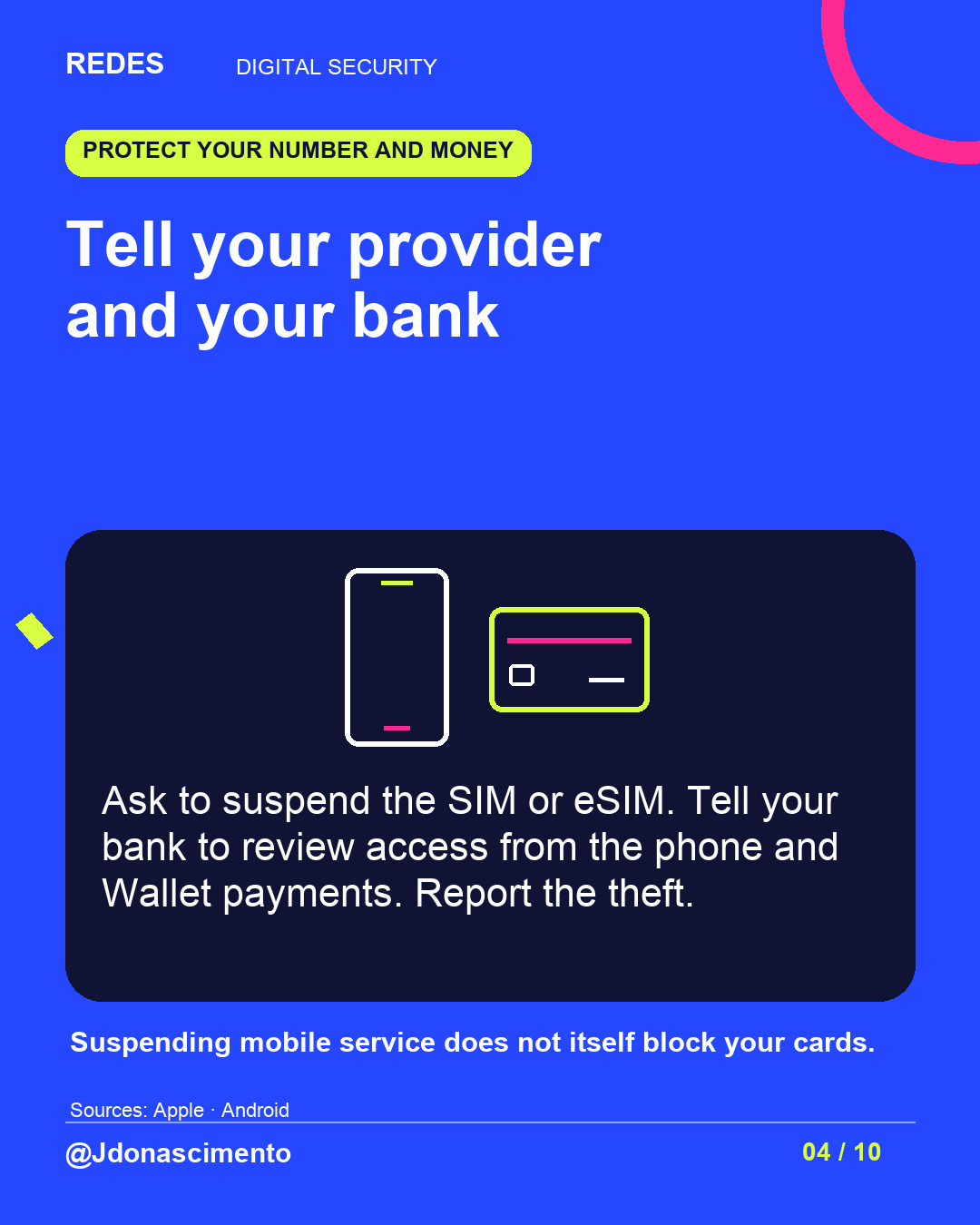
4/10 Ask your provider to suspend the SIM or eSIM. Tell your bank to review Wallet and mobile banking. Suspending mobile service does not block your cards. Report the theft. #DigitalSecurity #Privacy
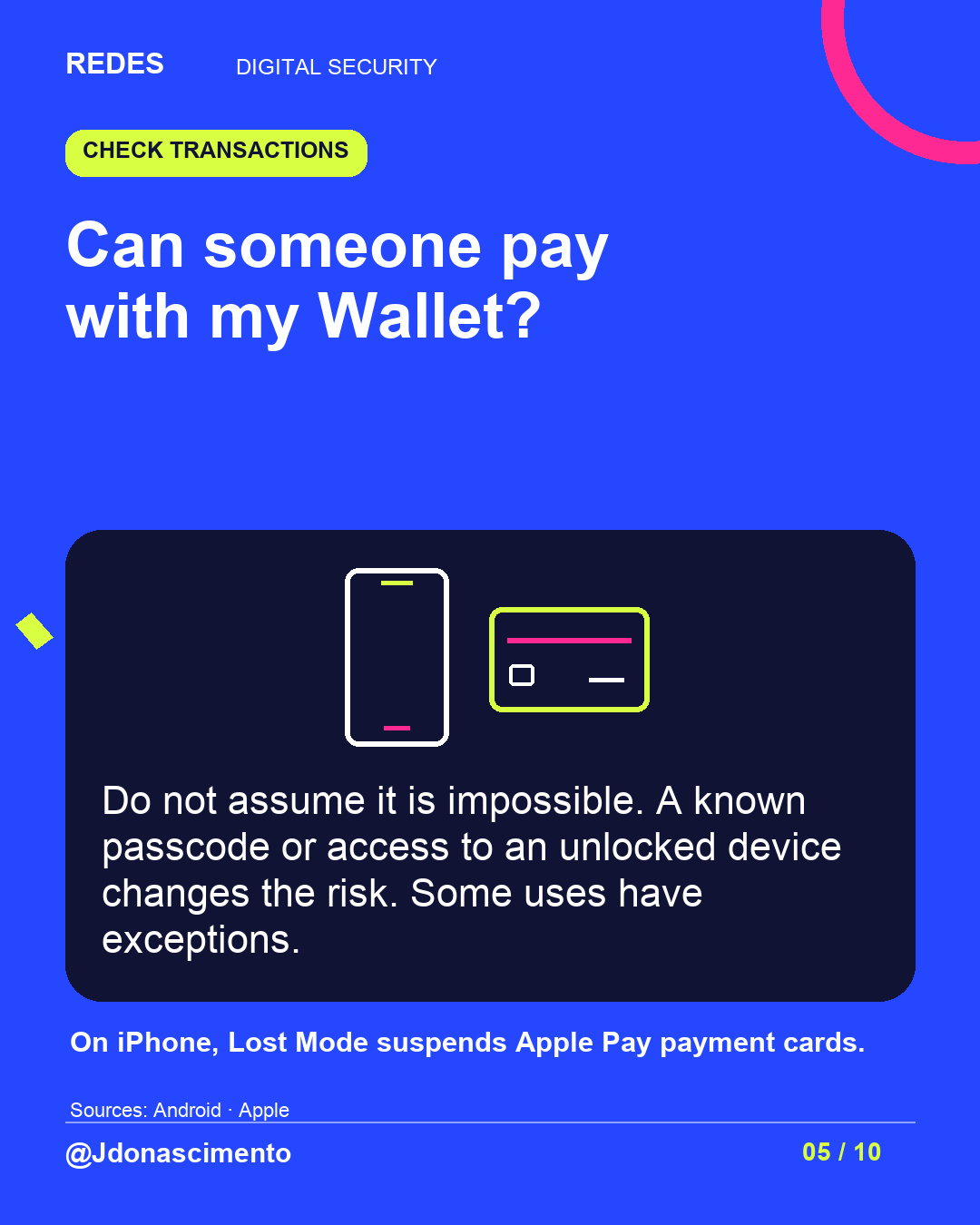
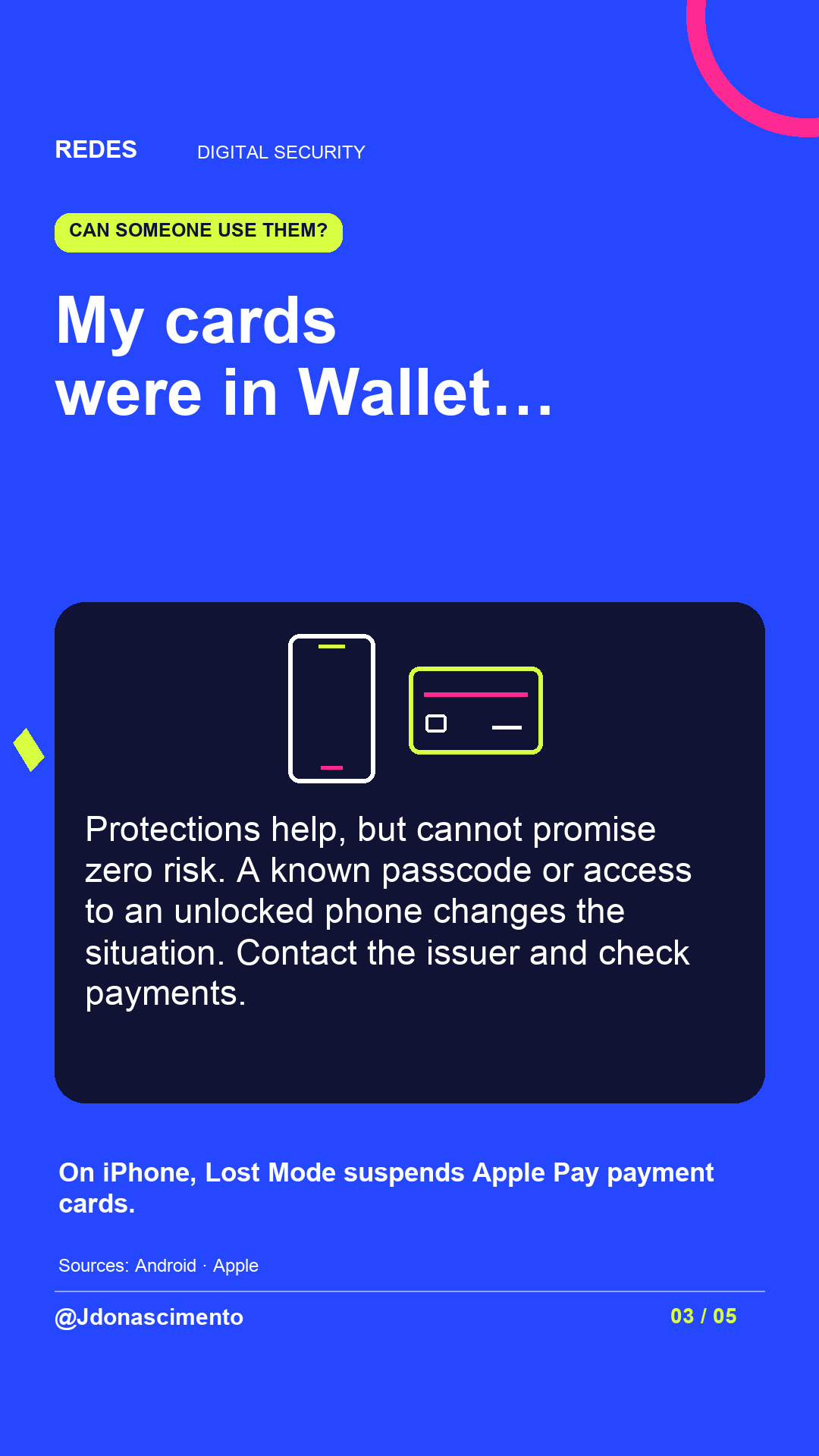
5/10 Can someone use your Wallet? Do not assume it is impossible: a known passcode or unlocked device changes the risk. On iPhone, Lost Mode suspends Apple Pay payment cards. #Wallet #DigitalSecurity
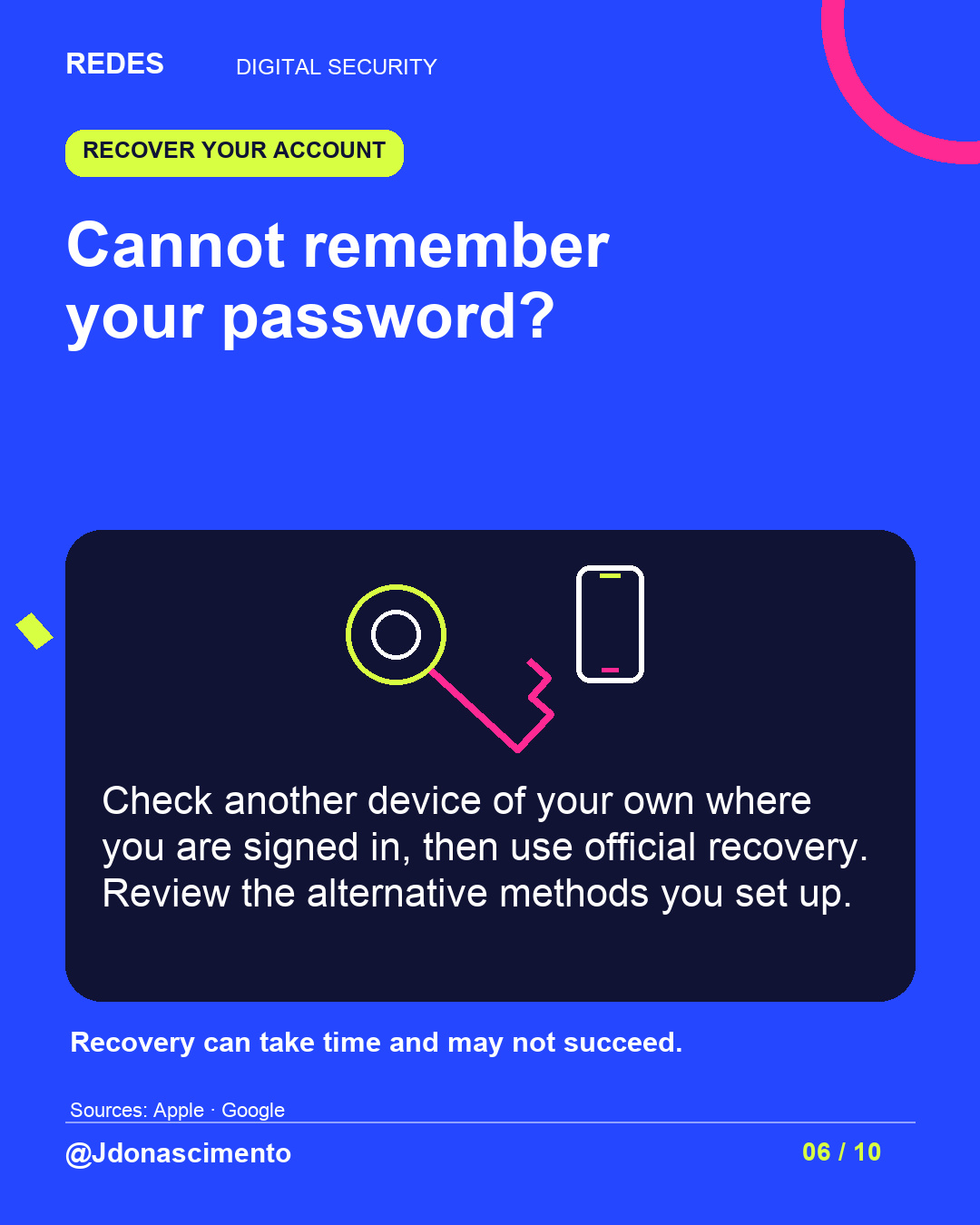
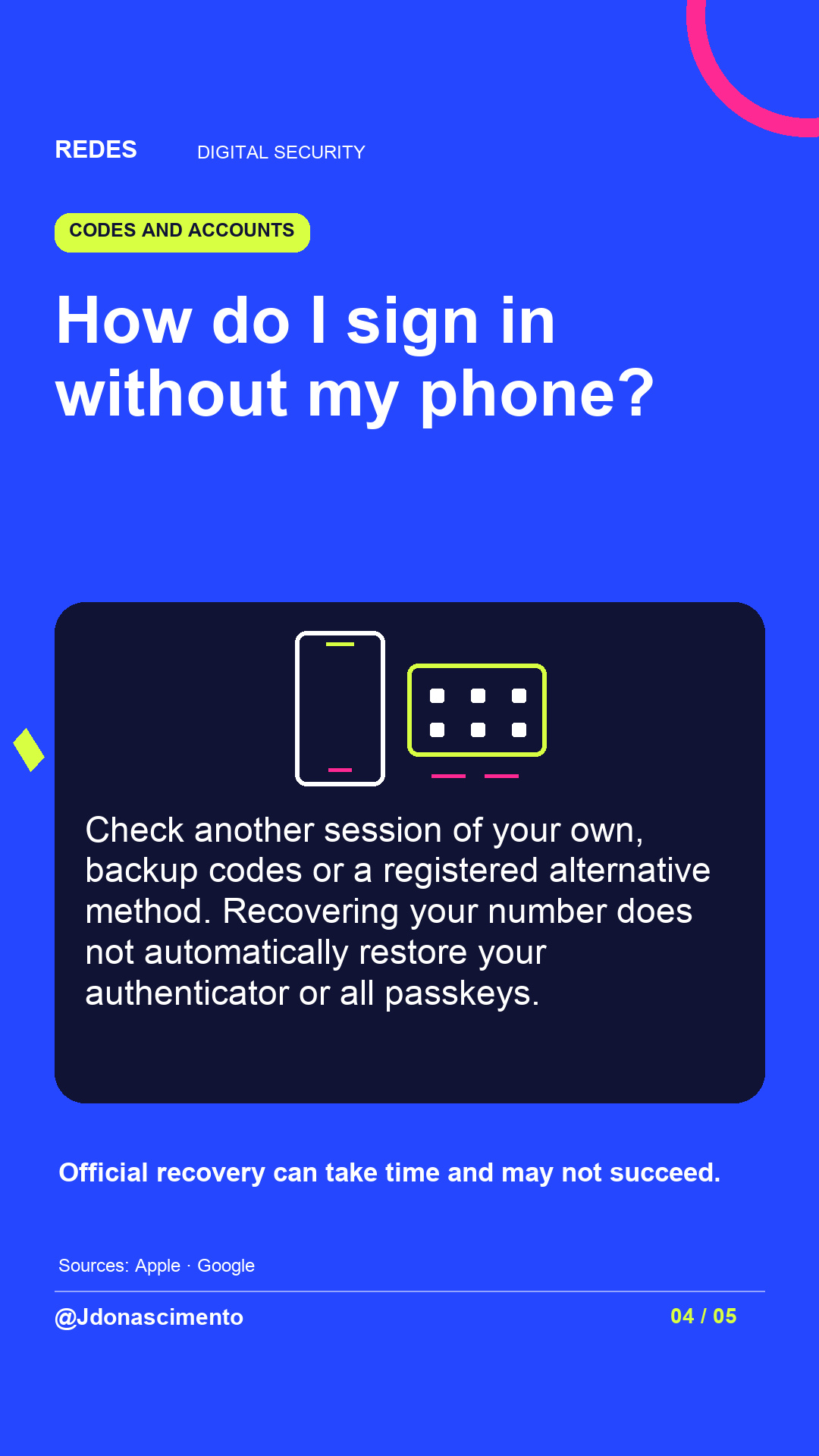
6/10 Cannot remember your password? Check another device of your own where you are signed in, then use official recovery. It can take time and may not succeed. #Privacy #DigitalSecurity
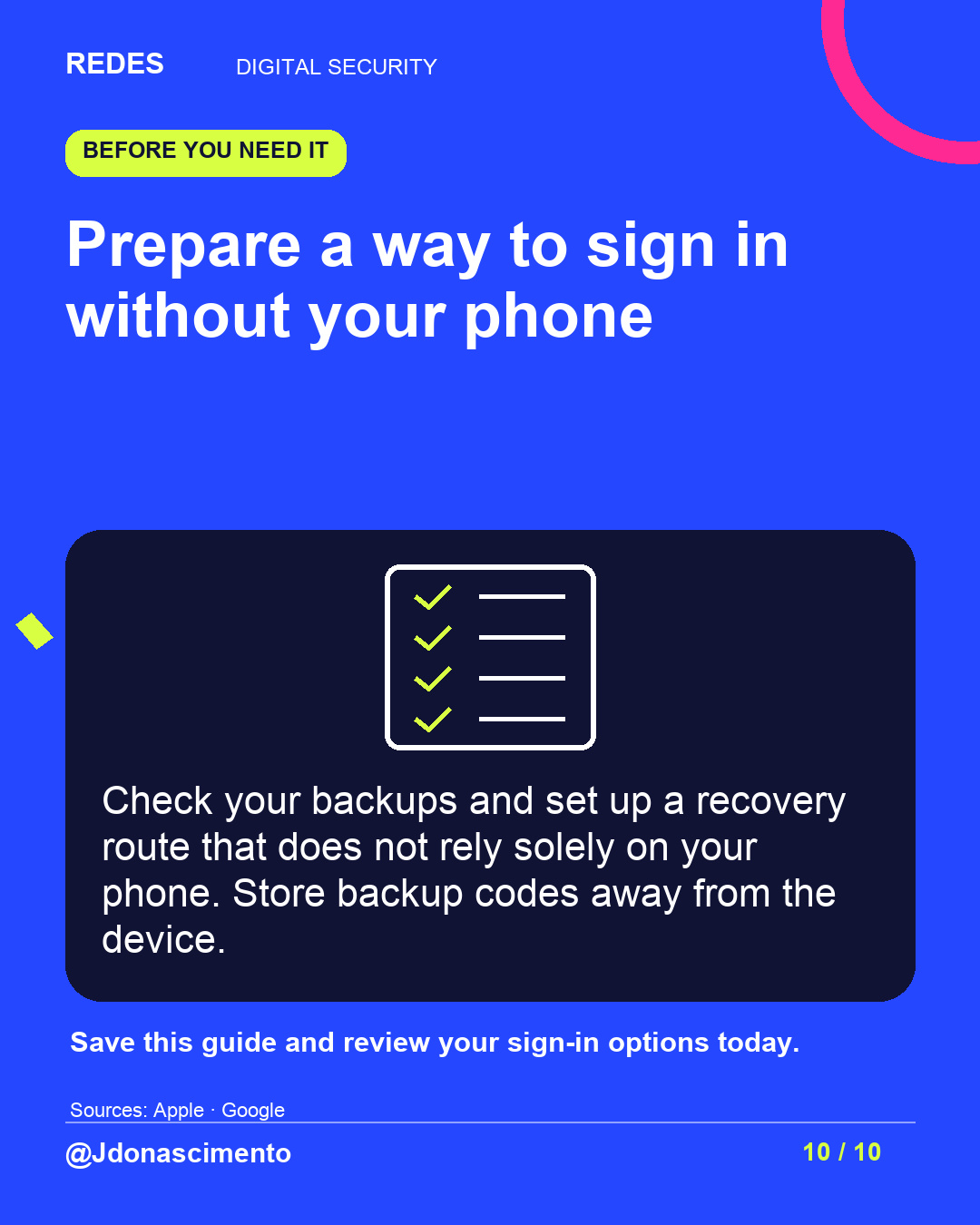
7/10 Did codes go to the missing phone? Try backup codes or another registered method. A new SIM does not automatically restore your authenticator or all passkeys. #DigitalSecurity #Passkeys
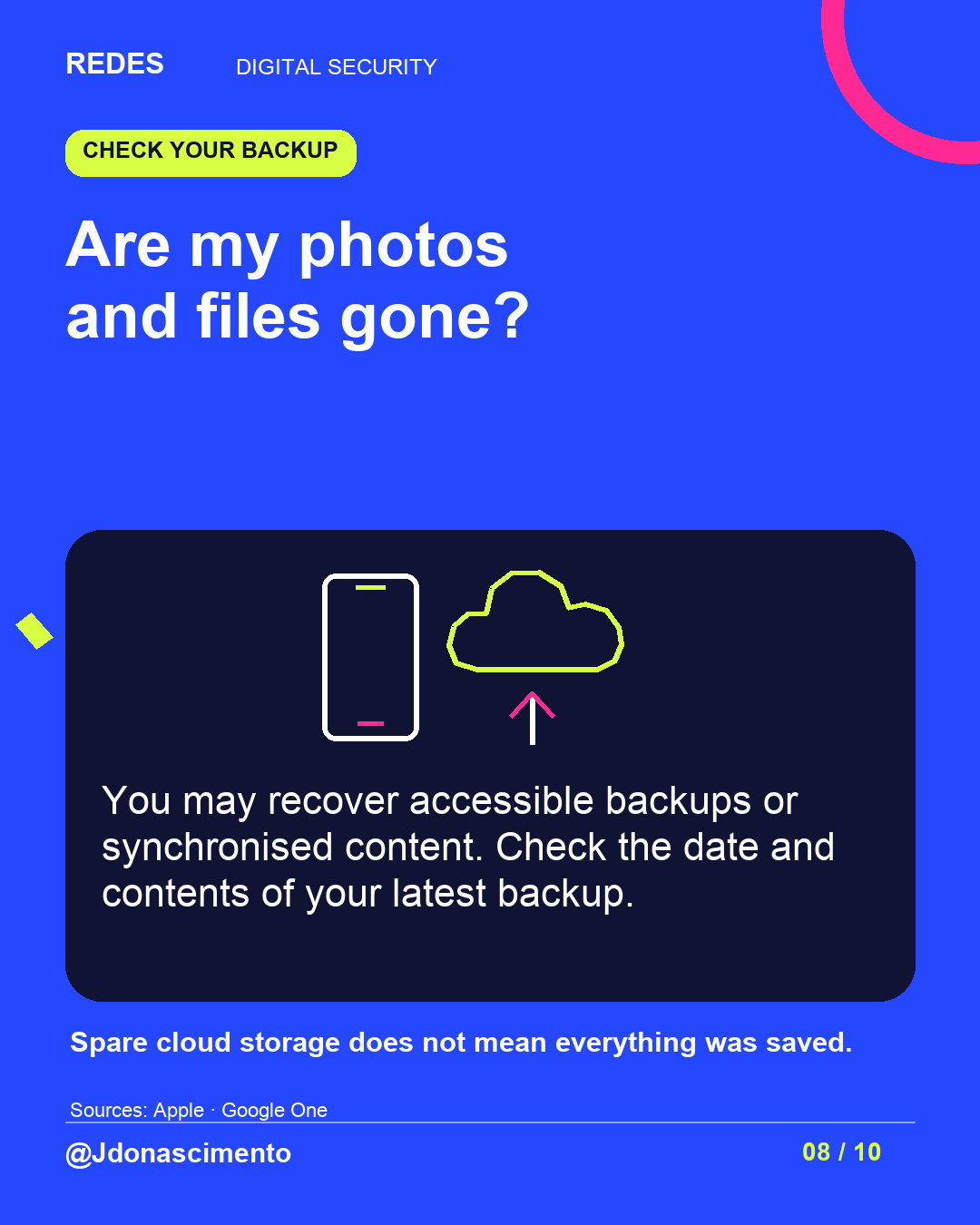
8/10 Photos and files: check what was synchronised or has an accessible backup. Spare cloud storage does not prove that everything was saved. #CloudStorage #DigitalSecurity
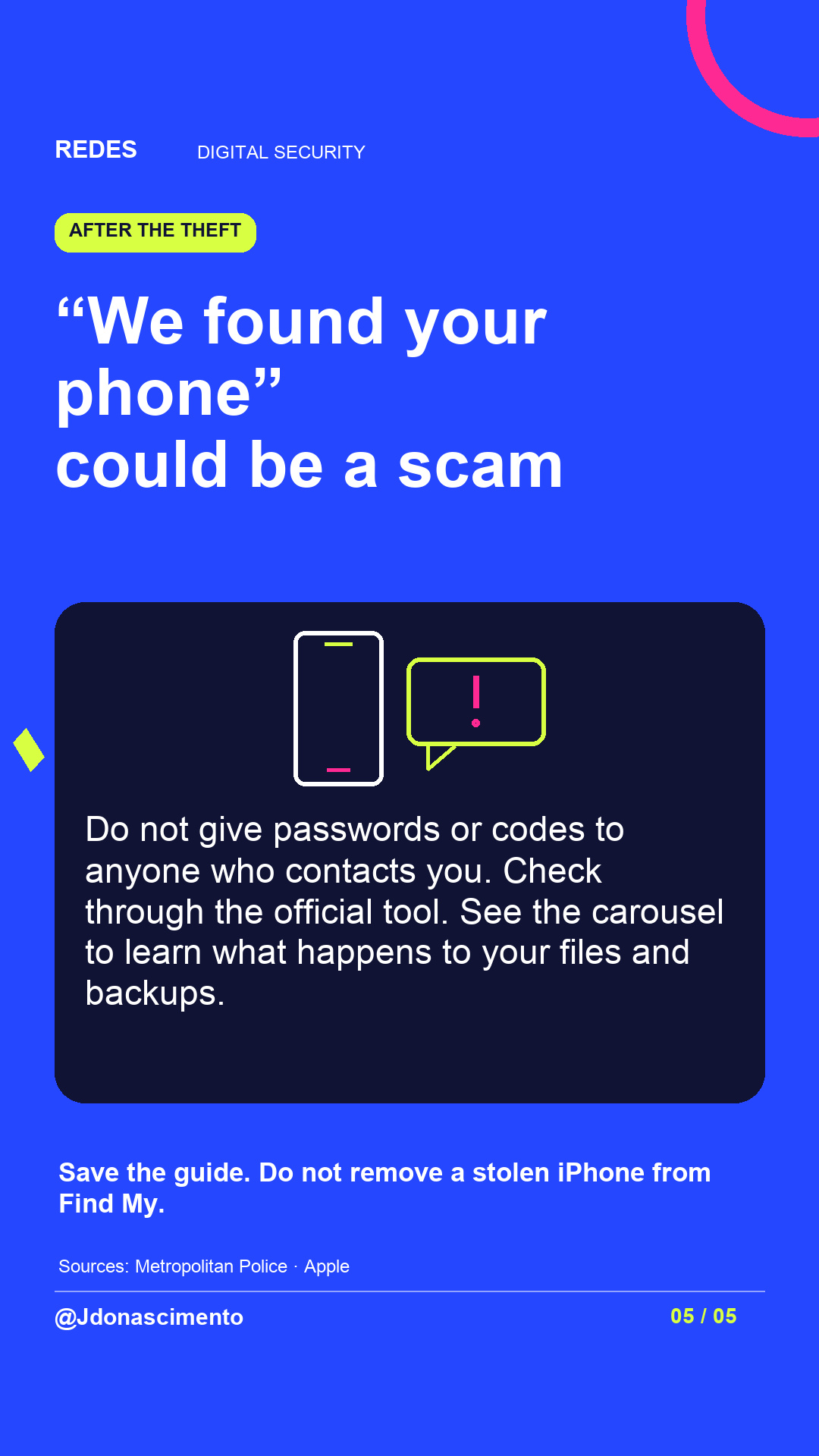
9/10 “We found your phone” could be a scam. Open the official tool yourself and do not hand over codes. Do not remove a stolen iPhone from Find My, even after erasing it. #ScamAwareness #Privacy
10/10 Prepare a way to sign in without your phone: check backups, backup codes and recovery methods. Save this guide. More content: https://redes-jdonascimento.pages.dev/en/ #DigitalSecurity #Technology