Is your mobile phone really secure?
What its security features protect, which risks remain and what you can check on your device.
Read related article
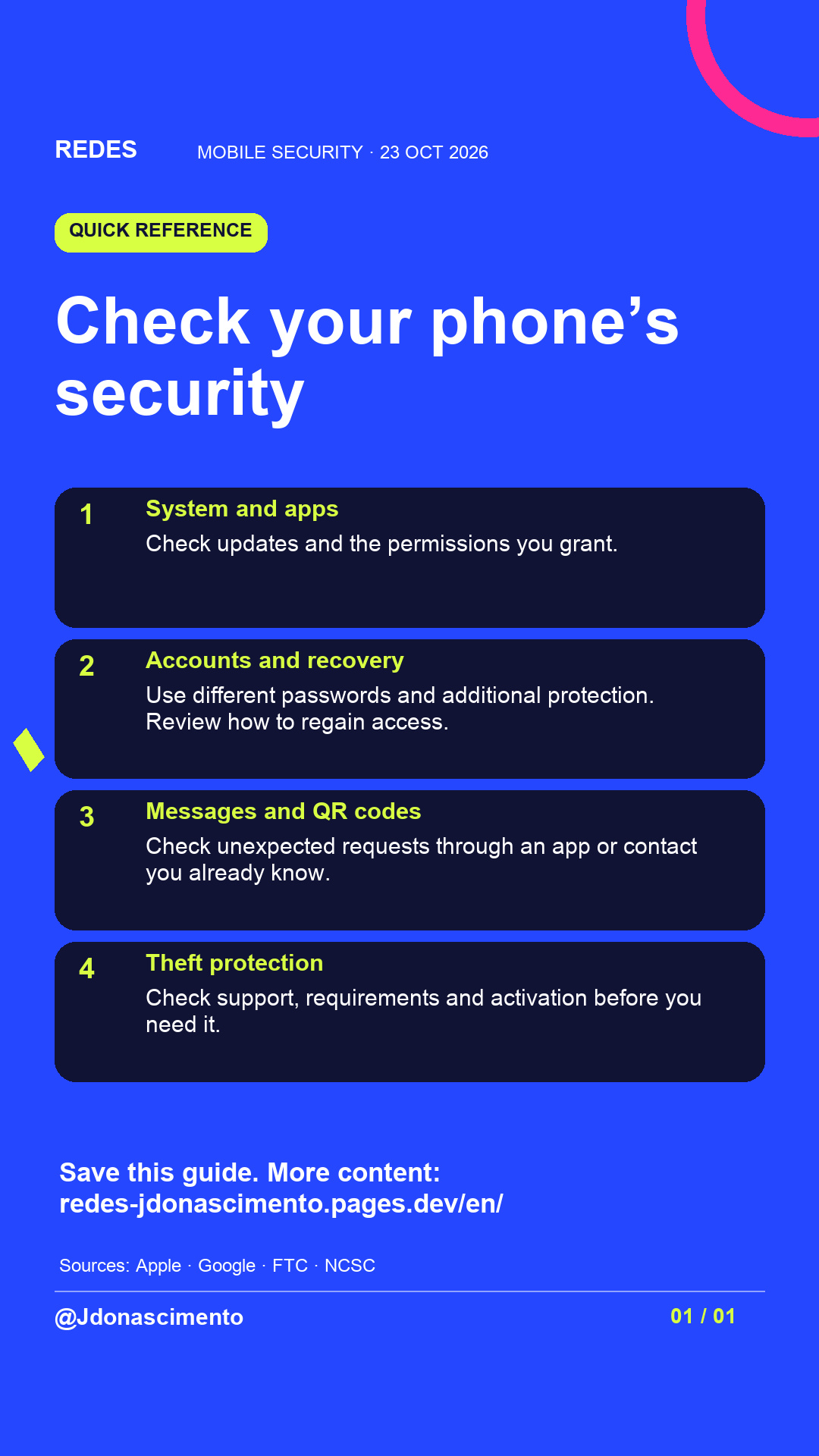
Your phone is locked, but are your accounts protected too? A message or QR code can lead to a fake website even when your device is working properly.
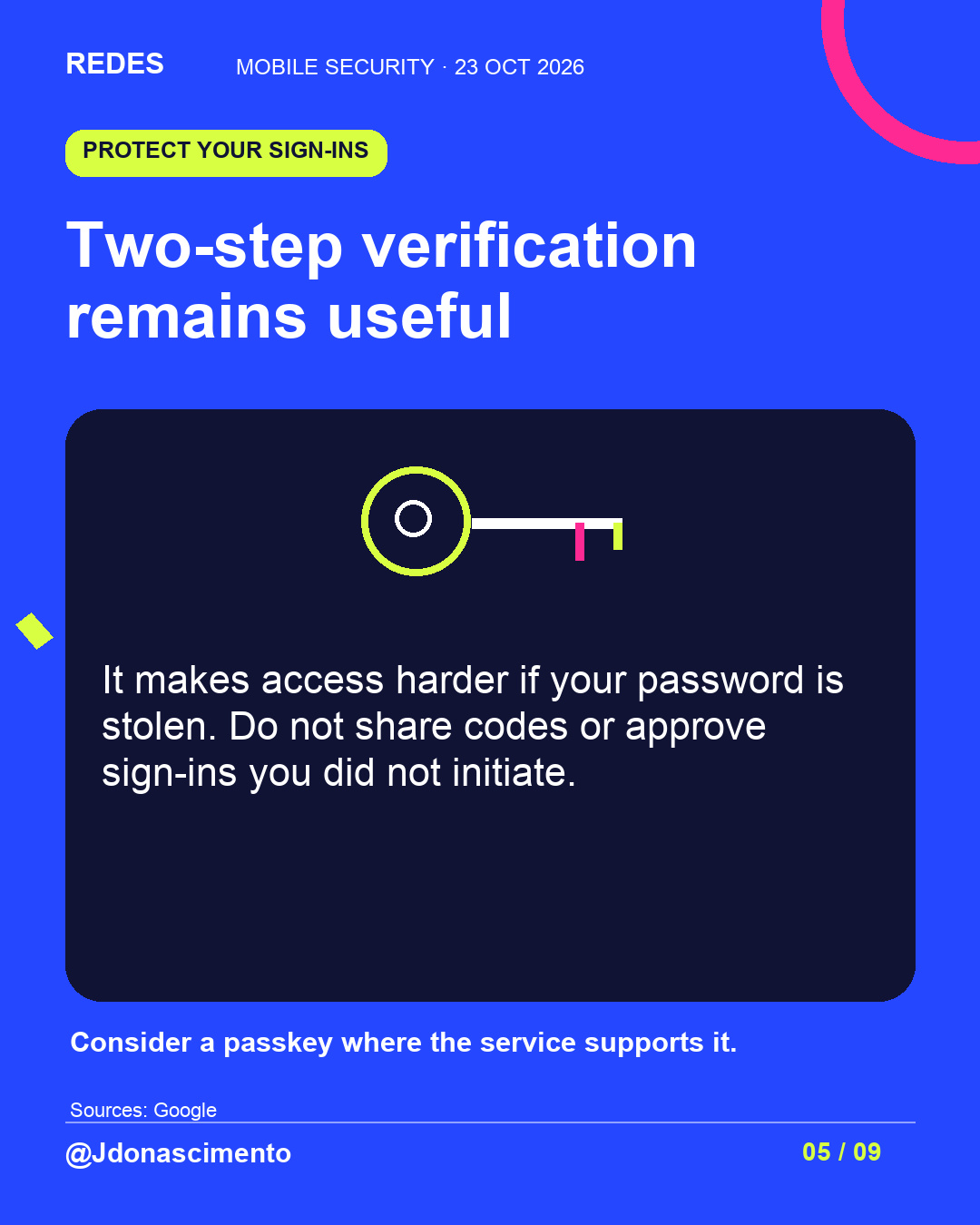
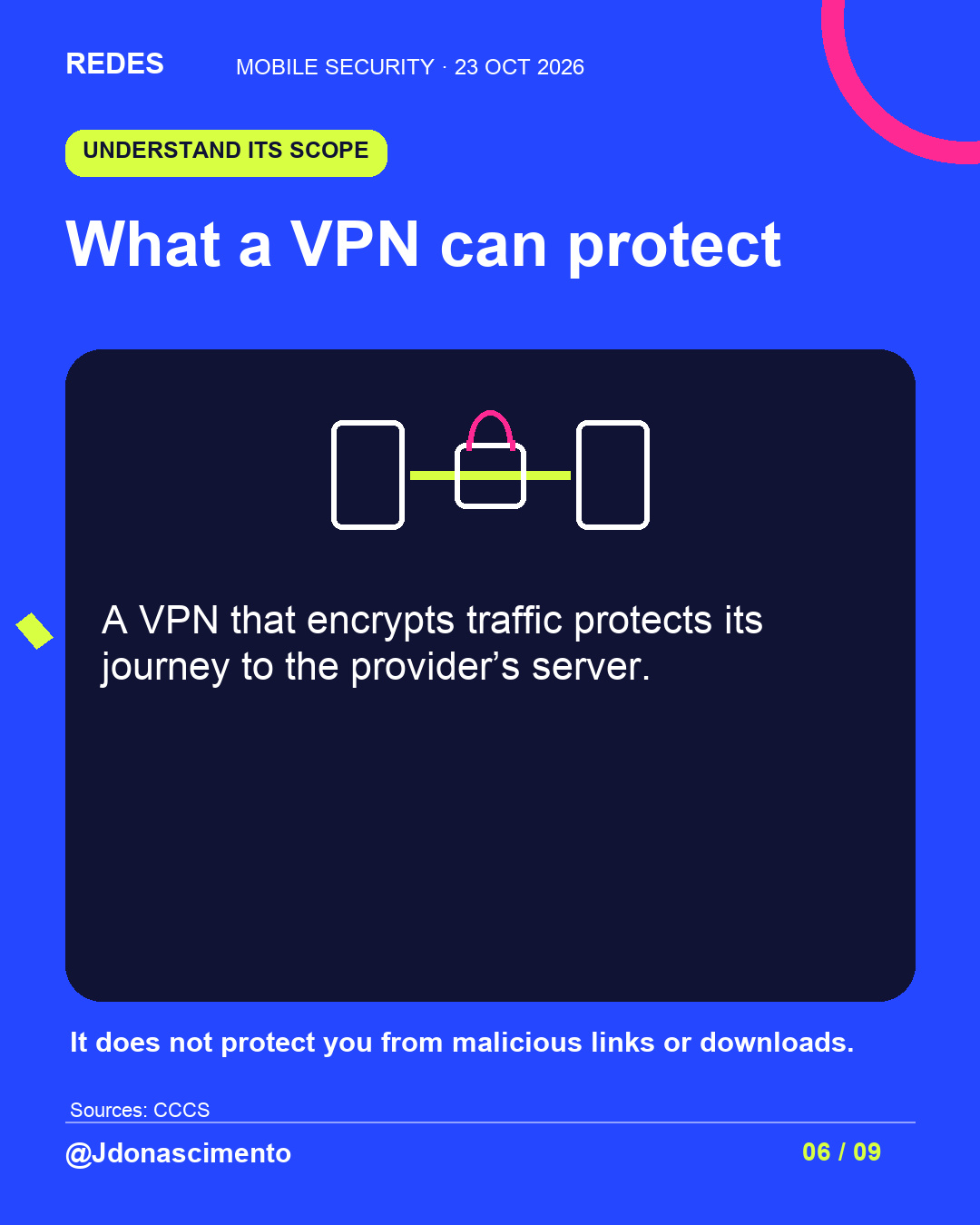
Swipe to check what your screen lock, two-step verification and a VPN protect, and what you can review in Settings.
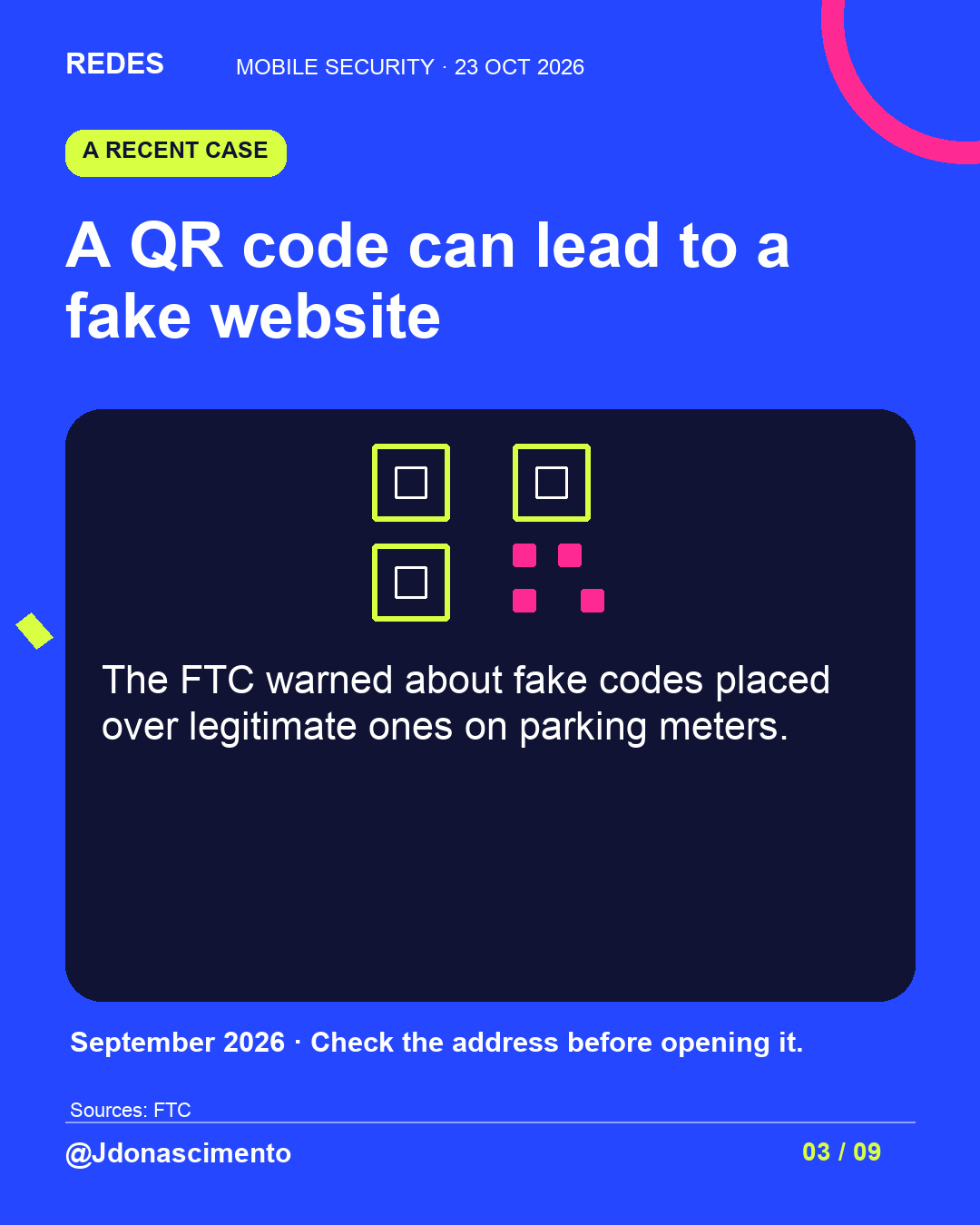
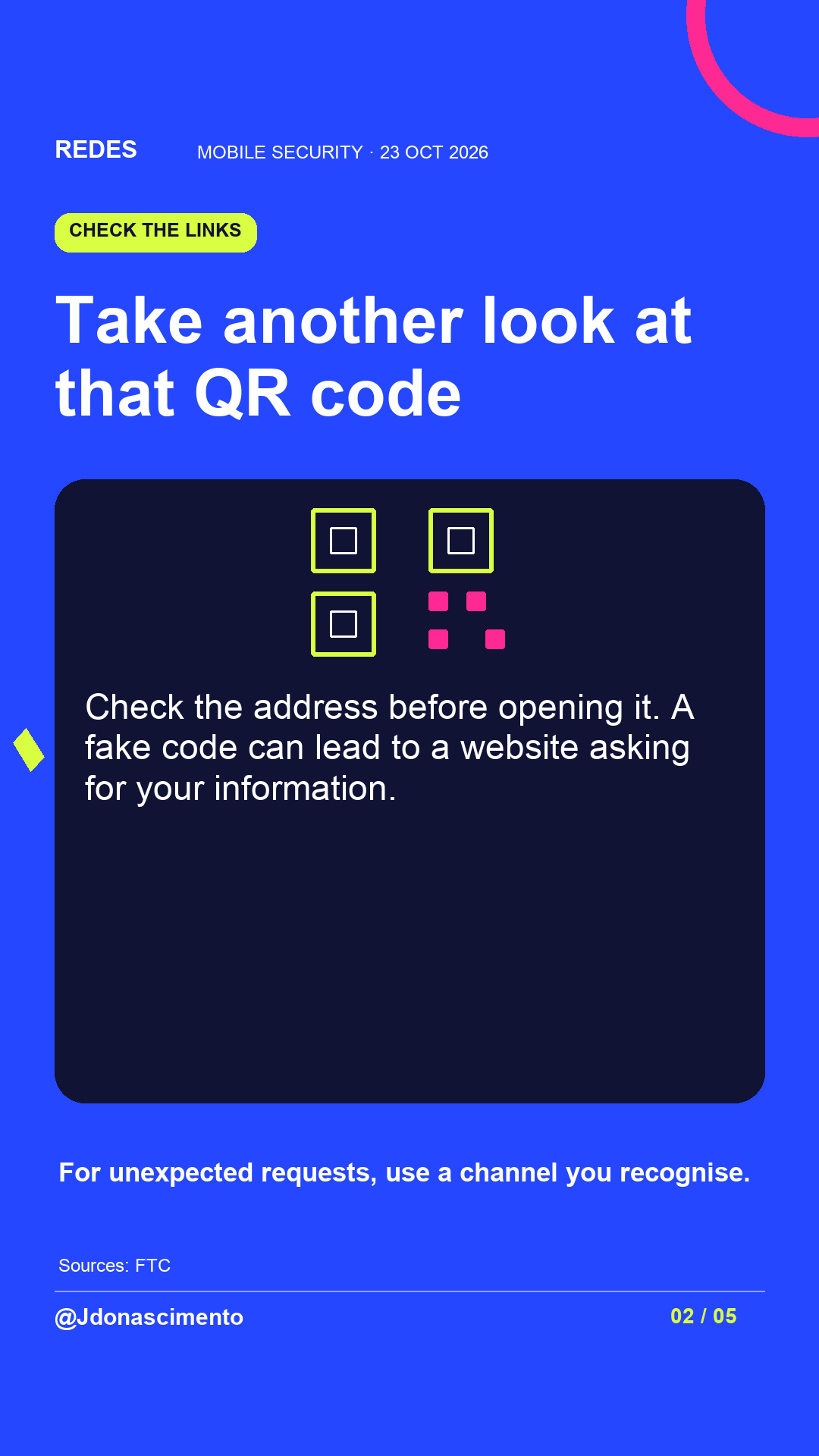
In September 2026, the FTC warned about fake QR codes placed over legitimate ones on parking meters. Check the address before opening a link. If a request surprises you, use the official app or contact details you already know.
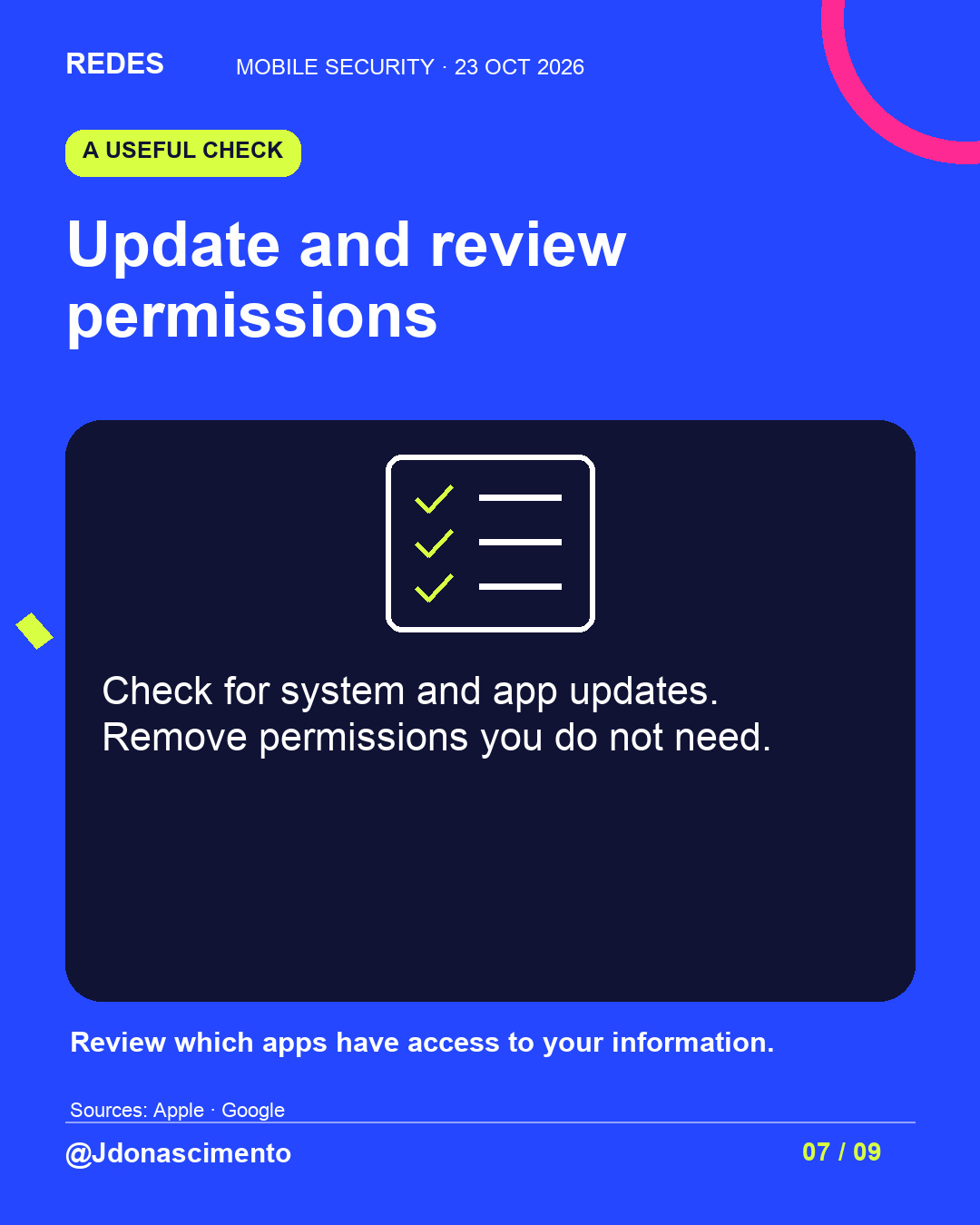
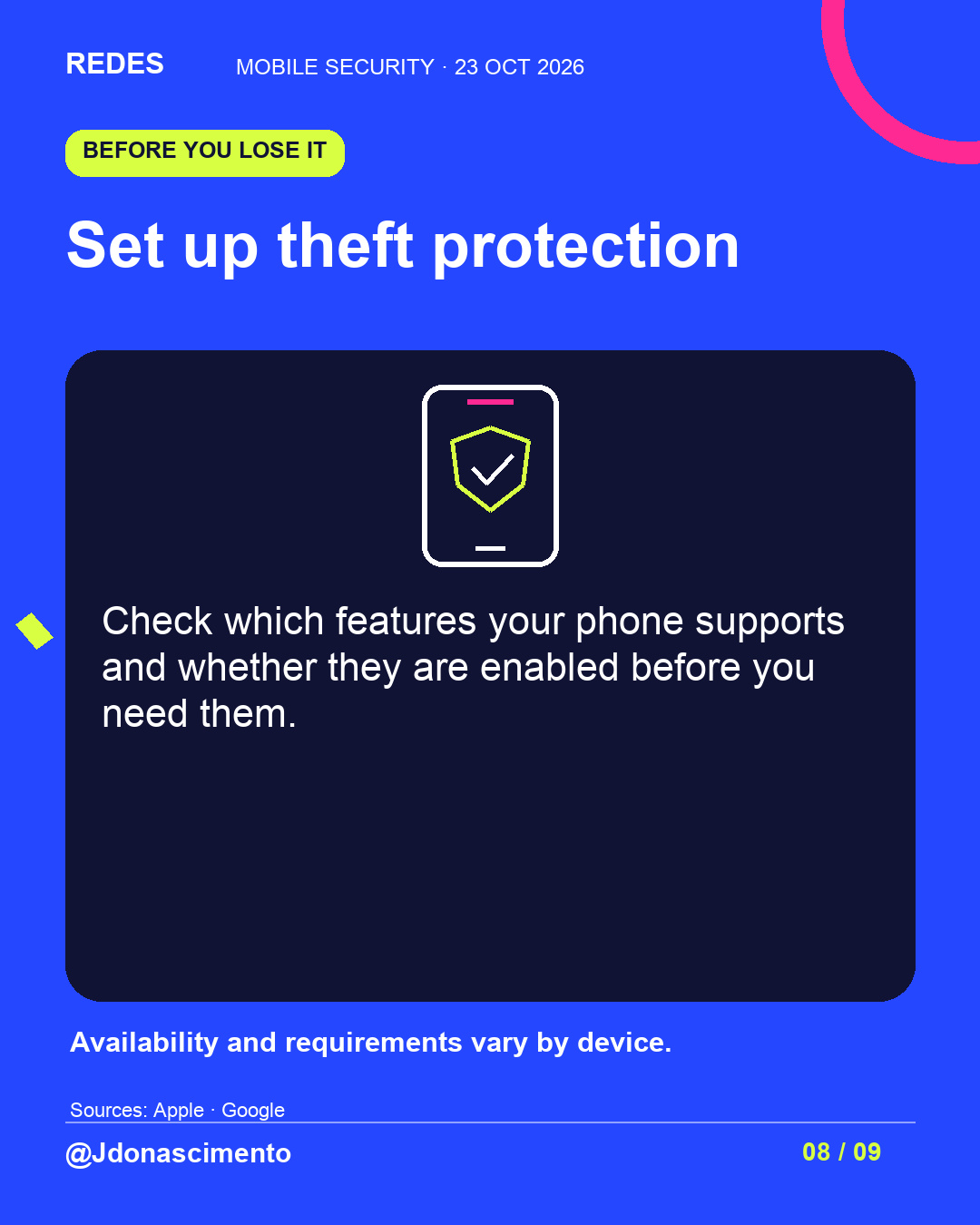
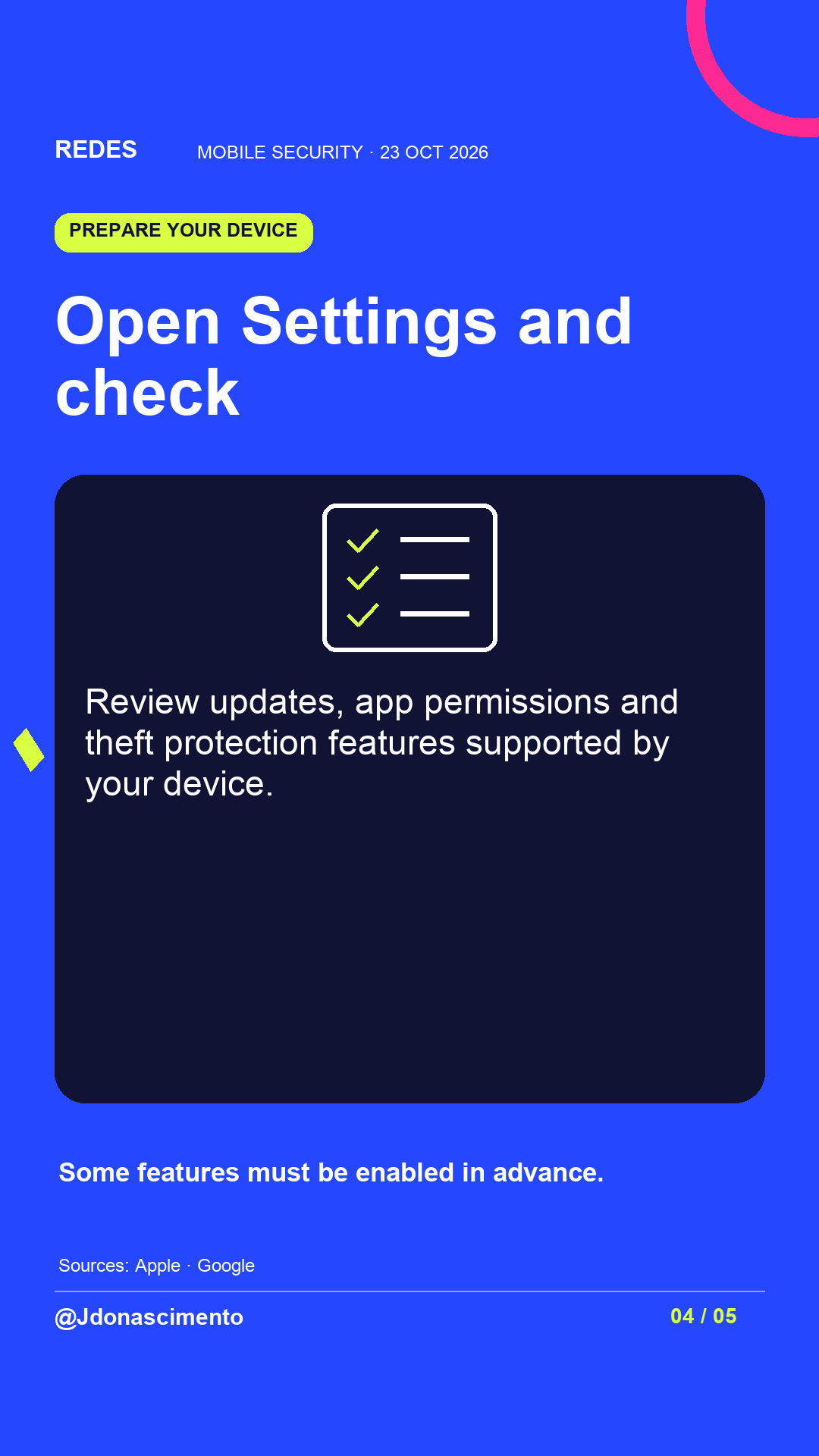
Review updates, permissions and the theft protection features your device supports too. Availability varies by model and version.
Which protection will you check first?
Main sources: Apple, Google, FTC, CCCS and NCSC.
QR codes: https://consumer.ftc.gov/consumer-alerts/2026/09/see-qr-code-parked-somewhere-dont-scan-ityet
Verification: https://support.google.com/accounts/answer/185839?hl=en
For more content, visit: https://redes-jdonascimento.pages.dev/en/
#CyberSecurity #Privacy #MobileSecurity
Is your mobile phone really secure?
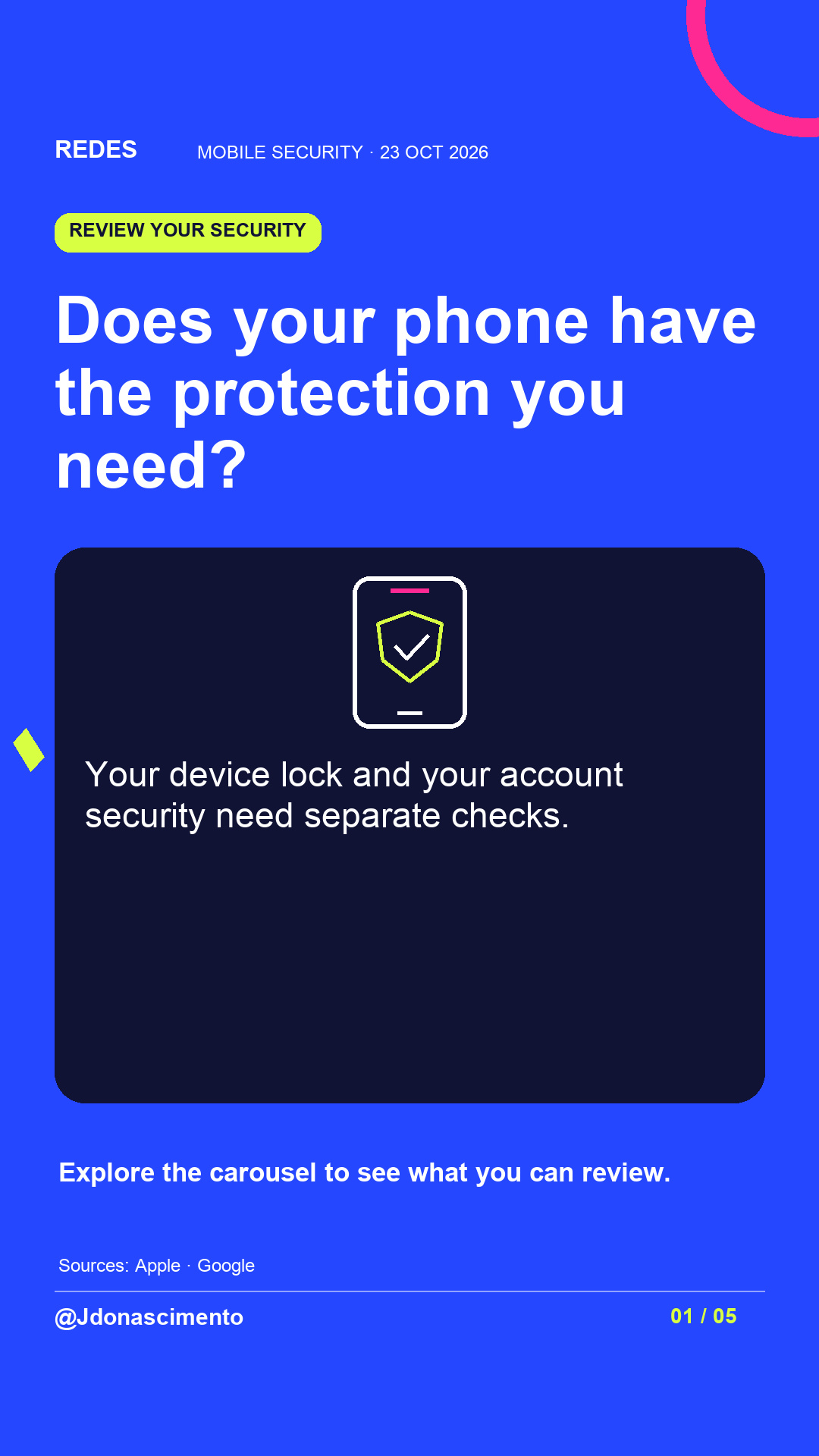
Your passcode protects one part of your digital life. Your accounts, app permissions and the requests you receive need attention too.
Explore the visual guide to understand what two-step verification and a VPN do, what to check before opening a QR code and how to prepare theft protection.
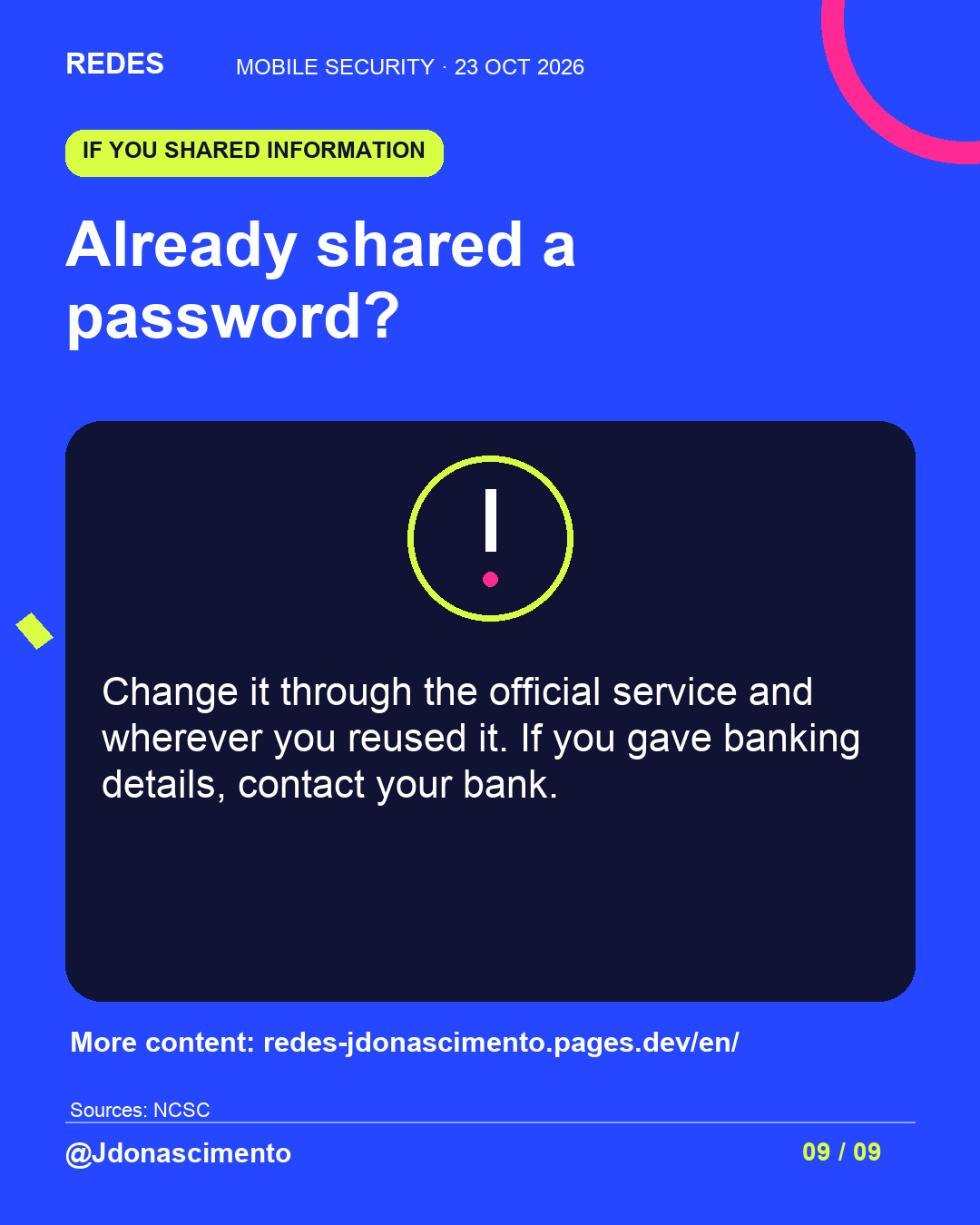
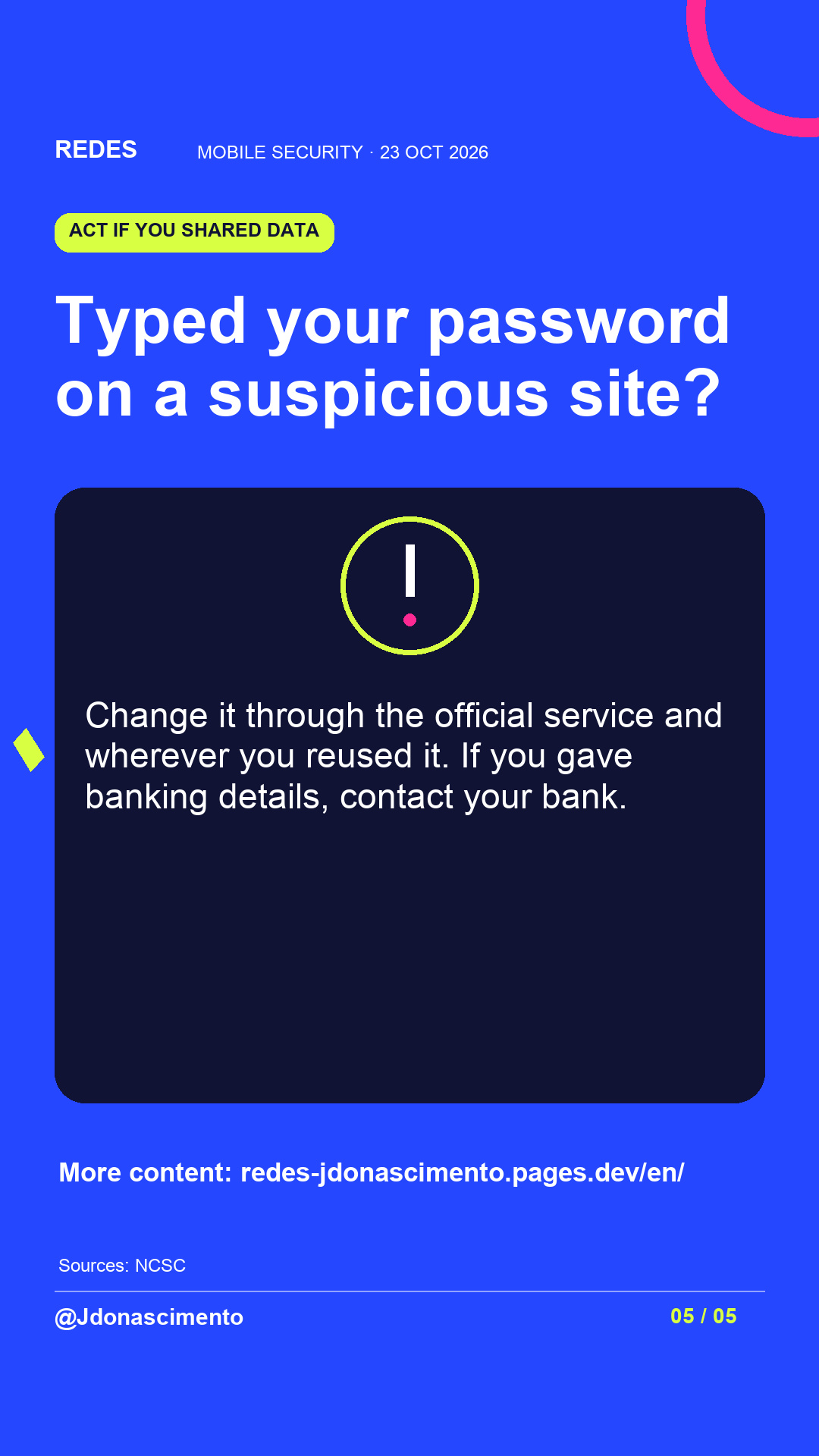
If you already gave a password in a suspicious interaction, change it through the official service and wherever you reused it. If you gave banking details, contact your bank.
Feature availability depends on the device and version. Which setting do you need to review?
Sources and resources:
FTC · Fake QR codes, September 2026: https://consumer.ftc.gov/consumer-alerts/2026/09/see-qr-code-parked-somewhere-dont-scan-ityet
Google · Two-step verification: https://support.google.com/accounts/answer/185839?hl=en
Apple · Stolen Device Protection: https://support.apple.com/en-us/120340
Google · Android theft protection: https://support.google.com/android/answer/15146908?hl=en
Canadian Centre for Cyber Security · VPNs: https://www.cyber.gc.ca/en/guidance/virtual-private-networks-itsap80101
NCSC · Responding to phishing: https://www.ncsc.gov.uk/section/respond-recover/phishing
For more content, visit: https://redes-jdonascimento.pages.dev/en/
X
1/10 Is your mobile phone really secure? Your device lock and your account security need separate checks. Follow the thread to review your protections and their limits.
2/10 A stolen password can be used from another device. Use different passwords and review recovery options and devices with access. https://support.google.com/accounts/answer/46526?hl=en
3/10 In September 2026, the FTC warned about fake QR codes on parking meters. Check the address before opening it and verify unexpected requests through a known channel. https://consumer.ftc.gov/consumer-alerts/2026/09/see-qr-code-parked-somewhere-dont-scan-ityet
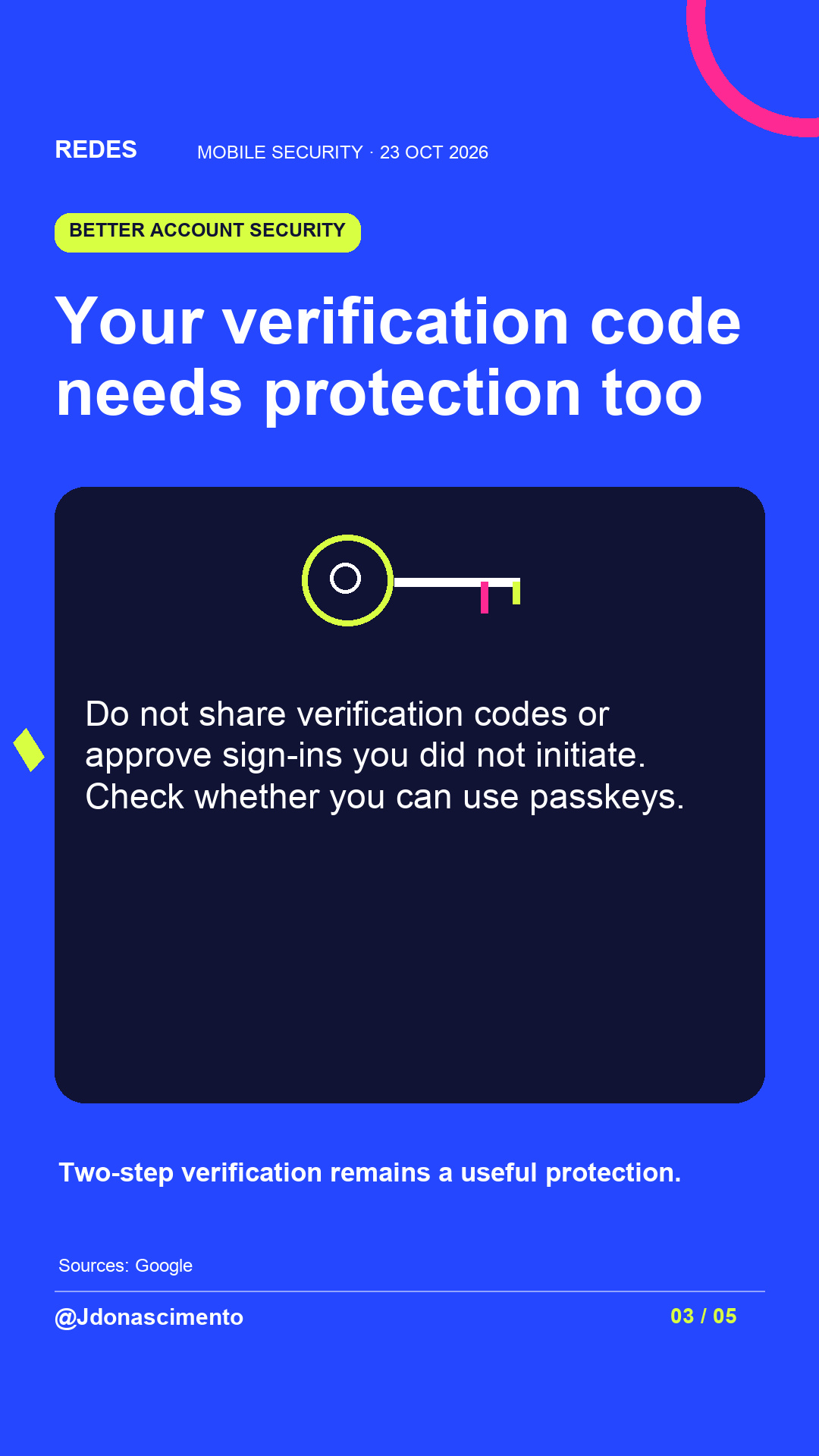
4/10 Two-step verification helps if your password is stolen. Do not share codes or approve sign-ins you did not initiate. Check whether the service supports passkeys. https://support.google.com/accounts/answer/185839?hl=en
5/10 A VPN encrypts traffic between your device and another network endpoint. It does not protect you from malicious links or downloads. Security also depends on configuration and updates. https://www.cyber.gc.ca/en/guidance/virtual-private-networks-itsap80101
6/10 Check for system and app updates. On Android, schedules depend on the manufacturer and device. Review the security update date. https://support.google.com/android/answer/7680439?hl=en-GB
7/10 Review your app permissions. On supported Android versions, the Privacy dashboard shows which apps access data and when. Remove permissions you do not need. https://support.google.com/android/answer/13530434?hl=en
8/10 Set up theft protection before you need it. Check which features your phone supports and their requirements. Android guide: https://support.google.com/android/answer/15146908?hl=en · iPhone guide: https://support.apple.com/en-us/120340
9/10 Gave a password in a suspicious interaction? Change it through the official service and wherever you reused it. If you gave banking details, contact your bank. https://www.ncsc.gov.uk/section/respond-recover/phishing
10/10 What will you review first: updates, permissions or account security? Save the visual guide to use for your checks. For more content, visit: https://redes-jdonascimento.pages.dev/en/