The filter changes your face. What happens to your photo afterwards?
Before creating an avatar from a selfie, check who receives the image, what uses they describe and how you can delete it.
Read related article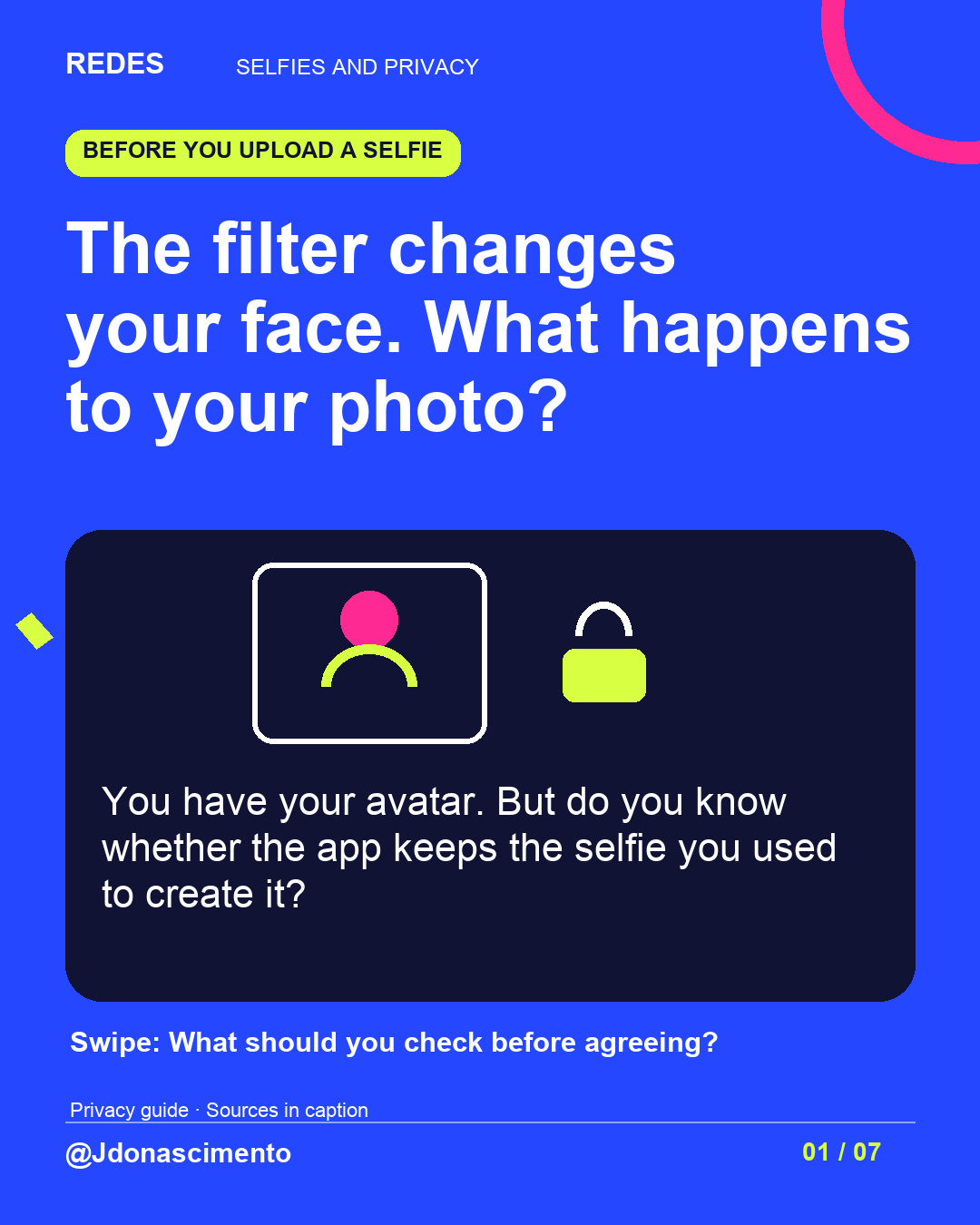
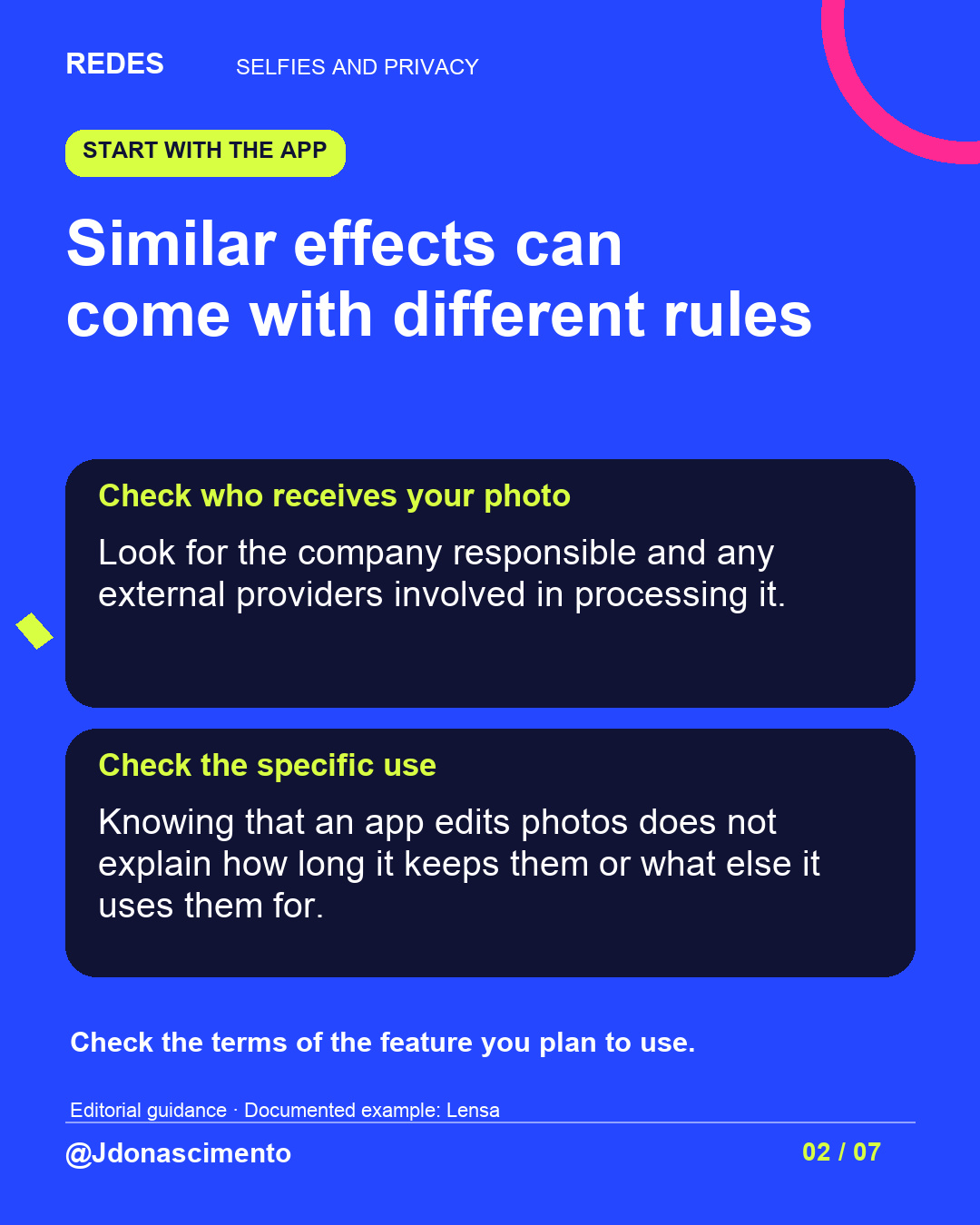
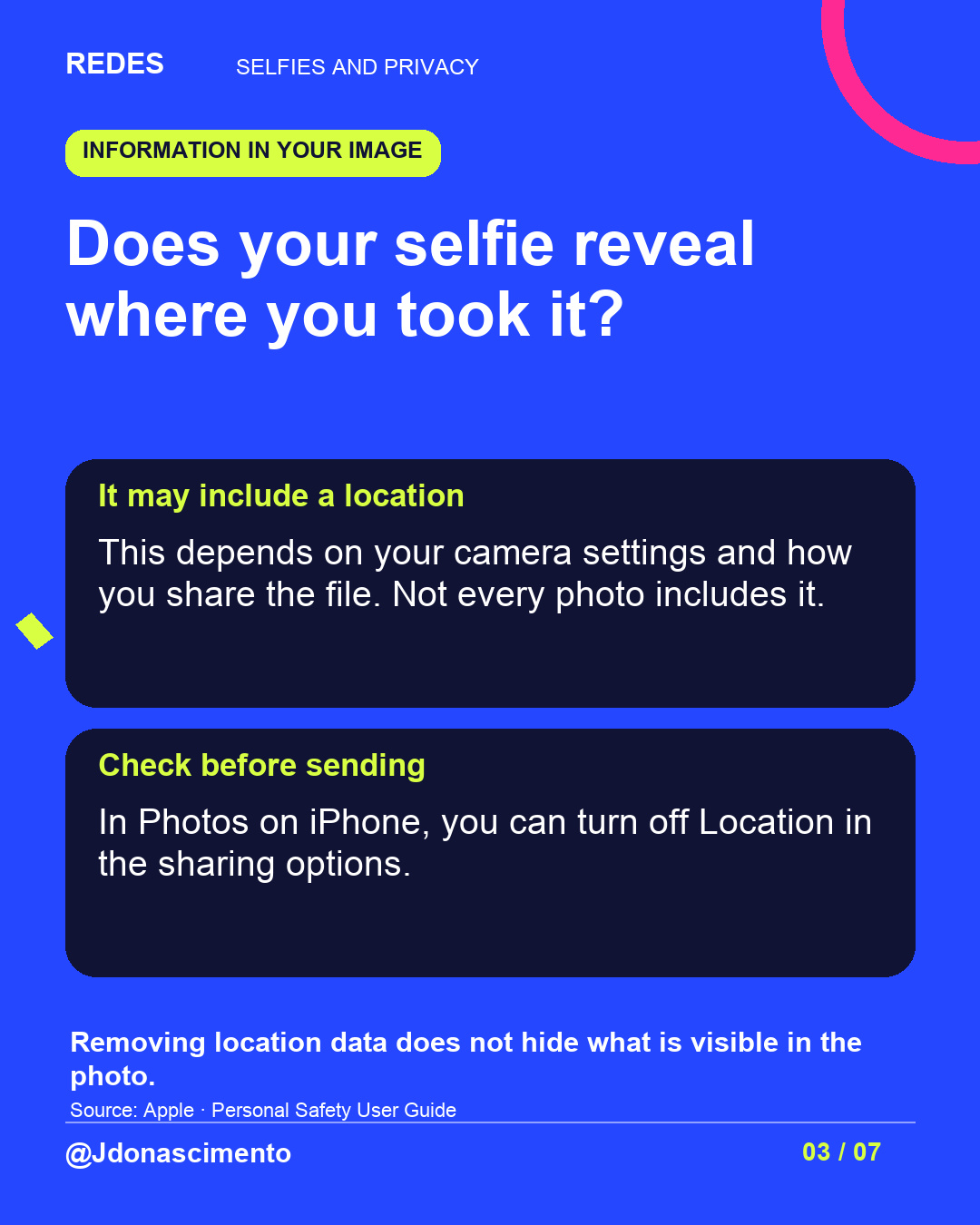
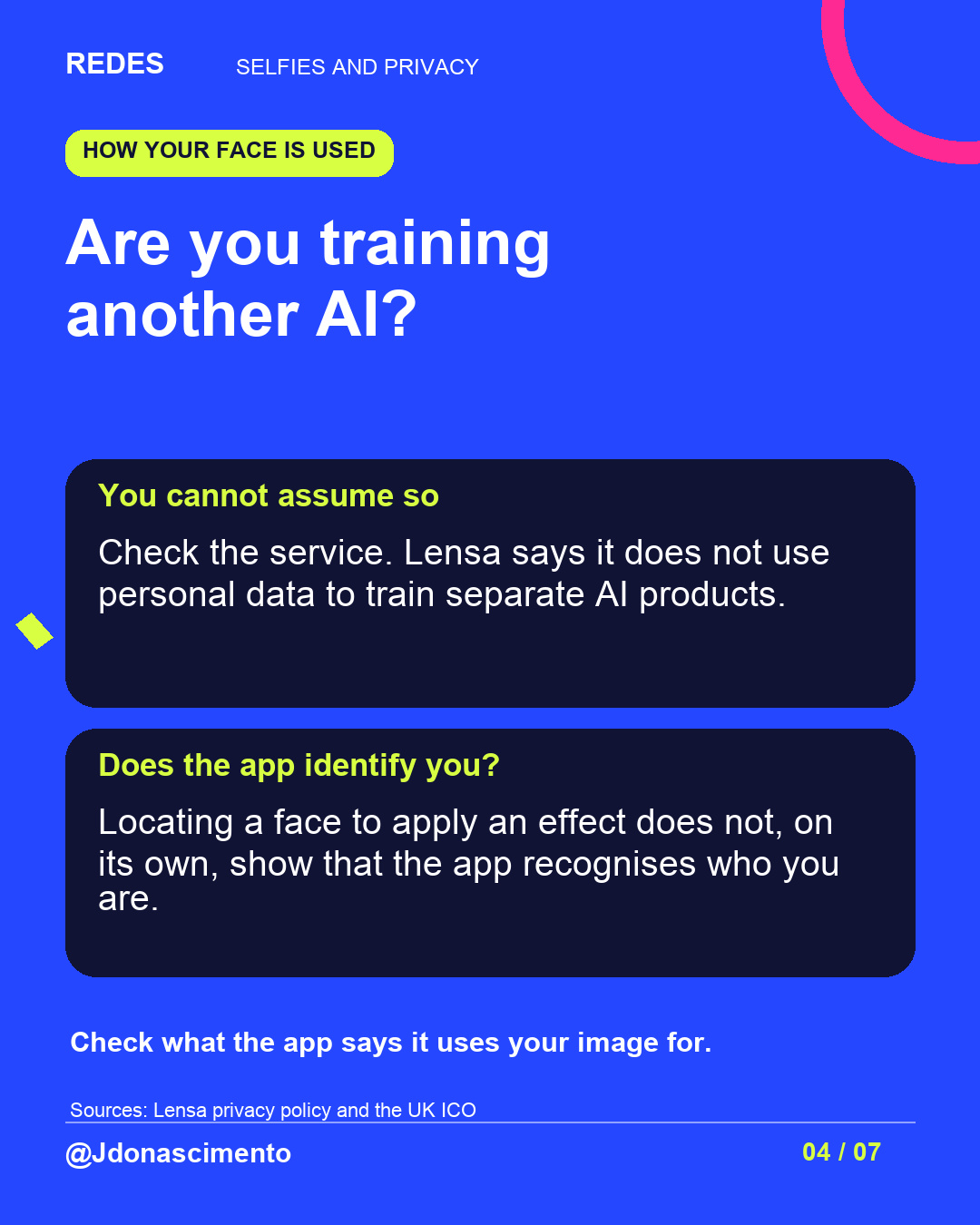
You liked the avatar. But do you know what happened to the selfie you uploaded to create it? 👀
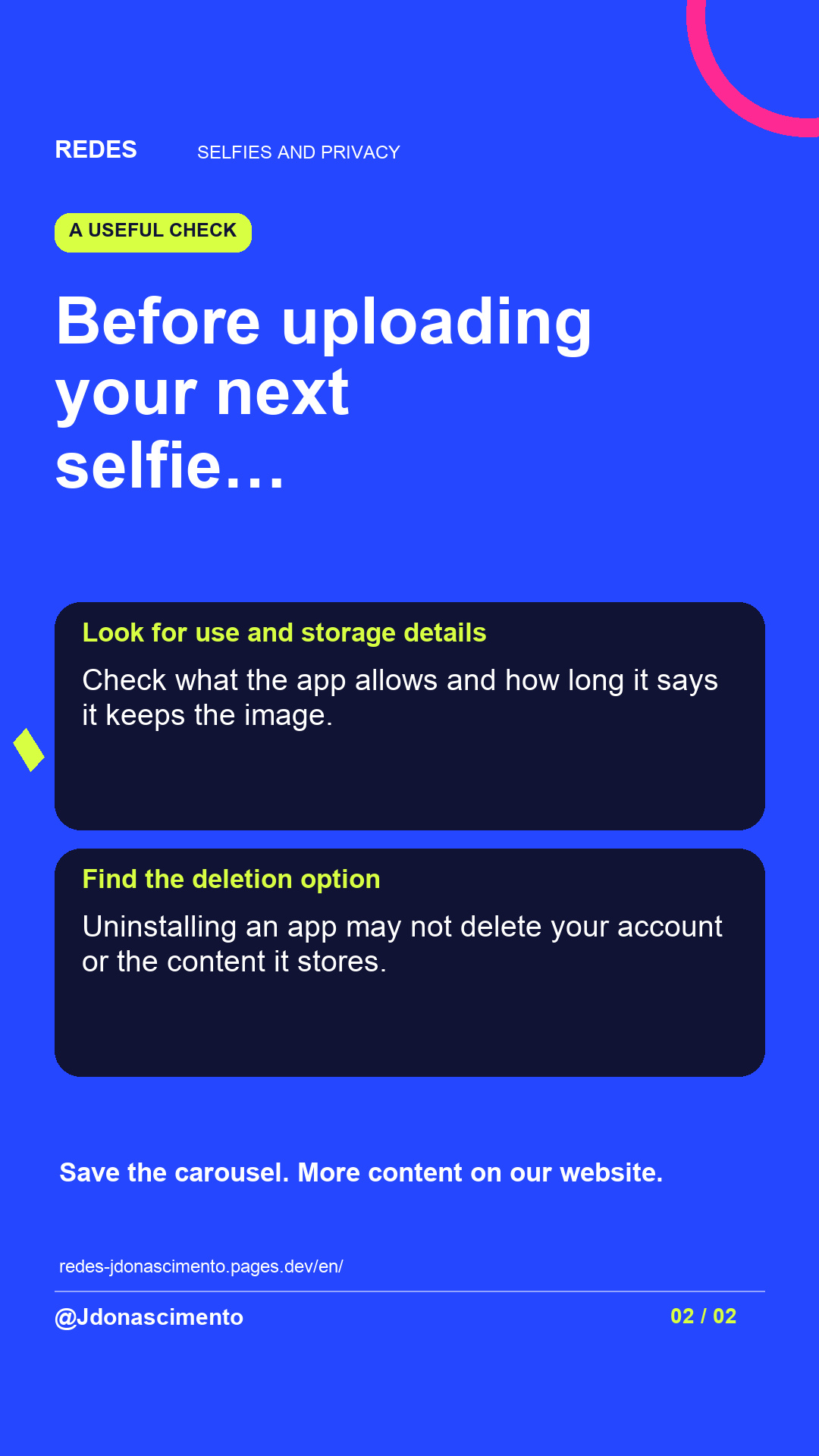
Swipe to find out what to check before using a filter, and why deleting the app may not delete your images.
What would make you decide not to upload a photo?
Sources: Lensa privacy policy, https://lensa.app/privacy/; Apple’s guide, https://support.apple.com/en-ca/guide/personal-safety/ips0d7a5df82/1.0/web/1.0; ICO, https://ico.org.uk/for-organisations/uk-gdpr-guidance-and-resources/lawful-basis/biometric-data-guidance-biometric-recognition/biometric-recognition/
For more content, visit: https://redes-jdonascimento.pages.dev/en/
The filter changes your face. What happens to your photo afterwards?
You can like the result and still have a question: what does the app keep when you have finished using it?
The terms depend on the service and feature. We cannot claim that every selfie trains other AI systems or that every app demands perpetual rights over it.
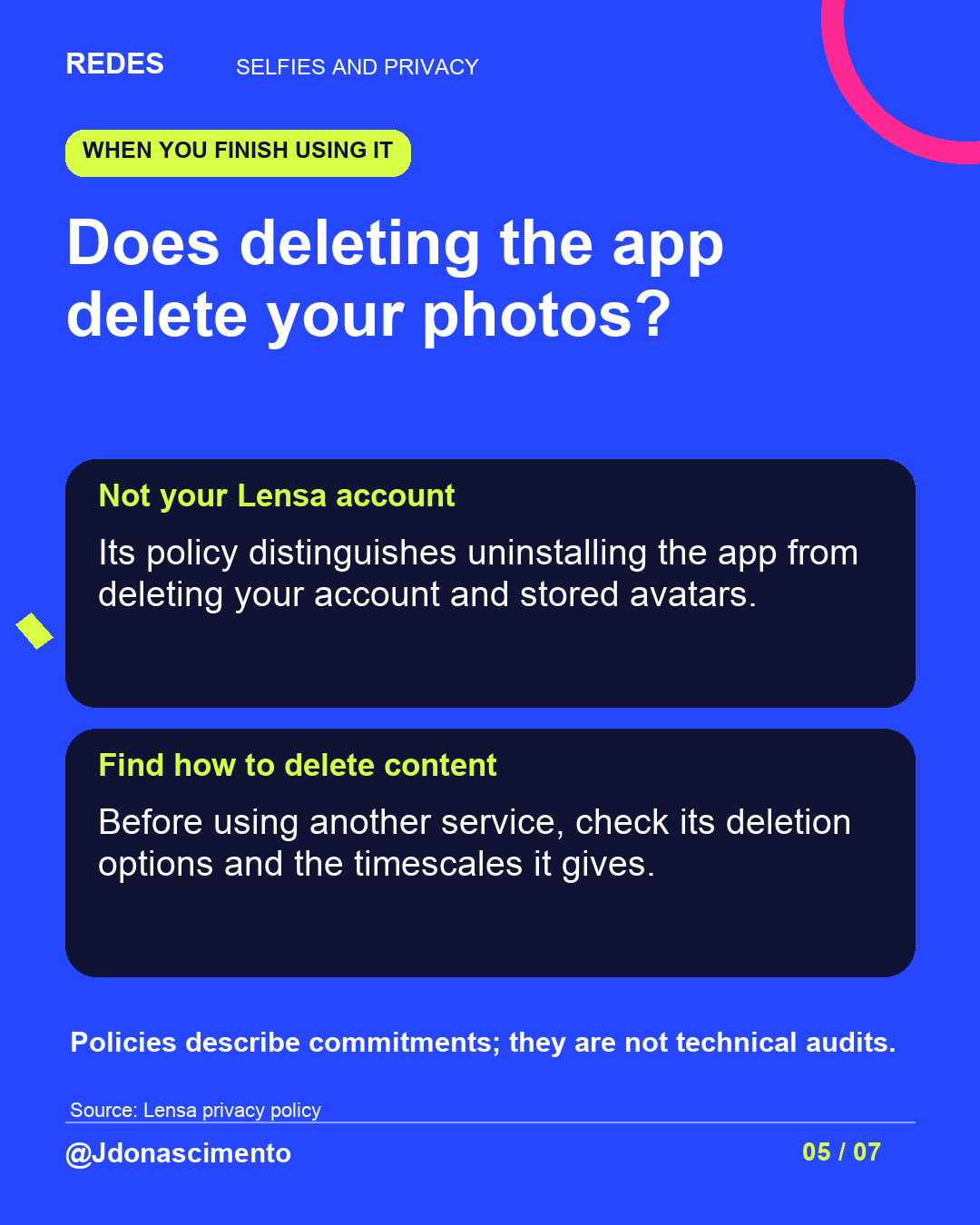
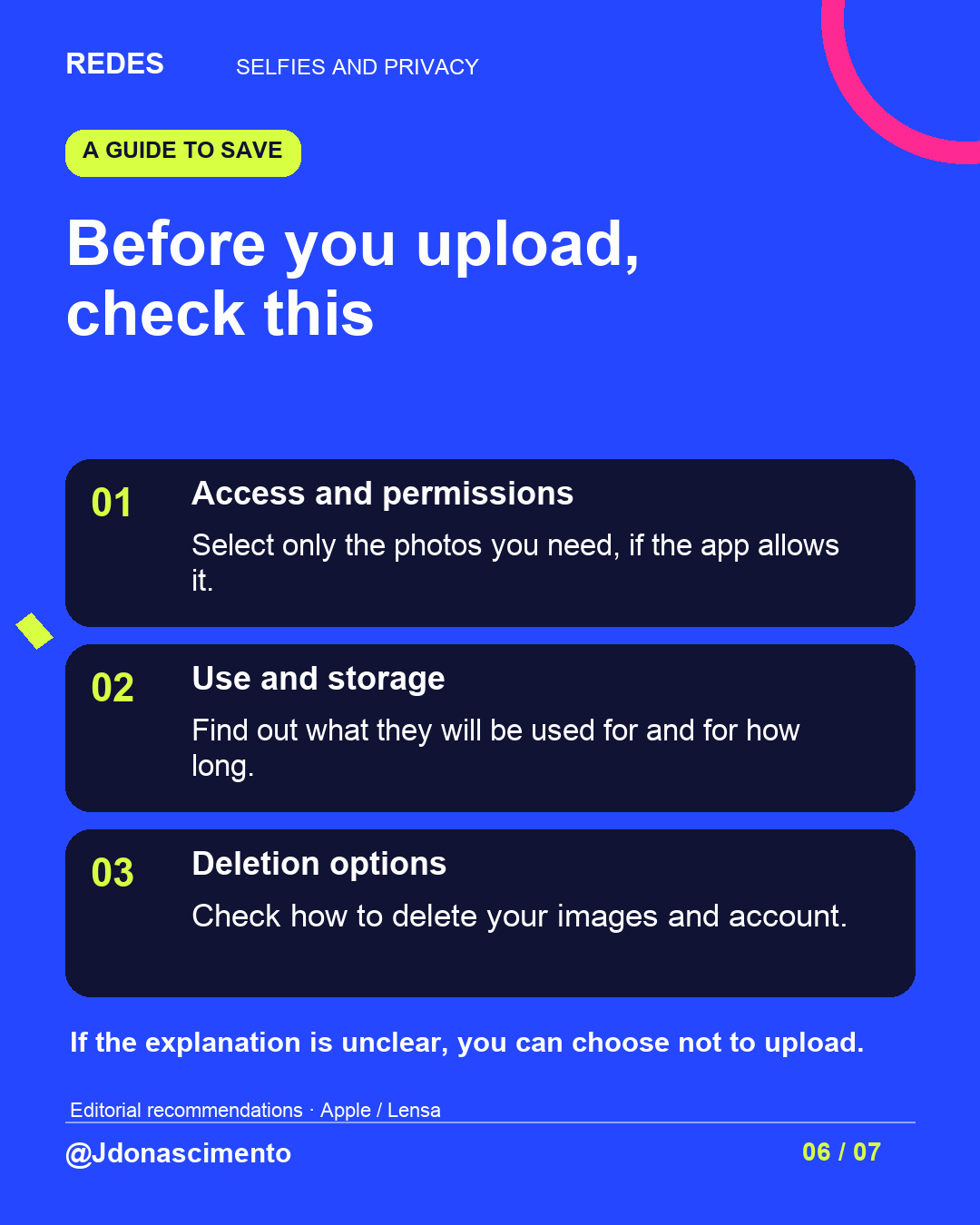
One useful detail: Lensa explains that uninstalling its app does not delete your account. Before uploading an image, check permissions, intended uses, storage and deletion options.
The carousel brings together checks to save for your next filter. Which condition would make you stop using an app?
Sources: https://lensa.app/privacy/ and https://lensa.app/terms/
Apple’s guide: https://support.apple.com/en-ca/guide/personal-safety/ips0d7a5df82/1.0/web/1.0
For more content, visit: https://redes-jdonascimento.pages.dev/en/
X
1/5 You liked the avatar. Do you know what happened to the selfie you uploaded? Before trying another filter, check what the app keeps and why. Read the thread.
2/5 A photo may include location data if it was recorded and shared with the file. This does not always happen. Apple explains how to check and remove it: https://support.apple.com/en-ca/guide/personal-safety/ips0d7a5df82/1.0/web/1.0
3/5 Do not assume your photo will train another AI. Check the feature and its policy. A licence to use your image is also different from owning it. Example: Lensa’s terms https://lensa.app/terms/
4/5 Deleting an app may not delete your account or stored images. Lensa states this explicitly. Look for the deletion options in the service you use. Source: https://lensa.app/privacy/
5/5 What would make you decide not to upload a selfie? Save this guide and check permissions before your next filter. For more content, visit: https://redes-jdonascimento.pages.dev/en/