Spotify distinguishes AI-generated artist identities: how to read its labels
Profile notices and song credits provide different information. Understanding the distinction helps listeners make more informed choices about what they hear and share.
Read related article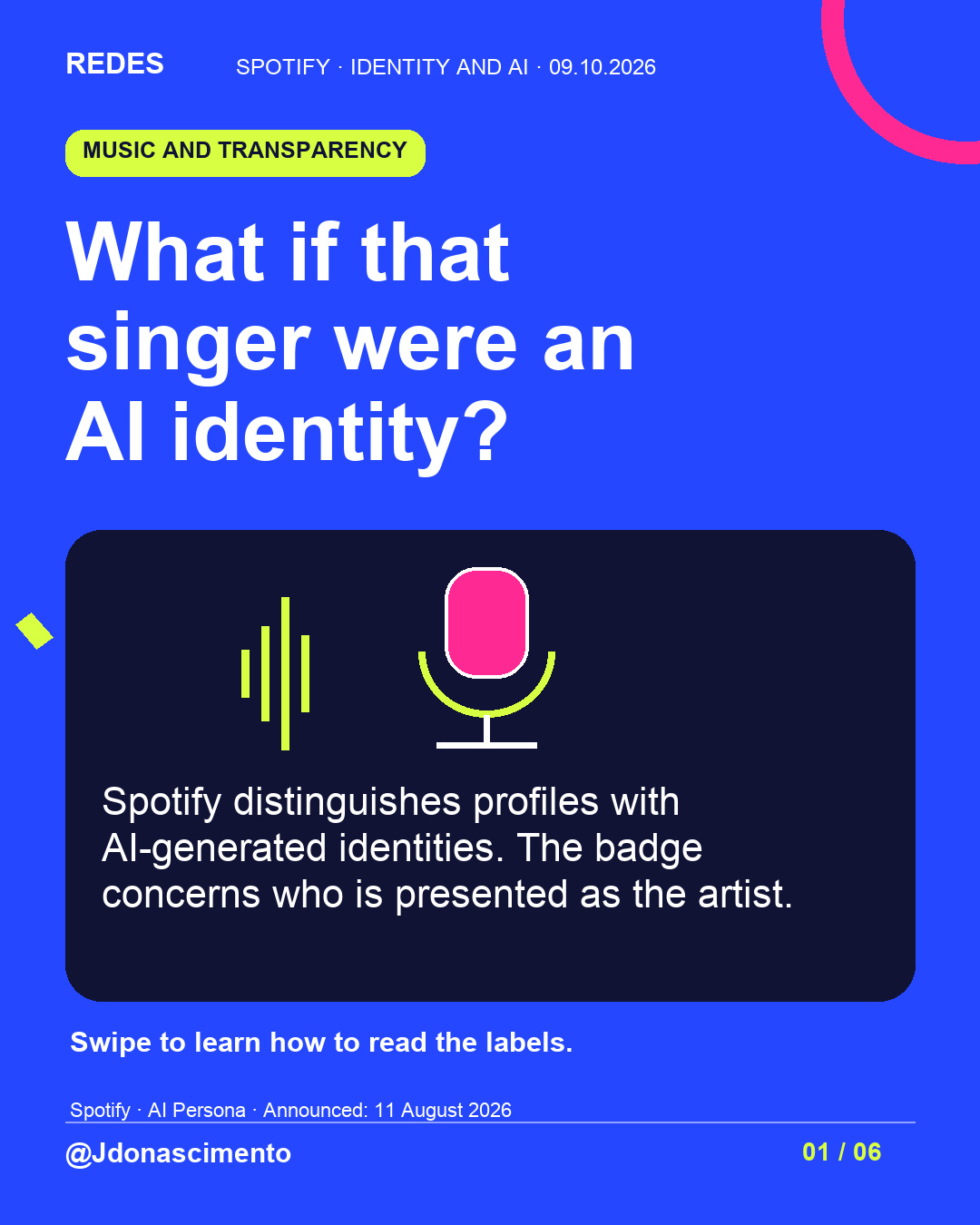
Would knowing that the person on the cover was AI-generated change the song for you?
Spotify distinguishes an artist’s identity from AI use in a song. Swipe to understand its labels and what to check before drawing conclusions.
The announcement dates from 11 August 2026; this is not a launch today. Current support guidance describes a gradual rollout. An absent badge cannot establish that no AI is involved.
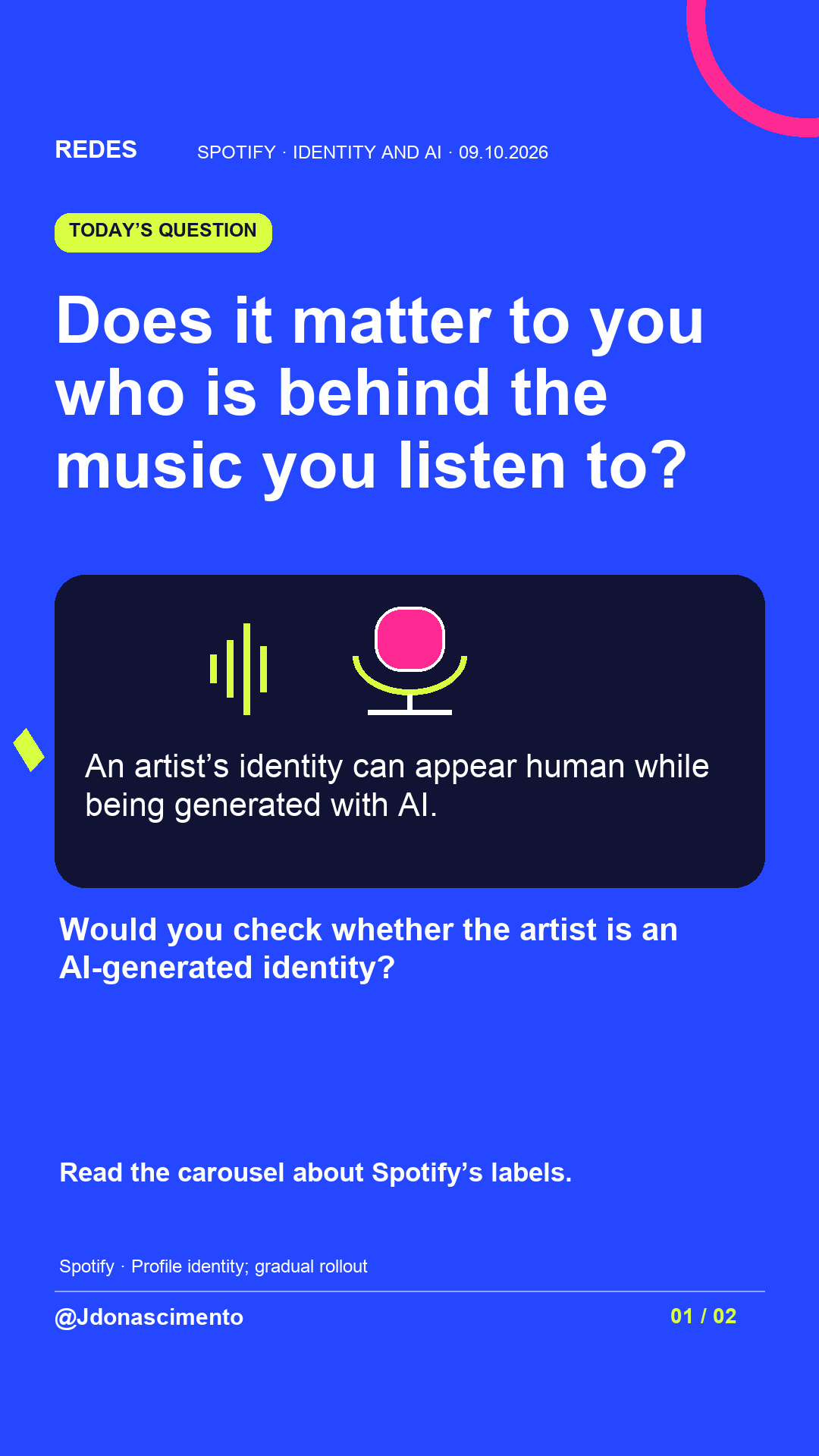
Does it matter to you who is behind the music you listen to?
Jenny Do Nascimento Gouveia / Journalist / @jdonascimento
Sources: https://support.spotify.com/us/artists/article/ai-personas/
https://support.spotify.com/us/artists/article/ai-credits/
For more content, visit: https://redes-jdonascimento.pages.dev/en/
#Spotify #ArtificialIntelligence #Music #DigitalLiteracy
What if that singer were an AI-generated identity?
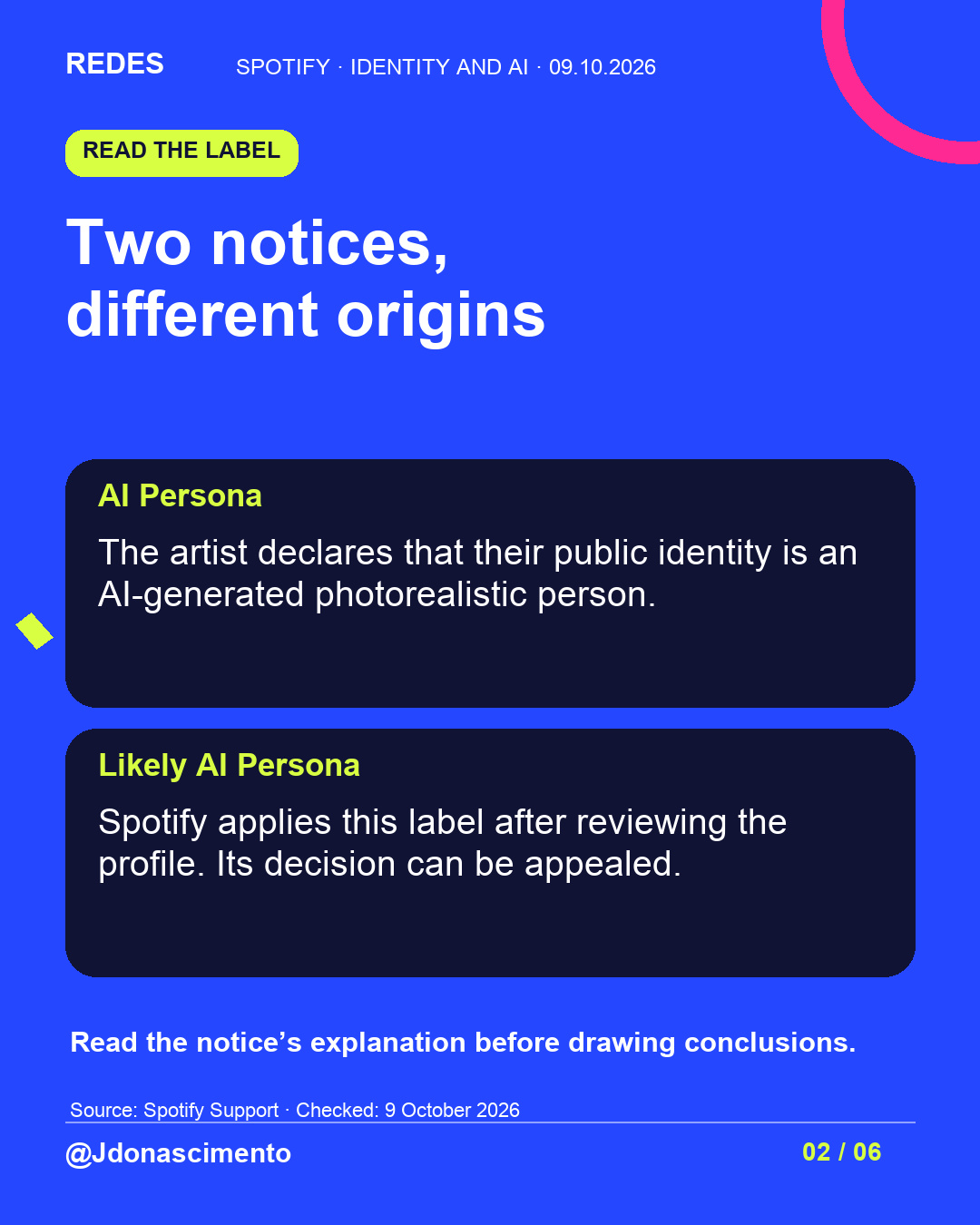
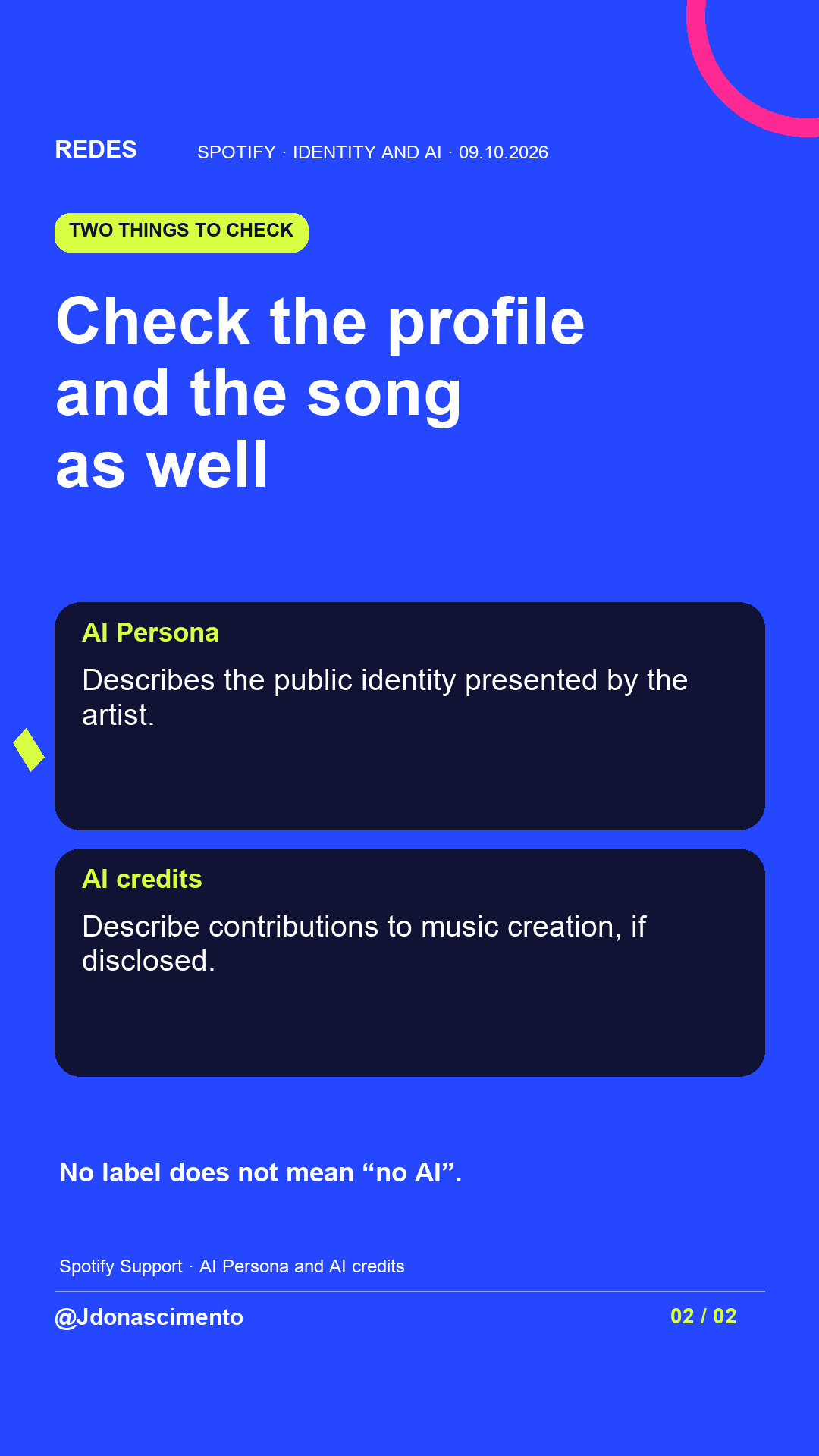
Spotify offers labels to provide context about an artist’s public identity. Its documentation distinguishes artists’ own disclosures from assessments made by the platform.
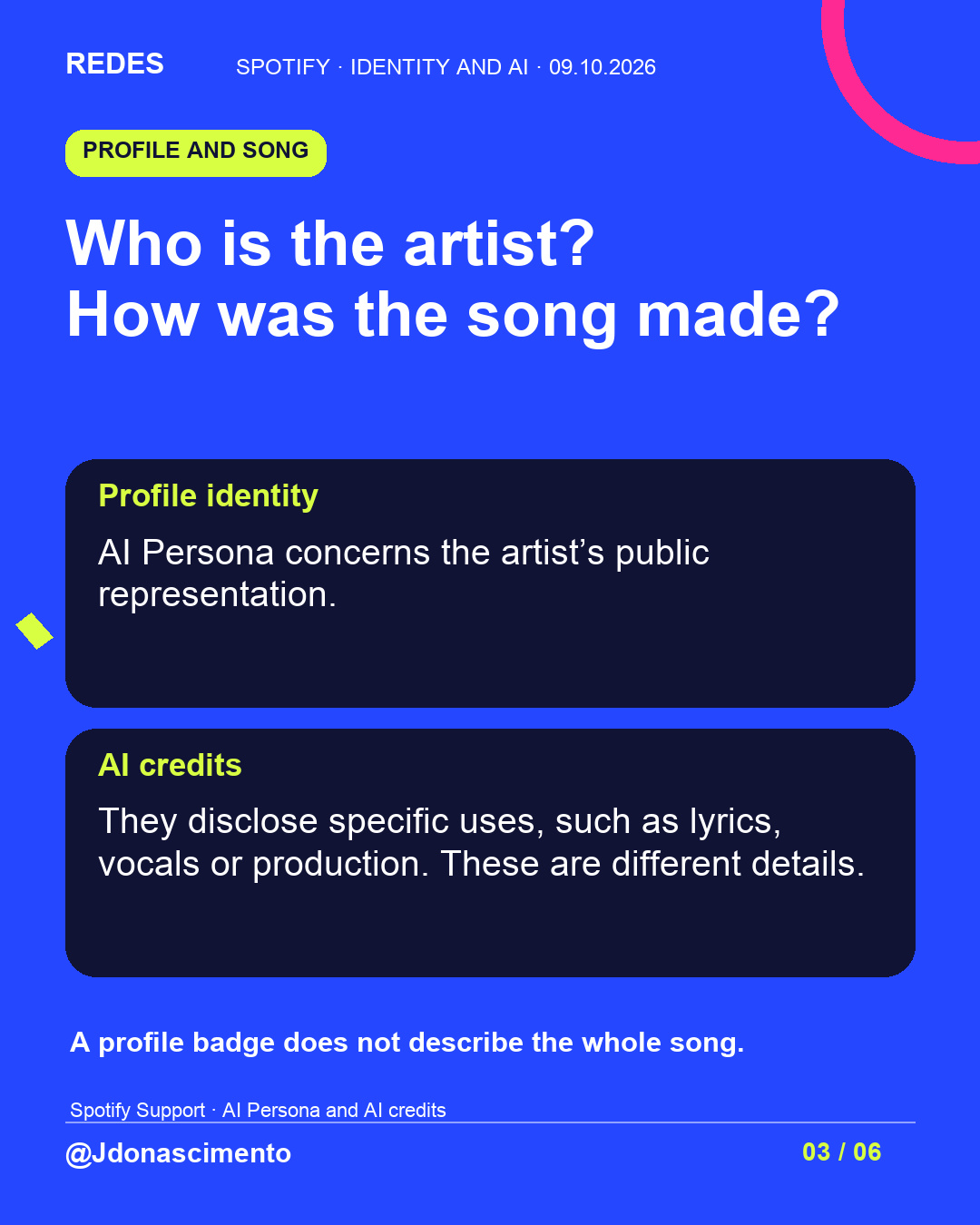
To understand how the music was made, check the song credits: identity and the creative process answer different questions.
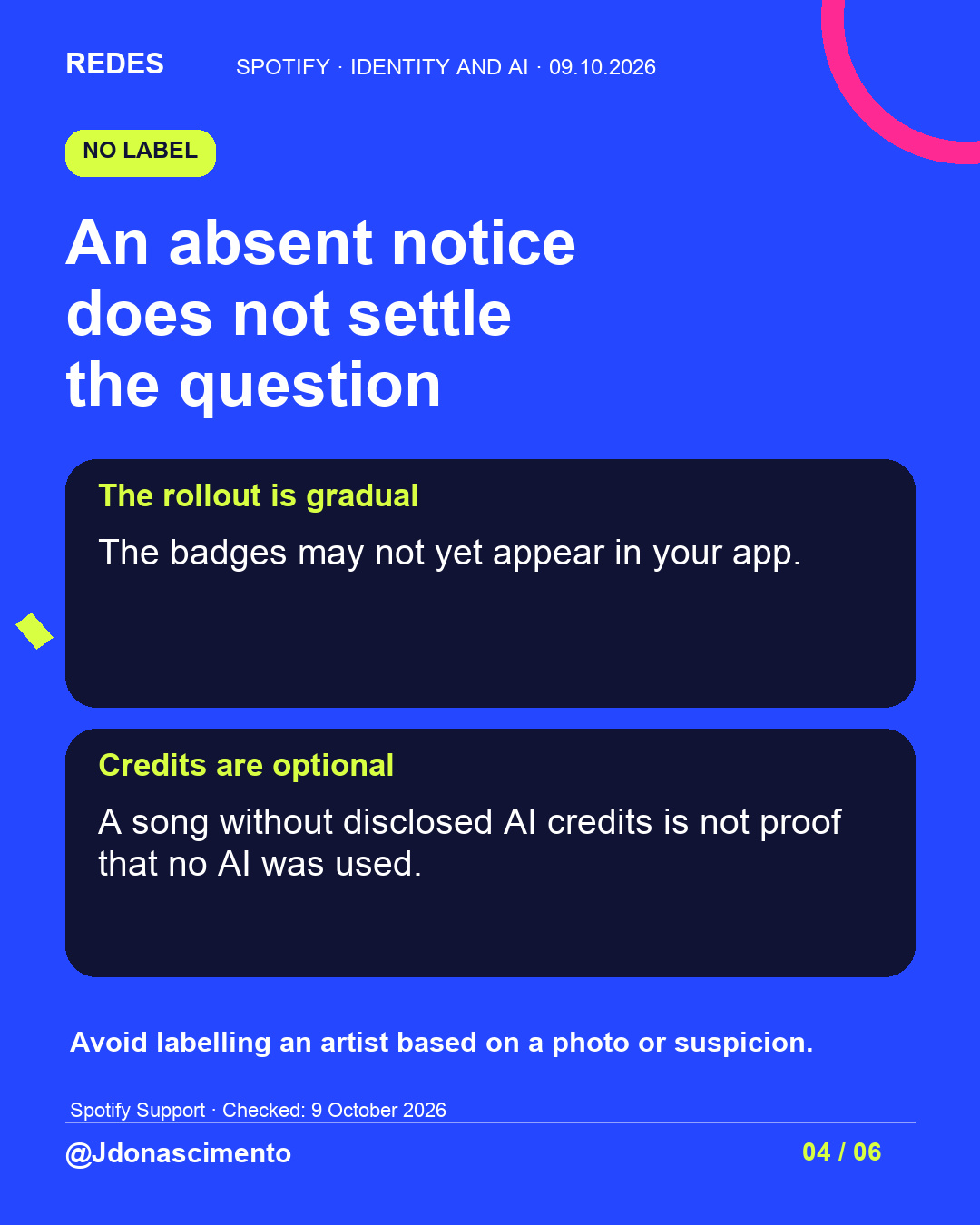
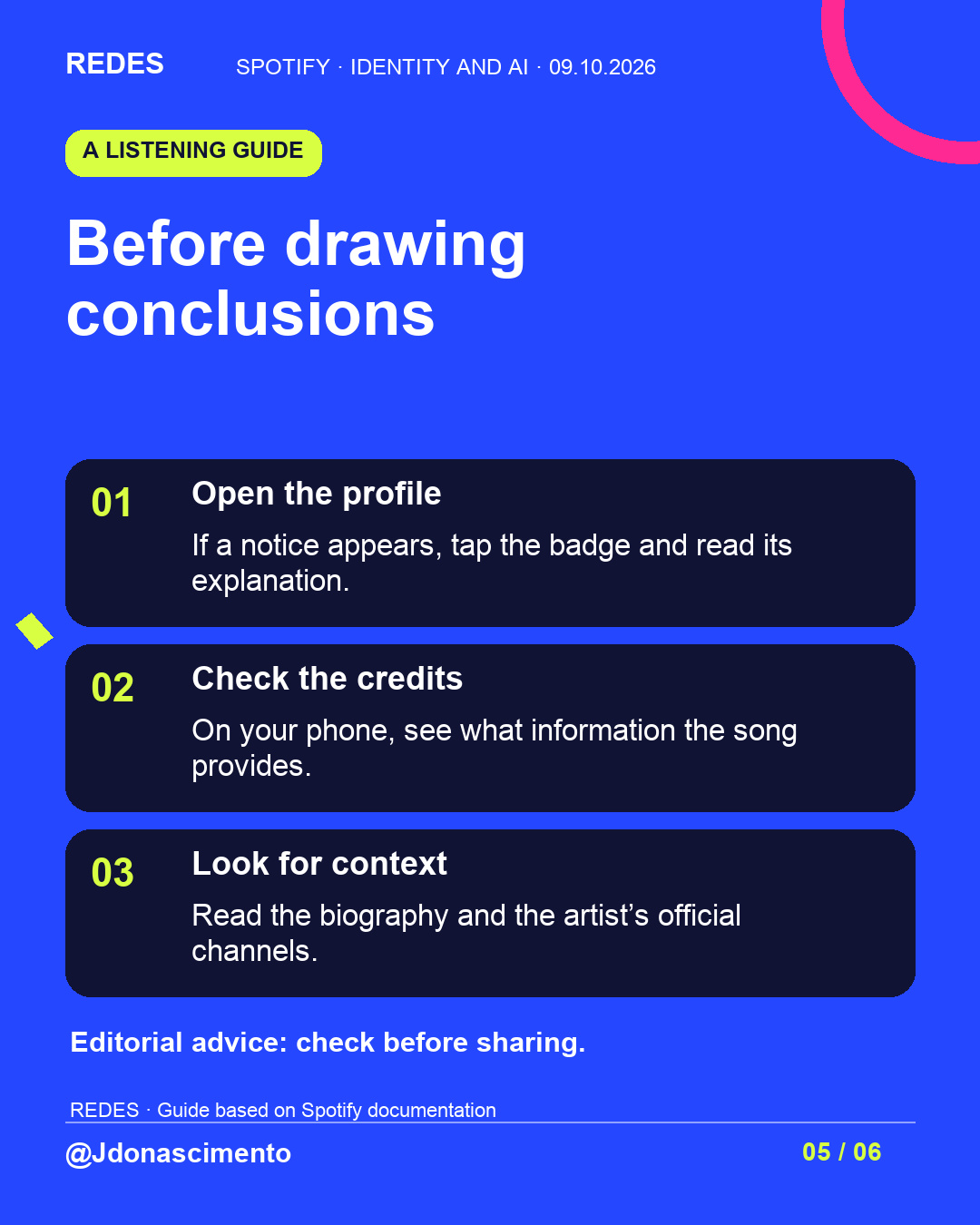
My suggestion for listening with more context: open the profile, read the notice’s explanation if it appears, and check the credits and official channels. Avoid presenting a suspicion as fact. The rollout is gradual and AI credits are optional.
The AI Persona announcement is dated 11 August 2026. This is a guide to reading the labels, not news of a launch today.
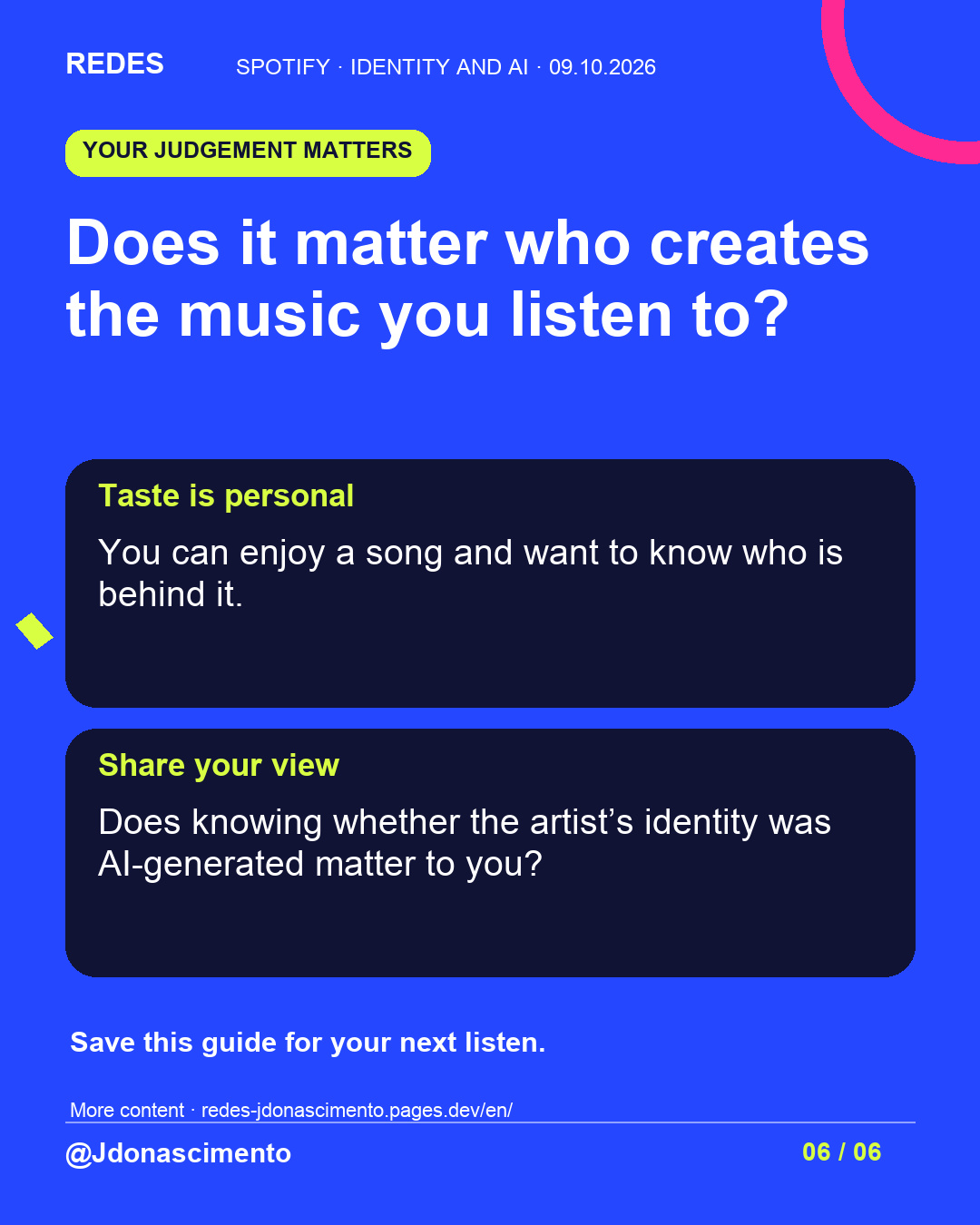
Does it matter who creates the music you listen to?
Jenny Do Nascimento Gouveia / Journalist / @jdonascimento
Sources: https://newsroom.spotify.com/2026-08-11/ai-persona-badges-transparency/
https://support.spotify.com/us/artists/article/ai-personas/
https://support.spotify.com/us/artists/article/ai-credits/
For more content, visit: https://redes-jdonascimento.pages.dev/en/
X
1/5 What if that singer were an AI-generated identity? Spotify distinguishes profile identity from AI use in music. A guide to reading its labels. https://newsroom.spotify.com/2026-08-11/ai-persona-badges-transparency/
#Spotify #ArtificialIntelligence #Music
2/5 AI Persona: the artist’s disclosure. Likely AI Persona: Spotify’s assessment after reviewing a profile, with an appeal option. They concern a photorealistic AI-generated public identity. https://support.spotify.com/us/artists/article/ai-personas/
#Spotify #AI #Transparency
3/5 AI credits concern specific contributions to a song. They are optional and in beta on mobile. Their absence does not prove that no AI was used. https://support.spotify.com/us/artists/article/ai-credits/
#Spotify #AI #Music
4/5 Before sharing a suspicion: open the profile, read any notice and check the credits and official channels. The rollout is gradual; not everyone will see the same labels yet.
#Spotify #AI #DigitalLiteracy
5/5 Does knowing who is behind the music matter to you?
Jenny Do Nascimento Gouveia / Journalist / @jdonascimento
For more content, visit: https://redes-jdonascimento.pages.dev/en/
#Spotify #Music #ArtificialIntelligence