When AI works for you: from a Gemini idea to a tool for your website
A quotation calculator explores how to create an app with AI, customise it in Google Sites and share it with others.
Read related article

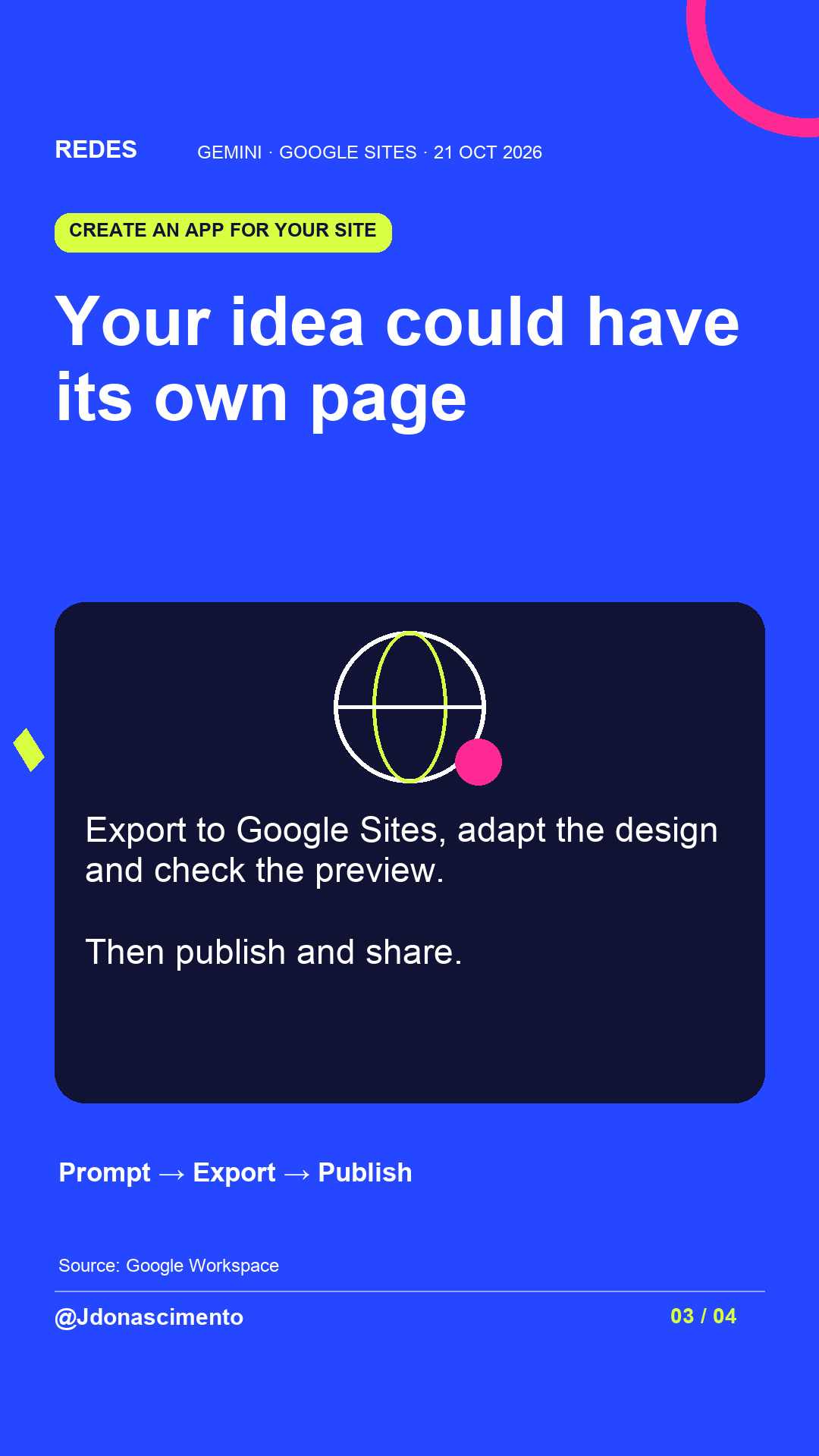
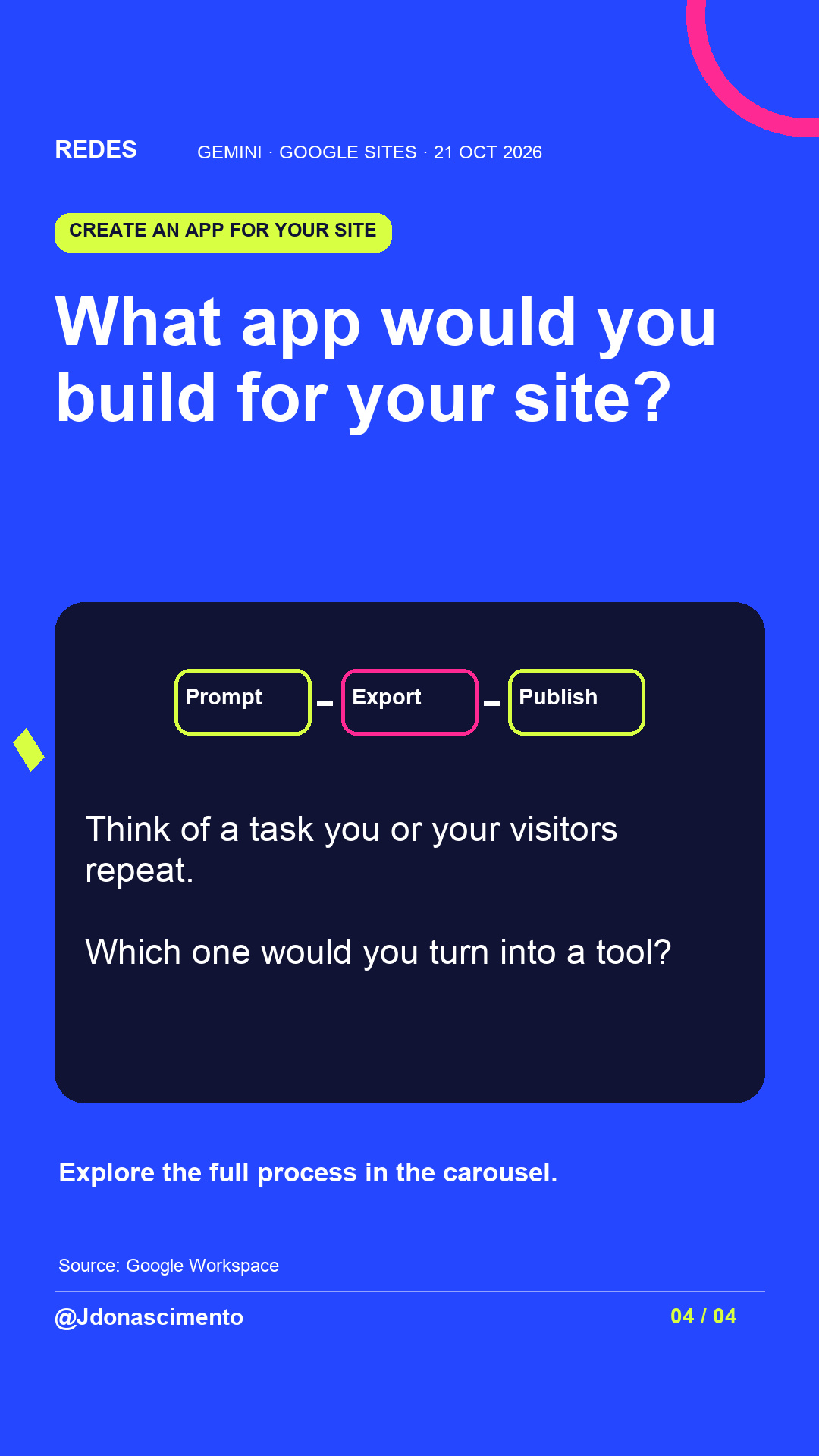
What task on your website would you like to turn into an app?
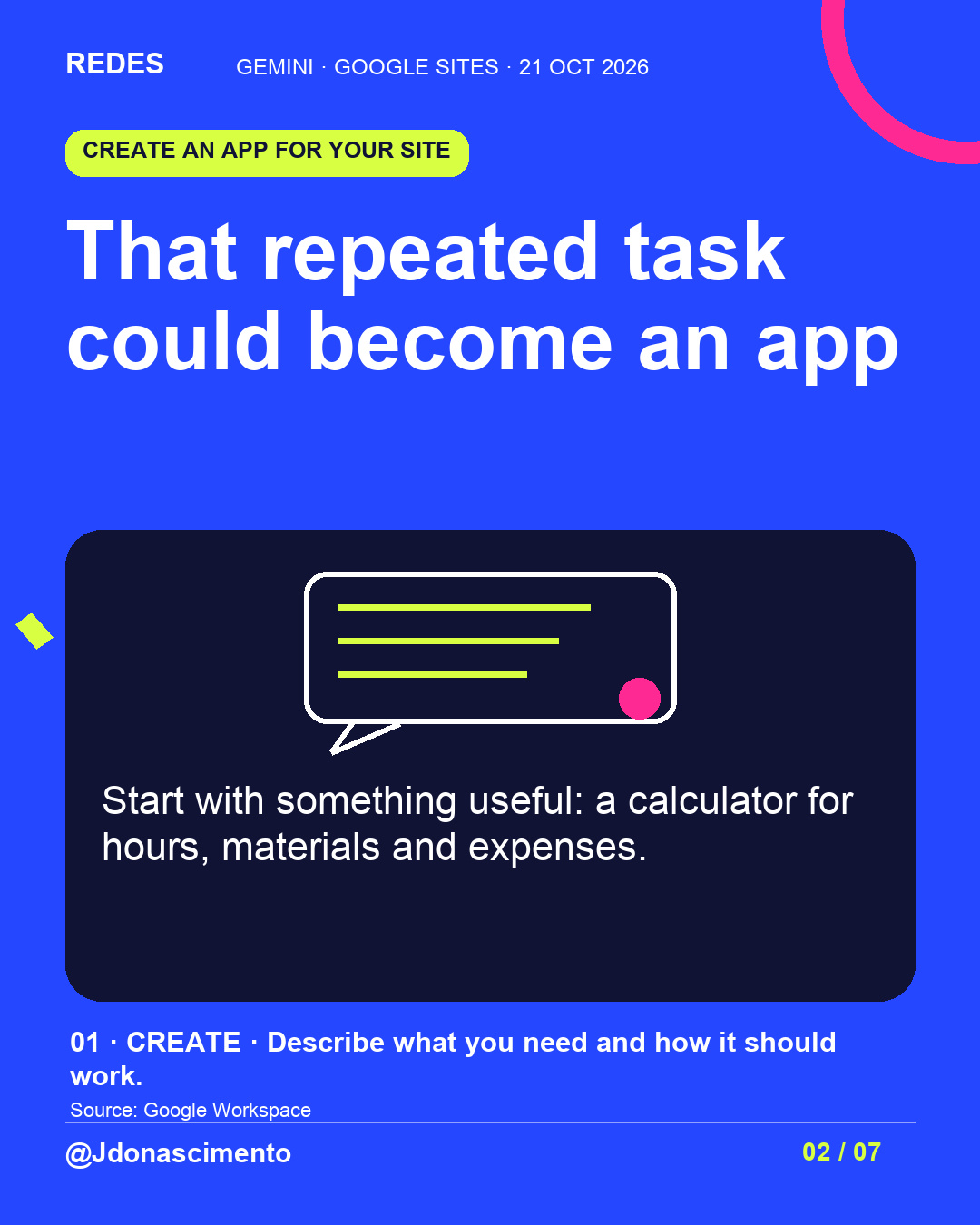
When AI works for you, start with a specific need: a quotation calculator other people can use.
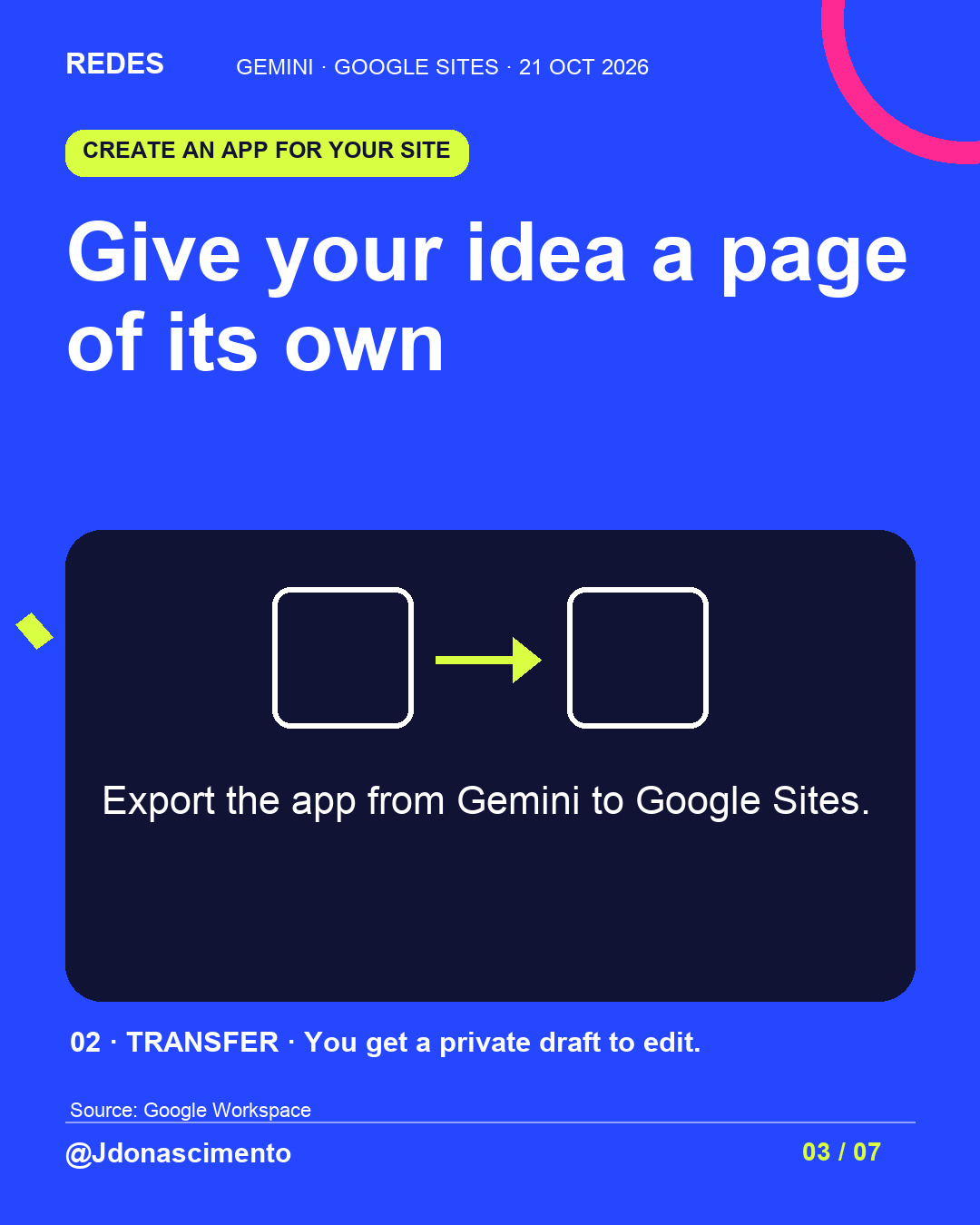
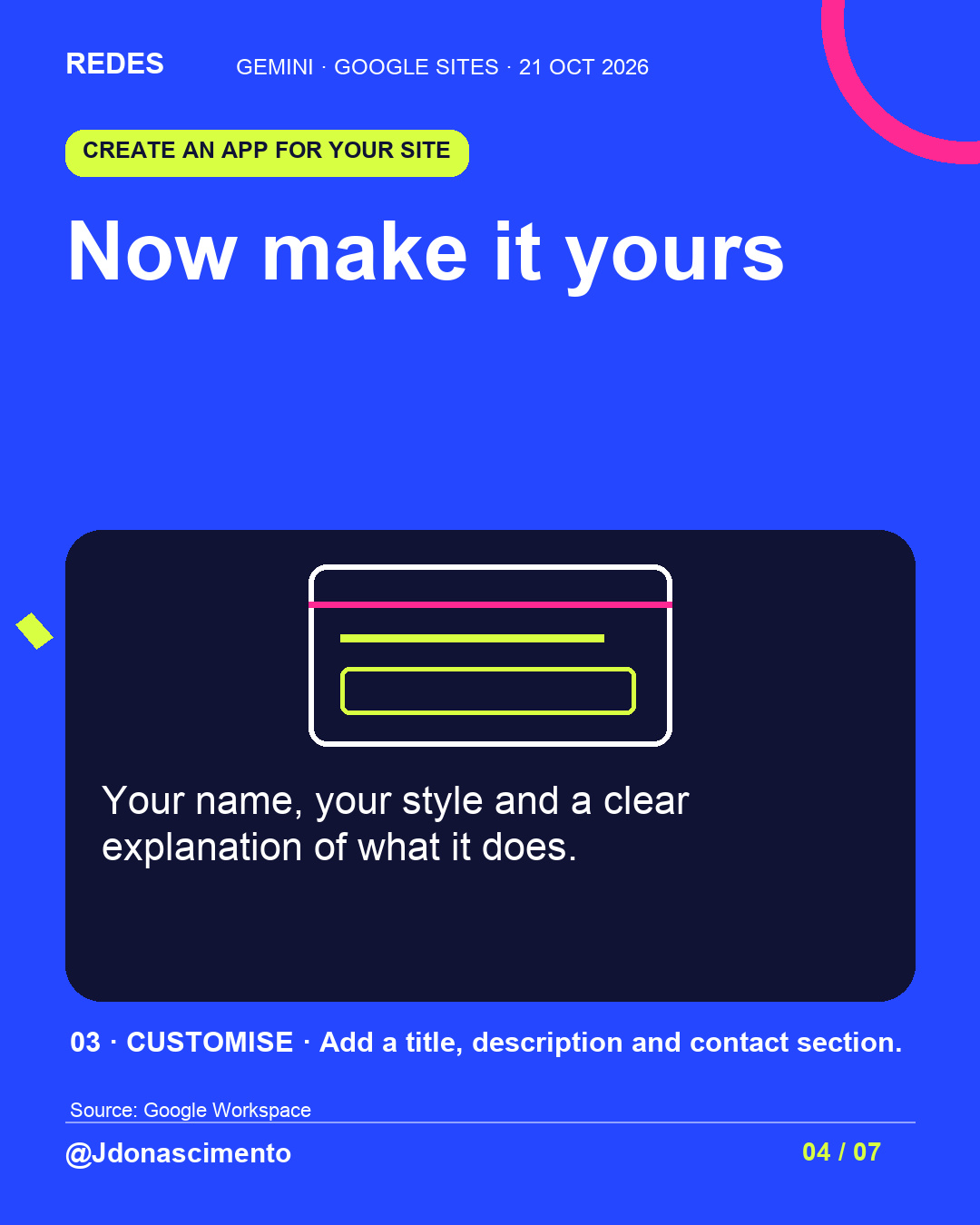
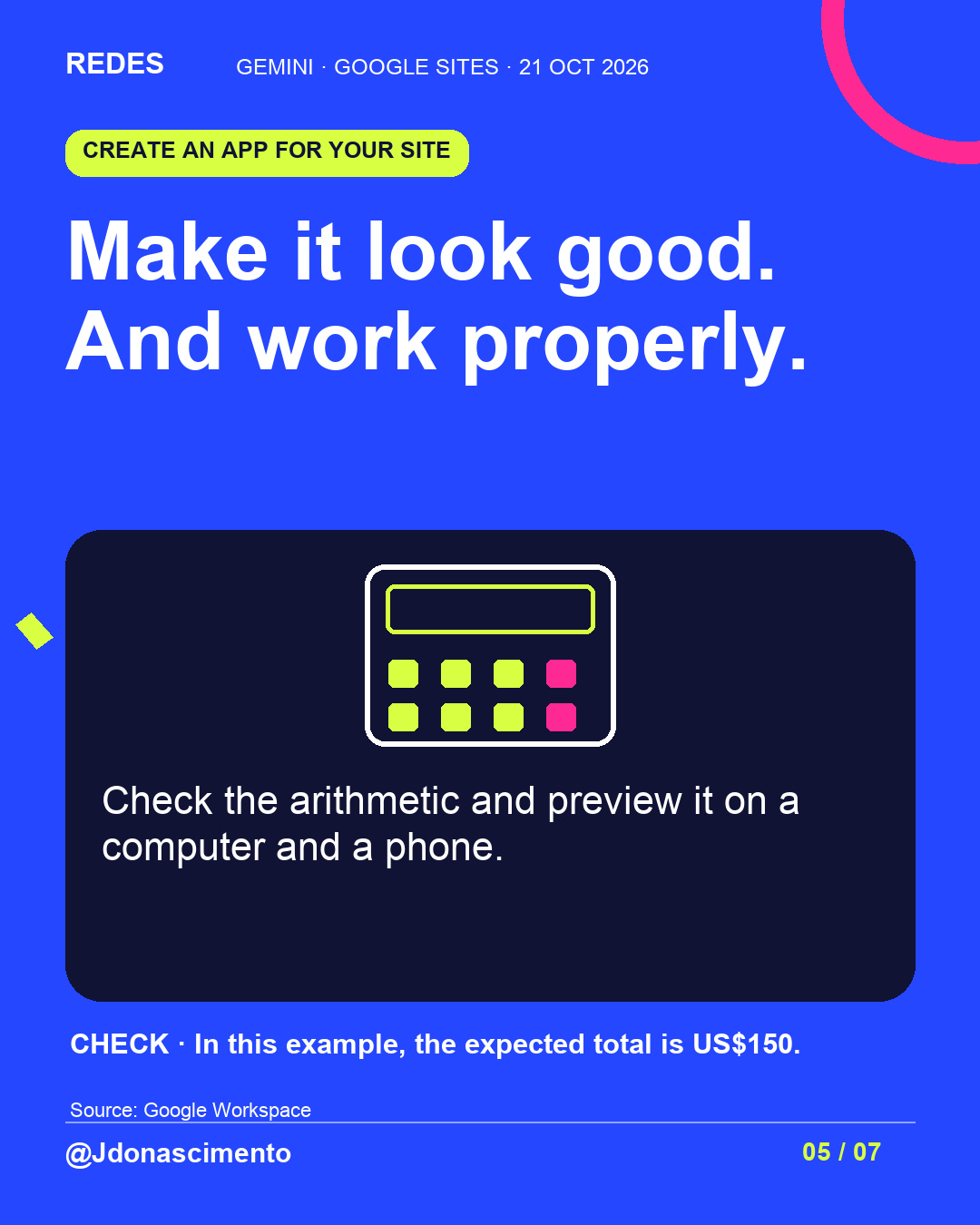
Swipe to explore the route from Gemini to Google Sites: create, transfer, customise and publish. This is an illustrative example; check the arithmetic before sharing the tool.
Save this guide and tell me: what app is your website missing?
For more content, visit: https://redes-jdonascimento.pages.dev/en/
#Gemini #GoogleSites #ArtificialIntelligence #DigitalTools
What task on your website would you like to turn into an app?
When AI works for you, start with a specific need: a quotation calculator other people can use.
Explore the images for the route from Gemini to Google Sites: create, transfer, customise and publish. This is an illustrative example; check the arithmetic before sharing the tool.
Save this guide and tell me: what app is your website missing?
For more content, visit: https://redes-jdonascimento.pages.dev/en/
#Gemini #GoogleSites #ArtificialIntelligence #DigitalTools
X
1/4 When AI works for you… Your idea could become an app for your website. Start with a specific task: a quotation calculator. #Gemini
2/4 The process: create in Gemini → export to Google Sites → customise the draft → check and publish. A custom domain needs additional setup.
3/4 An attractive interface needs correct arithmetic too. Check the results and preview it on a computer and phone. This edition uses an illustrative example.
4/4 What app is your website missing? Tell me which task you would turn into a tool. More content: https://redes-jdonascimento.pages.dev/en/ #GoogleSites