OpenAI’s 28-day campaign: what has been announced and what changes for users
A partial snapshot of updates for learning and work, with access conditions and limits to check.
Read related article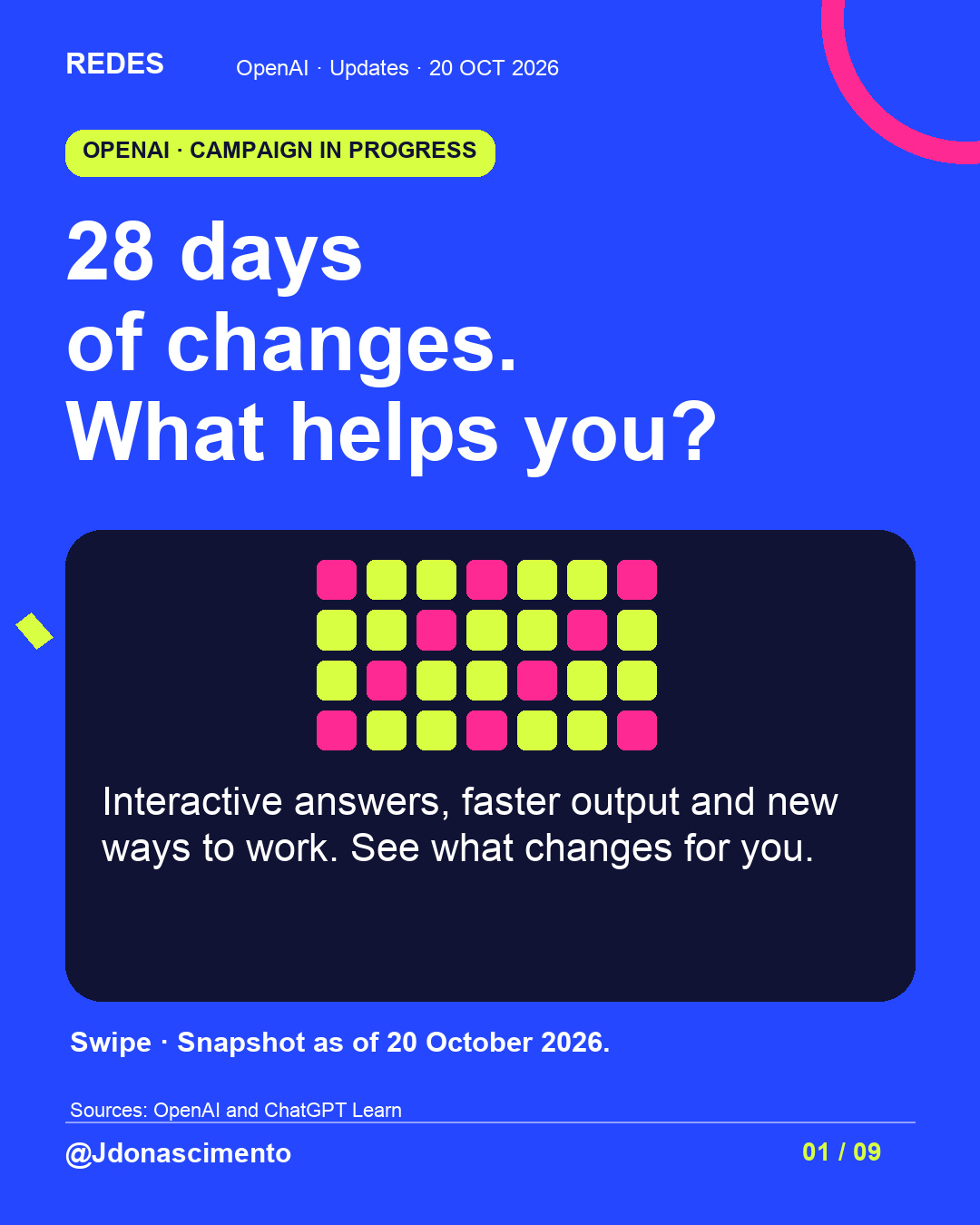
Seen OpenAI’s announcements and wondering which ones you can use?
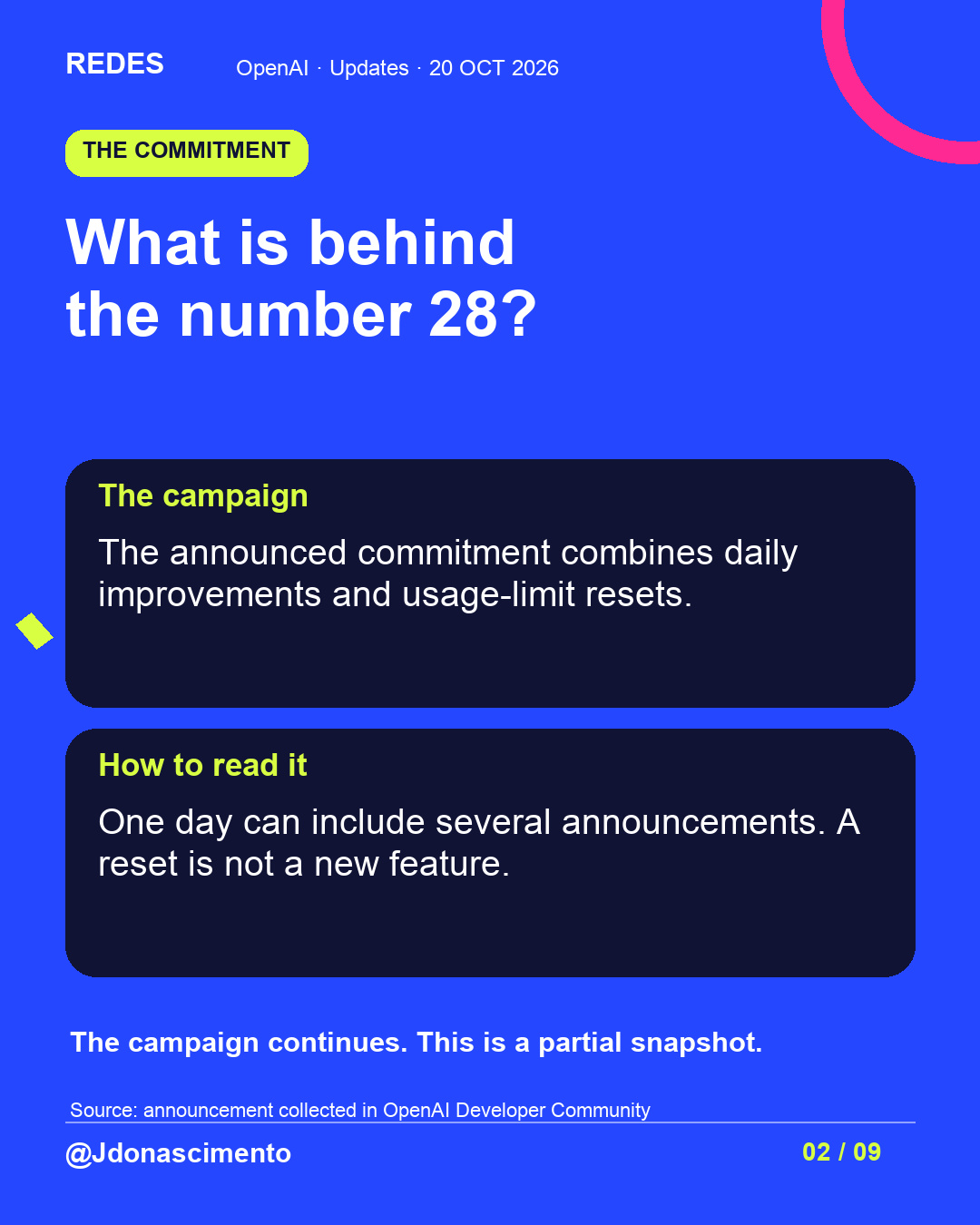
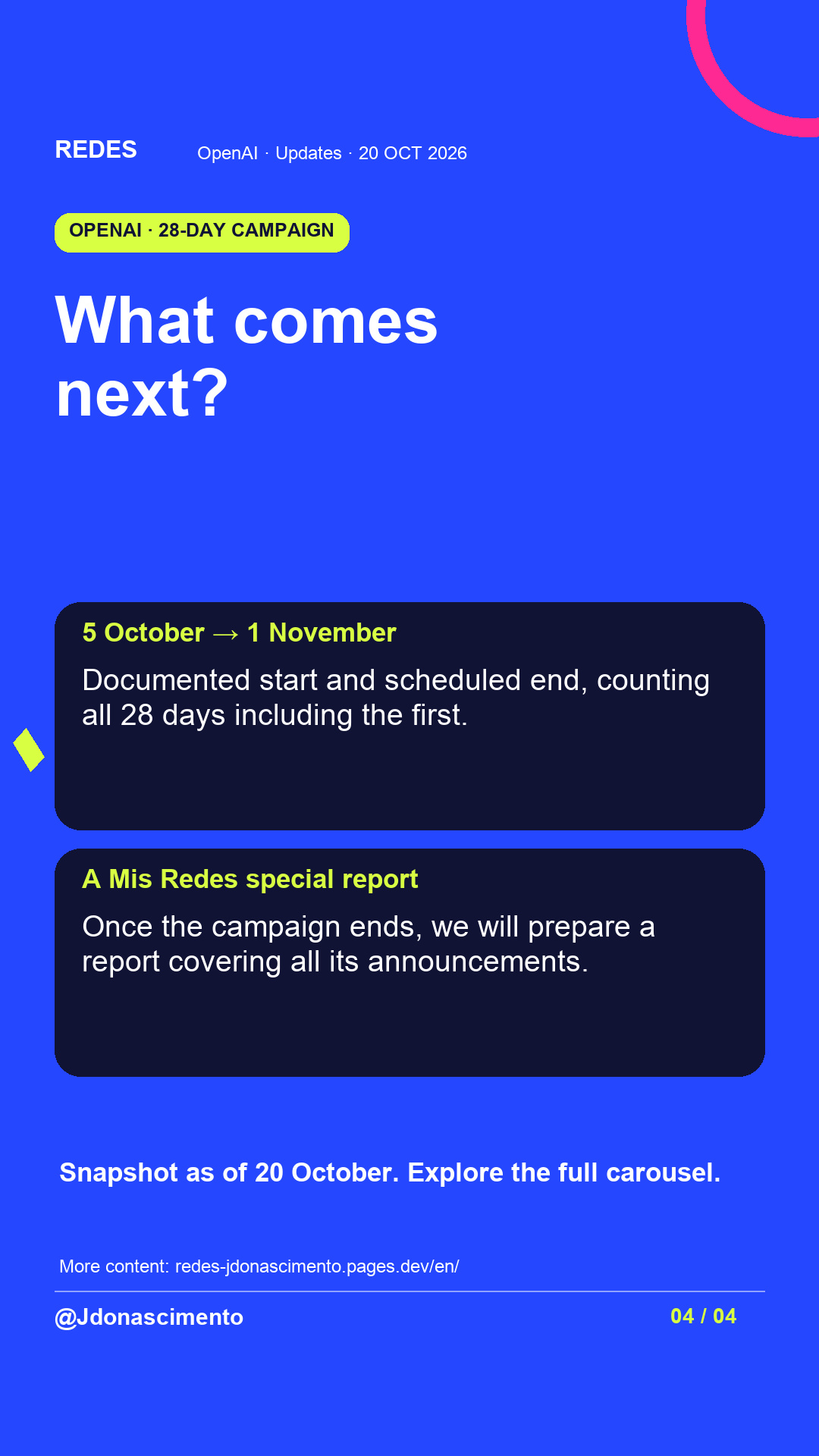
The 28-day campaign combines improvements and usage-limit resets. We selected changes for learning, conversation and work, with their access conditions. Swipe to see what fits your needs.
Which would you try first, and what for?
Partial snapshot as of 20 October 2026. Availability depends on product, plan, region and rollout. Examples are suggested uses, not personal tests.
Sources: the GPT-6 announcement, ChatGPT Learn documentation, OpenAI Developers and the campaign tracker in OpenAI Developer Community.
https://openai.com/index/gpt-6-for-everyone/
https://learn.chatgpt.com/docs/changelog
https://learn.chatgpt.com/docs/whats-new/dots-october-9-2026
https://developers.openai.com/api/docs/changelog
https://community.openai.com/t/a-reset-to-keep-cooking-with-codex-day-15-of-28-days-of-quality-of-life-improvements-and-or-a-full-reset/1403525
For more content, visit: https://redes-jdonascimento.pages.dev/en/
#OpenAI #ChatGPT #Codex #AI
An update can catch your attention without being available on your account. This snapshot of OpenAI’s 28-day campaign explains what changes, where it could help and which conditions to check.
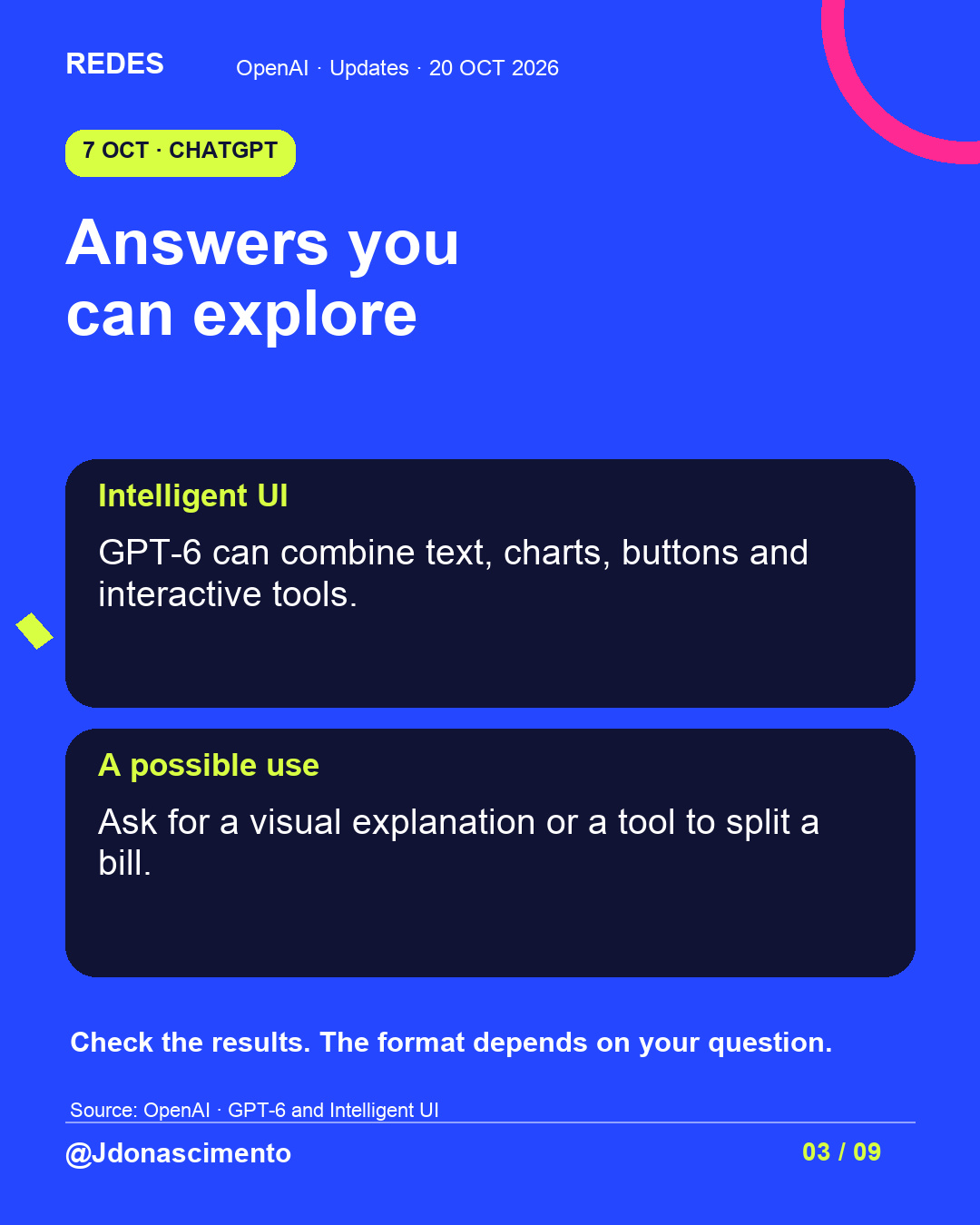
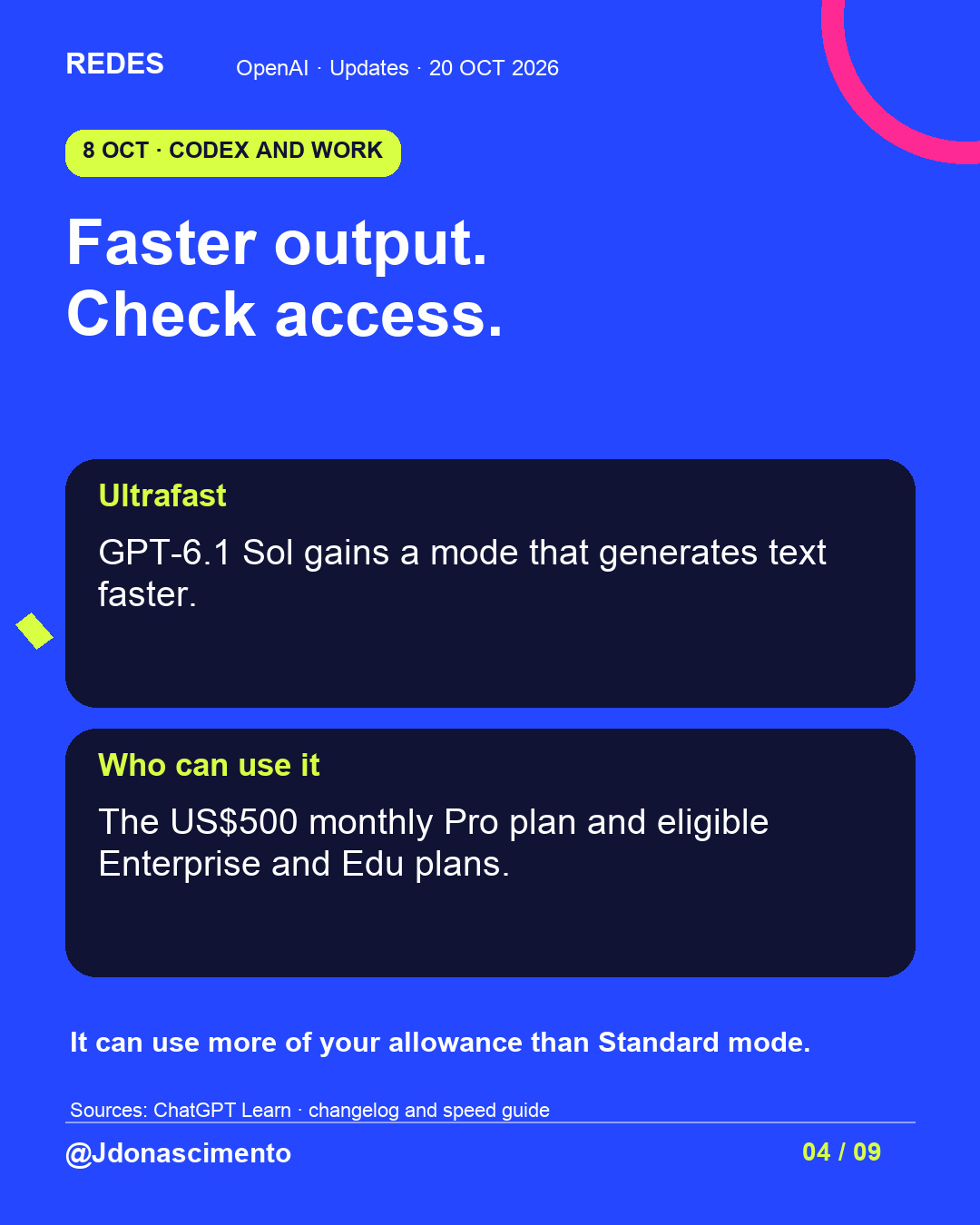
Interactive answers, Ultrafast, message suggestions and creating dots from your phone. We also explain Decisions API for developers and what a usage-limit reset means.
View the full post and choose a feature you would find useful. Which would you try first, and what for?
As of 20 October 2026. Campaign in progress; features subject to access and rollout.
Sources: the GPT-6 announcement, ChatGPT Learn documentation, OpenAI Developers and the campaign tracker in OpenAI Developer Community.
https://openai.com/index/gpt-6-for-everyone/
https://learn.chatgpt.com/docs/changelog
https://learn.chatgpt.com/docs/whats-new/dots-october-9-2026
https://developers.openai.com/api/docs/changelog
https://community.openai.com/t/a-reset-to-keep-cooking-with-codex-day-15-of-28-days-of-quality-of-life-improvements-and-or-a-full-reset/1403525
For more content, visit: https://redes-jdonascimento.pages.dev/en/
#OpenAI #ChatGPT #Codex #AI
X
1/7 OpenAI: 28 days of changes. What helps you? The campaign combines improvements and usage-limit resets. This partial snapshot is dated 20 October 2026. Read on. #OpenAI #ChatGPT
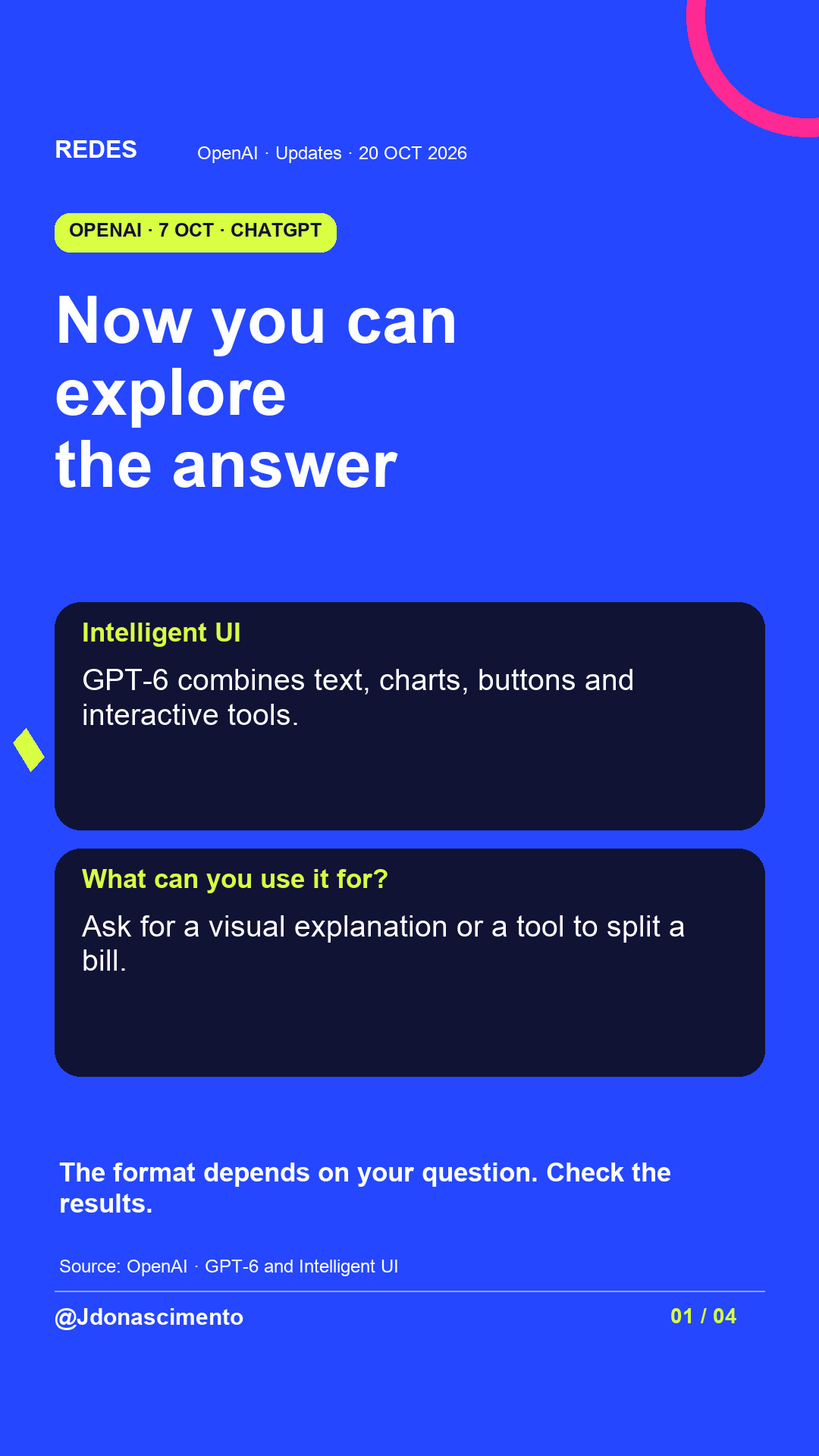
2/7 GPT-6 and Intelligent UI: answers with charts, buttons and interactive tools. The format depends on your question, and results still need checking. https://openai.com/index/gpt-6-for-everyone/ #ChatGPT
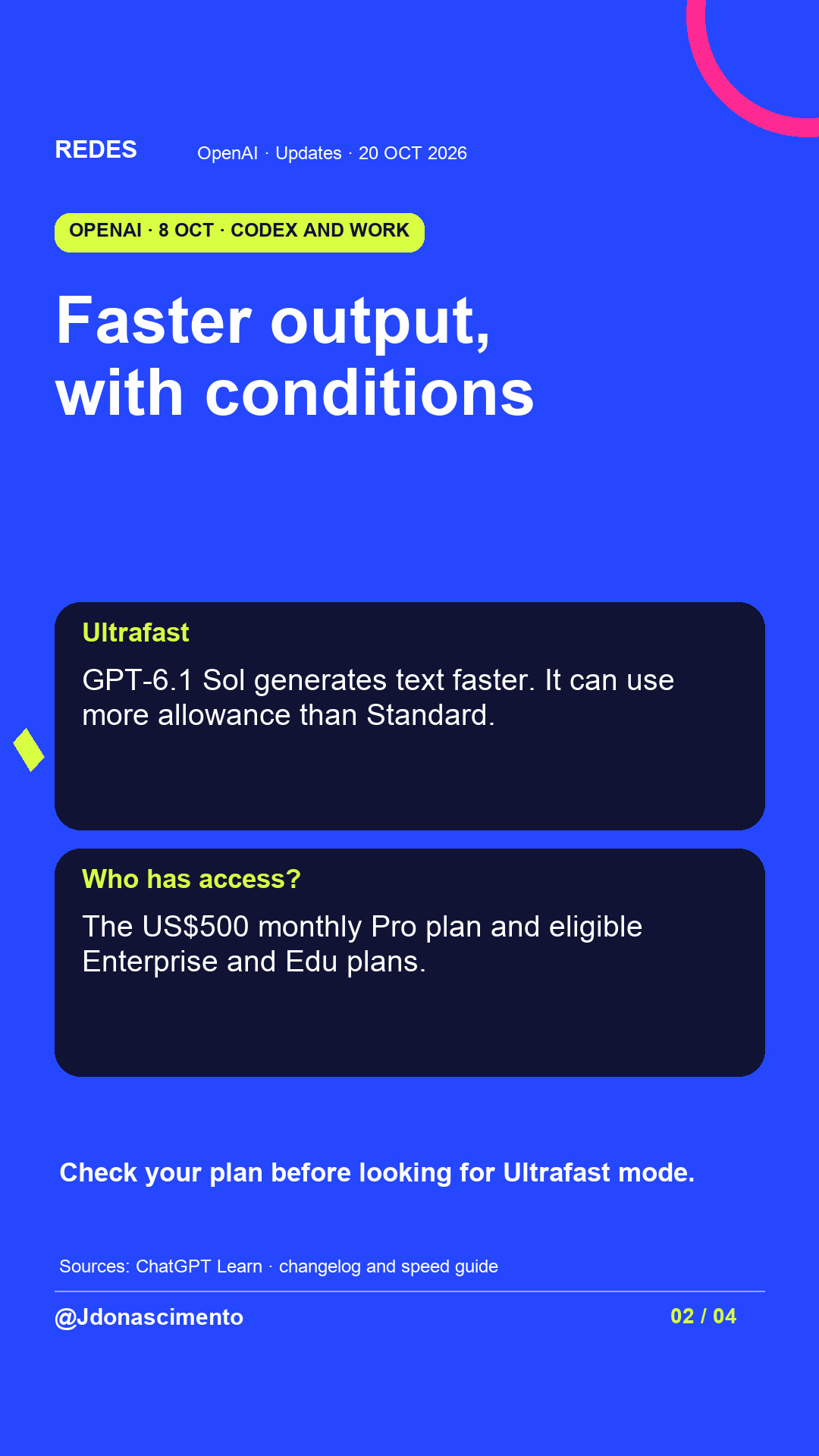
3/7 Ultrafast generates text faster with GPT-6.1 Sol in Codex and Work. Access: US$500 monthly Pro and eligible Enterprise/Edu plans. Uses more allowance than Standard. https://learn.chatgpt.com/docs/agent-configuration/speed #Codex
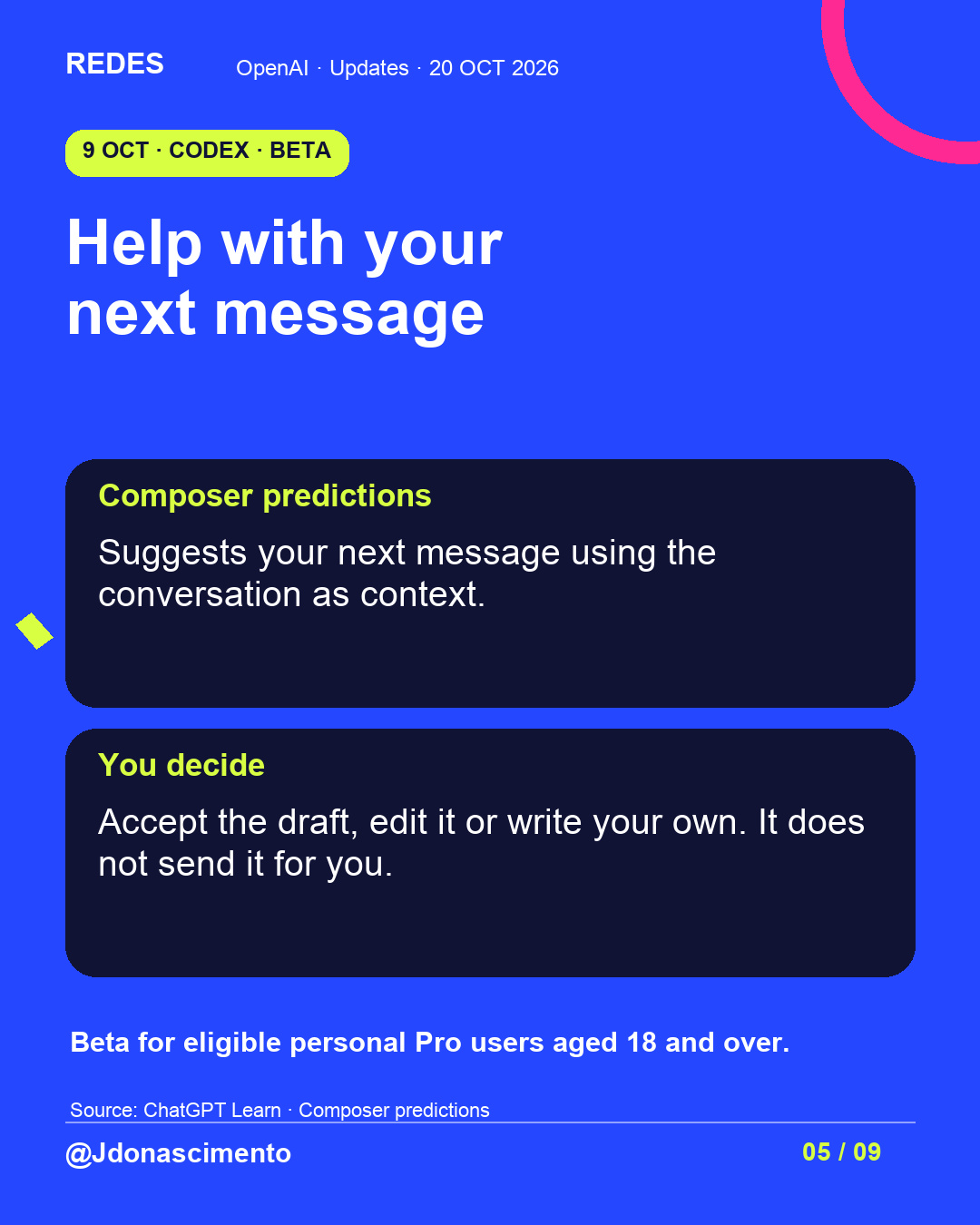
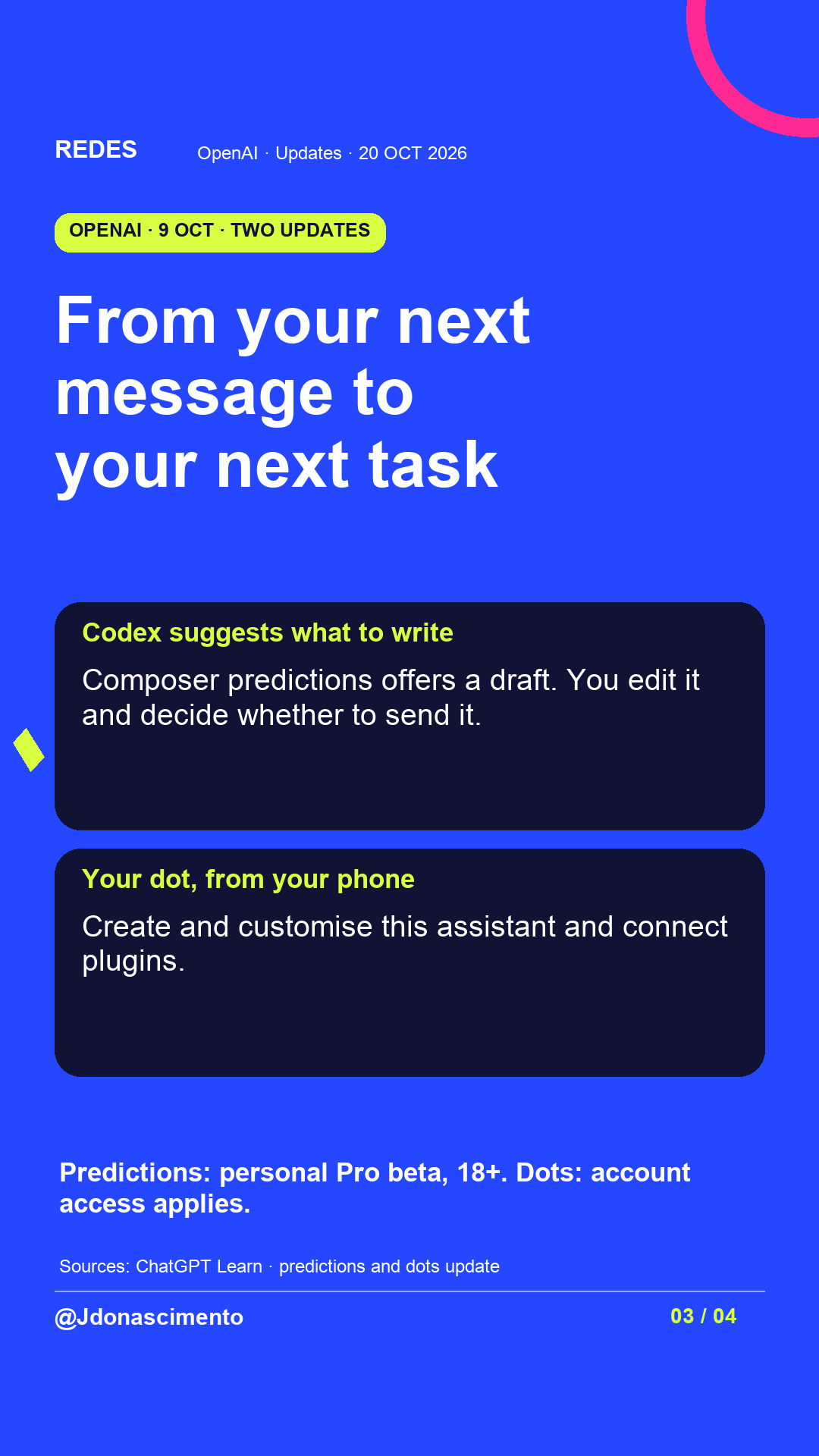
4/7 Composer predictions suggests your next message in Codex. Edit it before sending; it does not send for you. Beta for eligible personal Pro users aged 18+, with region and model conditions. https://learn.chatgpt.com/docs/features/composer-predictions #Codex
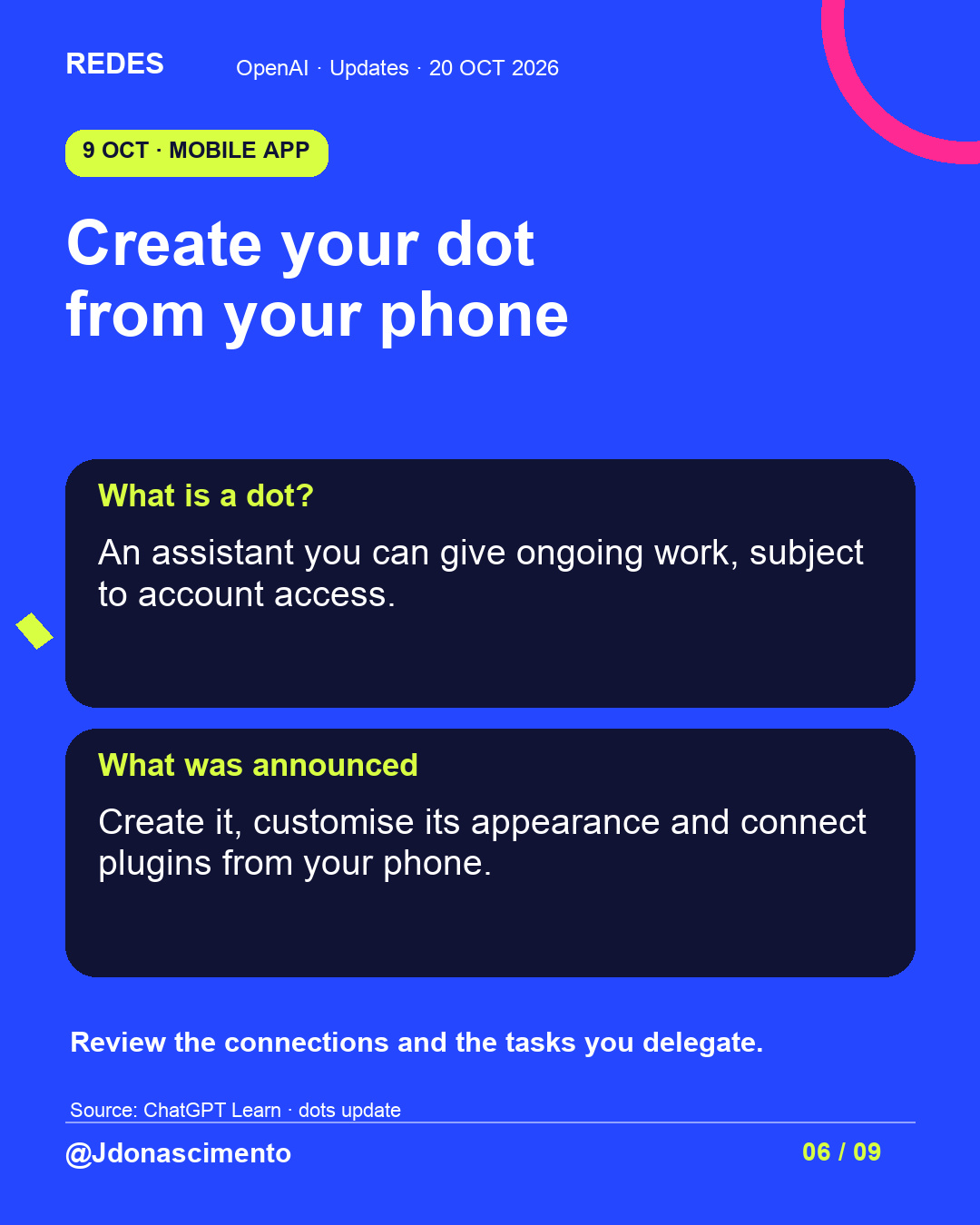
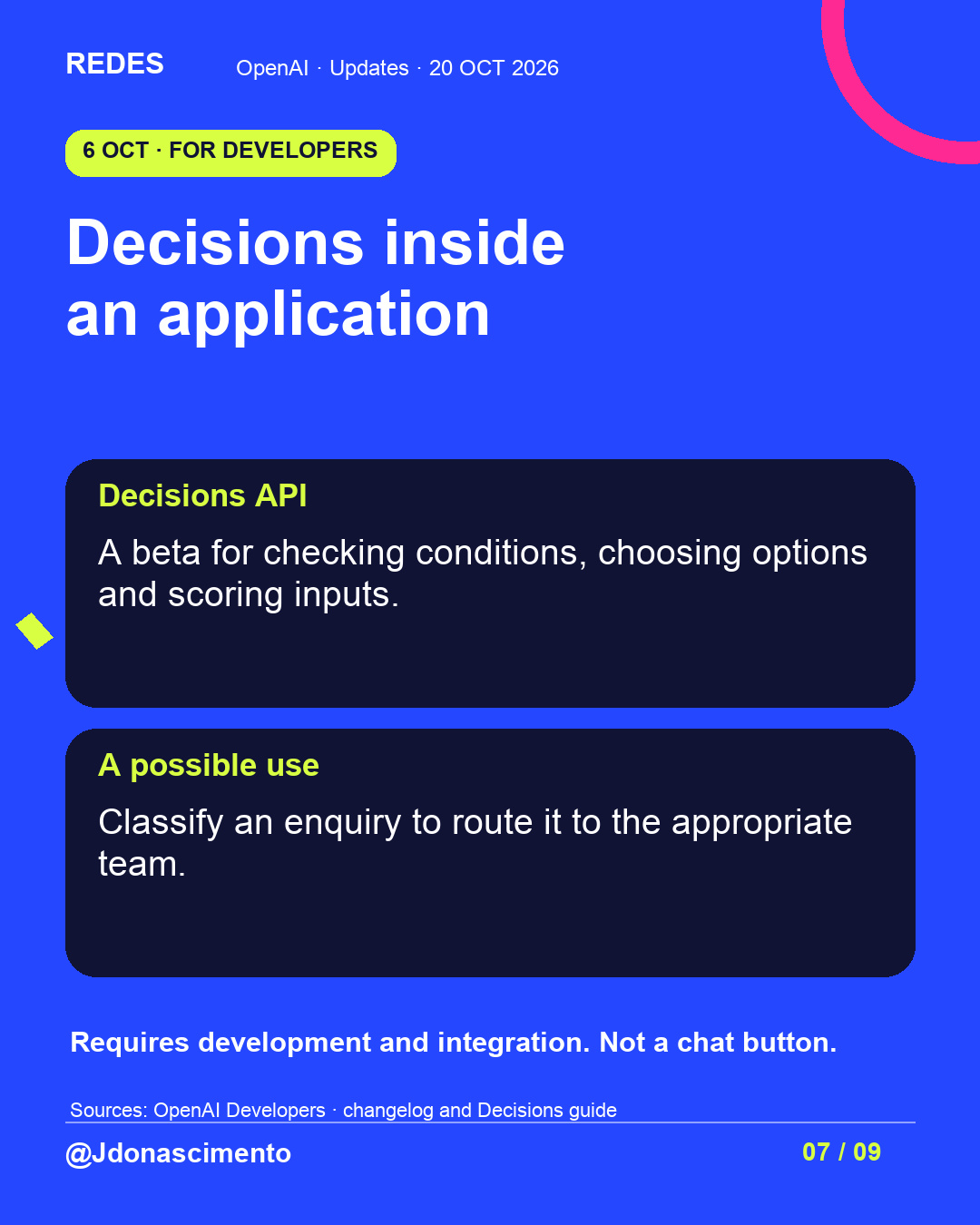
5/7 Dots: create and customise your assistant from your phone, subject to account access. Decisions API: a beta for integrating conditions, choices and scores into applications. https://learn.chatgpt.com/docs/whats-new/dots-october-9-2026 https://developers.openai.com/api/docs/guides/decisions #OpenAI
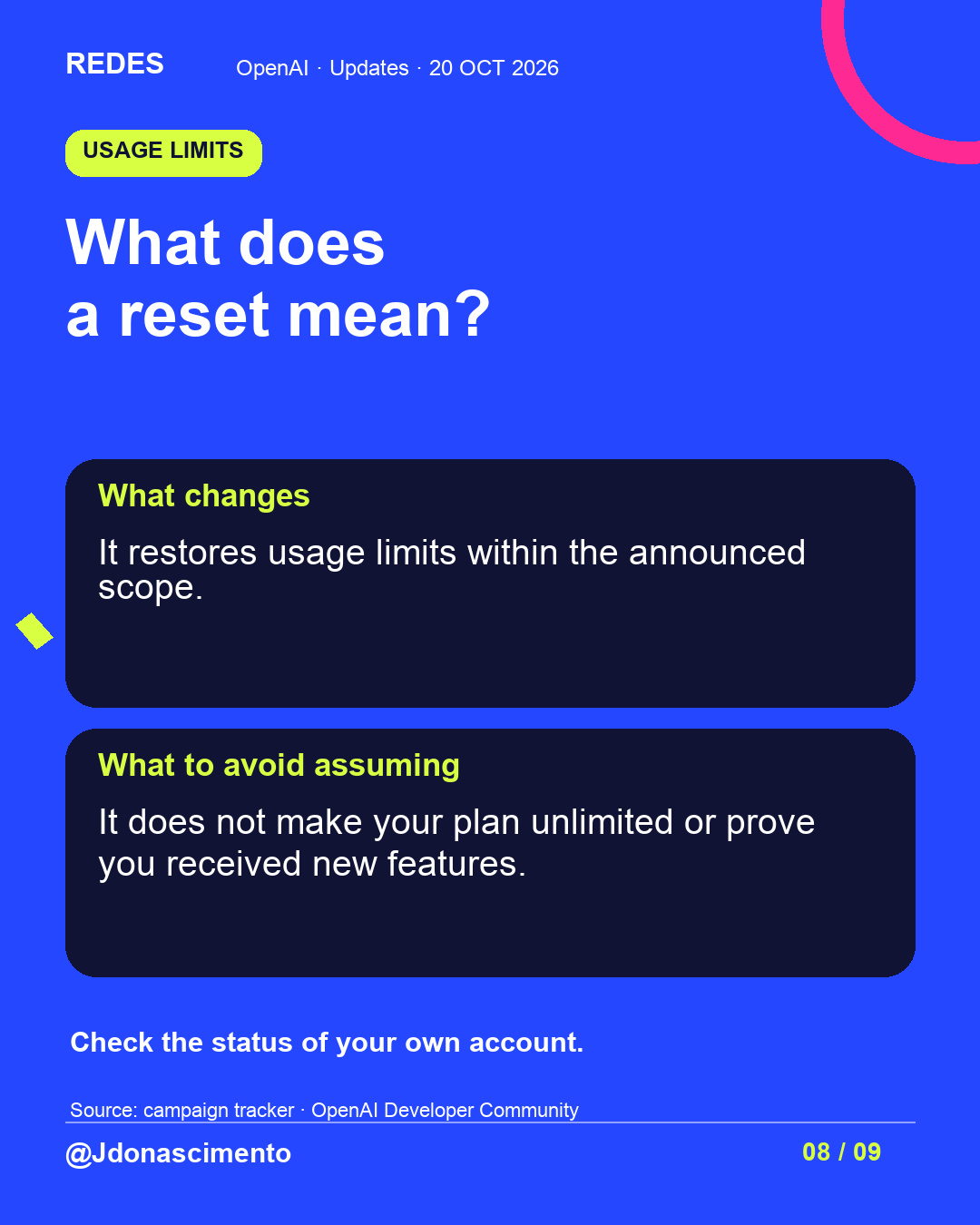
6/7 A reset restores usage limits within its announced scope. It does not make your plan unlimited. Check your account and distinguish improvements, new features and resets. Tracker: https://community.openai.com/t/a-reset-to-keep-cooking-with-codex-day-15-of-28-days-of-quality-of-life-improvements-and-or-a-full-reset/1403525 #OpenAI
7/7 Which change would you try first, and what for? Save this guide. Check product, plan, region and rollout before looking for a feature. More content: https://redes-jdonascimento.pages.dev/en/ #ChatGPT #Technology